How to Identify Who Leaked a Confidential Document

How to Identify Who Leaked a Confidential Document
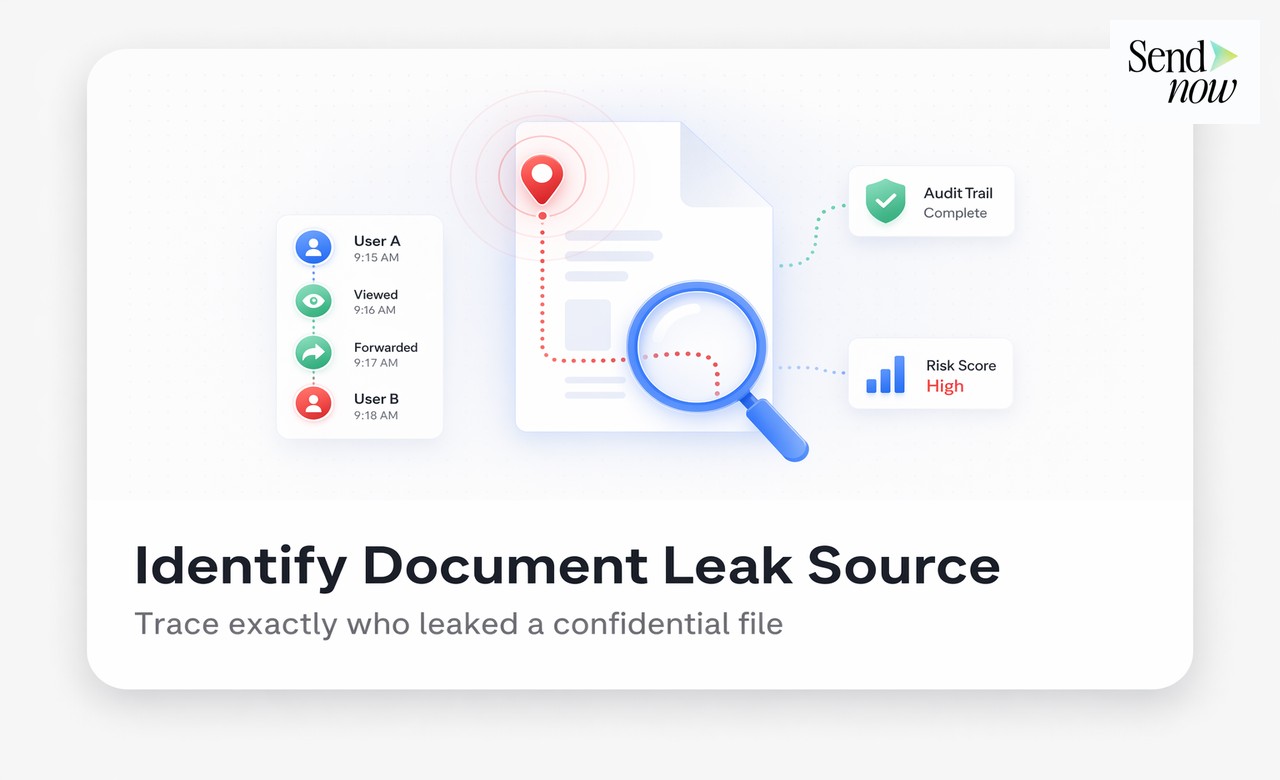
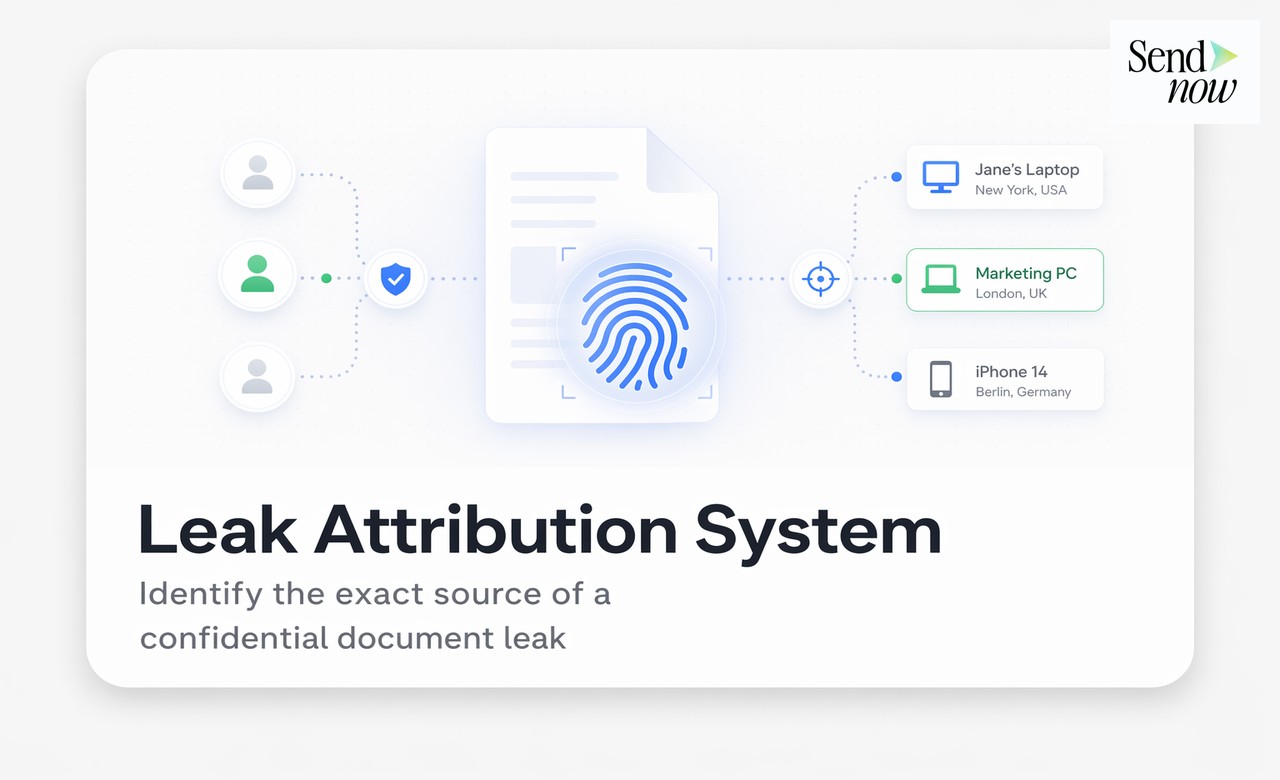
Identifying who leaked a confidential document is straightforward when the file was shared with dynamic watermarking enabled, because the watermark embeds the viewer's identity directly into every page at the moment of access. Any leaked screenshot, printout, or photographed screen will carry the email address and access timestamp of the person who viewed that copy. Combined with a detailed audit trail, you have everything needed to confront the source, take legal action, or escalate to regulators.
Why Most Leak Investigations Fail
Most organisations that experience a document leak are unable to identify the source, not because the evidence does not exist, but because they never created it. A PDF sent as an email attachment leaves no record of who viewed it, whether it was forwarded, or which recipient's copy ended up in the wrong hands. Without a forensic marker in the document and a viewing record in a platform audit log, the investigation begins with a list of everyone who received the document and no way to narrow it down.
The solution is to build the evidence before the leak occurs. Dynamic watermarking and audit trail logging are not reactive tools: they are proactive measures that ensure any future leak investigation starts with a complete evidence set rather than a blank page.
Step 1: Examine the Leaked Content for Watermarks
If a document was shared via SendNow with dynamic watermarking enabled, every page of the document will display the viewer's email address, access date, and optionally their IP address. When leaked content surfaces, whether as a screenshot shared on social media, a forwarded image, a printed page in a competitor's office, or a photograph, the first step is to examine every page visible in the leaked content for watermark text.
Even partially visible watermarks are often sufficient. A watermark that reads "alex@co" with a date "21 Apr" and the word "CONFIDENTIAL" narrows the source to a single authenticated session.
What to look for:
- Email address (partial or full)
- Access date and time
- IP address fragment
- Document name or reference
Step 2: Cross-Reference with the Audit Trail
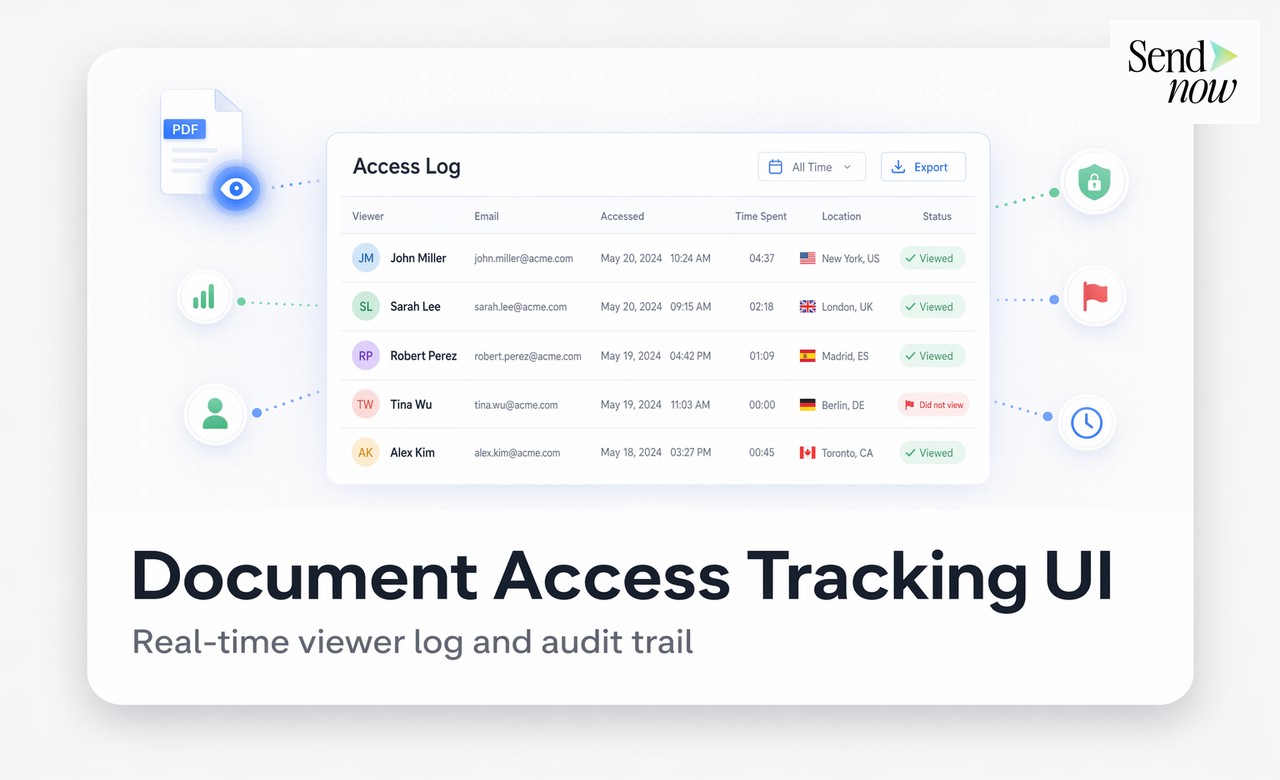
Once you have identified a likely watermark, open the document's audit trail in your SendNow dashboard. The audit log will show every access event associated with the document, including:
- The authenticated email address of each viewer
- The exact timestamp of each viewing session
- The device type and browser used
- The city and country derived from the IP address
- The number of pages viewed and time spent on each
If the watermark identifies an email address, locate the corresponding session in the audit log. Cross-reference the timestamp in the watermark with the session timestamp in the log. If they match, you have a complete, timestamped, device-verified record of the access session from which the leak originated.
This is not circumstantial evidence. It is a directly corroborated evidence chain: the watermark on the leaked content, authenticated via a timestamped audit log entry, linked to a specific email address and device.

Step 3: Gather Supporting Evidence
Before confronting the leak source or taking legal action, gather all available supporting evidence:
- Export the audit trail as a CSV from the SendNow dashboard. This is a formatted record of all access events, including the session linked to the leak.
- Preserve the leaked content in its original form, whether that is a screenshot, photograph, or document. Do not alter or crop the image.
- Note the context in which the leaked content appeared: the date it was discovered, the platform or channel, and any additional identifying information about the recipient.
- Review the NDA. If the recipient signed a non-disclosure agreement before viewing (via an NDA gate), export that signature record too.
| Evidence Item | Source | Purpose |
|---|---|---|
| Watermark text | Leaked content | Identifies the viewer session |
| Audit trail export | SendNow dashboard | Corroborates session, device, location |
| NDA signature record | SendNow dashboard | Establishes binding confidentiality obligation |
| Leaked content (original) | Discovery channel | Physical exhibit in any proceedings |
| Share link creation record | SendNow audit trail | Establishes when and how the document was distributed |
Step 4: Assess the Legal and Regulatory Options
With a complete evidence set, you have several routes available depending on the severity of the leak:
Internal confrontation. For leaks that originate from employees or contractors, the evidence set supports an internal disciplinary process. The audit trail and watermark evidence provide a factual basis for the conversation.
NDA breach proceedings. If the leaker signed an NDA before viewing the document, the breach is actionable. Present the watermark evidence, NDA signature record, and audit trail to legal counsel.
Regulatory notification. Under EU GDPR, certain personal data breaches must be notified to the relevant supervisory authority within 72 hours. If the leaked document contained personal data, the audit trail and evidence of implemented safeguards (watermarking, access controls) are essential for the notification and demonstrate that appropriate measures were in place.
Law enforcement referral. For leaks that involve trade secrets or material non-public information, the evidence set supports a referral to law enforcement or financial regulators.
What to Do If No Watermark Is Visible
If the leaked content does not show a visible watermark, either because the document was not watermarked or the watermark was cropped out, the audit trail is still your primary investigation tool. Review the audit log to identify all recipients who accessed the document during the relevant period. Cross-reference the viewing timestamps with the timeline of the leak, and look for unusual patterns such as multiple accesses in a short period or access from unexpected locations.
If the document was shared without watermarking and the audit trail cannot conclusively identify the source, the investigation will rely on traditional methods: interviewing recipients, reviewing email forwarding activity, and working with legal counsel on disclosure procedures.
This is why implementing dynamic watermarking before sharing is far more effective than attempting to investigate after a leak.
Building a Leak-Ready Evidence Architecture

The most resilient approach is to ensure that every document shared externally is already evidence-ready before it leaves your platform:
- Enable dynamic watermarking on all external share links by default.
- Enable NDA gating for sensitive documents so every viewer has a signed, timestamped agreement on record.
- Enable OTP authentication so that authenticated email addresses are confirmed at access time, not just at invitation time.
- Set expiry dates so documents are not accessible indefinitely after the relevant event.
- Review audit trails periodically, not just when a leak is suspected.
With this architecture in place, the evidence for any future investigation is already built and waiting.
Related Reading
- The Complete Guide to Secure Document Sharing for Finance Teams
- What Is Dynamic Watermarking and Why Does It Matter?
- What Is a Document Audit Trail and Why Do Finance Teams Need One?
Frequently Asked Questions
Q: How do I find out who leaked a confidential document? A: If the document was shared with dynamic watermarking, examine the leaked content for the viewer's email address and access date embedded in the watermark. Cross-reference with the document's audit trail to confirm the session details.
Q: Can a leaked document be traced back to a specific person? A: Yes, provided the document was shared with dynamic watermarking enabled. The watermark embeds viewer-specific information into every page at the time of access.
Q: What if the watermark is not visible in the leaked content? A: Review the document's audit trail to identify all recipients who accessed it during the relevant period. Cross-reference viewing timestamps with the timeline of the leak to narrow down the source.
Q: Is a watermark sufficient evidence in legal proceedings? A: A watermark combined with a platform audit trail is strong corroborating evidence. Its legal weight depends on the jurisdiction and the circumstances, but it forms a compelling factual basis for NDA breach proceedings or regulatory submissions.
Q: Can the audit trail be used to report a GDPR breach? A: Yes. The audit trail demonstrates what data was shared, with whom, and when. Combined with evidence of implemented safeguards (watermarking, access controls), it supports a GDPR breach notification and shows that appropriate technical measures were in place.
Q: How quickly can I generate an evidence report after discovering a leak? A: On SendNow, you can export the document's audit trail as a CSV within seconds. This gives you a complete, formatted record of all access events for immediate use.
Q: What if the leaker claims the document was not confidential? A: A dynamically watermarked document that also required NDA signature before viewing leaves no credible basis for that claim. Both the watermark and the signed NDA establish that the recipient knew the document was confidential.
Q: Can I track who printed a document? A: SendNow's audit trail records print events if the viewer uses the browser's print function. Downloads and prints initiated through the viewer are logged. Physical photography of the screen is not recorded by the platform, but the resulting photograph will carry the dynamic watermark.
Build an investigation-ready document sharing system before the next leak. Start your free trial at sendnow.live and ensure every document carries its own evidence trail.
About the Author: Rifana Hameem
Rifana is the founder of SendNow. She leads the team in building secure, compliant, and analytics-rich document sharing tools for finance and professional teams worldwide.
Connect on LinkedIn