How to Add One-Time Password Protection to a Document Link

How to Add One-Time Password Protection to a Document Link
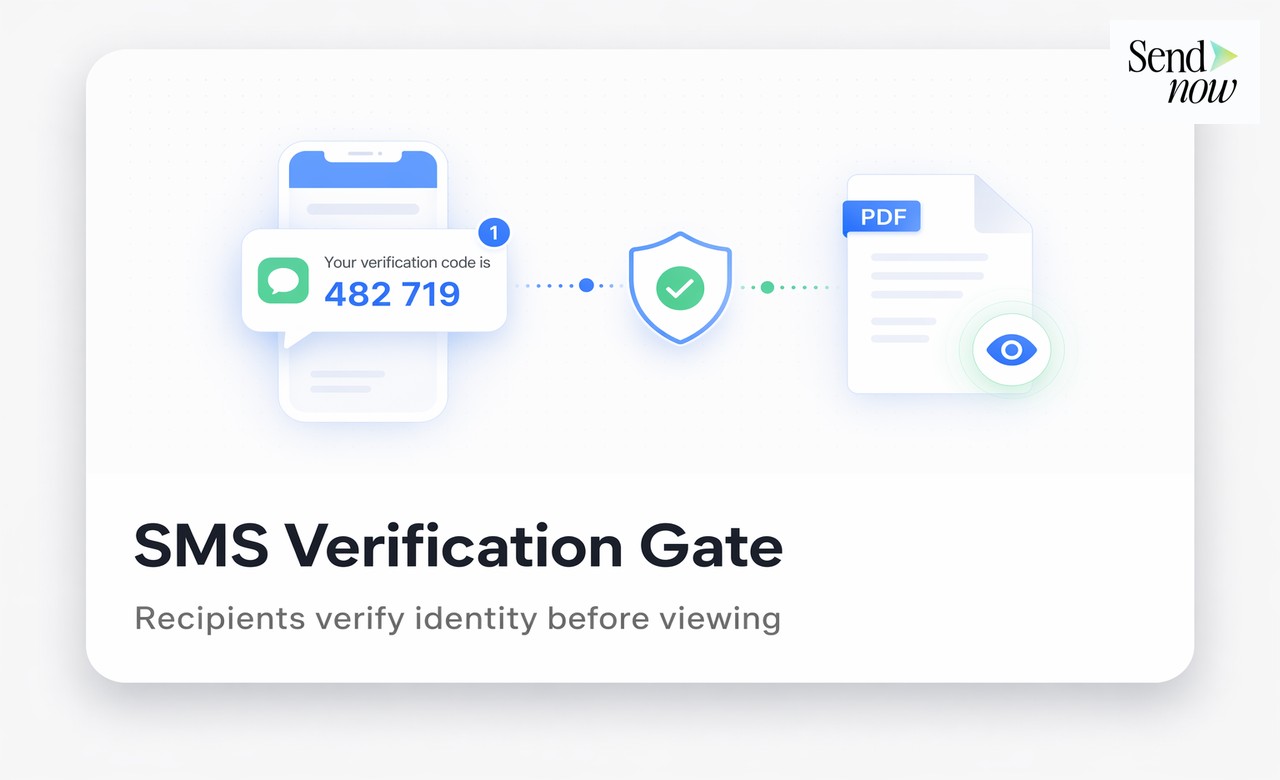
One-time password (OTP) protection on a document link adds a verification step that requires the recipient to enter a code sent to their email before they can view the file. This ensures that even if a link is forwarded to an unintended recipient, that person cannot open the document without access to the original email account. It is one of the most effective ways to confirm the right person is viewing your sensitive financial documents.
How OTP Document Protection Works
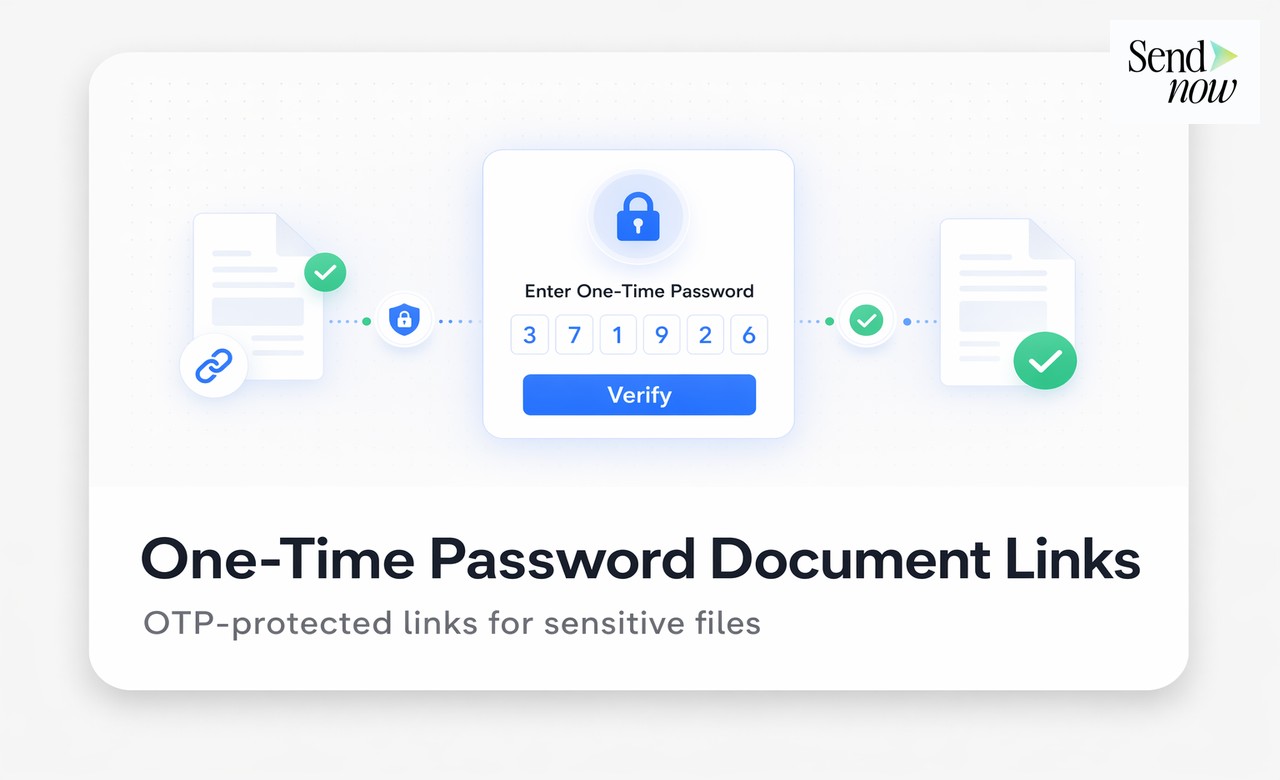
The OTP flow for a secure document link operates as follows:
- The sender creates a share link and enables OTP authentication in the link settings.
- The recipient clicks the link and sees an authentication prompt.
- They enter their email address.
- If the email matches the authorised address specified by the sender, a six-digit code is sent to that inbox.
- The recipient enters the code and gains access to the document.
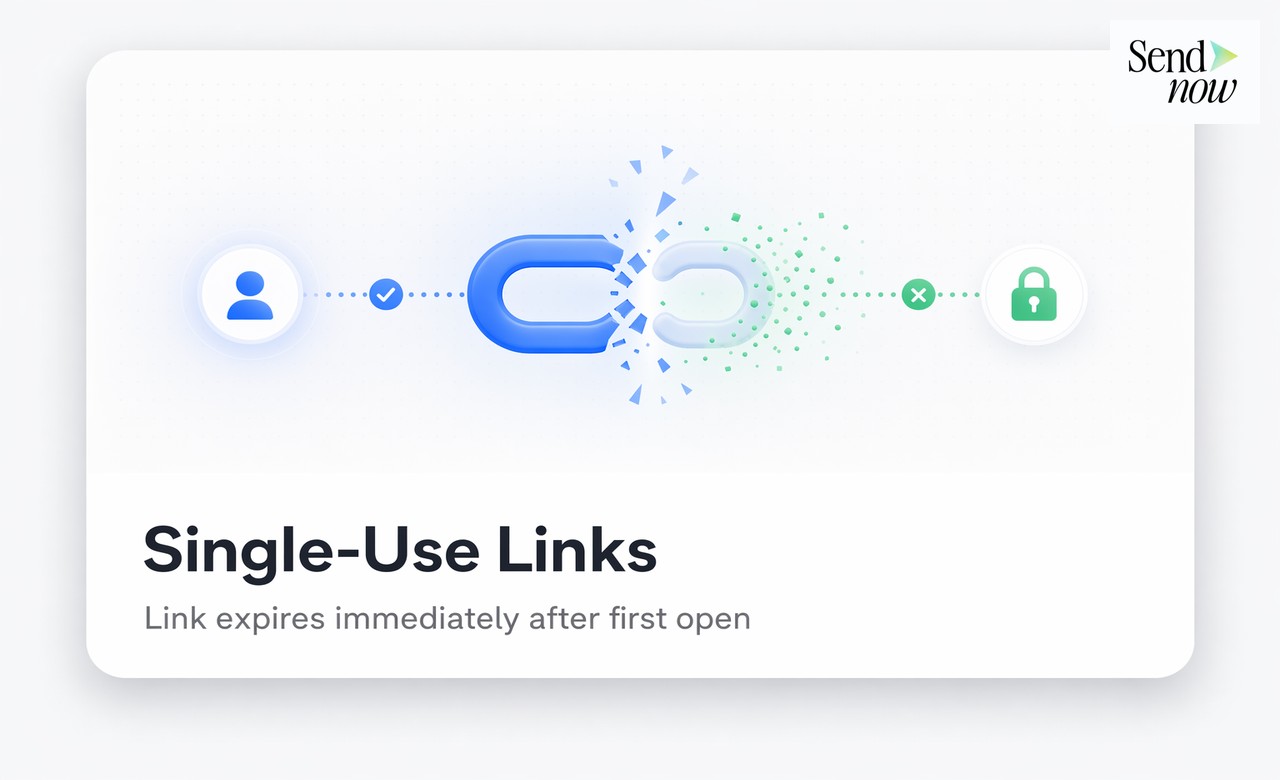
Each code is valid for a single use and typically expires within ten minutes. If the link is forwarded to someone whose email does not match the authorised address, they are blocked at step four. If the correct email address is entered but the code is not used within the validity window, the session expires and a new code must be requested.
Why Finance Teams Use OTP on Document Links
The fundamental weakness of any shared link is that it can be forwarded. A link sent to a single trusted counterparty can, in seconds, be shared with a competitor, journalist, or regulator. OTP protection closes this gap by tying link access to control of a specific email inbox rather than possession of a URL.
This matters most in the following scenarios:
Investment proposals and term sheets. These documents are shared with a small number of counterparties. Knowing with certainty that only the named individuals have viewed them protects against information leakage that could affect negotiations or valuations.
Board materials. Board minutes and resolutions are highly sensitive. OTP ensures access is limited to the directors listed on the share link, even if a copy of the link ends up in an assistant's inbox.
Due diligence packs. A data room index or summary document shared during an M&A process should only be accessible to the approved bidders. OTP adds a verification gate that enforces that list.
Regulatory disclosures. Some compliance processes require confirmation that a specific named individual received and reviewed a document. OTP authentication provides a verifiable record of that confirmation.

How to Enable OTP on a Document Link in SendNow
SendNow includes OTP authentication as a native access control option on every share link. To enable it:
- Upload your document and click Create Link.
- In the Access Control section, toggle OTP Authentication on.
- Enter the authorised email address or addresses.
- Generate the link and send it to the recipient.
When the recipient opens the link, they see an authentication screen prompting them to enter their email. SendNow verifies the email against the authorised list, sends the OTP, and grants access on successful entry. The entire exchange is logged in the document's audit trail, giving you a verifiable record of who authenticated and when.
OTP vs. Other Access Control Options
| Method | Prevents Forwarding | Verifies Identity | Audit Trail Entry |
|---|---|---|---|
| Password protection | Partial | No | Partial |
| Email restriction | Yes | Domain-level | Yes |
| OTP authentication | Yes | Individual-level | Yes |
| NDA gate | No | No | Yes (signature) |
OTP provides the strongest identity verification of all standard access control options. A password can be shared alongside the link. An email domain restriction confirms the recipient works at the right organisation but not that they are the specific individual. OTP confirms that the person opening the document has access to the specific email inbox you authorised.
Combining OTP With Other Security Layers
OTP protection is most effective when combined with other document security controls:
- Expiry date: Set the link to expire after the meeting, signature deadline, or due diligence window closes, so the document is no longer accessible even if the OTP is eventually compromised.
- View limit: Restrict the link to a maximum number of views per email address, so the recipient cannot share login credentials and have multiple people enter the code.
- Dynamic watermark: Apply a viewer-specific watermark so that if content is leaked despite OTP protection, you can identify the authenticated session from which it originated.
- Audit trail: Every OTP authentication attempt, successful or otherwise, is logged with a timestamp and device details.
OTP and GDPR Considerations
Under the EU's GDPR, implementing strong access controls on documents containing personal data is part of meeting the Article 32 requirement for appropriate technical security measures. OTP authentication is a recognised multi-factor control that demonstrates intent to restrict access to authorised individuals. When combined with an audit log that records every authentication event, it provides a strong basis for demonstrating GDPR compliance in the event of a supervisory authority enquiry.
What Happens When an OTP Fails
If an unauthorised person attempts to access an OTP-protected link:

- If they enter an email not on the authorised list, they are blocked immediately and shown a generic access-denied message. No code is sent.
- If they enter the correct email but the code expires, the session ends. The failed attempt is logged.
- If they enter an incorrect code, they receive a fixed number of attempts before the session is locked.
All of these events are recorded in the audit trail, so you can see if someone is probing a link.
Related Reading
- The Complete Guide to Secure Document Sharing for Finance Teams
- How to Password-Protect a PDF for Free
- How to Restrict a Document to Specific Email Addresses
Frequently Asked Questions
Q: What is an OTP in the context of document sharing? A: An OTP (one-time password) is a temporary code sent to the recipient's email that must be entered before they can view the document. It verifies that the person opening the link controls the email inbox the link was shared with.
Q: Can OTP protection be bypassed by forwarding the code? A: Yes, if a recipient shares both the link and the OTP code, another person can gain access. However, this requires active collaboration from the authorised recipient, which creates accountability and a clear audit trail of who was authenticated.
Q: Does OTP work on mobile devices? A: Yes. The OTP authentication screen is fully responsive and works in any modern mobile or desktop browser.
Q: How long is an OTP code valid? A: On SendNow, OTP codes expire within ten minutes of being sent. If not used within that window, a new code must be requested.
Q: Can I require OTP for multiple recipients on the same link? A: Yes. You can add multiple authorised email addresses to a single OTP-protected link. Each recipient authenticates with their own email and receives their own code.
Q: Does OTP satisfy multi-factor authentication requirements? A: OTP email authentication is a second factor when combined with the link itself (something you have). It satisfies MFA requirements in many internal security policies and some regulatory frameworks.
Q: Is the OTP authentication event recorded? A: Yes. Every OTP request, successful authentication, and failed attempt is recorded in the document's audit trail with a timestamp and device details.
Q: Can I use OTP alongside a view limit or expiry date? A: Yes. OTP authentication can be combined with any other SendNow access control, including view limits, expiry dates, and dynamic watermarking.
Add identity-verified OTP protection to your next document link. Start your free trial at sendnow.live and share with confidence.
About the Author: Rifana Hameem
Rifana is the founder of SendNow. She leads the team in building secure, compliant, and analytics-rich document sharing tools for finance and professional teams worldwide.
Connect on LinkedIn