How to Prevent Confidential Documents From Being Leaked

How to Prevent Confidential Documents From Being Leaked
Preventing confidential documents from being leaked requires layering multiple security controls rather than relying on any single measure. Finance teams face real risks whenever term sheets, cap tables, or investor reports are shared outside the organisation, and a single unprotected link can expose that data to anyone with the URL. The most effective approach combines dynamic watermarking, screenshot blockers, access gates, and audit logging into a single, frictionless workflow.
Why Single-Layer Protection Is Not Enough
Many finance teams take a minimal approach to document security: they send a password-protected PDF or use a shared link with a single password. This provides one barrier, but a single barrier is easy to circumvent:
- Passwords are routinely shared alongside documents
- PDFs can be printed, photographed, or screen-captured regardless of password protection
- A shared link with no tracking provides no visibility into who accessed the document or forwarded it further
Preventing leaks requires thinking in layers. Each layer raises the cost and risk of unauthorised sharing, and the combination of layers creates a deterrence effect that goes far beyond any individual control.
Layer 1: NDA Gate Before Access
The first layer is a legal deterrent. Before a recipient can view a document, they are required to sign a non-disclosure agreement directly within the document viewer. The signature is timestamped and recorded in the audit trail.
This serves two purposes. First, it creates legal accountability: a signed NDA is a binding agreement and its violation is actionable. Second, it acts as a psychological deterrent. Someone who has explicitly agreed not to share the document is less likely to do so carelessly.
Layer 2: Dynamic Watermarking
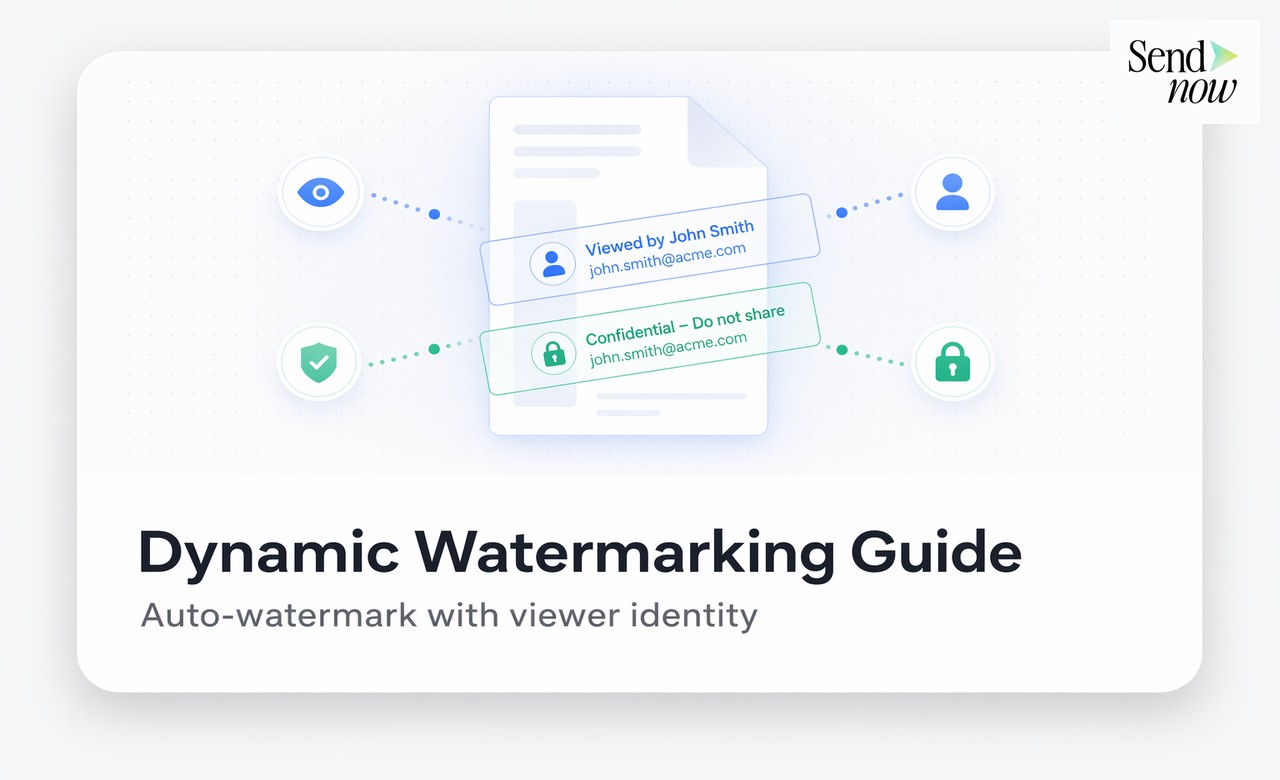
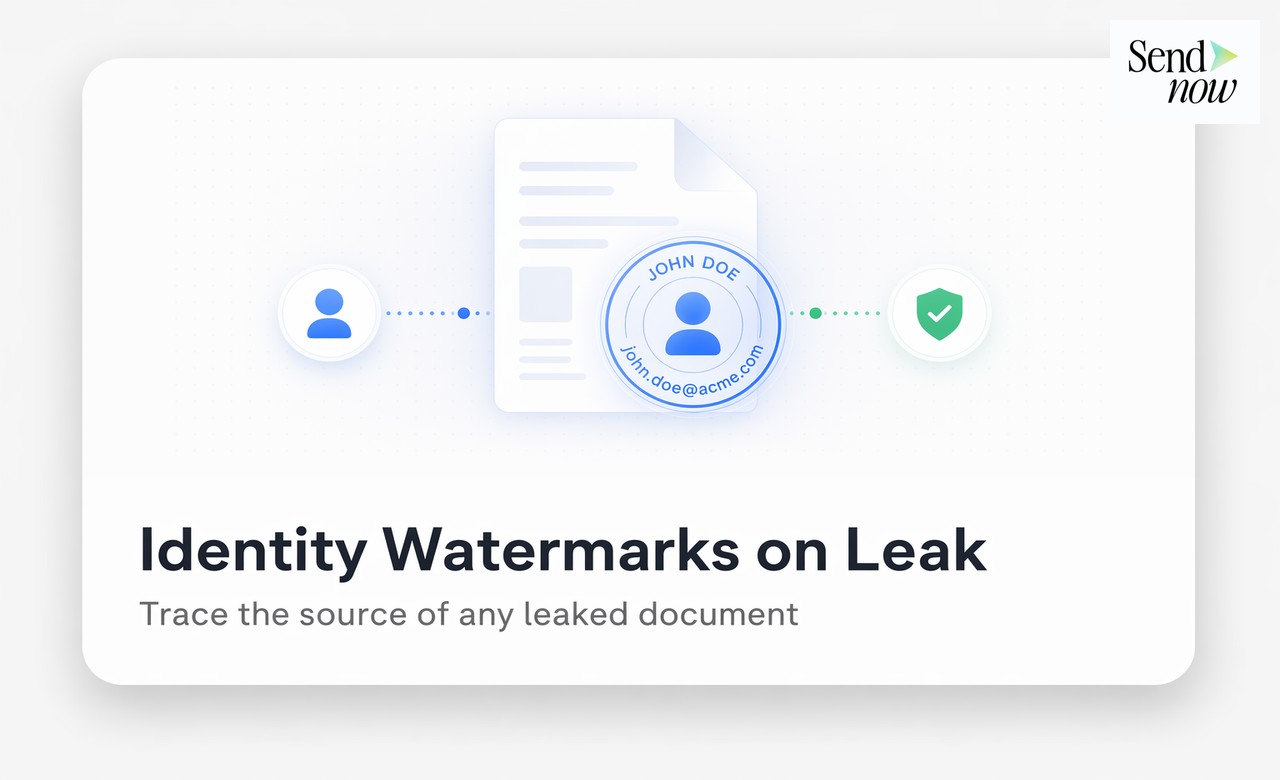
The second layer is a forensic deterrent. Every page of the document is marked with the viewer's email address and the date of access, displayed as a semi-transparent diagonal watermark.
This is the single most effective technical control for preventing leaks because it shifts the risk calculation for the potential leaker. If a document is forwarded, photographed, or screenshotted and that image is subsequently discovered, the watermark immediately identifies the source. There is nowhere to hide.
Dynamic watermarking is covered in more detail in our guide to dynamic watermarking, but the essential point is this: static watermarks say "this is confidential." Dynamic watermarks say "we know it was you."
Layer 3: Screenshot Blocker
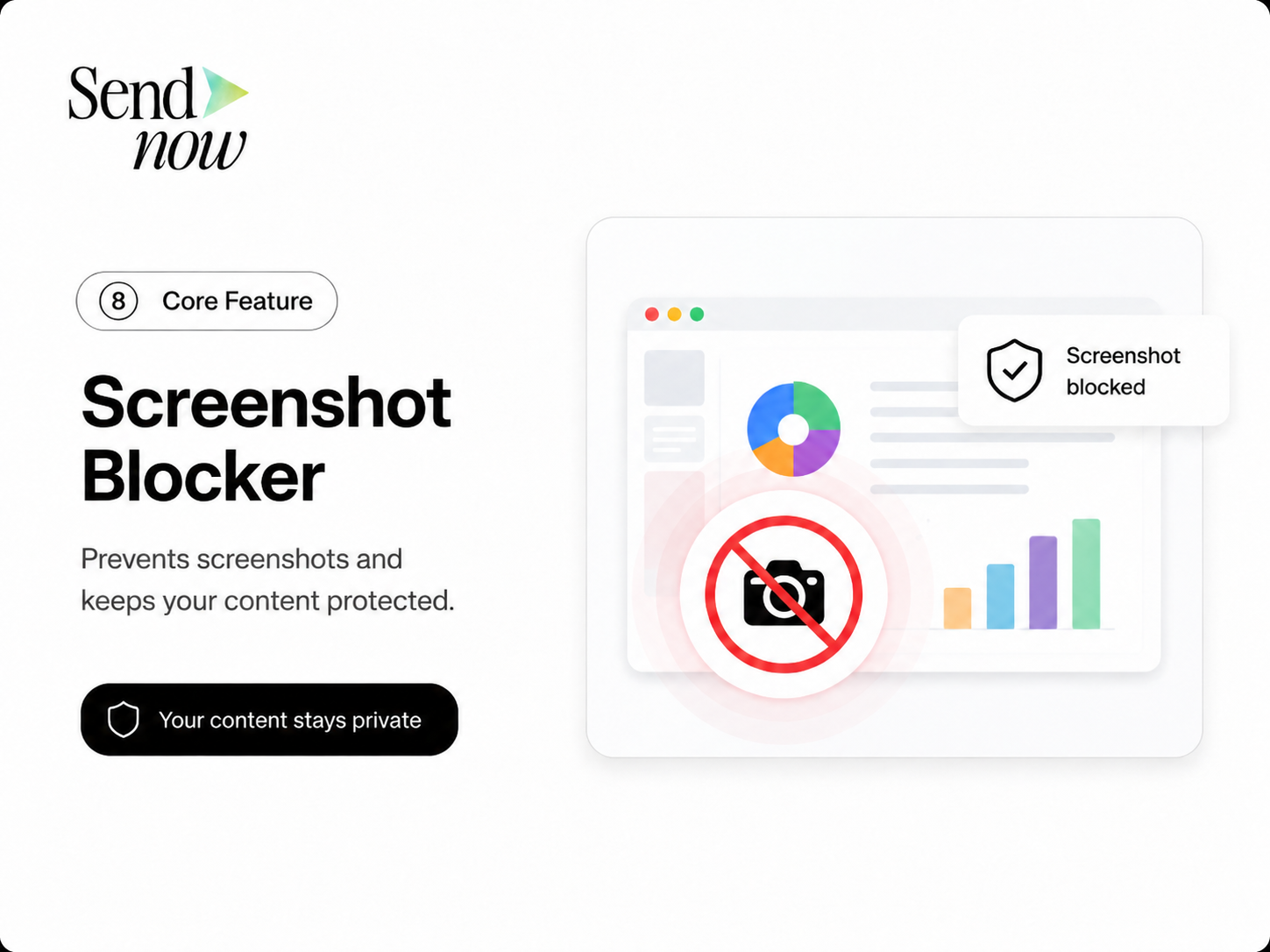
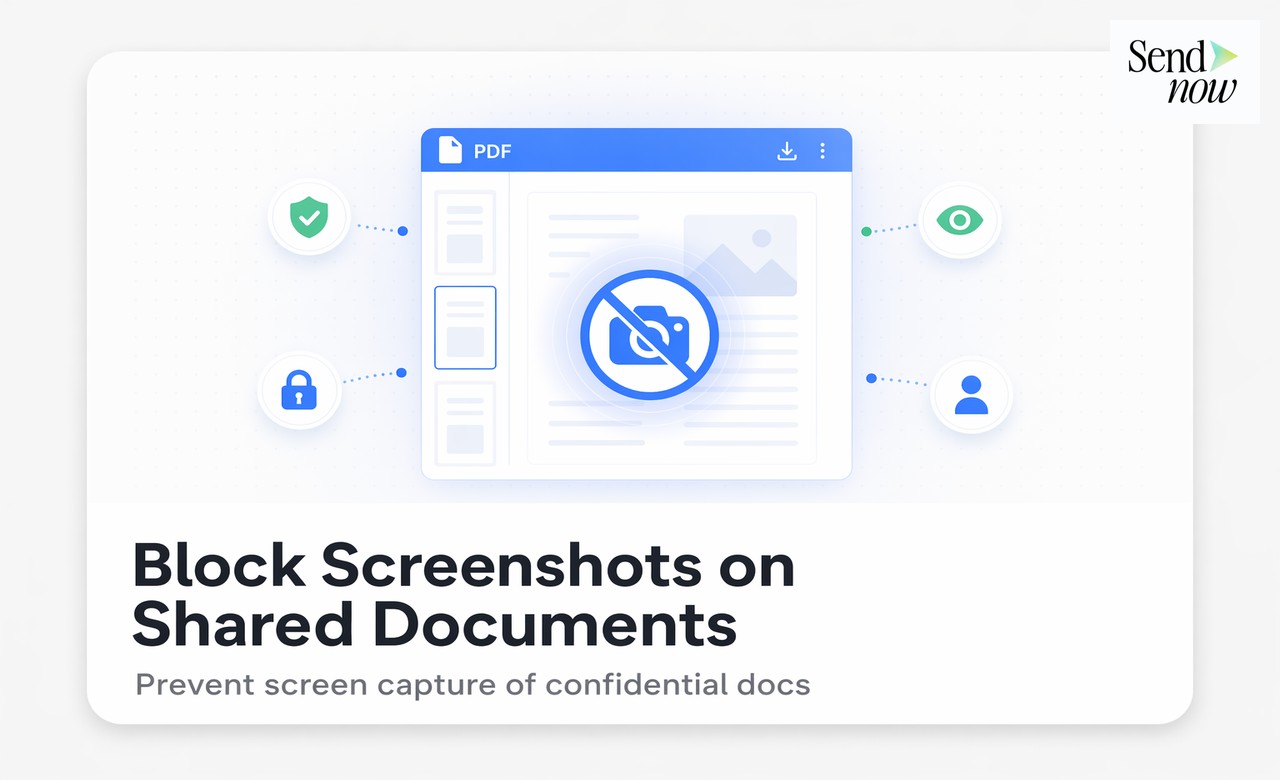
The third layer is a technical deterrent against the most common leak method. Screenshots are the primary way that document content escapes controlled environments. A screenshot can be taken in seconds, requires no download, and bypasses most access controls.
SendNow implements a JavaScript-based screenshot blocker that triggers a dark overlay when a screen capture is detected in a standard browser environment. While no software solution can prevent every method of screen capture, this control covers the most common scenarios and displays a visible warning that the attempt was detected and logged.
Combined with watermarking, even a screenshot that beats the blocker carries the viewer's identity.
Layer 4: Access Restrictions
The fourth layer controls who can open the document in the first place:
- OTP authentication: Requires the recipient to verify their identity via email before viewing
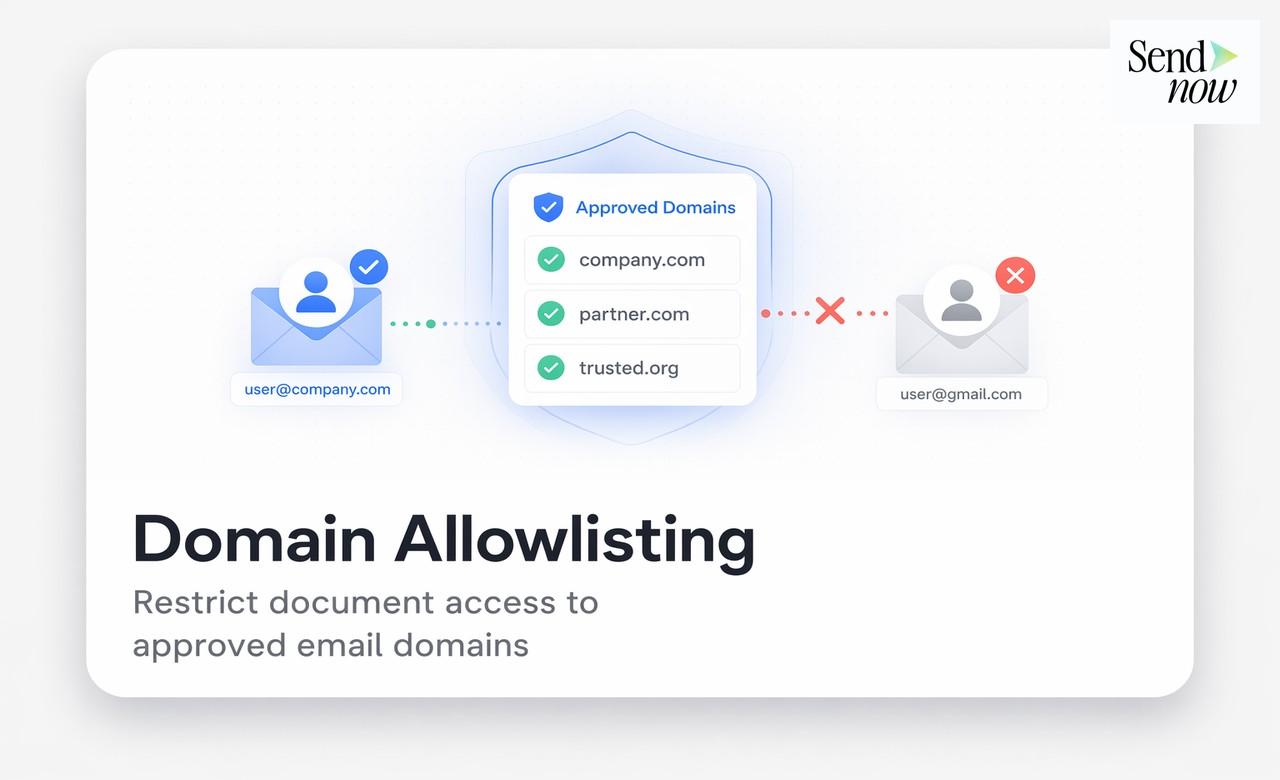
- Email domain restriction: Limits access to addresses at a specific organisation
- Expiry date: Makes the link inaccessible after a set date
- View limit: Caps the number of times the link can be opened
Each of these controls narrows the pool of potential leak sources and reduces the window of exposure.
Layer 5: Audit Trail and Monitoring
The fifth layer is visibility. Even with all the above controls in place, you need to know if something unusual happens. The SendNow audit trail logs every viewing event, access attempt, OTP authentication, and link setting change. You can review this at any time from your dashboard.
Unusual patterns, such as a recipient opening a document thirty times in a single day or accessing it from multiple countries in a short period, can signal that the link has been shared more widely than intended. Catching this early allows you to revoke access before further distribution occurs.
| Security Layer | What It Prevents | What It Enables |
|---|---|---|
| NDA gate | Carelessly casual sharing | Legal recourse if breached |
| Dynamic watermark | Anonymous leaking | Forensic source identification |
| Screenshot blocker | Quick screen captures | Detection + deterrence |
| Access controls | Unauthorised viewers | Link access management |
| Audit trail | Undetected access | Post-incident investigation |
The Role of Culture in Document Leak Prevention
Technical controls are necessary but not sufficient. Finance teams should also establish clear internal norms around document handling:
- Brief recipients on confidentiality obligations before sharing sensitive documents
- Use access expiry to ensure documents do not remain accessible after the relevant event or deadline
- Review audit trails periodically, not just when an incident occurs
- Include data handling requirements in NDAs and engagement letters
A team that combines a secure platform with a culture of document discipline significantly reduces its exposure to leaks.

GDPR Alignment
The EU's GDPR requires organisations to implement appropriate technical and organisational measures to protect personal data. A layered document security approach directly satisfies this requirement for financial documents containing personal data. When regulators ask how data was protected, you can point to NDA gates, watermarking, access controls, and audit logs, all with timestamps.
Related Reading
- The Complete Guide to Secure Document Sharing for Finance Teams
- What Is Dynamic Watermarking and Why Does It Matter?
- Can You Really Block Screenshots on a Shared Document?
Frequently Asked Questions
Q: What is the most effective way to prevent a document from being leaked? A: No single measure is fully effective. The best approach combines dynamic watermarking (which identifies the source if a leak occurs), access controls (which limit who can view the document), and an audit trail (which provides visibility into viewing behaviour).
Q: Can I prevent a recipient from downloading a document? A: Yes. SendNow's secure viewer delivers documents without requiring a download, and you can disable download permissions entirely so the file is only viewable in the browser.
Q: Does dynamic watermarking prevent screenshots? A: Watermarking does not prevent screenshots, but it makes screenshots traceable. Any screenshot of a dynamically watermarked document carries the viewer's email address and access date, making the leak source immediately identifiable.
Q: What is a document NDA gate? A: An NDA gate is an in-viewer prompt that requires the recipient to accept a non-disclosure agreement before accessing the document. The acceptance is timestamped and recorded in the audit trail.
Q: Can a recipient bypass screenshot protection using a second phone? A: A physical photograph taken with a separate device cannot be blocked by software. Dynamic watermarking addresses this because the watermark is visible in the photograph and identifies the viewer.
Q: How quickly can I revoke access if I suspect a leak is occurring? A: On SendNow, link revocation is instant. You click Revoke in the dashboard and the link stops working immediately. No further access is possible from that point.
Q: Does preventing downloads guarantee the document cannot be copied? A: No. Content can always be screen-captured or manually transcribed. The goal of access controls is to raise the effort and risk sufficiently to deter casual leaking, while ensuring that if a leak does occur, the source is identifiable.
Q: Is document leak prevention legally required in financial services? A: In the EU, financial services firms are subject to GDPR and sector-specific regulations that require appropriate measures to protect sensitive data. While specific document security tools are rarely mandated by name, failing to implement any controls is a clear compliance failure.
Build a leak-proof document sharing workflow in minutes. Start your free trial at sendnow.live and apply every layer of protection with a single link.
About the Author: Rifana Hameem
Rifana is the founder of SendNow. She leads the team in building secure, compliant, and analytics-rich document sharing tools for finance and professional teams worldwide.
Connect on LinkedIn