How to Share a File That Can Only Be Opened Once

How to Share a File That Can Only Be Opened Once
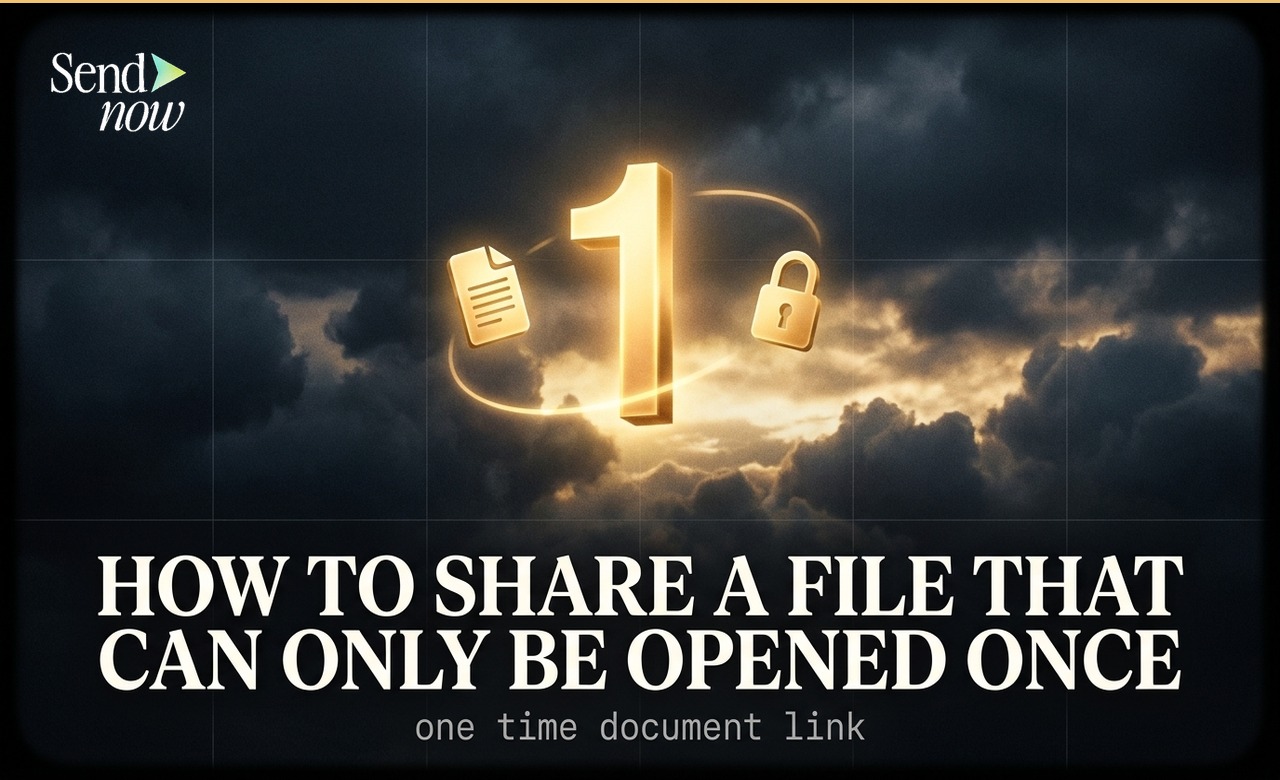
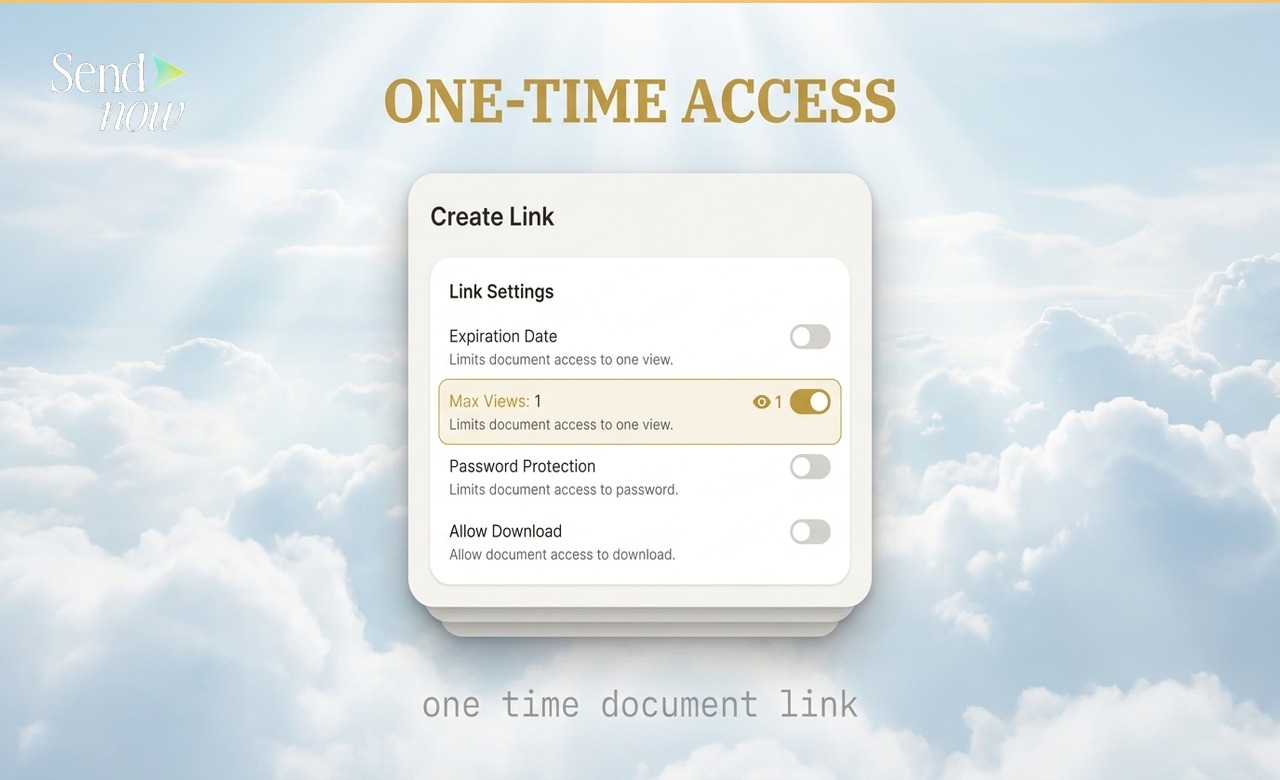
You can create a one-time document link in SendNow by setting the maximum view count to 1 in the Create Link settings. The link works normally for the first open, and then becomes permanently inactive. Any subsequent attempt to open the link — by the original recipient or anyone they forwarded it to — returns an expiry notice.
What a One-Time Link Is Used For
Not every document warrants a single-use restriction, but for certain categories of highly sensitive material, a one-time link is the highest-control sharing option available:
- Preliminary term sheets where you want one named person to see the terms
- Valuation models shared on a strict confidential basis
- Personal financial data shared with a single counterparty
- Highly confidential offer letters or employment terms
- Pre-announcement regulatory filings shared for review before public release
In each case, the intent is the same: one specific person should read this document once, and no copy or persistent link should survive that interaction.
How to Create a One-Time Document Link in SendNow
- Log in to your SendNow account
- Upload the document or open an existing one
- Click Create Link
- Find the Max Views field in the link settings
- Set the value to 1
- Optionally, add an email allowlist to restrict access to a named recipient
- Click Save and share the link
After the first open, the link becomes inactive automatically. No manual action is required.
What Happens After the First Open
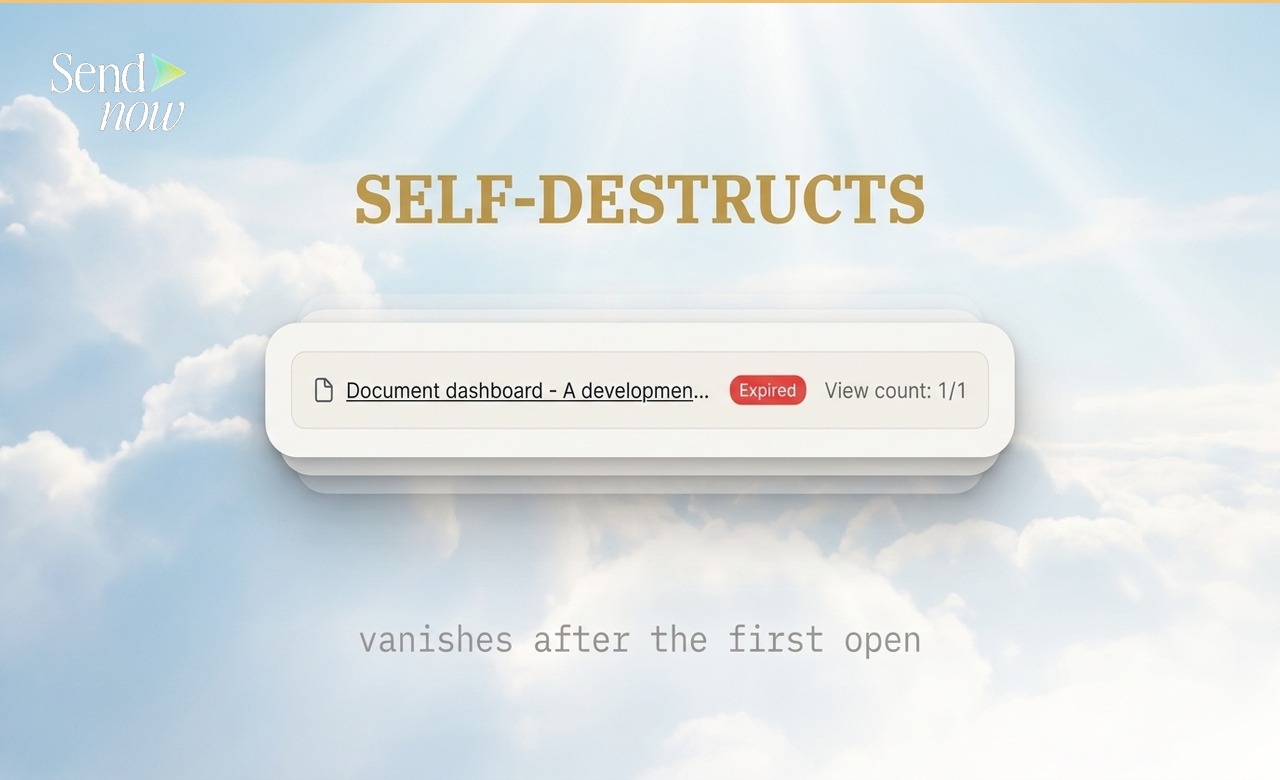
Once the document has been opened once, the link status in your dashboard changes to Expired. Any further attempts to open the link — from the same recipient, from a forwarded copy, or from any other source — display an expiry notice.

Your analytics dashboard retains the full record of the single view: who opened it, from which location, at what time, and how much of the document they read. The link is gone; the audit trail remains.
Pairing One-Time Links with Email Allowlists
A one-time link on its own means the first person to click it gets access — which could be anyone who obtains the link, not necessarily the intended recipient. For the highest assurance, combine the max views setting with an email allowlist:
- Set Max Views to 1
- Add the specific recipient's email address to the allowlist
Now, even if the link is forwarded, only your named recipient can open it, and they can only open it once. Anyone else who attempts to open it is blocked.
For full instructions on email allowlists, see How to Restrict a Document to Specific Email Addresses Only.
One-Time Links Versus Expiry Dates
Both one-time links and expiry dates limit the lifespan of a document share, but they operate differently:
| Feature | One-Time Link | Expiry Date |
|---|---|---|
| Access ends after | First open | A defined date and time |
| Multiple recipients possible? | No (by design) | Yes, if you use a shared link |
| Best for | Single named recipient, sensitive content | Time-bounded sharing with any audience |
| Can be combined? | Yes | Yes |
Combining both controls — a max views of 1 and an expiry date — means the link is active until either it is opened once or the expiry date passes, whichever comes first.
For guidance on time-based expiry, see How to Share a Document That Expires Automatically. For the full security controls overview, read the Secure Document Sharing Guide.
One-Time Links and GDPR
Under EU GDPR, limiting access to personal data to the minimum necessary audience for the minimum necessary duration is a core data protection principle. A one-time link is the technical embodiment of this principle in document sharing: one view, one person, no residual access.
For regulated financial firms operating in the EU, using one-time links for the sharing of documents containing personal data supports a defensible data minimisation position.

What to Do If the Wrong Person Opens the Link
If a one-time link is forwarded to an unintended recipient who opens it before your intended recipient, you will see the access event in your analytics: the IP address, location, and (if email verification was required) the viewer's email address. You can then create a new link for your intended recipient.
This is one reason why combining one-time links with email allowlists is recommended for the most sensitive documents — it prevents accidental access by unintended recipients.
Frequently Asked Questions
Q1: Can I set a link to allow more than one view but fewer than unlimited views? Yes. The Max Views setting in SendNow accepts any number. You could set it to 3, for example, to allow a document to be opened three times and then expire.
Q2: Can I increase the max views after a link has expired? Yes. From your dashboard you can update the Max Views setting and reactivate the link by extending its view limit.
Q3: Does the view count reset if I edit the document? No. View counts are linked to the specific link, not the document. Editing the document does not reset the view count on an existing link.
Q4: Can I tell who opened the one-time link? Yes. Your analytics show the viewer's location, timestamp, and — if email verification was required — their email address.
Q5: What if the recipient accidentally closes the document before reading it? The view count increments from the moment the document is opened in the viewer, regardless of how long the viewer spends reading. If the recipient closes it accidentally, the link will already have expired.
Q6: Can one-time links be combined with download prevention? Yes. Combining Max Views: 1 with download prevention means the viewer can read the document once in the browser but cannot download it. This is the highest-control sharing option available.
Q7: Is there a notification when the one-time link is used? Yes. SendNow sends a real-time notification when any document link is opened, including one-time links.
Q8: Is a one-time link suitable for sharing with multiple people at once? No. A one-time link is intended for a single named recipient. If you need to share with multiple people, create a separate link for each person with their own view limit, or use a standard link with an email allowlist for the group.
For time-based expiry rather than view-count limits, see How to Share a Document That Expires Automatically. For the complete security guide, visit Secure Document Sharing: The Complete Guide for 2026.
SendNow offers a free trial — no credit card required. Start at sendnow.live
About the Author: Rifana Hameem
Rifana is the founder of SendNow. She leads the team in building secure, compliant, and analytics-rich document sharing tools for finance and professional teams worldwide.
Connect on LinkedIn