
Email Verification Before Viewing: The Underrated Access Control Feature
Published on April 24, 2026
#TLDR Email verification adds an authentication step before a viewer can open your document. Instead of relying on a password someone else could share, the viewer proves they control a specific email address. The result is a named, verified audit trail for every view.
Table of Contents
- What Email Verification Does in Document Sharing
- How It Differs from a Password
- Step-by-Step Access Gating Flow
- What Happens When Verification Fails
- Using Verification for Compliance and Audit Trails
- Combining Email Verify with Other Access Controls
- FAQs
What Email Verification Does in Document Sharing {#what-email-verification-does}
When you share a sensitive document, you face a fundamental question: do you actually know who is opening it? A link in an email can be forwarded. A password can be copied into a chat thread. Neither mechanism tells you which individual opened your file or when.
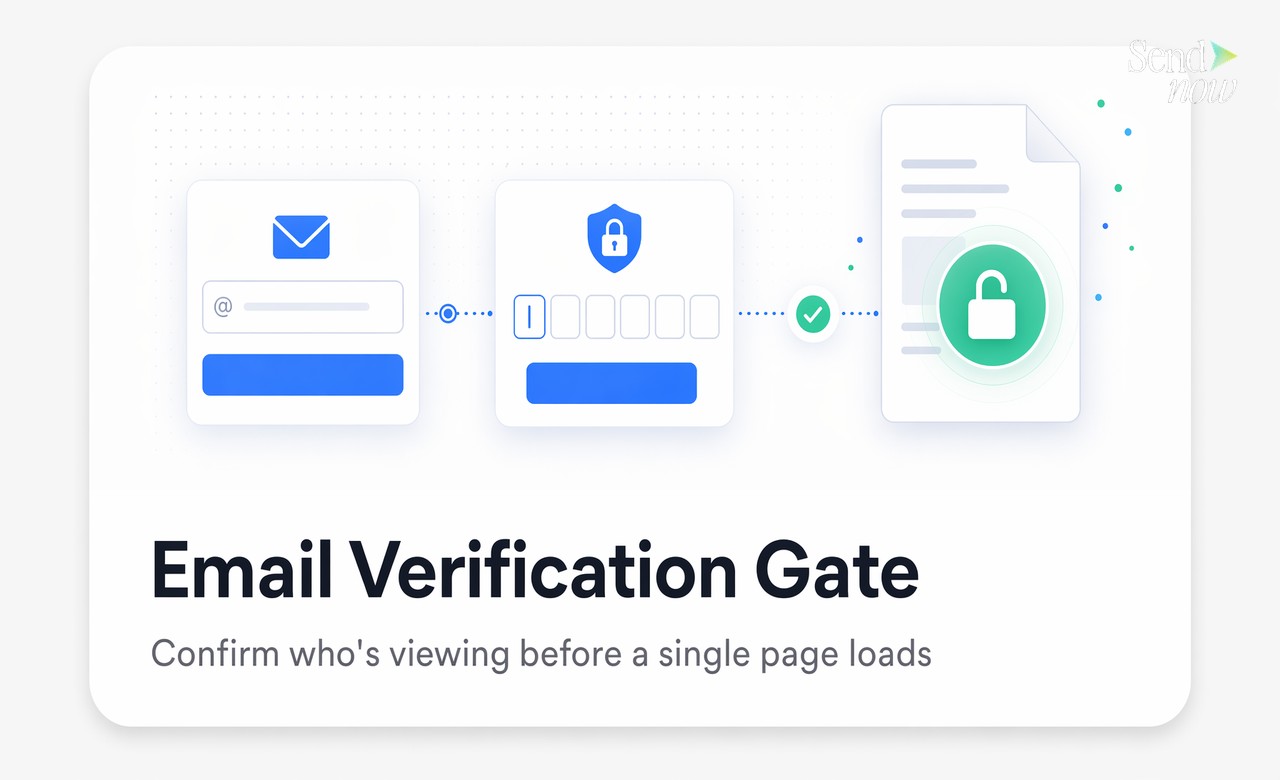
Email verification solves this. Before any page loads, the viewer is asked to enter their email address. They then receive a one-time passcode (OTP) delivered to that inbox. Only after they enter the correct code does the document become visible.
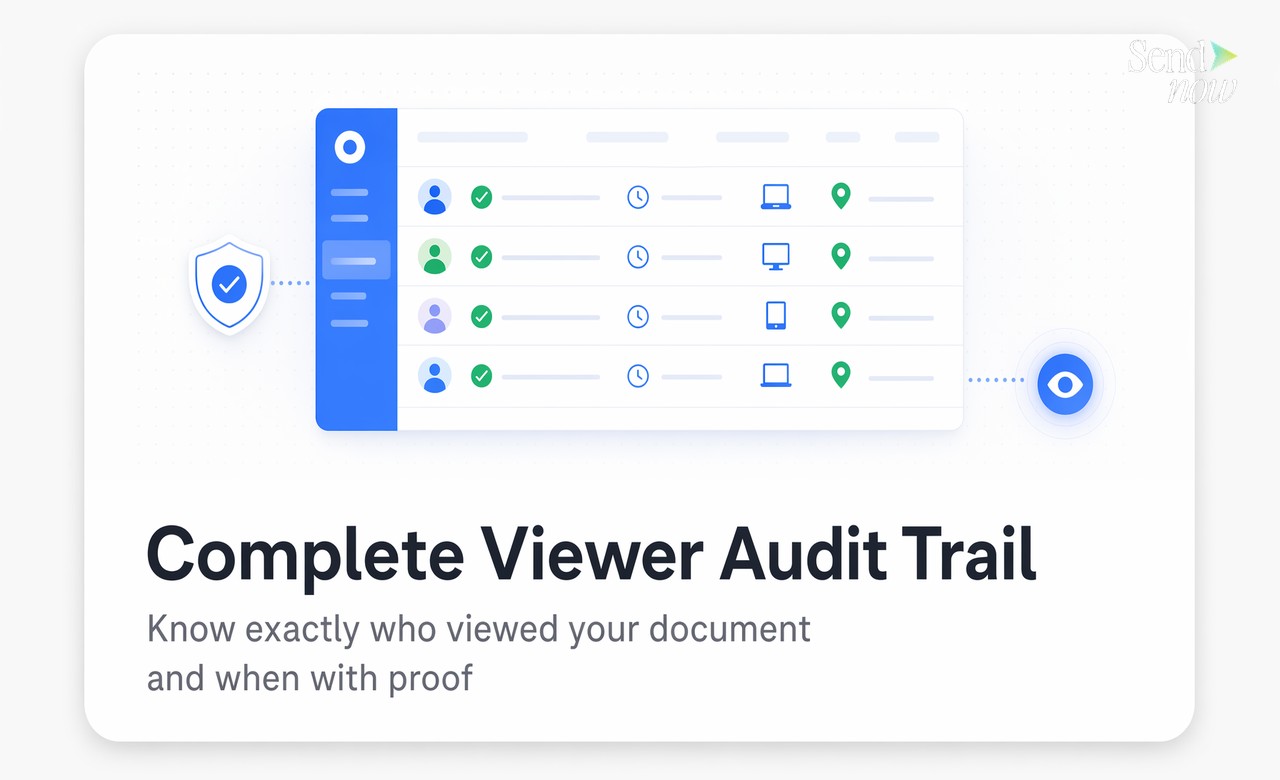
This means the person viewing your document has demonstrated, at the moment of access, that they control a specific email address. That verification event is recorded. The timestamp, the verified email, the device, and the IP location all become part of a permanent access log that you can review at any time.
For financial professionals, lawyers, and compliance teams, this is not a minor convenience feature. It is the difference between a document access event that is traceable and one that is not.
How It Differs from a Password {#differs-from-password}
Passwords and email verification are both access controls, but they protect different things.
A password prevents anyone who lacks it from opening a document. The weakness is that a password can be shared freely. You might send it to one counterparty, and they forward it to three colleagues before you are aware. The document analytics will show multiple opens, but you will have no way to tie those opens to named individuals.
Email verification works differently. It does not restrict access to people who know a secret. It restricts access to people who can prove ownership of a specific email address at the moment of viewing. Even if your document link is forwarded, every viewer must individually verify who they are. The result is a named log, not just an open count.
For regulated industries operating under GDPR or similar frameworks, this distinction matters. Demonstrating that a specific, named individual accessed specific sensitive data on a specific date is a compliance requirement in many contexts. A password alone cannot provide that.
Step-by-Step Access Gating Flow {#access-gating-flow}
Understanding how the viewer experience works helps you decide when to use this feature.
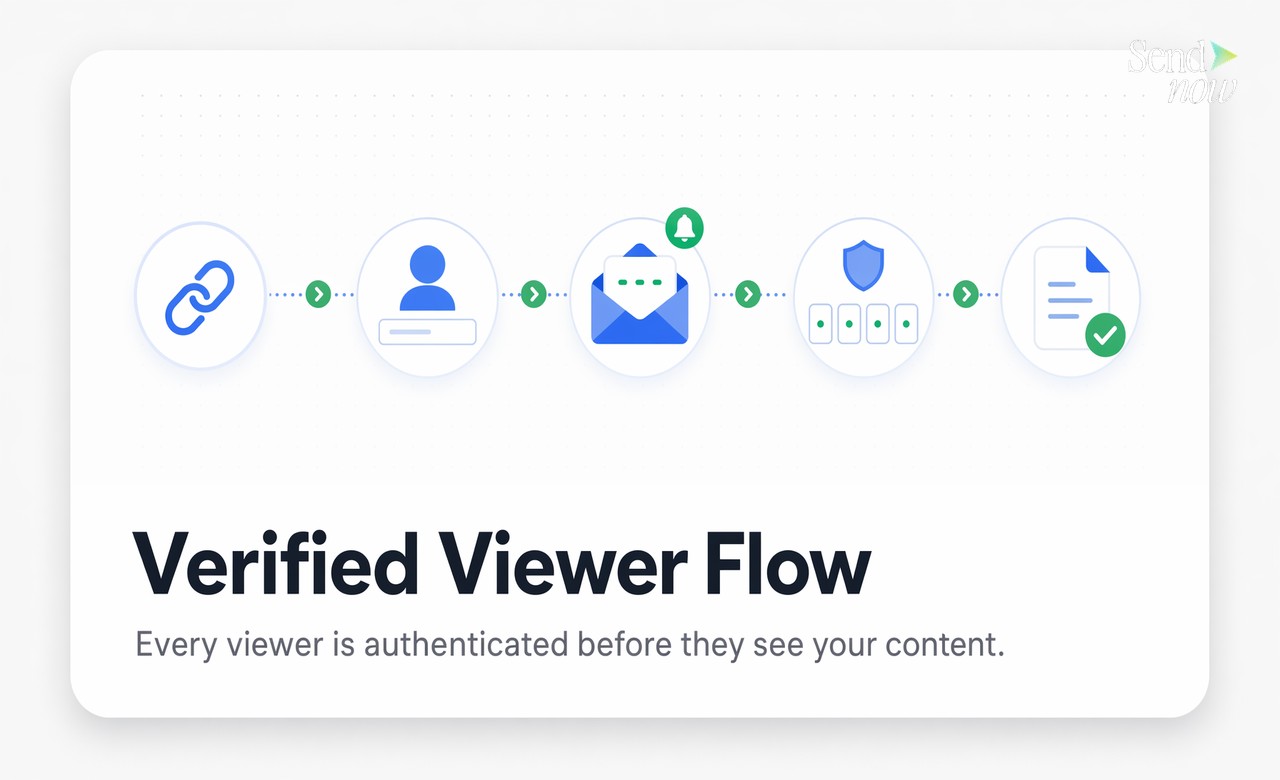
- You upload a document and enable email verification in the sharing settings.
- You copy your secure link and send it to your counterparty.
- The counterparty clicks the link and sees an email entry screen before any document content loads.
- They enter their email address and receive an OTP code within seconds.
- They enter the OTP code and the document opens.
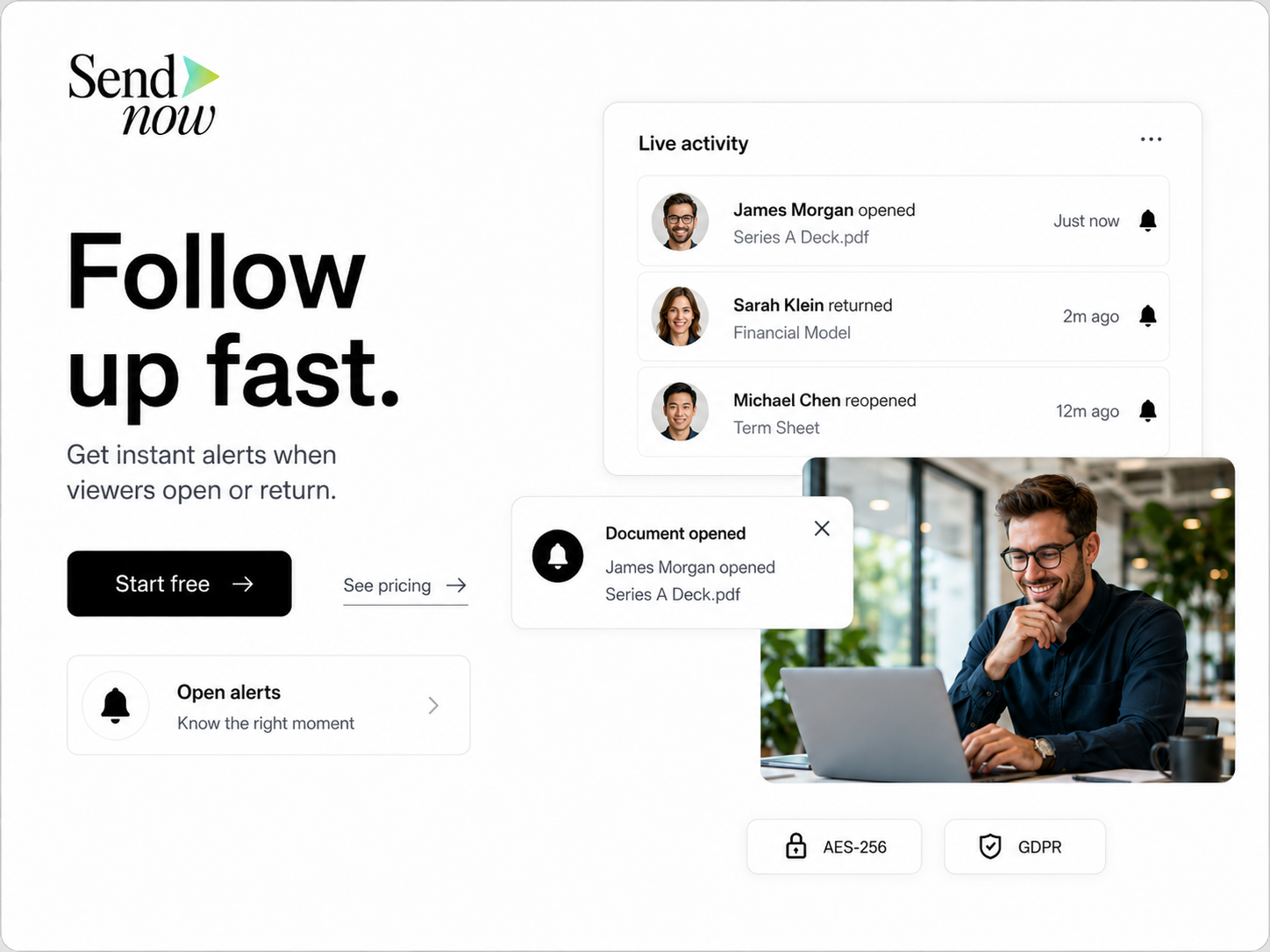
- The system logs the verified email, timestamp, device type, location, and all subsequent page-level activity.
The entire process takes about 30 seconds for the viewer. The access record it creates is permanent.
What Happens When Verification Fails {#when-verification-fails}
If a viewer enters the wrong email or an OTP code expires, the document does not open. The viewer can request a new code, but they cannot skip the verification step.
Importantly, failed verification attempts are also logged. If someone tries repeatedly to access a document and cannot verify, you will see those attempts in your access log. This provides an early signal that a link may have been shared beyond its intended recipients.
You also have the option to restrict verification to a specific email domain or a pre-approved list of email addresses. In that case, a viewer who provides an unrecognised email address will be blocked entirely, even if they complete the OTP step successfully.
Using Verification for Compliance and Audit Trails {#compliance-audit-trails}
GDPR and similar regulations require organisations to demonstrate that personal data and sensitive documents are accessed only by authorised individuals. A log entry that says "document opened at 14:32" is not sufficient evidence in most compliance reviews. A log entry that says "verified email j.mueller@partnerfirm.de opened document at 14:32 from Berlin on Chrome/MacOS" is.
Email verification creates the second type of record automatically. For M&A processes, investor reporting, legal disclosures, and financial audits, this level of specificity is exactly what internal and external auditors expect to see. SendNow captures this data on every verified view and makes the full audit trail exportable.
Combining Email Verify with Other Access Controls {#combining-controls}
Email verification works alongside other access controls rather than replacing them. A practical configuration for a sensitive financial document might look like this:
| Control | Purpose |
|---|---|
| Email verification | Confirms viewer identity at access time |
| Expiry date | Link stops working after deal closes |
| Download block | Prevents local copies of sensitive data |
| Watermark | Ties any leaked screenshot to a named viewer |
| Revocation | Instant kill-switch if access needs to be withdrawn |
Each layer addresses a different risk. Email verification handles the identity question. The other controls handle distribution, leakage, and timing. Together, they give you a defensible position if a document access event is ever questioned.

For teams that share sensitive documents regularly, treating email verification as the default rather than the exception is a practical way to build a compliance-ready access log without adding friction to your existing workflow.
Ready to add email verification to your next document share? Start at sendnow.live and enable verified access in under a minute.
FAQs {#faqs}
Q1: What is email verification for document sharing? Email verification is an access control that requires viewers to confirm ownership of their email address using a one-time passcode before a document opens. It creates a named, timestamped record of every access event.
Q2: How is email verification different from a password? A password can be shared with anyone. Email verification confirms that the specific person opening the document controls a named inbox at the moment of access, creating a traceable identity record.
Q3: Does email verification work for external viewers outside my organisation? Yes. External viewers receive an OTP to any email address they provide. You can optionally restrict accepted addresses to specific domains or a pre-approved list.
Q4: What happens if a viewer enters the wrong email? The document does not open. The failed attempt is logged. The viewer can re-enter their email and request a new OTP, but they cannot skip verification.
Q5: Can I see who verified their email to view my document? Yes. Every verified access event appears in your document's audit log, showing the email address, timestamp, device, browser, and approximate location.
Q6: Does email verification slow down the viewer experience? The verification step typically takes 20 to 30 seconds. Most counterparties in professional contexts find this acceptable, especially when the alternative is a document with no access control at all.
Q7: Is email verification GDPR compliant? Email verification supports GDPR compliance by creating a verifiable record of who accessed personal or sensitive data and when. It does not replace a full compliance programme but provides essential evidence for audits.
Q8: Can I combine email verification with other access controls like expiry and download blocking? Yes. Email verification is designed to work alongside other controls including expiry dates, download blocks, dynamic watermarks, and link revocation. You can enable all of these on a single document share.
Written by Alex Carter. Alex covers document security, compliance workflows, and deal room best practices for finance and legal professionals.