
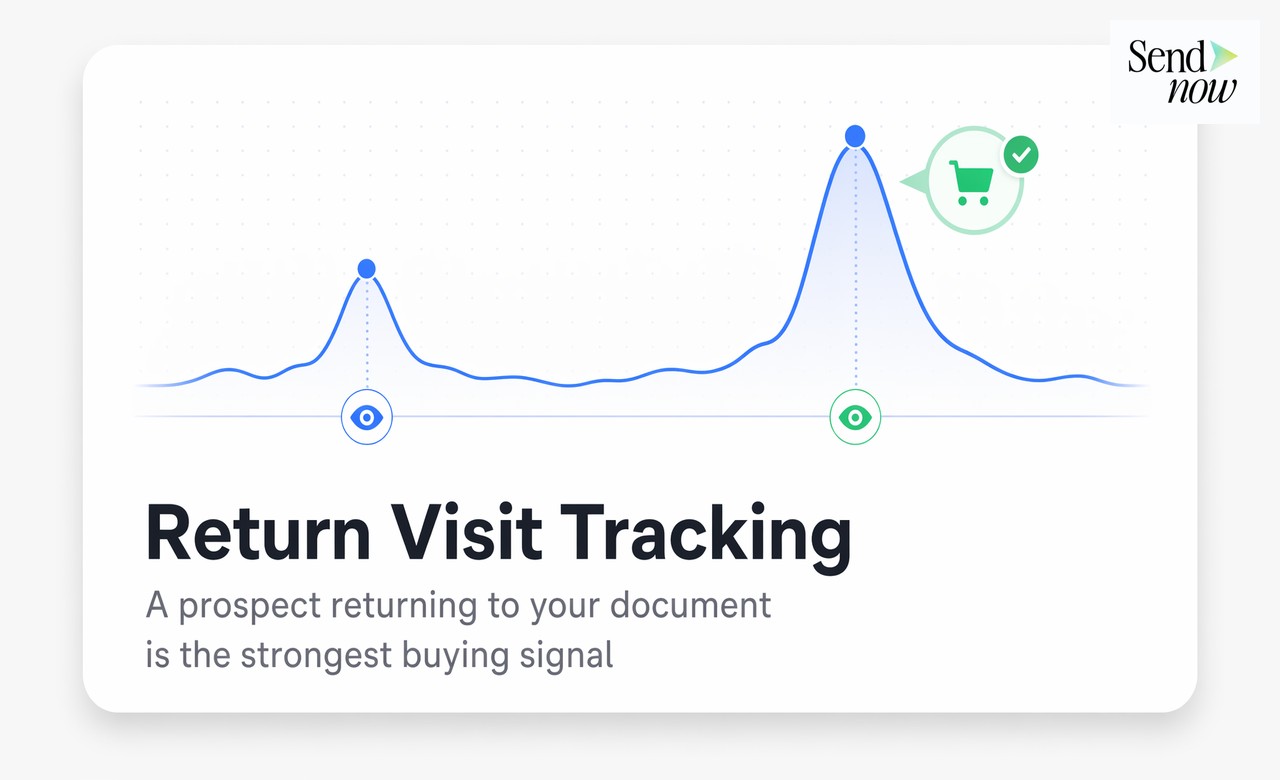
Why a Second Document Open Is Worth More Than the First
Published on April 24, 2026
Why a Second Document Open Is Worth More Than the First
#TLDR: When a prospect opens your document a second time, they are telling you something. Return visit tracking captures this signal and tells you exactly which pages they came back to review. This post explains how to interpret that data, time your follow-up, and use multi-visit patterns to close more deals.
Table of Contents
- What a Return Visit Signals About Buying Intent
- Why the First Open Is Incomplete Data
- How Return Visit Tracking Works
- Reading Patterns Across Multiple Visits
- Using Return Signals for Follow-Up Timing Precision
- Combining Return Data with Page Analytics for the Full Picture
- Platform Comparison
- FAQs
What a Return Visit Signals About Buying Intent {#return-signal}
The first time a prospect opens your document, they might be curious, distracted, or just briefly checking what you sent. A single open tells you the link worked. It does not tell you much about intent.
The second open is different. A prospect returning to a document has made an active decision to go back. They remembered it, found the link again, and chose to re-engage. That behavior pattern represents a meaningfully higher level of interest than the initial open.
In financial services and B2B sales, this matters because buying decisions rarely happen in a single sitting. A fund manager reviewing a capital allocation proposal will likely share it internally, discuss it in a meeting, and then go back to the specific sections that need further review before making a decision. Each of those actions leaves a signal in your document analytics.
Return visits are not noise. They are the data point your first open could not give you.
Why the First Open Is Incomplete Data {#first-open}
A single open event tells you three things: the link was delivered, the recipient clicked it, and the platform registered the session. What it cannot tell you is whether the document was read, considered seriously, or shared internally.
A high first-open rate with no return visits often indicates documents that were glanced at and set aside. Conversely, a document that generates multiple return visits from a single recipient, or opens from multiple recipients at the same organization, is generating active internal discussion.
Many sales teams over-index on the initial open. They see "opened 5 minutes after sending" and interpret it as strong interest. But a document opened for 40 seconds on a mobile device is very different from one that generates three return visits over 72 hours, with extended time on the pricing and terms pages.
Document analytics that only show you the first open are giving you half the story.
How Return Visit Tracking Works {#how-tracking-works}
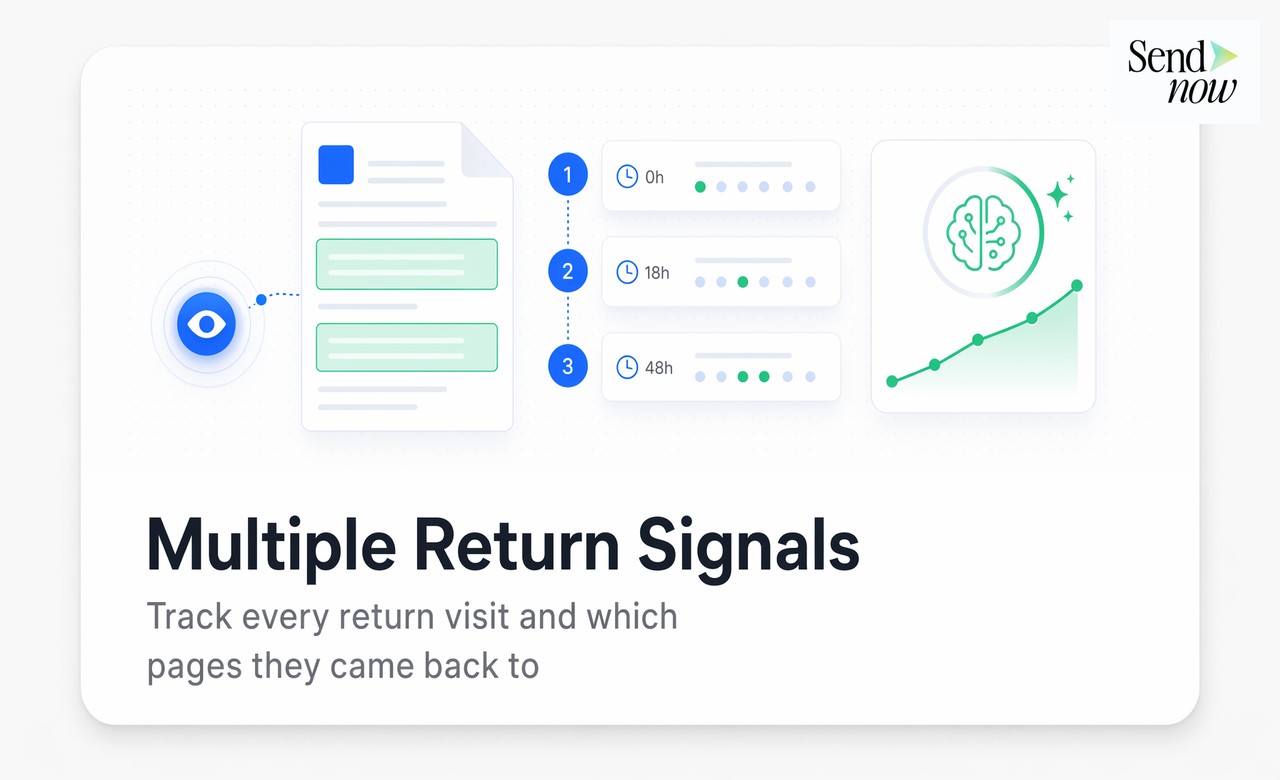

Return visit tracking works by associating each document open event with a session record that includes a timestamp, duration, and page-by-page breakdown. When the same link is opened again, a new session record is created and linked to the same document share instance.
This means your analytics dashboard shows you not just that a document was opened multiple times, but:
- The exact time of each visit
- How long each visit lasted
- Which pages were viewed in each session
- Whether the same pages were revisited across multiple sessions
- Whether the visits came from the same or different devices
The most valuable data point is page-level revisit patterns. If a prospect returns specifically to your pricing section in their second and third visits, that is a direct signal about what they are evaluating. If they go back to the team credentials page, they may be building an internal case for approval.
SendNow tracks all of this at the session level, giving you a complete timeline of engagement rather than a single open event.
Reading Patterns Across Multiple Visits {#multi-visit-patterns}
Different multi-visit patterns carry different meanings, and learning to read them improves your follow-up quality.
Pattern: Quick first open, longer second visit The prospect skimmed the document initially and came back to read it properly. This suggests initial interest that deepened after reflection. A follow-up within a few hours of the second visit is well-timed.
Pattern: Multiple short visits across several days The prospect is sharing the document in meetings or discussions. Each session may be a different stakeholder reviewing the same link. This is a strong signal of internal evaluation. Your follow-up should address the full buying committee, not just your original contact.
Pattern: Return to a specific section only The prospect has a specific question or concern about one part of the document. Their return visit is targeted research. Use this as an opening: "I noticed you spent time on our fee structure section, happy to walk through any questions there."
Pattern: Long first visit, no return Strong initial engagement followed by silence. This may indicate the prospect is thorough but decided quickly, or that the document moved to a different stage internally. A gentle follow-up asking if they need additional information is appropriate.
Using Return Signals for Follow-Up Timing Precision {#timing-followup}
The single most common mistake in sales follow-up is timing based on calendar schedules rather than behavioral signals. Calling a prospect on a Tuesday because it has been seven days since you sent the document, regardless of what they have done with it, is arbitrary.
Return visit signals give you a behavioral trigger to replace calendar-based follow-up. When a prospect re-opens your document, they are actively thinking about you at that moment. A follow-up that lands within the same business day has a much higher chance of catching them in an evaluative mindset than a call placed on an arbitrary schedule.
The practical implementation is straightforward: use Slack alerts or email notifications tied to return visit events. When a prospect opens your document for the second time, you receive a notification. You make contact within a few hours. The conversation starts from a place of genuine relevance.
Combining Return Data with Page Analytics for the Full Picture {#combining-data}
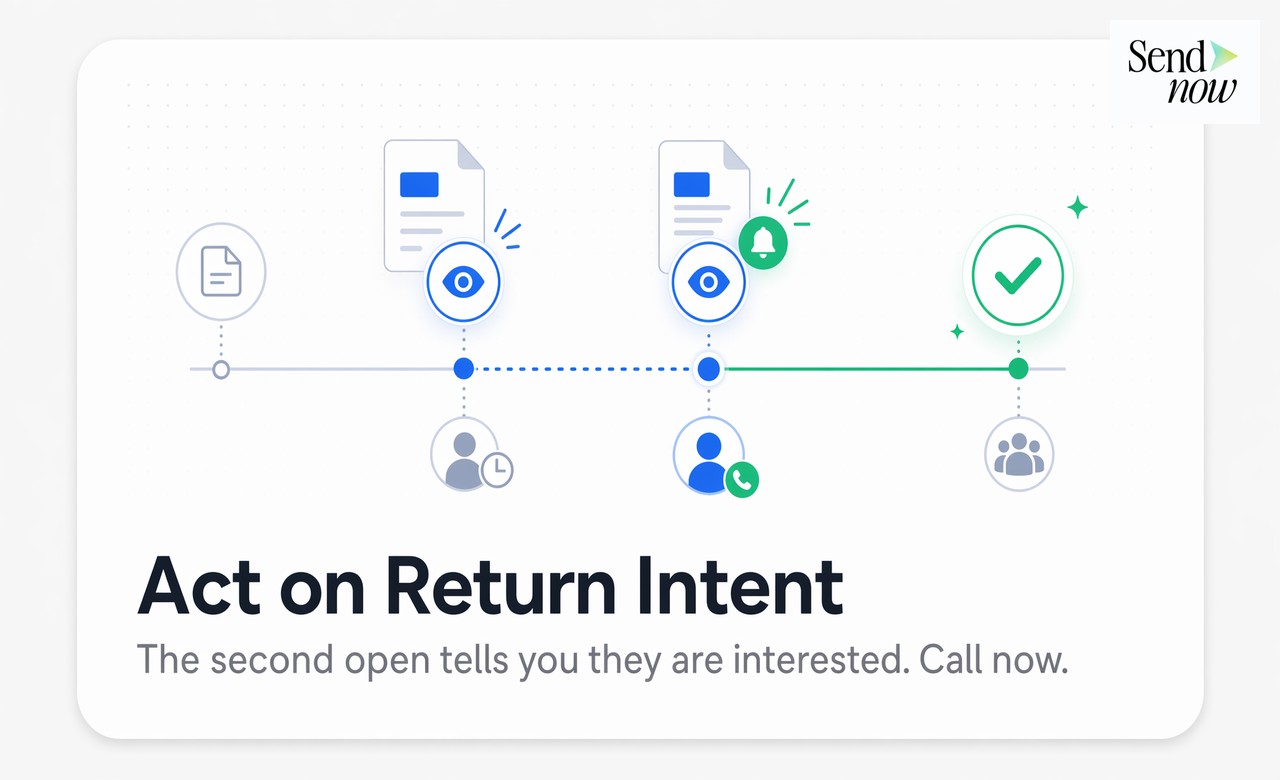
Return visit tracking is most powerful when combined with page-level analytics. Knowing that a prospect returned is valuable. Knowing which pages they returned to transforms that signal into a specific action.

A complete picture of prospect engagement might look like this:
- Visit 1: Opened Monday 11:42am, 4 minutes total, pages 1-6 viewed (overview and executive summary)
- Visit 2: Opened Wednesday 3:15pm, 9 minutes total, pages 8-12 revisited (pricing, terms, and implementation timeline)
- Visit 3: Opened Thursday 9:30am, 6 minutes total, pages 9-10 only (pricing section reviewed again)
This pattern tells you exactly where the prospect's attention is focused and when they are most actively engaged. Your follow-up on Thursday afternoon references the pricing discussion they have clearly been spending time on. That is not a cold call. It is a timely, relevant conversation initiated by their own behavior.
SendNow's document analytics surface this complete engagement picture, combining return visit timestamps with per-session page depth data so you always follow up with context rather than guesswork.
Platform Comparison {#comparison}
| Feature | SendNow | Basic Link Tracking | Email Read Receipts |
|---|---|---|---|
| Return visit tracking | Yes | Sometimes | No |
| Per-session page analytics | Yes | No | No |
| Revisited page identification | Yes | No | No |
| Visit timeline view | Yes | No | No |
| Real-time return notifications | Yes | No | No |
| AI engagement scoring across visits | Yes | No | No |
FAQs {#faqs}
Q: How does the platform know it is the same person returning? A: Return visits are tracked at the link level. Each link has a unique identifier. When the same link is opened multiple times, each session is logged against that link's record. If the sender shared separate links to different recipients, each link has its own analytics history.
Q: What if multiple people at the same company are opening the same link? A: Multiple opens from different devices or locations via the same link all appear in the timeline. If the sender wants per-recipient analytics, best practice is to create separate links for each recipient using the SendNow platform.
Q: Can I get notified the moment a prospect returns to a document? A: Yes. SendNow supports real-time Slack alerts and email notifications triggered by document open events, including return visits.
Q: Does return visit tracking work for documents inside microsites? A: Yes. Analytics apply at the individual document level within a microsite. You can see which files a prospect returned to and what they focused on in each session.
Q: How many return visits typically indicate strong buying intent? A: There is no universal threshold, but two or more return visits within a 72-hour window, especially with extended time on pricing or terms sections, is a strong indicator of active evaluation.
Q: Can I see if someone forwarded the link and their colleague opened it? A: You will see additional open sessions from different devices or locations. To identify specific recipient identities, use per-recipient links and email verification settings when sharing.
Q: Is return visit data stored securely? A: Yes. All document analytics data in SendNow is stored with AES-256 encryption on EU servers. Only the sender has access to their document analytics.
Q: How far back does the return visit history go? A: Return visit history is retained for the lifetime of the document on your account. You can review the full timeline of any document's open history at any time.
Stop following up blind. SendNow's document analytics show you every return visit, every page revisited, and every moment your prospect re-engages, so you follow up with context and timing that closes deals. Try SendNow at sendnow.live
Written by Alex Carter. Alex covers document analytics and sales intelligence for financial services teams.