
Screenshot Protection for Documents: Can You Actually Stop It?
Published on April 24, 2026
Screenshot Protection for Documents: Can You Actually Stop It?
#TLDR
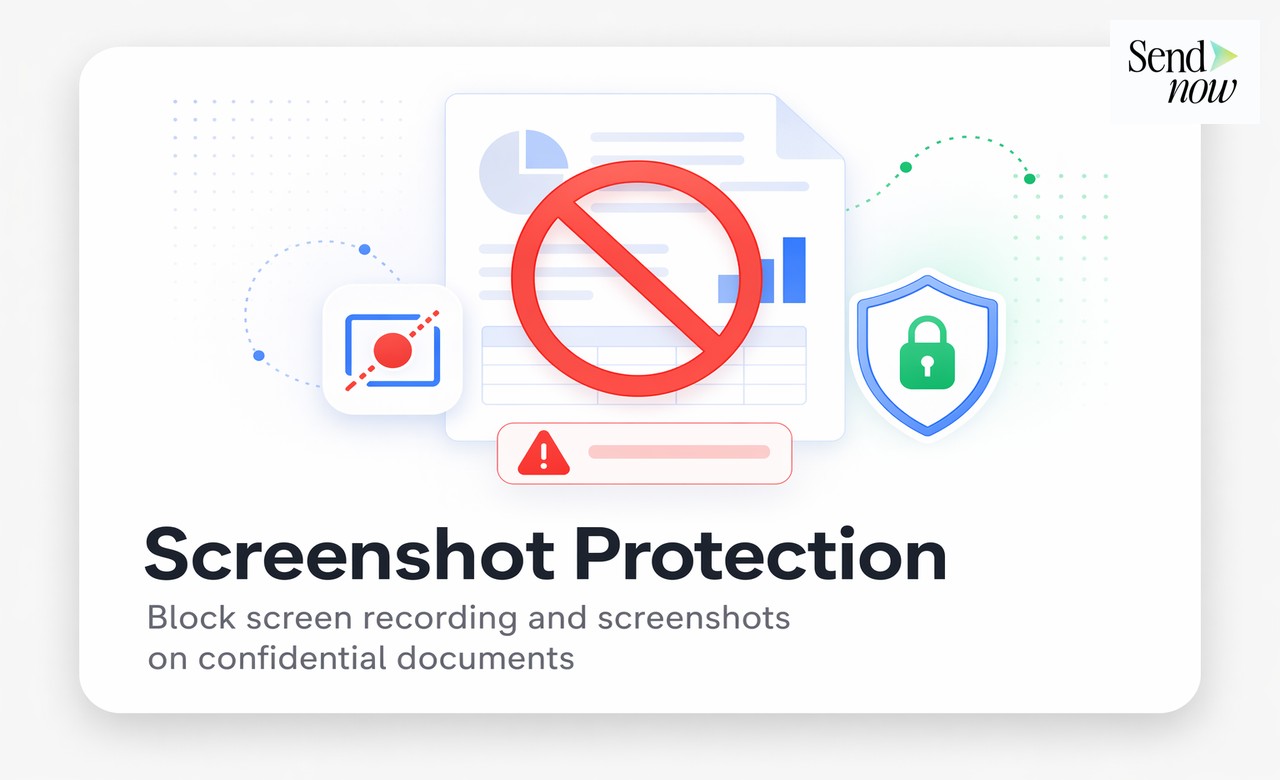
DRM-based screenshot protection can block operating system-level screen capture on most devices and browsers. It cannot prevent a phone held up to a screen. The right approach combines DRM screenshot blocking with dynamic watermarks, so that even a photo of the screen carries identifying information that traces back to the viewer. This article explains how it works, what it covers, and when to use it.
Table of Contents
- Can You Really Block Screenshots?
- How DRM-Based Screenshot Protection Works
- What It Blocks and What It Does Not
- Combining with Dynamic Watermarks for Double Protection
- When to Use It
- Limitations and Complementary Controls
Can You Really Block Screenshots?
The short answer is: yes, for most digital capture methods, and no, for a phone pointed at a screen.
This is not a flaw unique to any one platform. It is a fundamental constraint of document security at the hardware level. A human holding a camera to a monitor has always been, and will likely remain, outside the reach of software controls.
What DRM-based screenshot protection does block is a large and important category of capture methods: keyboard shortcuts (Cmd+Shift+3, PrtScn), operating system screenshot APIs, screen recording software, and browser-based capture tools. For professional environments where documents are shared digitally and the risk is digital exfiltration rather than physical photography, this covers the vast majority of realistic threat scenarios.
The honest framing is this: screenshot protection significantly raises the cost and effort required to copy a confidential document, deters casual and opportunistic copying, and provides a technical control that satisfies compliance requirements for access restriction. It is not an absolute physical barrier. No digital control is.
How DRM-Based Screenshot Protection Works
DRM stands for Digital Rights Management. In the context of document viewers, DRM protection uses Encrypted Media Extensions (EME), the same standard used by Netflix and other video platforms to prevent screen recording of streamed content.
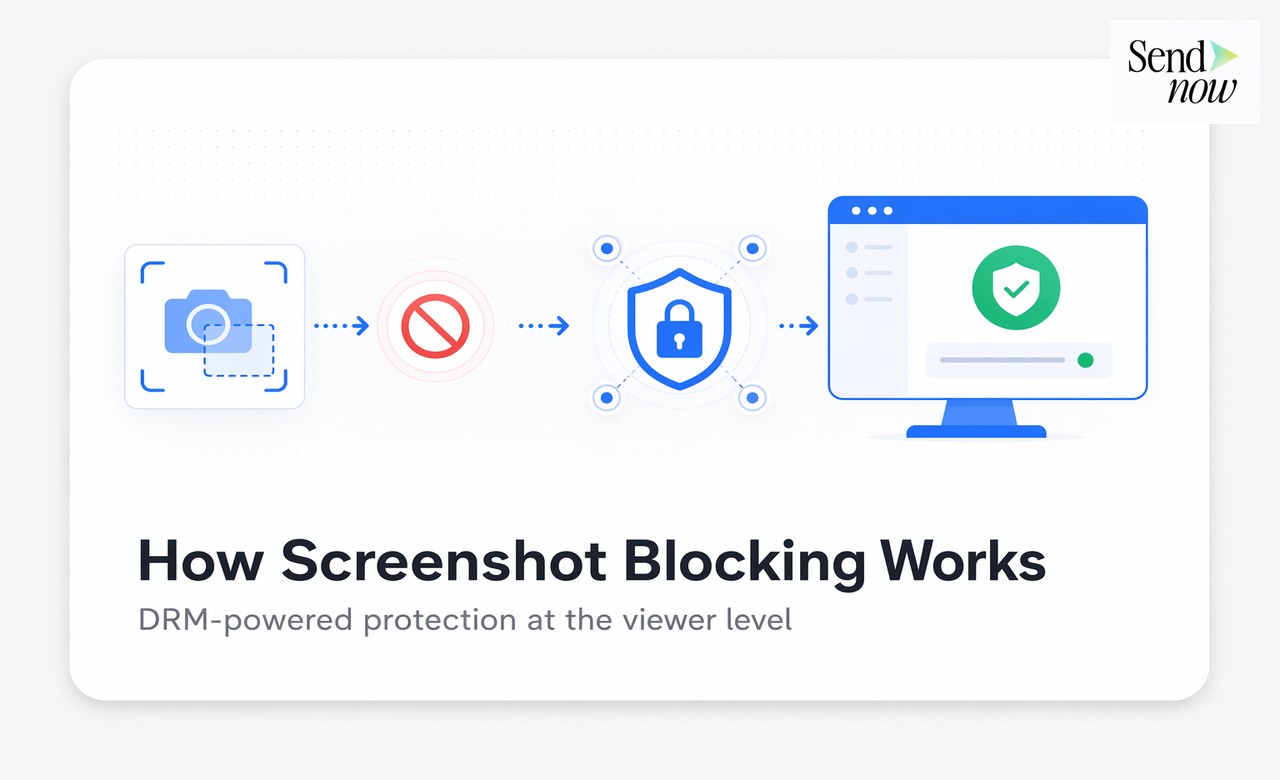
When a document is rendered inside a DRM-protected viewer:
- The document content is encrypted and streamed to the viewer rather than downloaded as a standard file.
- The viewer registers with the DRM license server and receives a decryption key bound to the current session.
- The operating system flags the rendered content as protected media.
- Any screenshot API call or screen recording attempt returns a black frame or is blocked entirely, because the OS recognises the content as DRM-protected and refuses to pipe it to capture functions.
On Windows, this uses PlayReady. On macOS, it uses a combination of system-level protections. On Android, Widevine L1 provides the strongest protection. On iOS, Apple's FairPlay DRM covers content in compatible viewer contexts.
The result: when a user presses Cmd+Shift+4 on a Mac while viewing a DRM-protected document, they capture a black rectangle instead of the document content.
What It Blocks and What It Does Not
Understanding the scope of protection helps set appropriate expectations:
Blocked by DRM screenshot protection:
- Operating system keyboard shortcuts (PrtScn, Cmd+Shift+3/4/5 on Mac)
- Screen recording software (OBS, QuickTime screen capture, Loom, Camtasia)
- Browser screenshot extensions
- Remote desktop screenshot capture (in most configurations)
- API-based screen capture called by third-party applications
Not blocked by DRM screenshot protection:
- A smartphone or camera pointed at the screen
- Screen captures taken at the hardware level by certain OS configurations
- Screen recording on some older Android browsers
- Screenshots taken by device manufacturers through proprietary hardware APIs (rare, device-specific)
The practical implication is that DRM screenshot protection works well in professional B2B environments where documents are shared with counterparties on standard computers and browsers. It works less reliably on older mobile browsers and is not a barrier to physical photography.
Combining with Dynamic Watermarks for Double Protection
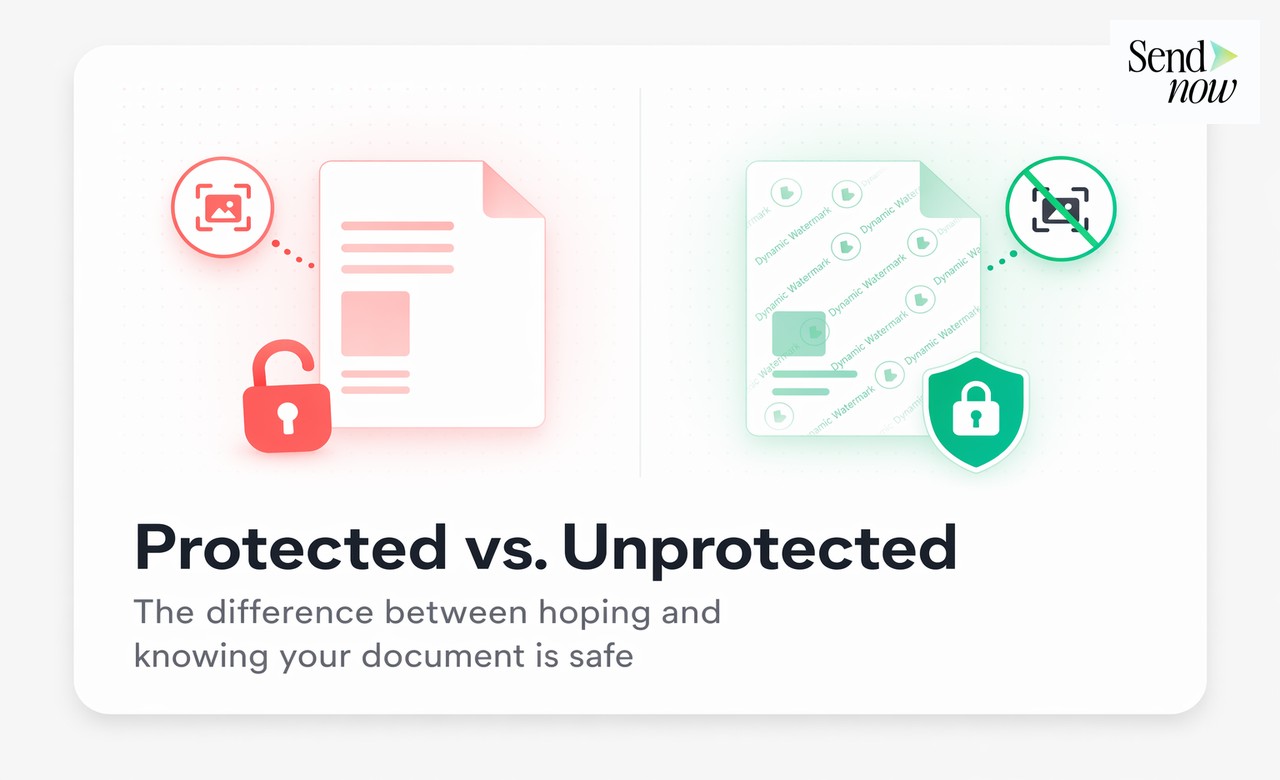
The most robust approach to secure document sharing combines DRM screenshot protection with dynamic watermarks. These two controls address different attack vectors.
Dynamic watermarks overlay personalised information on every page of the document visible to the viewer. Typically, this includes the recipient's name, email address, IP address, timestamp, and date of access. The watermark is rendered in real time and cannot be removed from the document view.
When both controls are active:
- Digital capture tools are blocked by DRM
- Physical photography is deterred because every photo carries the viewer's identity visibly embedded in the document
A photo of a watermarked page is forensically traceable. Even if a recipient photographs the screen with a phone and attempts to distribute the content, the watermark identifies exactly who viewed the document and when. This creates significant legal and reputational deterrent even where technical blocking is not possible.
SendNow implements both controls independently, meaning you can enable either or both depending on the sensitivity of the document and your assessment of the threat environment.
When to Use It
Screenshot protection is most appropriate for documents where the content itself has high standalone value and where recipients should view but not possess the content:
| Document Type | Use Case |
|---|---|
| Term sheets | Prevent unauthorized distribution before signing |
| Financial models | Protect proprietary assumptions and projections |
| NDAs and legal drafts | Restrict copying during negotiation |
| CIMs (Confidential Information Memoranda) | Control information flow in M&A processes |
| Investor pitch decks | Limit distribution during fundraising |
| Personnel and compensation data | HR documents requiring strict access control |
For routine documents with low sensitivity — a marketing one-pager, a standard proposal template, a public product spec — screenshot protection adds friction without meaningful benefit. Use it where the content is genuinely sensitive and where your access controls justify the additional step of DRM rendering.
Limitations and Complementary Controls
Screenshot protection is one layer in a multi-layer document security strategy. It should be combined with:
Access controls: Password protection, email verification gates, and NDA acceptance requirements ensure only intended recipients can open the document.
Expiry and revocation: Time-limited access means a document link that is leaked becomes useless after a defined period. Revocation allows you to terminate access instantly if a breach is detected.

View limits: Restricting the number of views or sessions limits exposure even if a link is shared.
Audit logs: Every access event is logged with IP address, device, and timestamp. This creates a forensic trail that supports legal action if a breach occurs.
Download blocking: Preventing PDF download ensures the recipient can only view the content in the controlled viewer environment, not export a local copy.
Secure document sharing is a stack of controls, not a single feature. No individual control provides complete protection. Screenshot protection combined with dynamic watermarks, expiry, revocation, and access logging provides the most comprehensive protection available for digitally shared confidential documents.
Frequently Asked Questions
Q1: Does screenshot protection work on all browsers? DRM-based protection works on Chrome, Edge, and Firefox on desktop. Safari support varies by OS version. Older mobile browsers may have limited DRM support.
Q2: Can someone use a second monitor to capture a screenshot? In most configurations, DRM protection extends to all connected displays. Attempting to capture a protected window on a secondary monitor returns a black frame on Windows and macOS.
Q3: Does it affect the viewing experience for legitimate recipients? No. Recipients see the document normally. The only change is that screenshot and screen recording tools capture a black frame instead of the document content.
Q4: Is DRM screenshot protection the same as a watermark? No. These are separate controls. DRM blocks digital capture tools. Watermarks embed identifying information visible in the content. Both can be used together for stronger protection.
Q5: Can I enable screenshot protection on existing shared documents? Yes. You can update the security settings on any active share link in SendNow, and the changes apply immediately without generating a new link.
Q6: What happens if a recipient is on a device where DRM is not supported? Depending on your configuration, the platform can either allow access with a warning that screenshot protection is limited, or block access entirely on unsupported devices.
Q7: Is screenshot protection compliant with GDPR? Yes. DRM-based protection is a technical measure that restricts unauthorised data distribution, which aligns with GDPR's requirements for appropriate access controls on personal data.
Q8: Can a user bypass DRM protection using a virtual machine? In some configurations, virtual machines can capture screens without triggering DRM protections. For the highest-risk documents, combining DRM with dynamic watermarks ensures traceability even if capture occurs.
<script type="application/ld+json"> }, { "@type": "Question", "name": "Can someone use a second monitor to capture a screenshot?", "acceptedAnswer": { "@type": "Answer", "text": "In most configurations, DRM protection extends to all connected displays. Attempting to capture a protected window on a secondary monitor returns a black frame on Windows and macOS." } }, { "@type": "Question", "name": "Does it affect the viewing experience for legitimate recipients?", "acceptedAnswer": { "@type": "Answer", "text": "No. Recipients see the document normally. The only change is that screenshot and screen recording tools capture a black frame instead of the document content." } }, { "@type": "Question", "name": "Is DRM screenshot protection the same as a watermark?", "acceptedAnswer": { "@type": "Answer", "text": "No. These are separate controls. DRM blocks digital capture tools. Watermarks embed identifying information visible in the content. Both can be used together for stronger protection." } }, { "@type": "Question", "name": "Can I enable screenshot protection on existing shared documents?", "acceptedAnswer": { "@type": "Answer", "text": "Yes. You can update the security settings on any active share link in SendNow, and the changes apply immediately without generating a new link." } }, { "@type": "Question", "name": "What happens if a recipient is on a device where DRM is not supported?", "acceptedAnswer": { "@type": "Answer", "text": "Depending on your configuration, the platform can either allow access with a warning that screenshot protection is limited, or block access entirely on unsupported devices." } }, { "@type": "Question", "name": "Is screenshot protection compliant with GDPR?", "acceptedAnswer": { "@type": "Answer", "text": "Yes. DRM-based protection is a technical measure that restricts unauthorised data distribution, which aligns with GDPR's requirements for appropriate access controls on personal data." } }, { "@type": "Question", "name": "Can a user bypass DRM protection using a virtual machine?", "acceptedAnswer": { "@type": "Answer", "text": "In some configurations, virtual machines can capture screens without triggering DRM protections. For the highest-risk documents, combining DRM with dynamic watermarks ensures traceability even if capture occurs." } } ] } </script>
Enable screenshot protection and dynamic watermarks for your most sensitive documents at sendnow.live.
Written by Alex Carter. Alex covers document security, financial compliance, and SaaS tools for finance professionals.