
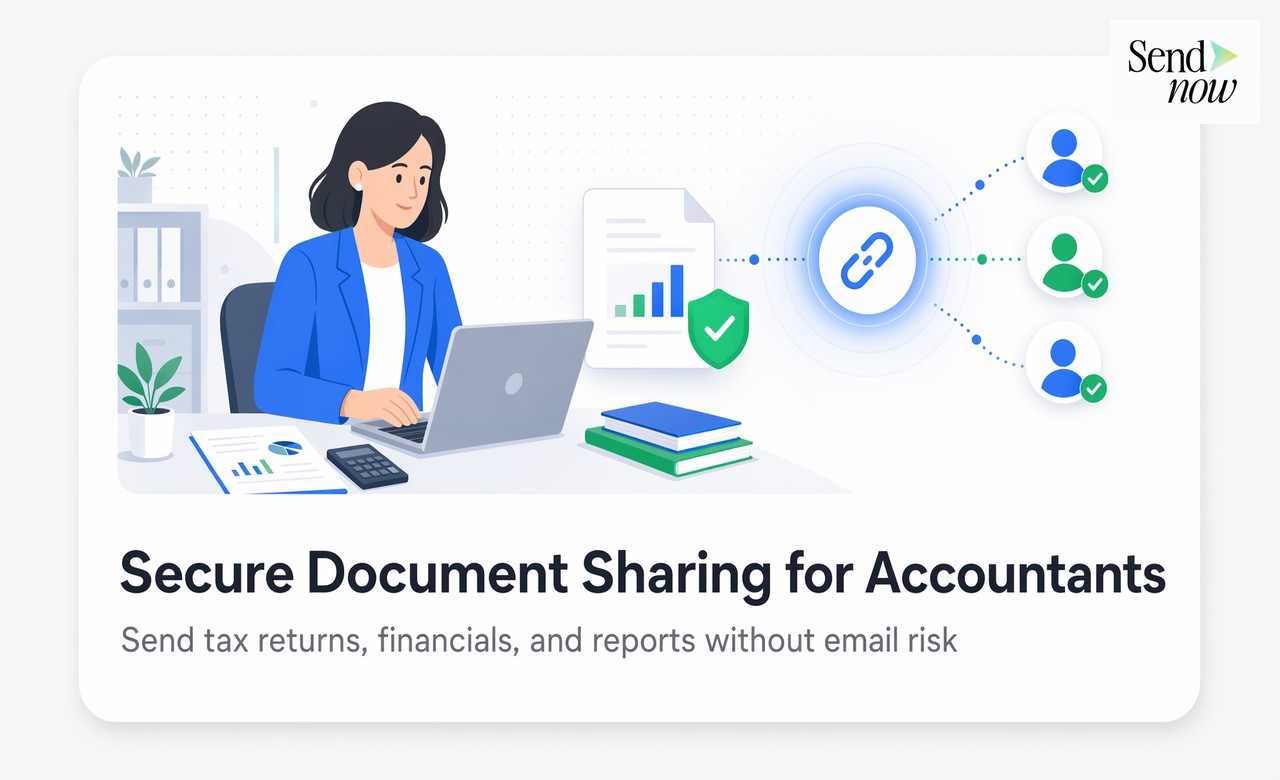
Secure Document Sharing for Accountants: The Practical Guide
Published on April 24, 2026
Secure Document Sharing for Accountants: The Practical Guide
#TLDR — Email attachments have no access controls, no audit trail, and no GDPR compliance built in. A secure document portal solves all three problems, and accountants can set one up in under 15 minutes.
Table of Contents
- Why Email Attachments Fail for Accountants
- What Accountants Need from a Document Portal
- Setting Up Per-Client Document Access with SendNow
- Blocking Downloads on Tax Returns and Financial Statements
- Audit Logs for Compliance and Personal Information Protection
- GDPR Compliance for EU Accounting Firms
- Frequently Asked Questions
Why Email Attachments Fail for Accountants {#why-email-fails}
Emailing a tax return as a PDF attachment is the path of least resistance. It is also a serious liability.
Email attachments have no controls once sent. The file sits in the client's inbox forever. It can be forwarded to anyone. It can be saved to an unsecured personal device. It can be left open on a shared screen. You have no record of whether it was opened, by whom, or when.
For accountants operating under GDPR, this is not just inconvenient. Article 5 of the GDPR requires that personal data is "processed in a manner that ensures appropriate security, including protection against unauthorised or unlawful processing." An unencrypted email attachment with no access log does not meet this standard.
Beyond GDPR, professional liability standards in most EU jurisdictions require that financial professionals take reasonable steps to protect client data. "I emailed it" is not a reasonable step when more secure alternatives exist and are easy to use.
What Accountants Need from a Document Portal {#what-accountants-need}
An accounting document portal is not a generic file storage service. It needs to meet the specific operational and compliance requirements of the profession.
Essential features for accounting use:
| Requirement | Why It Matters |
|---|---|
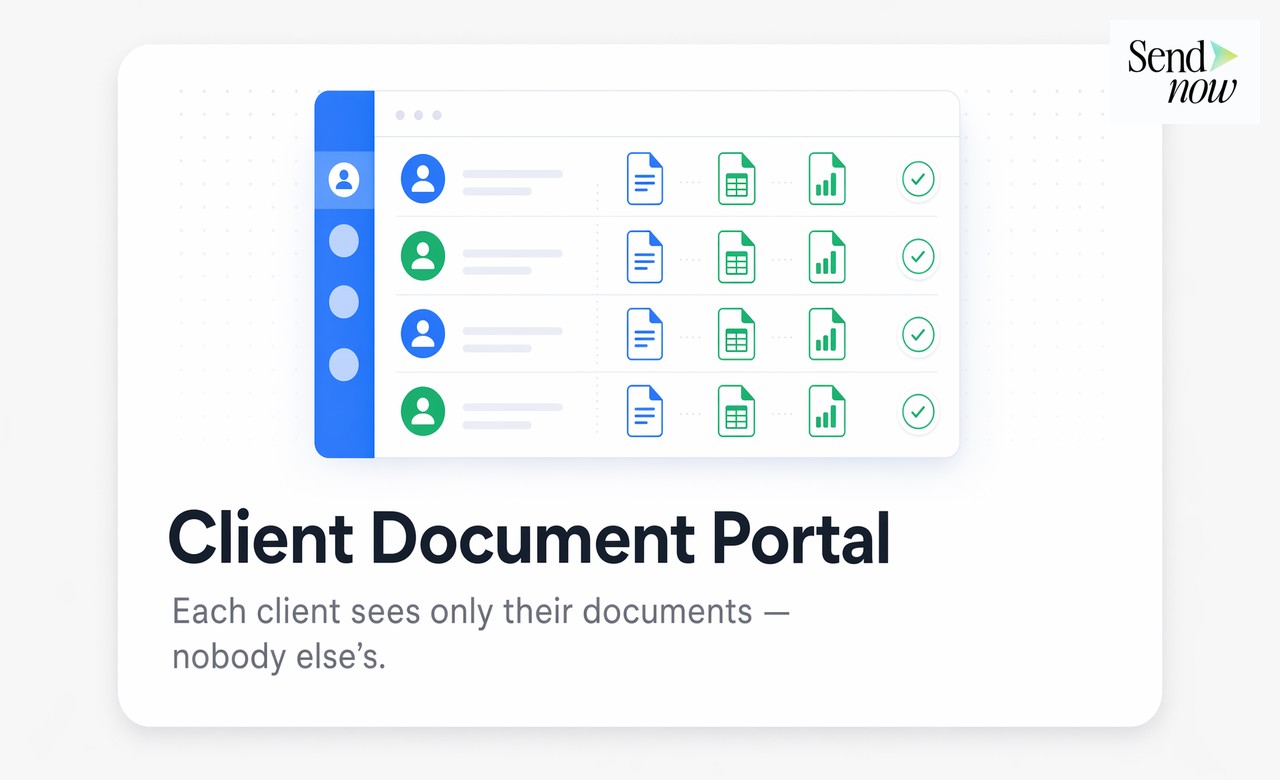
| Per-client access | Each client sees only their files |
| Email verification | Confirms the right person is accessing |
| Download blocking | Prevents uncontrolled file copies |
| Audit log | Proves access and timing for compliance |
| Expiry dates | Documents auto-expire after filing deadlines |
| GDPR-compliant hosting | EU data residency and processing agreements |
| No third-party login required | Clients do not need to create accounts |
The last point matters more than most accountants expect. Any portal that requires clients to create a new account or download an app will generate support requests and delay delivery. The best systems work via a verified email link that any client can use on any device.
Setting Up Per-Client Document Access with SendNow {#setting-up}
SendNow allows accountants to create isolated document spaces for each client. The process is straightforward.
For each client:
- Create a new SendNow space or microsite for the client (name it with the client's reference, not their name, for internal organisation)
- Upload the relevant documents: tax return, P&L, balance sheet, correspondence
- Enable email verification so only the client's registered email address can open the link
- Set a download block so the documents can be read but not saved locally
- Optionally set an expiry date after which the link deactivates automatically
- Send the single access link to the client by email

The client clicks the link, verifies their email address, and accesses their documents in a clean, professional portal. No login. No app. No confusion.
Blocking Downloads on Tax Returns and Financial Statements {#blocking-downloads}
The most common objection to download blocking is practical: "My client needs a copy of their tax return."
This is a legitimate need, and it has a straightforward resolution. The distinction is between controlled copies and uncontrolled copies.
A controlled copy is one you deliver deliberately: a printed copy sent by post, or a secure download link with a deliberate expiry window that you open for a specific period. An uncontrolled copy is one that results from a client saving the attachment from your email and distributing it from there.
For documents containing national insurance numbers, bank account details, salary information, or business financial data, uncontrolled copies are a GDPR risk. Download blocking is the correct default.
When a client genuinely needs a local copy, you can open a timed download window, provide a printed copy by post, or share via a secure transfer service with logging. These options give the client what they need without creating an uncontrolled distribution of personal financial data.
Audit Logs for Compliance and Personal Information Protection {#audit-logs}
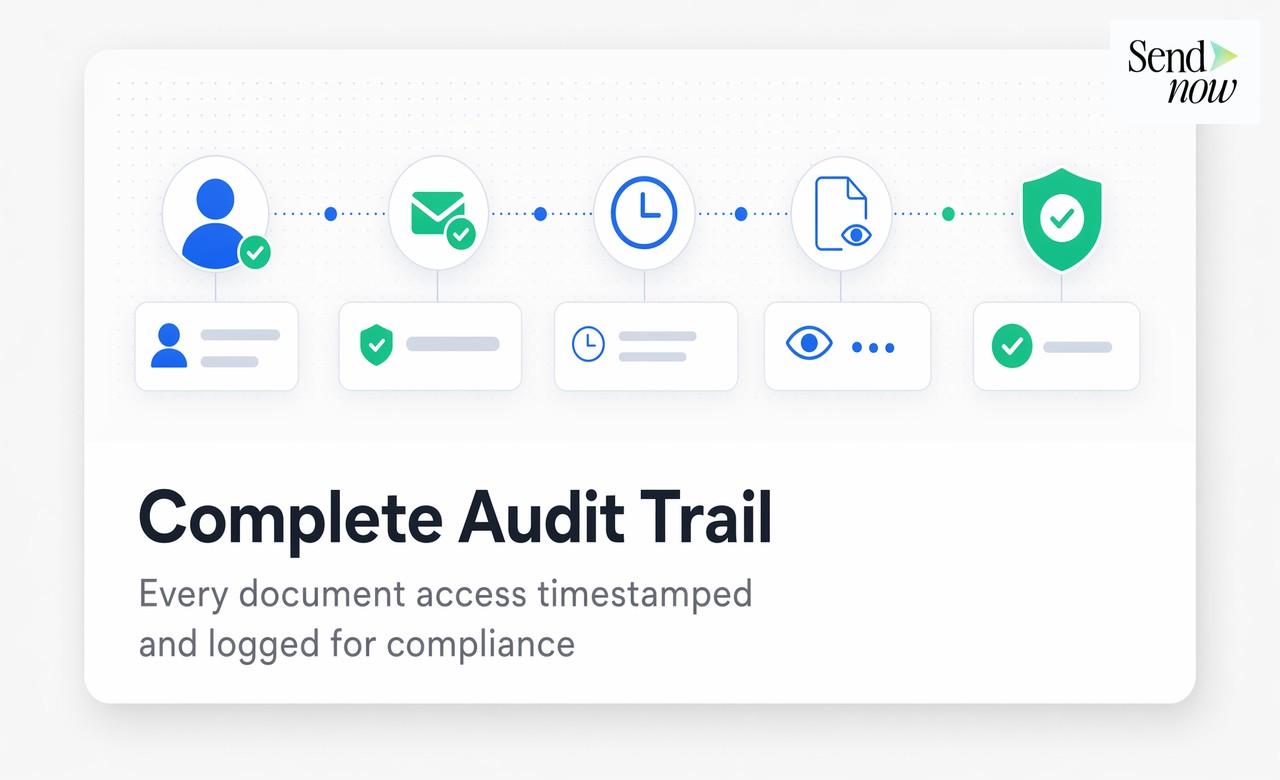
An audit log records exactly what happened to a document: who accessed it, when, from which IP address, and which pages were viewed.
For accountants, this has four direct uses:
- Compliance evidence. If a regulator or professional body asks whether client data was handled appropriately, an access log is the documentation that demonstrates it.
- Dispute resolution. If a client claims they never received a document, the access log shows the timestamp of their first open.
- Deadline management. If you need to confirm that a client reviewed their tax return before a filing deadline, the audit log proves it.
- Incident response. If a data breach is reported, the audit log shows exactly which documents were accessed and by whom, limiting the scope of the incident assessment.
SendNow logs all document access automatically. The log includes the verified email address of the accessor, the timestamp, the IP address, and a page-by-page breakdown of what was viewed.
GDPR Compliance for EU Accounting Firms {#gdpr}
EU accounting firms handle personal data within the meaning of the GDPR on a daily basis. Every client tax return, payroll summary, or financial statement contains personal data. The obligations that apply include:
Data minimisation — Share only the documents the client needs, not entire archives. Per-client access controls enforce this automatically.
Storage limitation — Documents shared with clients should not remain accessible indefinitely. Setting expiry dates on document links ensures compliance with storage limitation principles.

Integrity and confidentiality — The GDPR requires appropriate technical measures to protect personal data. AES-256 encryption and access-controlled links are appropriate technical measures. Email attachments are not.
Data subject rights — If a client requests deletion or restriction of their data, expiring or revoking a document link immediately satisfies this obligation for shared copies.
Data processing agreements — Any document portal you use to share client data is a data processor under GDPR. Ensure your portal provider offers a Data Processing Agreement. SendNow provides DPAs for professional use.
The practical message for EU accounting firms: the portal is not optional. It is what compliance looks like in practice.
Frequently Asked Questions {#faqs}
1. What is a secure document portal for accountants? A secure document portal is a web-based system where accountants share client documents via verified links with access controls, audit logging, and download restrictions, replacing email attachments.
2. Do clients need to create an account to access their documents? No. With email verification, clients receive a link and confirm their email address. No account creation, no app download, and no password to manage.
3. Is a download block legal? Can I prevent clients from saving their own tax return? Yes. You can set a download block on shared links while retaining the ability to provide controlled copies when needed. The access restriction applies to the specific link, not to the document itself.
4. What happens if a client's email is compromised and someone else opens the link? Email verification confirms that the opener has access to the registered email address at the time of access. For higher-risk documents, you can add a secondary password or set a one-use link that expires after first open.
5. How long are audit logs retained? Retention periods depend on your plan. For professional compliance purposes, audit logs should be retained for at least the duration of the relevant statute of limitations for tax matters in your jurisdiction.
6. Can I share multiple documents in a single client portal? Yes. You can upload all documents for a client into a single space and share one link. The client sees a clean document list with all their files.
7. What does GDPR require for email communications containing financial data? GDPR requires appropriate technical and organisational measures to protect personal data. Unencrypted email attachments do not meet this standard for sensitive financial information. Encrypted, access-controlled portals do.
8. Can I use SendNow with my existing practice management software? SendNow can be used alongside any practice management system. You upload documents manually or via integration, and share the resulting links through your existing client communication workflow.
Ready to Replace Email Attachments?
Start for free at sendnow.live and set up a GDPR-compliant client document portal for your accounting practice today.
Written by Alex Carter. Alex covers document security, compliance workflows, and secure sharing for financial professionals.
<script type="application/ld+json"> }, { "@type": "Question", "name": "Do clients need to create an account to access their documents?", "acceptedAnswer": { "@type": "Answer", "text": "No. With email verification, clients receive a link and confirm their email address. No account creation, no app download, and no password to manage." } }, { "@type": "Question", "name": "Is a download block legal? Can I prevent clients from saving their own tax return?", "acceptedAnswer": { "@type": "Answer", "text": "Yes. You can set a download block on shared links while retaining the ability to provide controlled copies when needed. The access restriction applies to the specific link, not to the document itself." } }, { "@type": "Question", "name": "What happens if a client's email is compromised and someone else opens the link?", "acceptedAnswer": { "@type": "Answer", "text": "Email verification confirms that the opener has access to the registered email address at the time of access. For higher-risk documents, you can add a secondary password or set a one-use link that expires after first open." } }, { "@type": "Question", "name": "How long are audit logs retained?", "acceptedAnswer": { "@type": "Answer", "text": "Retention periods depend on your plan. For professional compliance purposes, audit logs should be retained for at least the duration of the relevant statute of limitations for tax matters in your jurisdiction." } }, { "@type": "Question", "name": "Can I share multiple documents in a single client portal?", "acceptedAnswer": { "@type": "Answer", "text": "Yes. You can upload all documents for a client into a single space and share one link. The client sees a clean document list with all their files." } }, { "@type": "Question", "name": "What does GDPR require for email communications containing financial data?", "acceptedAnswer": { "@type": "Answer", "text": "GDPR requires appropriate technical and organisational measures to protect personal data. Unencrypted email attachments do not meet this standard for sensitive financial information. Encrypted, access-controlled portals do." } }, { "@type": "Question", "name": "Can I use SendNow with my existing practice management software?", "acceptedAnswer": { "@type": "Answer", "text": "SendNow can be used alongside any practice management system. You upload documents manually or via integration, and share the resulting links through your existing client communication workflow." } } ] } </script>