
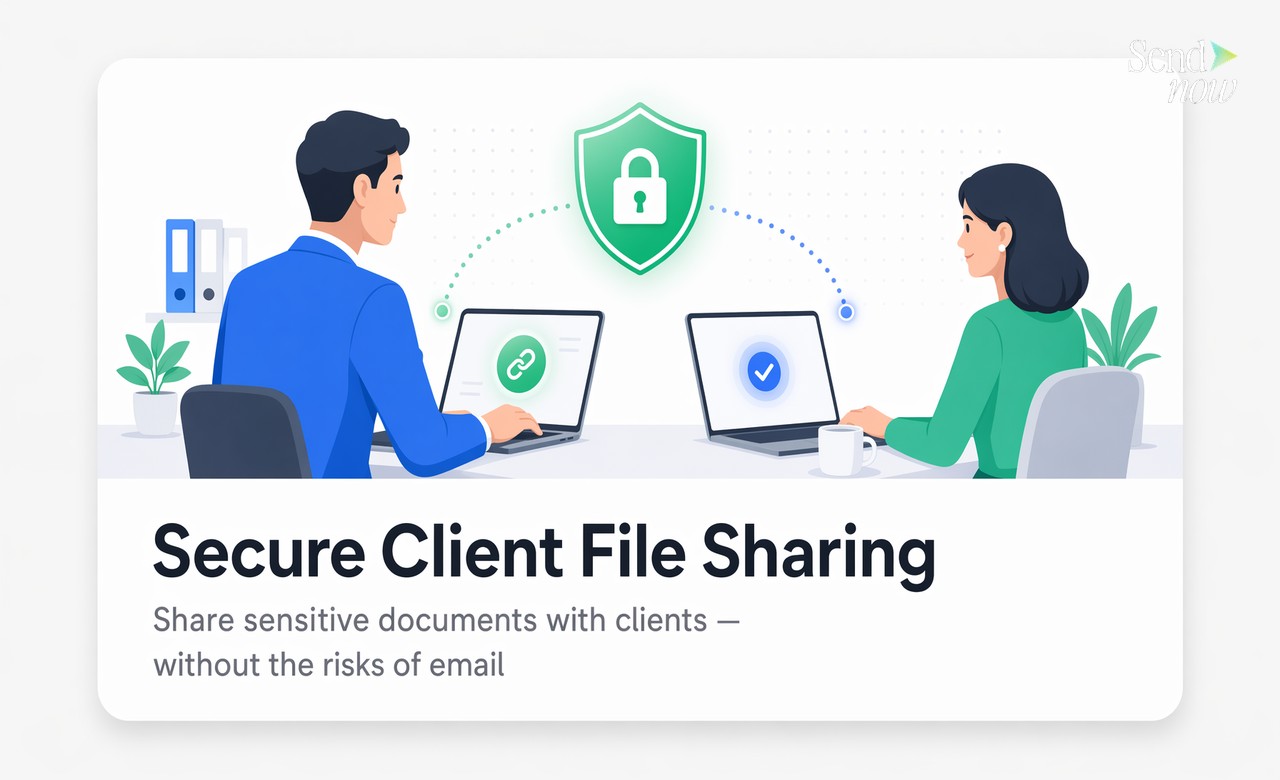
How to Share Files Securely with Clients Without Email Attachments
Published on April 24, 2026
#TLDR Email attachments give you zero control once you hit send. Secure file sharing gives clients a professional, frictionless viewing experience while keeping you in full control of access, identity, and engagement data. Here is how to do it right.
Table of Contents
- Why Email Attachments Fail for Client Files
- What Secure Client File Sharing Looks Like
- Setting the Right Access Controls per Document Type
- How Clients Experience a Secure Shared Link
- Tracking Client Engagement Analytics
- Best Practices by Industry
- FAQs
Why Email Attachments Fail for Client Files {#why-attachments-fail}
Sending a client document as an email attachment feels natural. It is also one of the least secure ways to share sensitive information in a professional context.
The core problem is loss of control at the moment of delivery. Once an attachment leaves your outbox, you cannot update it, revoke it, track who reads it, or prevent it from being forwarded to additional parties. The client who received your investment report can share it with their accountant, their spouse, or anyone else without your knowledge.
From a GDPR perspective, this is a significant exposure. If the attachment contains personal data or confidential financial information, you have created a situation where that data is being processed by third parties you did not authorise and cannot audit.
There is also the practical problem of version control. If you send a revised report as a new attachment, the client now has two versions in their inbox. You have no way of knowing which one they are referencing when they call with questions.
Finally, email is not a reliable delivery mechanism for large or complex files. Attachments get blocked by spam filters, rejected by server size limits, or lost in inbox clutter.
What Secure Client File Sharing Looks Like {#what-secure-sharing-looks-like}
Secure client file sharing replaces the attachment with a link. But not a simple shareable link of the kind you might generate from a cloud storage service. A proper secure sharing link carries access controls baked into it.
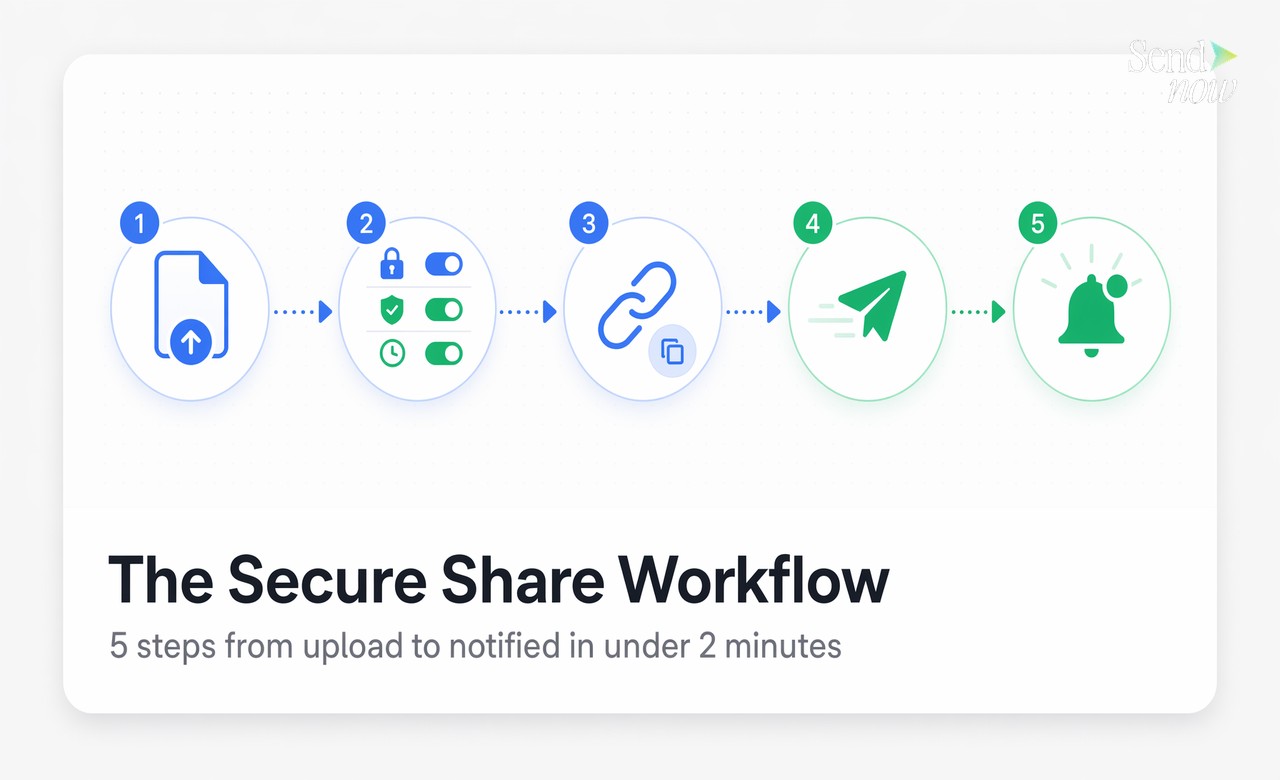
When a client clicks your link, they may be asked to verify their email address with a one-time passcode, accept a confidentiality notice, or enter a password you have set. Once they pass those gates, they see the document in a clean, branded viewer on any device. The document does not download automatically. It does not appear in their downloads folder. And if you update the file, the link automatically serves the new version.
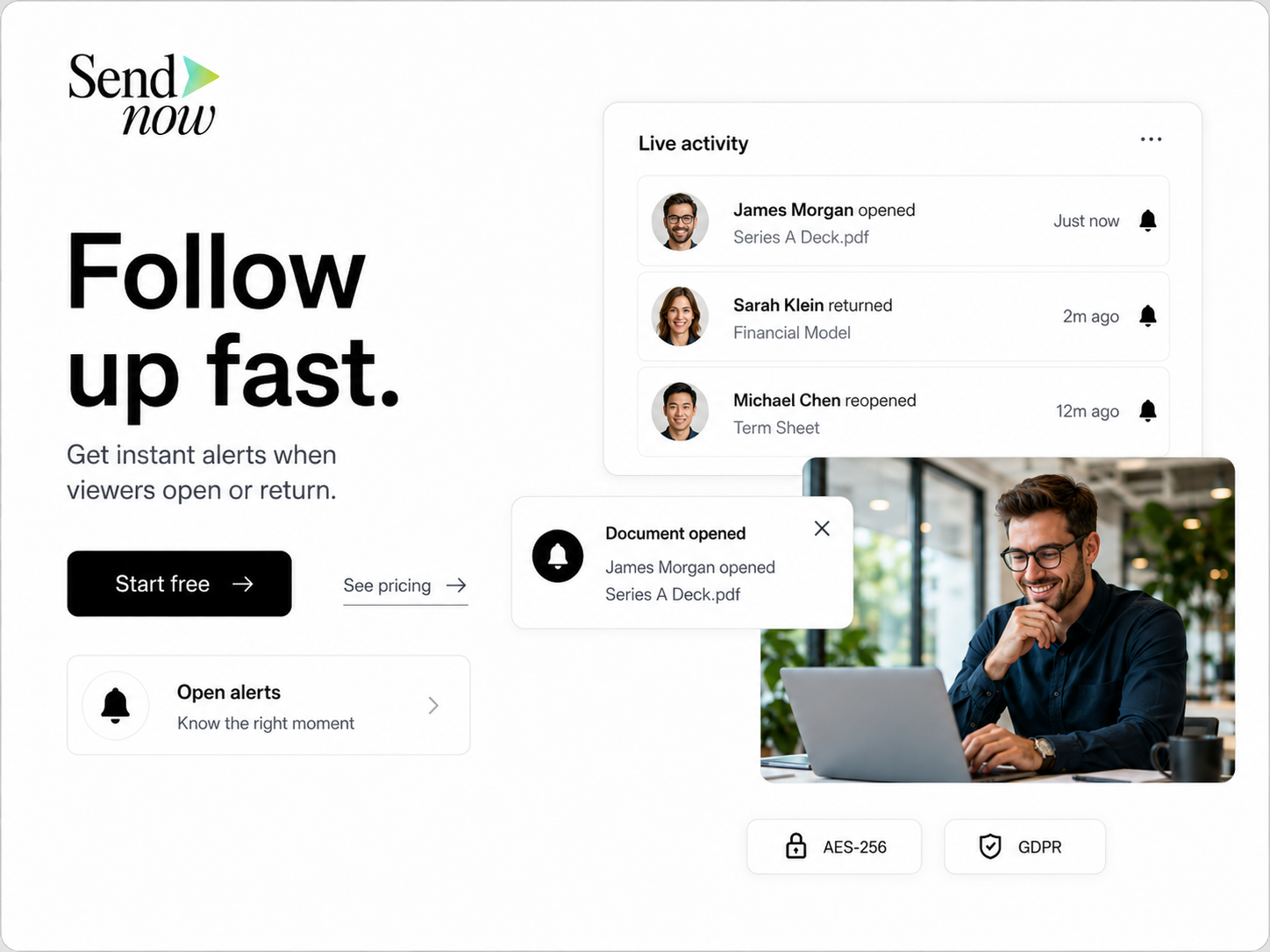
Throughout the viewing session, you receive real-time notification events: when the client opened the document, how long they spent on each page, and whether they returned for a second look. If a client claims they never received your report, you have a timestamped access log that shows otherwise.
Setting the Right Access Controls per Document Type {#access-controls-per-type}
The appropriate level of access control depends on how sensitive the document is and how much friction your client relationship can comfortably absorb.

| Document Type | Recommended Controls |
|---|---|
| General client report (non-confidential) | Open link, expiry date, open notification |
| Confidential financial report | Email verification, download block, expiry date |
| Draft contract or term sheet | Email verification, NDA acceptance, download block |
| Investment proposal | Email verification, watermark, expiry date, download block |
| Tax documents | Email verification, download block, password, expiry date |
| Marketing materials for client review | Open link, analytics only |
The principle is proportionality. Not every document needs maximum controls. A general newsletter or marketing overview sent to a client does not warrant the same friction as a confidential financial model. Calibrating controls to document sensitivity ensures your clients do not encounter unnecessary friction on routine materials while knowing their sensitive files are genuinely protected.
How Clients Experience a Secure Shared Link {#client-experience}
Client experience is a common concern when professional services firms consider moving away from email attachments. The worry is that additional security steps will frustrate clients who are used to simply opening an attachment.
In practice, the friction is minimal. When a client clicks a secure link, one of two things happens: either the document opens immediately in a clean viewer (for lower-security shares), or they see a simple screen asking for their email address and an OTP code (for verified shares).
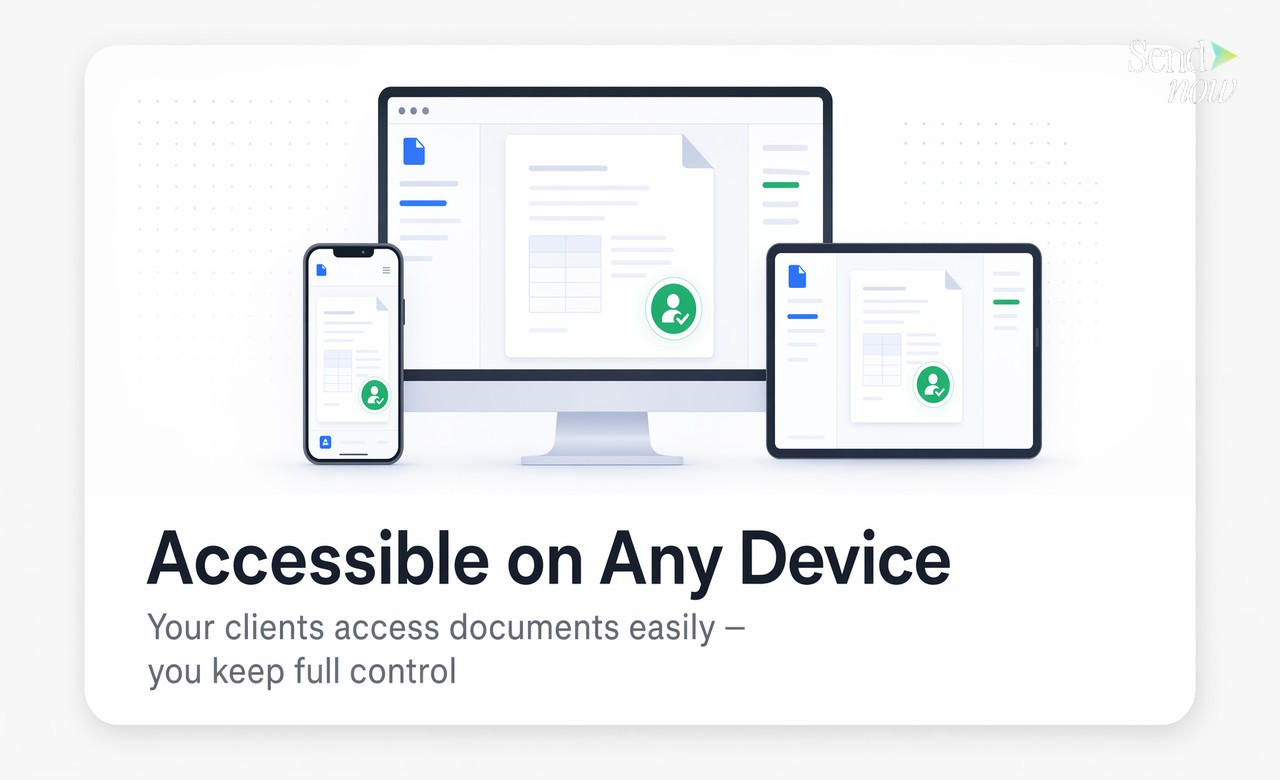
The OTP process takes about 30 seconds. The viewer itself works on any device without requiring downloads, logins, or software installation. The document displays professionally in a branded viewer that reflects your organisation rather than the platform provider.
For clients who receive multiple documents from you regularly, the experience becomes familiar quickly. Many clients comment positively on the professional presentation compared to an attachment opening in a generic PDF reader.
The key is to brief clients the first time. A short sentence in your covering email explaining that documents are shared via secure link and that they may be asked to verify their email sets the right expectation and prevents confusion.
Tracking Client Engagement Analytics {#client-analytics}
One of the most useful capabilities of secure file sharing is understanding how clients actually engage with your documents.
Page-level analytics show you which sections of a report a client read carefully and which they skipped. This is valuable in several ways. If a client has a question about a section they spent very little time on, you can suggest they review it before your call. If they spent most of their time on one specific analysis, you can prepare to discuss it in depth.
Return visit tracking is equally useful. A client who opens your investment proposal once and never returns may need a follow-up nudge. A client who has returned four times to the same document is clearly interested and may be close to a decision.
Real-time open notifications allow you to time follow-up calls strategically. Some professionals in finance and advisory roles send a follow-up message within an hour of seeing an open notification, when the document content is still fresh in the client's mind. This approach consistently produces higher-quality conversations than a cold follow-up scheduled for days later.
SendNow provides all of this data in a clear dashboard, with Slack and webhook alerts available for teams who want notifications in their existing workflow tools.
Best Practices by Industry {#industry-best-practices}
Financial advisory and wealth management: Enable email verification and download blocking on all client-facing reports. Use dynamic watermarking for investor proposals. Set 30-day expiry dates on documents that contain time-sensitive data.
Legal services: Require NDA acceptance before draft agreements open. Keep a full audit trail of every access event for file documentation. Use email verification for all client-facing documents containing personal data.
Accounting and tax: Enable strict download blocking on tax returns and financial statements shared with clients. Use password protection as a secondary control for the most sensitive filings. Keep access logs for the minimum GDPR retention period applicable in your jurisdiction.
Investment banking and corporate finance: Use document bundles for multi-document deal packages. Enable per-file analytics to understand counterparty engagement. Require verified access for all transaction documents.
In each case, the underlying principle is the same: match your control level to your document sensitivity, and use the analytics to inform your client conversations.
Start sharing client files securely today. Visit sendnow.live to set up your first secure share in under two minutes.
FAQs {#faqs}
Q1: Why is email not safe for sharing client documents? Email attachments can be forwarded freely, cannot be updated or revoked after sending, provide no access tracking, and in many cases violate GDPR obligations around personal data processing. They also fail on delivery reliability for large files.
Q2: What is secure file sharing with clients? Secure file sharing replaces email attachments with access-controlled links. Each link carries identity verification, access controls, and engagement analytics. The sender retains control over who can view, download, and share the document.
Q3: What access controls should I set for client documents? Match controls to sensitivity. Confidential financial documents should have email verification, download blocking, and expiry dates. General reports may need only an expiry date and open notification. Draft legal or financial agreements should include NDA acceptance.
Q4: Can clients view documents without downloading them? Yes. Documents shared via secure link open in a browser-based viewer on any device. Clients see the content clearly without a local copy being created, unless you explicitly enable downloading.
Q5: Will clients need to create an account to view shared files? No. Clients verify their identity with a one-time passcode sent to their email address. No account creation, login, or software installation is required.
Q6: How do I know when a client has opened my document? You receive a real-time notification (email, Slack, or webhook) the moment a client opens the document. The access log records the timestamp, device, and verified email for every view event.
Q7: What file types can I share securely with clients? PDF is the standard format for secure client document sharing. Some platforms also support presentation files, spreadsheets, and multi-file bundles. Check your platform's supported formats for specifics.
Q8: Is secure file sharing GDPR compliant? A GDPR-compliant secure sharing platform stores data in the EU, provides a Data Processing Agreement, logs all access for audit purposes, and supports personal data deletion requests. Always verify that the platform you use meets these requirements before sharing documents containing EU personal data.
Written by Alex Carter. Alex covers document security, compliance workflows, and deal room best practices for finance and legal professionals.