
Virtual Data Rooms for Due Diligence: A Practical Guide
Published on April 24, 2026
#TLDR Due diligence requires a structured, access-controlled document repository that multiple parties can navigate simultaneously. This guide covers how to organise your data room, which documents belong in each folder, how to manage access for buyers and advisors, and what most teams get wrong.
Table of Contents
- What Due Diligence Requires from a Document Room
- How to Structure Your Due Diligence Room
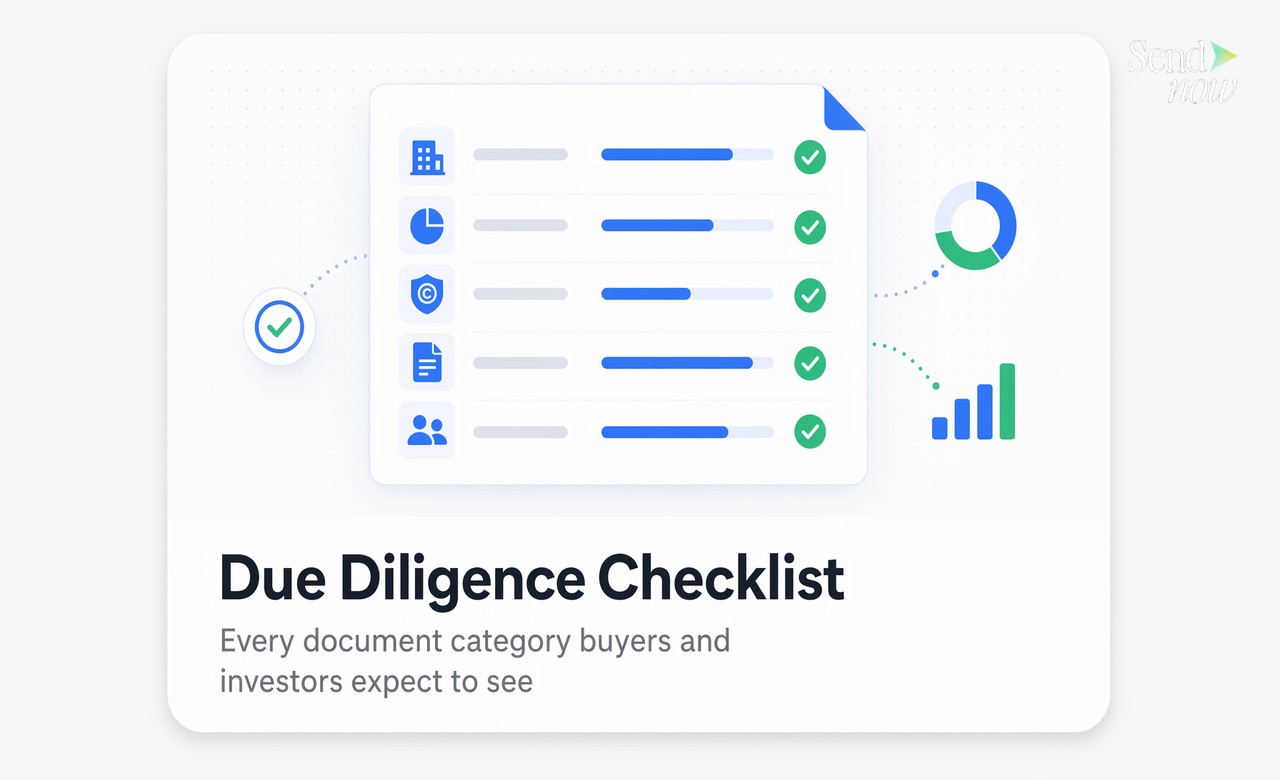
- Which Documents Go in Which Folder
- Access Control Across Buyers, Advisors, and Lawyers
- Tracking Who Reviewed What and When
- Common Due Diligence Document Mistakes
- FAQs
What Due Diligence Requires from a Document Room {#what-due-diligence-requires}
Due diligence is the process by which a buyer, investor, or underwriter examines the legal, financial, and operational condition of a business before completing a transaction. It is document-intensive by design. Buyers and their advisors need access to a comprehensive, organised archive covering corporate governance, financial history, intellectual property, contracts, and personnel matters.
A virtual data room (VDR) serves as the secure repository for this material. Unlike shared drives or email threads, a data room provides granular access control, a permanent activity log, and the ability to manage multiple parties with different permission levels simultaneously.
For sellers, the quality of the data room directly influences deal timelines and buyer confidence. A well-organised, fully populated room signals operational maturity. A disorganised one raises questions that slow the process.
How to Structure Your Due Diligence Room {#structure-due-diligence-room}
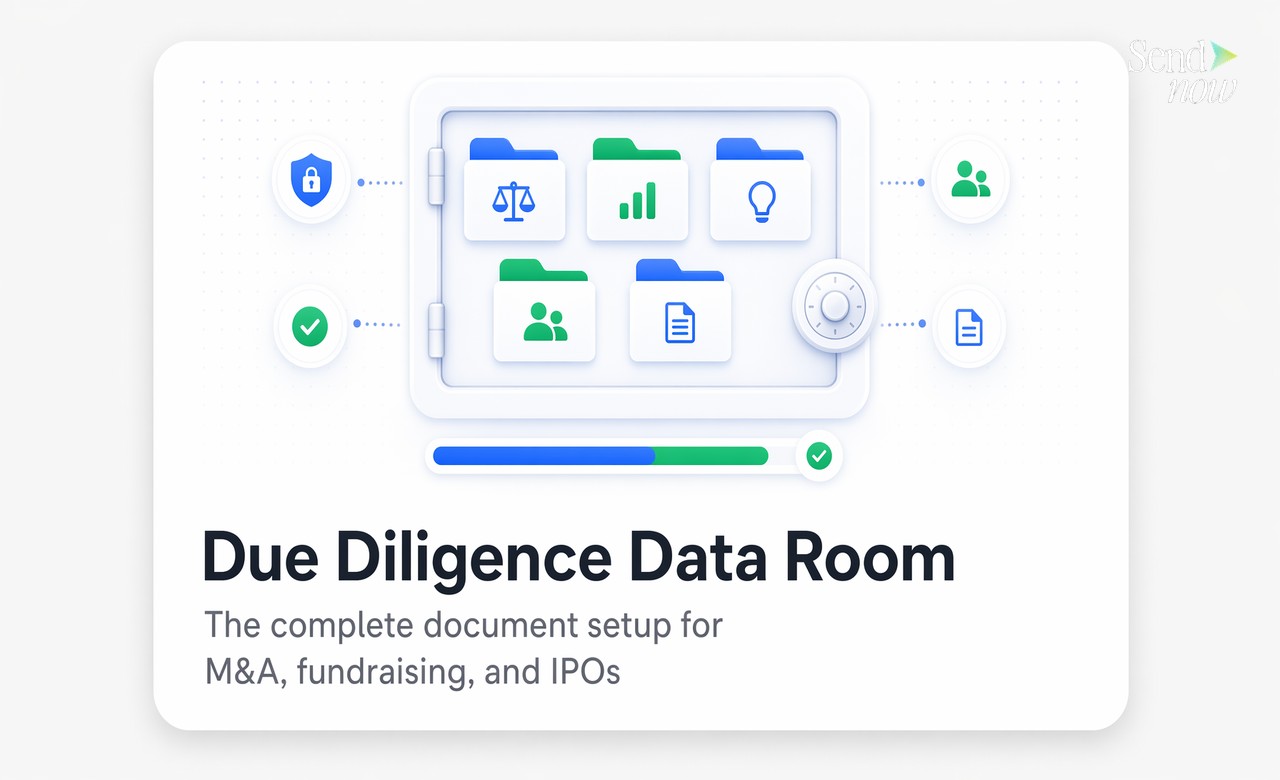
The standard structure for an M&A or fundraising data room follows a set of universally recognised categories. Using this structure from the outset helps buyers and their advisors navigate efficiently without asking clarifying questions.
The primary folders and their typical sub-sections are:
- Corporate Documents - formation documents, articles of association, board minutes, shareholder register, cap table
- Financial Statements - audited accounts, management accounts, forecasts, tax returns, bank statements
- Intellectual Property - patent registrations, trademark filings, software licences, proprietary technology documentation
- Contracts - customer agreements, supplier contracts, partnership agreements, leases
- HR and Employment - employment contracts, organisational chart, options/ESOP documentation, HR policies
- Regulatory and Compliance - licences, permits, GDPR documentation, data processing agreements, regulatory correspondence
Each folder should be complete before the data room opens for buyer access. Partially populated rooms invite buyers to ask for missing documents during the review period, extending the timeline.
Which Documents Go in Which Folder {#document-folder-mapping}
The distinction that causes most confusion is the boundary between Financial Statements and Contracts. A simple rule: if a document describes an obligation or relationship with a third party, it belongs in Contracts. If it describes the financial performance or position of the business itself, it belongs in Financial Statements.
Some specific placements that generate questions:
| Document | Correct Folder |
|---|---|
| Audited annual accounts | Financial Statements |
| Board-approved budget | Financial Statements |
| Loan agreements | Contracts |
| Software licence agreements (as licensee) | Contracts |
| Patent registration certificates | Intellectual Property |
| Employment contracts | HR and Employment |
| Data Processing Agreements | Regulatory and Compliance |
| Cap table | Corporate Documents |
| GDPR Records of Processing Activities | Regulatory and Compliance |

When in doubt, create a sub-folder within the most plausible parent and note the rationale in your data room index document. A short index that describes what is in each section saves buyers significant time.
Access Control Across Buyers, Advisors, and Lawyers {#access-control}
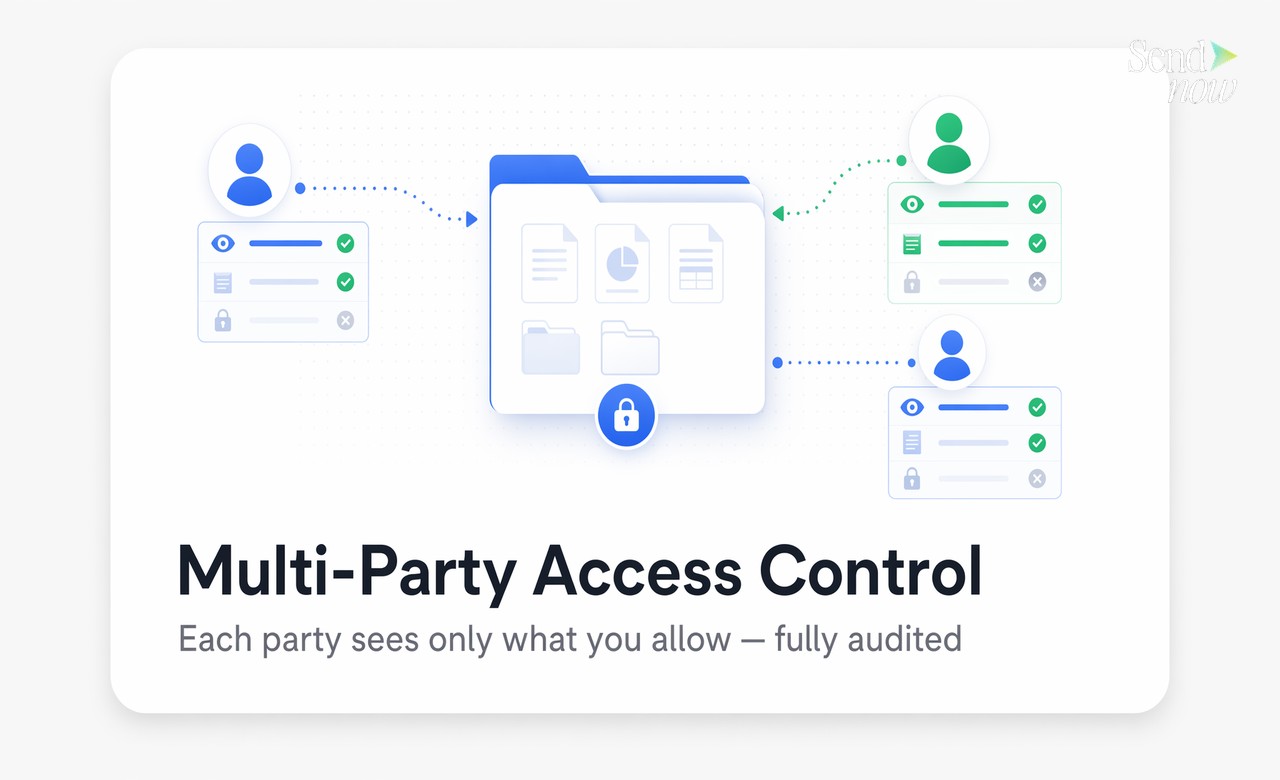
Multi-party due diligence typically involves several categories of reviewer, each of whom should have access to different subsets of the room.
Buy-side management team: Access to financial statements, corporate documents, and contracts. Usually restricted from seeing detailed HR compensation data.
Buy-side financial advisors: Full access to Financial Statements and Contracts. May be restricted from seeing sensitive IP documentation until later in the process.
Buy-side legal counsel: Full access to Contracts, Corporate Documents, and Regulatory. Often have the broadest access of any buy-side party.
Buy-side technical advisors: Access to IP documentation, software licences, and technical specifications. No need for HR or detailed financial data.
Configuring these access tiers before the room opens prevents the awkward situation of a party seeing something they should not, or requesting access to sections they legitimately need but were accidentally excluded from.
Each party's access should be tied to a verified email address so that every document view is attributed to a named individual, not just an organisation. This matters both operationally and for your post-deal audit trail.
Tracking Who Reviewed What and When {#tracking-activity}
Activity tracking in a due diligence data room serves two purposes. The first is operational: knowing which buyers are actively engaged and which have gone quiet allows you to manage the process and prioritise resources accordingly.
The second purpose is legal. In transactions that later face disputes, having a timestamped record of which documents each party accessed and when can be decisive evidence. "The buyer reviewed the environmental compliance documents on March 14th" is a far more defensible position than "we made those documents available."
SendNow logs every document view at the page level, including the viewer's verified email, the timestamp, the device, and the duration. This activity log is exportable for post-close compliance purposes and is useful for responding to buyer enquiries about specific sections.
Common Due Diligence Document Mistakes {#common-mistakes}
The mistakes that most consistently delay transactions are structural rather than strategic.
Uploading unscannable documents. PDFs that are image-scanned rather than text-based cannot be searched or read by advisors using document review software. Convert scanned documents to searchable PDFs before uploading.

Opening the room before it is fully populated. Buyers who enter a partially complete data room begin generating questions immediately. Those questions create email threads that bypass the data room entirely and complicate version control.
Using a flat file structure. Dumping 300 documents into a single folder with no sub-structure forces every reviewer to scroll through the entire archive to find what they need. Use the standard folder structure even if your document count is relatively small.
Sharing the same link with all parties. Each buyer or advisor group should have their own access credentials so their activity is tracked separately and their permission scope can be managed independently.
Forgetting GDPR documentation. European buyers and their counsel will look for Records of Processing Activities, Data Processing Agreements with key vendors, and a GDPR compliance statement. Missing these documents in an EU-focused transaction signals operational risk.
Set up your due diligence data room today. Visit sendnow.live to get started with secure, trackable document sharing for your next transaction.
FAQs {#faqs}
Q1: What is a virtual data room? A virtual data room is a secure online repository used to store and share confidential documents during transactions such as M&A, fundraising, and IPOs. It provides access control, activity logging, and multi-party document management.
Q2: What documents go in a due diligence data room? The standard categories are corporate documents, financial statements, intellectual property, contracts, HR and employment records, and regulatory and compliance documentation. A complete data room covers all six.
Q3: How do I structure folder access for different parties? Assign each party group a named access tier with specific folder permissions. Tie access to verified email addresses so every document view is attributed to a named individual.
Q4: How long does it take to set up a due diligence room? A well-organised data room typically takes two to four weeks to populate fully, depending on how readily available your documents are. The technical setup itself takes less than an hour.
Q5: Can advisors access the room without creating an account? With email verification, advisors confirm their identity using a one-time passcode sent to their existing email address. No account creation or app installation is required.
Q6: What happens when due diligence is complete? You can revoke all access links simultaneously and export the full activity log. The document archive remains available to you for post-close reference and regulatory purposes.
Q7: Does a virtual data room need to be GDPR compliant? Yes, if it contains personal data about EU individuals. This includes employment contracts, HR records, customer data, and any other documents containing identifiable personal information. The data room platform itself should be GDPR compliant and hosted on EU-region infrastructure.
Q8: Can I track which documents each party reviewed? Yes. A properly configured data room logs every document view by party, showing which files were accessed, for how long, and which pages received the most attention. This data is available throughout the due diligence process.
Written by Alex Carter. Alex covers document security, compliance workflows, and deal room best practices for finance and legal professionals.