
How to Add an AI Chatbot to Your Pitch Deck
Published on April 24, 2026
How to Add an AI Chatbot to Your Pitch Deck
#TLDR
An AI document assistant embedded in your pitch deck answers investor questions directly from your content, reduces follow-up email volume, and keeps prospects engaged without requiring your team's time. This article explains what it is, how it works, and which document types benefit most.
Table of Contents
- What an AI Document Chatbot Is
- Why Investors Ask Repetitive Questions
- How AI Answers from Your Document Content
- Setting Up AI Assistant in SendNow
- Example Q&A from a Pitch Deck
- Which Document Types Benefit Most
What an AI Document Chatbot Is
An AI document chatbot is an assistant embedded directly in the document viewer. When a recipient opens your pitch deck, a chat panel appears alongside the content. They can type any question — "What is the projected revenue in Year 3?" or "How does this compare to your competitors?" — and the AI answers immediately, drawing its response from the actual content of the document.
The chatbot does not improvise or hallucinate beyond the document. It is grounded in the content you have shared. If the answer is on page 8, it pulls from page 8. If the question is outside the scope of the document, it says so.
For founders and investor relations teams, this solves a real operational problem: every investor who reads your deck has questions. Without an AI assistant, those questions land in your inbox and require hours of individual response time.
Why Investors Ask Repetitive Questions
Post-deck investor questions follow predictable patterns. After reviewing hundreds of investor Q&A threads, the same themes appear consistently:
- Financials: "Walk me through your unit economics." / "What are your CAC and LTV assumptions?"
- Market: "How big is the addressable market?" / "Who are your main competitors?"
- Team: "What is the founding team's relevant experience?"
- Technology: "Is this proprietary or built on third-party infrastructure?"
- Terms: "What is the pre-money valuation?" / "What is the structure of this round?"
These questions are answerable from the deck itself. A well-structured pitch deck contains the answers. The problem is that investors do not always locate them efficiently, or they want confirmation rather than rereading a 40-page document.
An AI document assistant handles all of these without any input from the founder.
How AI Answers from Your Document Content

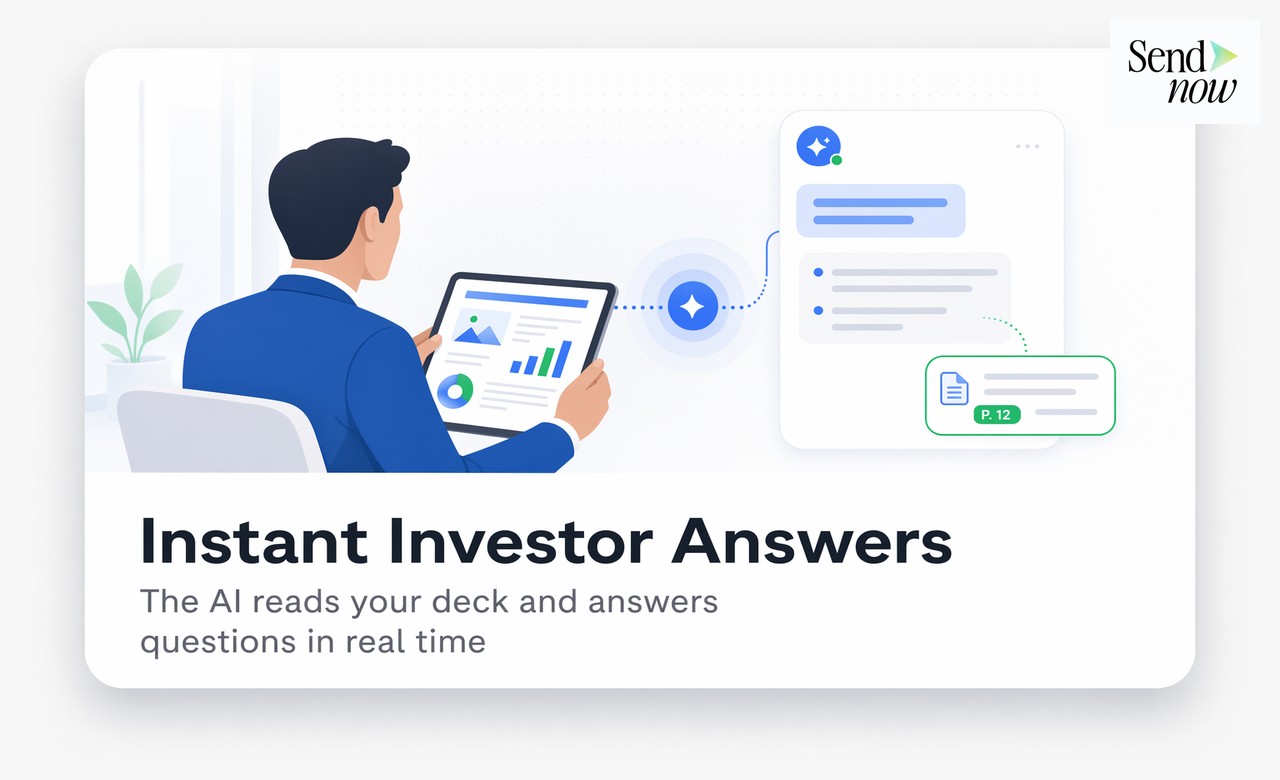
The AI assistant works by indexing the content of your document when you upload it. Every page, slide, table, and text block is processed and stored in a retrieval system. When an investor asks a question, the system retrieves the most relevant sections and synthesises an answer with a reference to the source page.
This means:
- Answers are accurate because they come from your actual content
- Answers include page citations so investors can verify the source
- The AI does not introduce information that is not in the document
- If information is absent, it tells the investor rather than guessing
The model behaves like a very thorough associate who has read the entire deck and can instantly cross-reference any section to answer a precise question.
For highly sensitive financial documents, this matters. You do not want an AI inventing numbers. Grounded document retrieval ensures the AI is a navigator of your content, not a generator of new claims.
Setting Up AI Assistant in SendNow
Adding an AI chatbot to a document in SendNow requires no technical configuration:
- Upload your pitch deck (PDF or PPTX) to SendNow.
- In the share settings, toggle on AI Document Assistant.
- Optionally, pre-load the assistant with a set of custom FAQs you know investors will ask, so it has enhanced context for your most common questions.
- Share the document link as normal.
When the recipient opens the document, the AI assistant panel loads automatically. They can start asking questions immediately. You see a log of all questions asked and the AI's responses in your SendNow dashboard, which itself is a valuable intelligence feed about what investors are most focused on.
Example Q&A from a Pitch Deck
Here is an example of how the AI handles real investor questions on a Series A pitch deck:
Investor: What is the projected IRR for this deal? AI: Based on page 14 of the deck, the projected IRR is 22-28% over a 5-year hold period under the base case scenario. The bull case projects 34% IRR. The model assumes a 6x exit multiple on Year 5 EBITDA.
Investor: Who are your main competitors and how do you differentiate? AI: Page 9 covers the competitive landscape. The primary competitors listed are [A], [B], and [C]. The deck identifies three key differentiators: proprietary data network effects, sub-100ms processing latency, and existing contracts with 4 of the 10 largest European insurers.
Investor: What is the current ARR? AI: Slide 6 states current ARR of €4.2M as of Q1 2026, representing 180% year-over-year growth.
These responses eliminate the need for founder time, give investors a better experience, and keep them engaged inside the document longer. SendNow's analytics capture all of this interaction data.
Which Document Types Benefit Most
The AI document assistant is most valuable for documents that are long, detail-heavy, and designed for a specific audience that will have questions:

| Document Type | Key Benefit |
|---|---|
| Pitch decks | Handles investor FAQs on financials, team, market |
| CIMs (Confidential Information Memoranda) | Answers buyer questions on operations, revenue, EBITDA |
| Data rooms | Guides due diligence reviewers to specific documents |
| Fund prospectuses | Explains terms, fees, strategy to LP prospects |
| Regulatory filings | Helps compliance teams navigate complex documents |
| Product proposals | Answers client questions on pricing, scope, timeline |
Documents with fewer than 5 pages and very simple content benefit less, since the AI's value scales with document complexity. For a 1-page summary, a follow-up call is probably equally efficient. For a 60-page CIM or a complex fund prospectus, the AI assistant becomes a genuine productivity multiplier.
Frequently Asked Questions
Q1: Does the AI chatbot make up information? No. The AI assistant in SendNow is grounded in the document content. It only draws from what is in the uploaded file and cites the source page with each response.
Q2: Can I see what questions investors are asking? Yes. Every question and AI response is logged in your SendNow dashboard, giving you real-time intelligence on what recipients want to know.
Q3: Does the AI work on password-protected documents? Yes. The AI assistant is active for any recipient who has successfully authenticated through the document's access controls (password, email verification, NDA gate).
Q4: What languages does the AI support? The AI can respond in the language of the question asked, regardless of the document language. So if your deck is in English and an investor asks in French, it can respond in French.
Q5: Can I disable the AI chatbot for specific shares? Yes. AI assistant is toggled per share link. You can enable it for investor outreach and disable it for other document types.
Q6: Does using the AI chatbot affect my analytics? No. Page-by-page analytics, time-on-page, and engagement scores run independently and are not affected by whether the AI is used.
Q7: Is there a limit on how many questions an investor can ask? There is no hard limit. Investors can ask as many questions as they want during their viewing session.
Q8: Can I pre-load specific answers for sensitive questions? Yes. You can add custom FAQ pairs in the document settings to guide the AI's responses on specific topics you want handled in a particular way.
<script type="application/ld+json"> }, { "@type": "Question", "name": "Can I see what questions investors are asking?", "acceptedAnswer": { "@type": "Answer", "text": "Yes. Every question and AI response is logged in your SendNow dashboard, giving you real-time intelligence on what recipients want to know." } }, { "@type": "Question", "name": "Does the AI work on password-protected documents?", "acceptedAnswer": { "@type": "Answer", "text": "Yes. The AI assistant is active for any recipient who has successfully authenticated through the document's access controls." } }, { "@type": "Question", "name": "What languages does the AI support?", "acceptedAnswer": { "@type": "Answer", "text": "The AI can respond in the language of the question asked, regardless of the document language." } }, { "@type": "Question", "name": "Can I disable the AI chatbot for specific shares?", "acceptedAnswer": { "@type": "Answer", "text": "Yes. AI assistant is toggled per share link. You can enable it for investor outreach and disable it for other document types." } }, { "@type": "Question", "name": "Does using the AI chatbot affect my analytics?", "acceptedAnswer": { "@type": "Answer", "text": "No. Page-by-page analytics, time-on-page, and engagement scores run independently and are not affected by whether the AI is used." } }, { "@type": "Question", "name": "Is there a limit on how many questions an investor can ask?", "acceptedAnswer": { "@type": "Answer", "text": "There is no hard limit. Investors can ask as many questions as they want during their viewing session." } }, { "@type": "Question", "name": "Can I pre-load specific answers for sensitive questions?", "acceptedAnswer": { "@type": "Answer", "text": "Yes. You can add custom FAQ pairs in the document settings to guide the AI's responses on specific topics you want handled in a particular way." } } ] } </script>
Add an AI chatbot to your next pitch deck at sendnow.live.
Written by Alex Carter. Alex covers document security, financial compliance, and SaaS tools for finance professionals.