
How to Automate Sales Follow-Up Using Document Open Notifications
Published on April 24, 2026
How to Automate Sales Follow-Up Using Document Open Notifications
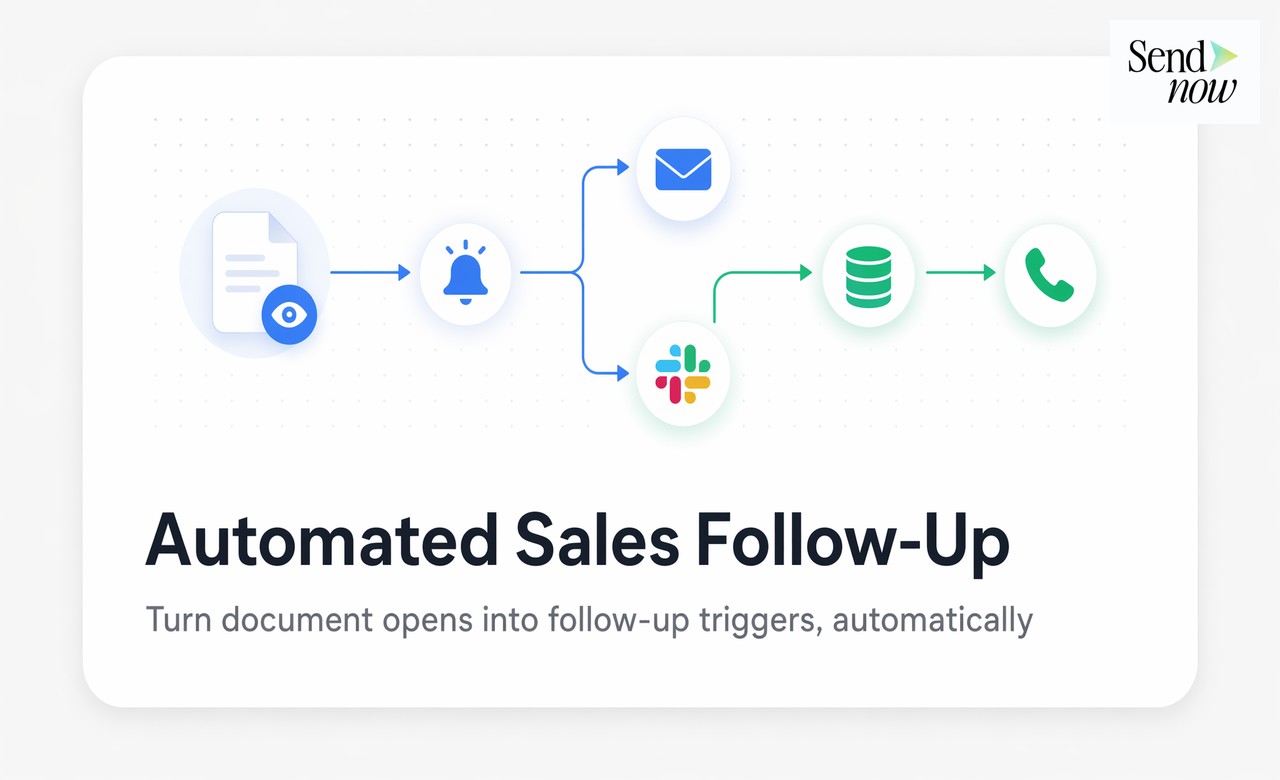
#TLDR: Response time is the single most controllable variable in a sales process. Research consistently shows that following up within five minutes of a buying signal dramatically increases conversion rates. Document open notifications give you a real-time trigger at the moment a prospect finishes reading your proposal. This guide shows you how to connect that trigger to Slack, your CRM, and a structured follow-up sequence.
Table of Contents
- Why Follow-Up Timing Is Everything in Sales
- How Document Open Notifications Work
- Setting Up Slack Alerts for Your Team
- Using Webhooks to Push to Your CRM
- Building the Full Automated Follow-Up Workflow
- Measuring Response Time Impact on Close Rates
- Comparison: Manual vs Automated Follow-Up Approaches
- FAQs
Why Follow-Up Timing Is Everything in Sales {#timing}
Most sales advice focuses on what to say in a follow-up. The more neglected variable is when. A study published in the Harvard Business Review found that sales teams following up within one hour of an initial inquiry were seven times more likely to qualify the lead than those following up even an hour later. The decay curve is steep.
The same principle applies at the proposal stage. When a prospect opens your proposal and reads it thoroughly, they are in active consideration mode. Their objections are fresh in their mind, your solution is in context, and they have not yet moved on to the next item in their inbox. A follow-up call placed within 60 minutes of a completed read has a fundamentally different dynamic than one placed the next morning.
The problem is that most sales teams have no reliable way to know when a proposal has been read. They rely on intuition, scheduled follow-up sequences, or a polite reply from the prospect. None of these is a real-time signal.
How Document Open Notifications Work {#notifications}
Document tracking software assigns a unique identifier to each share link. When a recipient opens the link, a tracking event fires server-side recording the timestamp, viewer identity, and session data. This event can be surfaced immediately to the sender as a notification.
The notification itself can be delivered via email, browser push, or through integrations with communication tools like Slack. More sophisticated implementations allow notifications to be configured at the event level: one notification for link open, a second for when the viewer reaches a specific page (the pricing page, for example), and a third when the session ends.
SendNow delivers real-time notifications with page-level granularity. You know not just that someone opened your deck but that they spent four minutes on the financial projections and two minutes on the team slide before closing the browser. That context changes how you open the follow-up call.
Setting Up Slack Alerts for Your Team {#slack-setup}
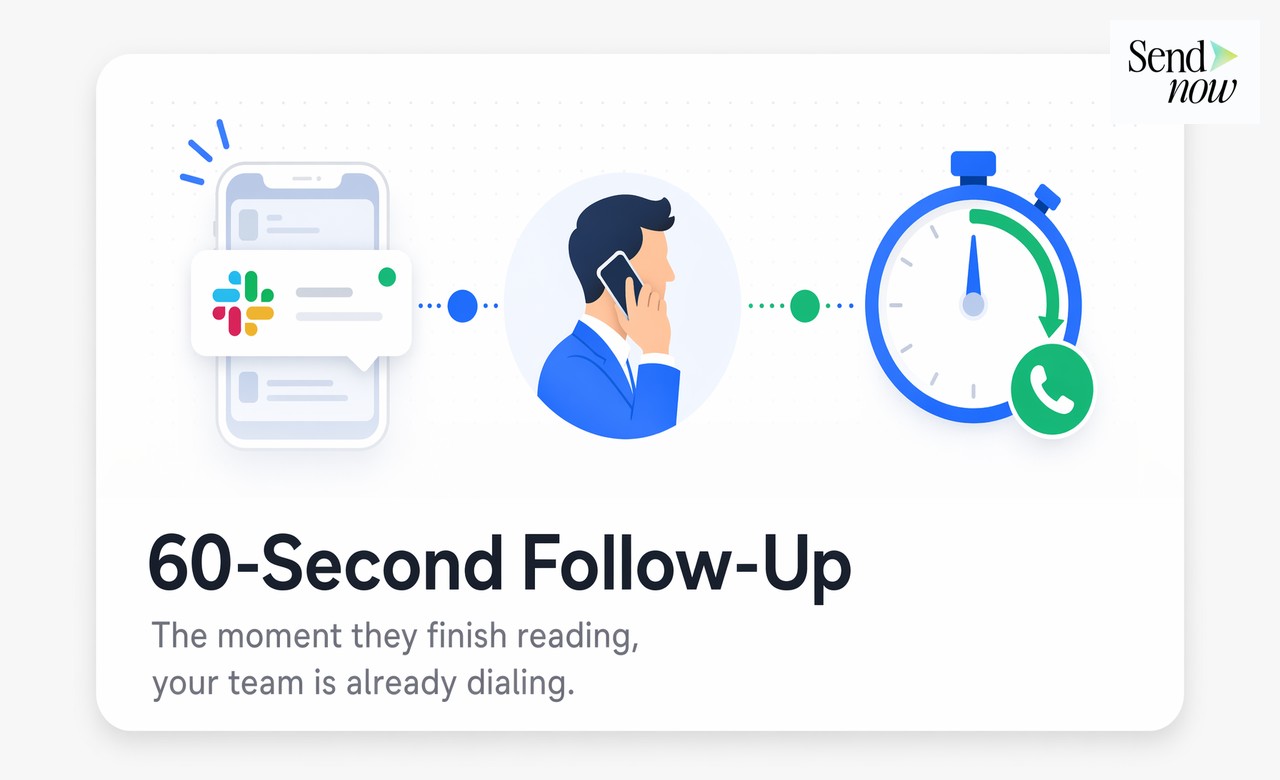
Slack is the fastest path from a document open event to a human response. The setup takes about five minutes.
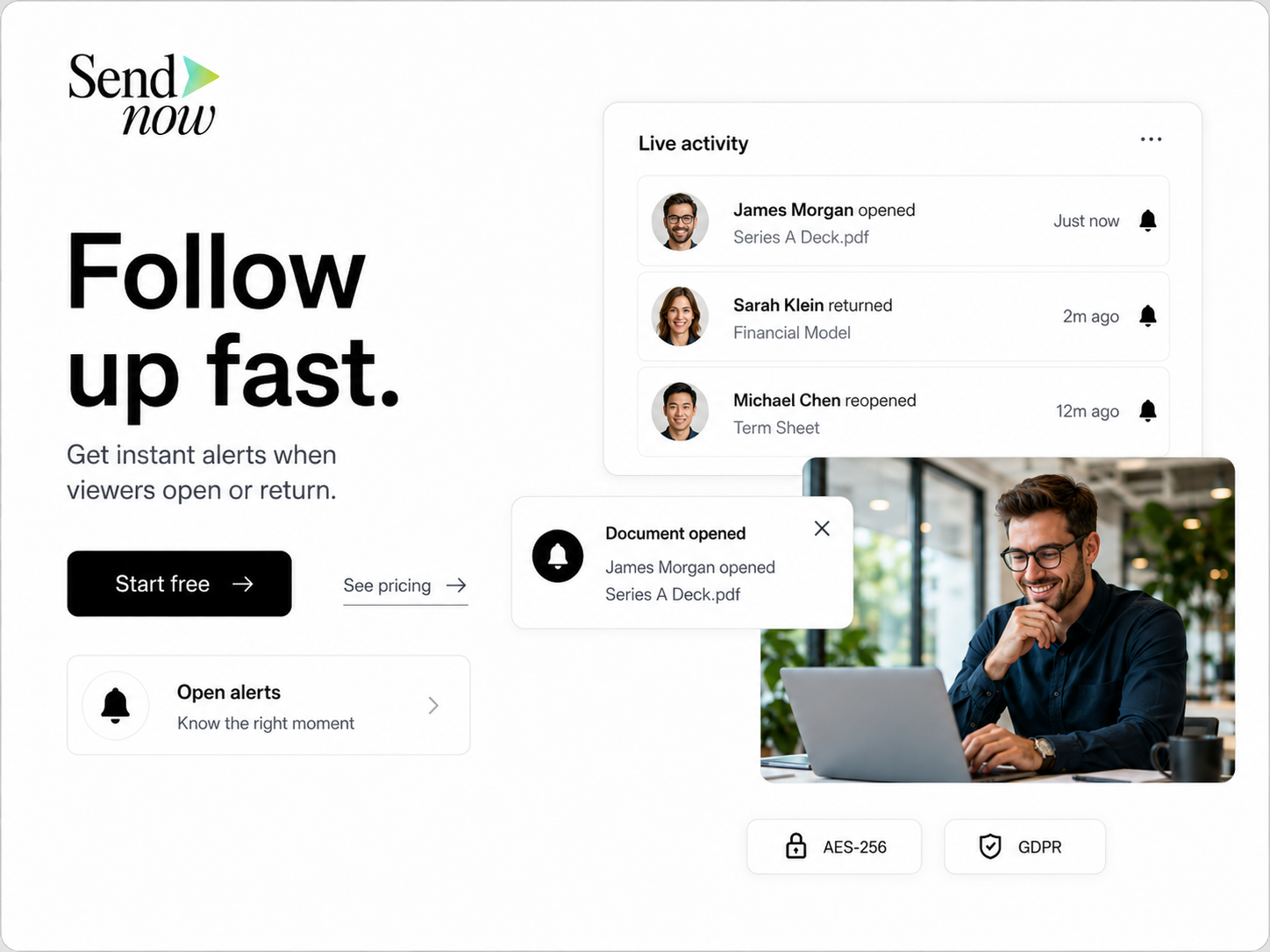
In your SendNow account, navigate to Integrations and connect your Slack workspace. You then assign a channel, either a shared team channel or individual DMs, to receive notifications for specific documents or all documents in a workspace.
A well-structured Slack alert includes: the prospect's name and company, the document title, the time of open, the number of pages viewed, the total session duration, and a direct link to the full analytics view. Some teams configure a separate channel for hot alerts, fired only when a prospect reads the document for more than two minutes, indicating genuine engagement rather than a casual glance.
The critical process piece is agreeing on a response protocol before the alerts go live. If three people receive the same alert and each assumes one of the others will call, the signal is wasted. Assign clear ownership, either by deal stage, by territory, or by round-robin rotation.
Using Webhooks to Push to Your CRM {#webhooks-crm}
For teams using Salesforce, HubSpot, or similar platforms, webhooks take automation further by writing document events directly into the CRM without any manual entry.
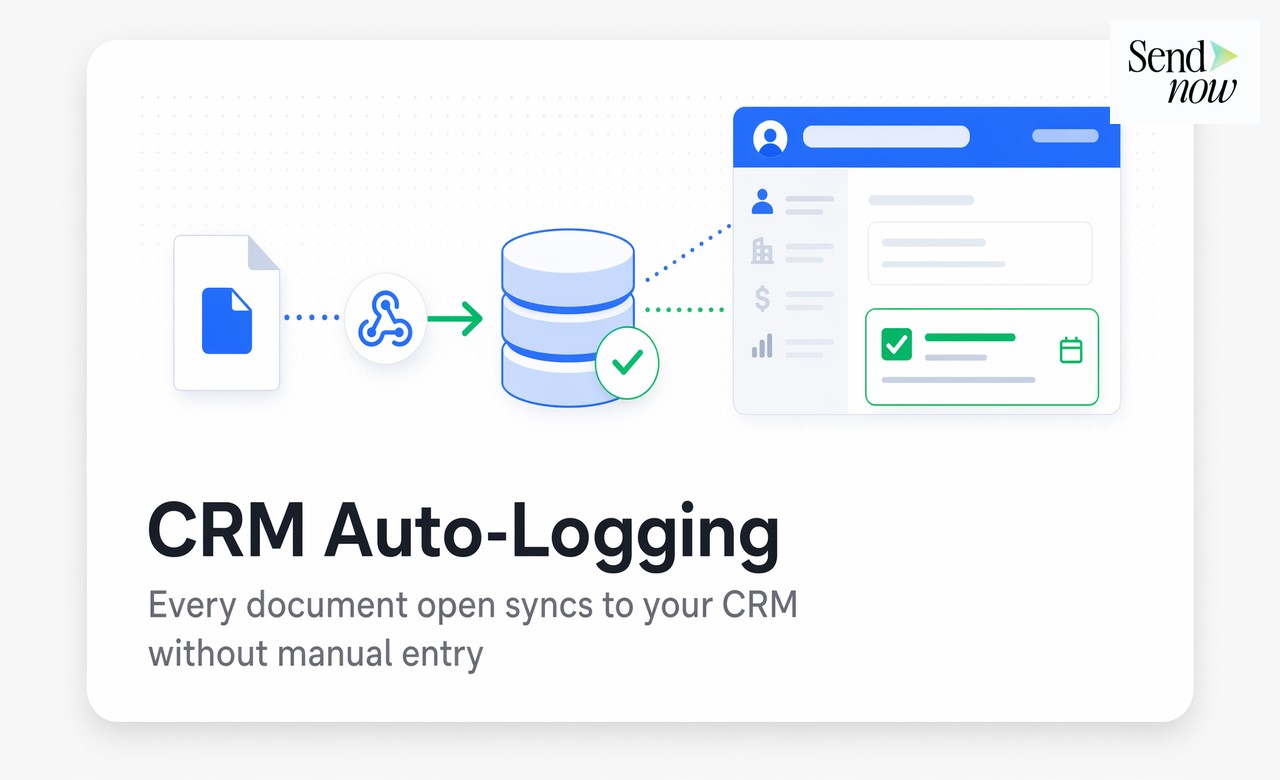
SendNow fires a webhook payload on configured events. The payload includes the event type, viewer email, document ID, timestamp, pages viewed, and session duration. On the receiving end, a simple automation rule (in HubSpot Workflows, Salesforce Flow, or a middleware tool like Zapier or Make) can match the viewer's email to an existing contact record, log the document open as an activity, update the deal stage, and create a follow-up task assigned to the deal owner.
The result is that a proposal read event generates a CRM task automatically. The sales rep opens Salesforce in the morning and sees a task that was created at the exact moment the prospect finished reading the deck at 11 PM their time. No manual logging, no missed signal.
Building the Full Automated Follow-Up Workflow {#full-workflow}
The complete workflow connects three components: the notification, the context, and the action.
Step 1: Configure the trigger. In SendNow, set up Slack notifications for document open events above a minimum session duration (60 seconds is a reasonable floor to filter out accidental opens).
Step 2: Deliver the context. Ensure the Slack alert includes page-level detail. A rep who knows the prospect spent eight minutes on the pricing section opens the call differently than one who only knows the deck was opened.
Step 3: Assign the response. The alert routes to the deal owner. If no owner is assigned, a default responder handles the alert.
Step 4: Log to CRM via webhook. The same event fires a webhook that creates a logged activity in the CRM and opens a follow-up task with a suggested call script tied to the document and deal stage.
Step 5: Measure and refine. Track response time from notification to first call. Track conversion rates segmented by response time bucket. Iterate on the threshold triggers to filter for high-intent signals.
Measuring Response Time Impact on Close Rates {#measuring-impact}
The value of automating follow-up is only visible if you measure it. Set up a CRM report that captures two fields for every deal: the timestamp of the first document open and the timestamp of the next logged outbound call. Calculate the lag in hours. Segment close rates by lag bucket: under one hour, one to four hours, four to 24 hours, over 24 hours.

In most B2B sales environments, the under-one-hour segment outperforms the over-24-hour segment by a factor of two to four on close rate. This data makes the internal case for investing in real-time notification infrastructure and for holding teams accountable to response time standards.
Comparison: Manual vs Automated Follow-Up Approaches {#comparison}
| Approach | Response Time | Context Quality | CRM Logging | Scalability |
|---|---|---|---|---|
| Email read receipts | Minutes (if noticed) | Open only, no pages | Manual | Low |
| Scheduled follow-up sequences | Hours to days | No signal | Auto | Medium |
| Manual document tracking check | Variable | Limited | Manual | Low |
| SendNow real-time notifications + webhooks | Under 60 seconds | Page-level detail | Automatic | High |
FAQs {#faqs}
1. Can I set up Slack alerts for a specific document rather than all documents? Yes. You can configure notifications at the document level, the folder level, or across your entire workspace depending on how you want alerts scoped.
2. What CRM platforms does SendNow support via webhook? SendNow fires standard JSON webhooks compatible with Salesforce, HubSpot, Pipedrive, and any CRM that accepts webhook payloads. Middleware tools like Zapier or Make can bridge platforms that require additional mapping.
3. Can I receive an alert when a prospect reaches a specific page? Yes. Page-specific alerts can be configured to fire when a viewer reaches a defined page number, useful for flagging engagement with pricing or terms pages.
4. What if the viewer's email is not in my CRM? The webhook payload includes the viewer's email. Your CRM automation can check for an existing match and either create a new contact or route the alert for manual review if no match is found.
5. Can multiple team members receive the same alert? Yes. You can route alerts to a shared channel, to individual reps, or to a combination. The routing logic is configurable per document or workspace.
6. How do I prevent alert fatigue from low-quality opens? Set a minimum session duration threshold, typically 30 to 60 seconds, so that alerts only fire for genuine reads rather than accidental link clicks.
7. Does the notification include mobile support? Yes. Slack notifications appear on mobile. Email notifications are also available for teams not using Slack.
8. Can I track whether a follow-up call was placed after a notification? If your CRM logs outbound calls with timestamps, you can build a report comparing document open timestamps against call log timestamps to calculate response time.
<script type="application/ld+json"> }, { "@type": "Question", "name": "What CRM platforms does SendNow support via webhook?", "acceptedAnswer": { "@type": "Answer", "text": "SendNow fires standard JSON webhooks compatible with Salesforce, HubSpot, Pipedrive, and any CRM that accepts webhook payloads. Middleware tools like Zapier or Make can bridge platforms that require additional mapping." } }, { "@type": "Question", "name": "Can I receive an alert when a prospect reaches a specific page?", "acceptedAnswer": { "@type": "Answer", "text": "Yes. Page-specific alerts can be configured to fire when a viewer reaches a defined page number, useful for flagging engagement with pricing or terms pages." } }, { "@type": "Question", "name": "What if the viewer's email is not in my CRM?", "acceptedAnswer": { "@type": "Answer", "text": "The webhook payload includes the viewer's email. Your CRM automation can check for an existing match and either create a new contact or route the alert for manual review if no match is found." } }, { "@type": "Question", "name": "Can multiple team members receive the same alert?", "acceptedAnswer": { "@type": "Answer", "text": "Yes. You can route alerts to a shared channel, to individual reps, or to a combination. The routing logic is configurable per document or workspace." } }, { "@type": "Question", "name": "How do I prevent alert fatigue from low-quality opens?", "acceptedAnswer": { "@type": "Answer", "text": "Set a minimum session duration threshold, typically 30 to 60 seconds, so that alerts only fire for genuine reads rather than accidental link clicks." } }, { "@type": "Question", "name": "Does the notification include mobile support?", "acceptedAnswer": { "@type": "Answer", "text": "Yes. Slack notifications appear on mobile. Email notifications are also available for teams not using Slack." } }, { "@type": "Question", "name": "Can I track whether a follow-up call was placed after a notification?", "acceptedAnswer": { "@type": "Answer", "text": "If your CRM logs outbound calls with timestamps, you can build a report comparing document open timestamps against call log timestamps to calculate response time." } } ] } </script>
Turn document opens into closed deals. Set up real-time alerts and CRM automation today at sendnow.live.
Written by Alex Carter. Alex covers document security, compliance, and secure sharing workflows for financial and legal professionals across the EU.