
Download Blocking: Why View-Only Access Isn't Enough
Published on April 24, 2026
Download Blocking: Why View-Only Access Isn't Enough
#TLDR: View-only mode in cloud storage still lets recipients download, print, and copy your files. Download blocking prevents any local copy from being created. For financial documents, investor decks, and confidential legal materials, the distinction matters significantly.
Table of Contents
- What Download Blocking Is
- Why Standard View-Only Settings Still Fail
- How Download Blocking Works in Practice
- Combining with Screenshot Protection and Dynamic Watermarks
- When to Use Download Blocking
- Download Blocking vs DRM
What Download Blocking Is
Download blocking is a document sharing control that prevents recipients from saving a local copy of a file to their device. When a document is shared with download blocking enabled, the recipient can read and navigate the document in a browser-based viewer, but the file itself cannot be saved, exported, or transmitted to another location.
The distinction between "viewing" a document and "possessing" a document is fundamental to information security. A document that exists only in the sender's controlled environment, accessed through a viewer session, can be revoked at any time. A document that has been downloaded to a recipient's device cannot be recalled. It can be forwarded, printed, modified, stored indefinitely, and shared beyond the intended audience.
Download blocking is not a feature of general cloud storage tools. It requires a platform built specifically for controlled document sharing, one where the file is rendered in the viewer without being transmitted as a downloadable file to the recipient's browser or device.
Why Standard View-Only Settings Still Fail
Cloud storage platforms like Google Drive, OneDrive, and Dropbox offer a "view-only" permission setting that removes the explicit download button from the interface. This is not the same as download blocking, and the difference matters for anyone sharing genuinely sensitive materials.
In most implementations of view-only mode:
- The file is still transmitted to the browser as a downloadable object. Browser developer tools can locate and download the raw file regardless of interface restrictions.
- Print-to-PDF functionality in the browser allows recipients to save a PDF copy of any page currently displayed.
- Screen recording and screenshot tools operate independently of the platform's view-only setting.
- Third-party browser extensions can intercept and save files even when the download button is hidden.
"View-only" in these contexts means the interface does not show a download button. It does not mean the file is protected from extraction. For low-sensitivity materials, this is a reasonable control. For a confidential investor deck, a proprietary financial model, a legal settlement agreement, or a term sheet in active negotiation, it leaves material gaps.
How Download Blocking Works in Practice
Proper download blocking works by rendering the document server-side and streaming the output as a protected viewing session rather than transmitting the underlying file. The recipient sees a fully functional document viewer. They can scroll, zoom, and navigate. The file itself never reaches their device in a downloadable format.
In SendNow, download blocking is a toggle-level control applied per shared link. Enabling it means:
- No download button appears in the viewer
- The underlying file is not transmitted as a downloadable object
- Print functions within the viewer are blocked
- The viewing session cannot be used to extract file contents through standard browser tools
The document owner retains full control. Access can be revoked at any time, the link can expire on a scheduled date, and the audit log records every viewing session including duration and pages viewed.
Combining with Screenshot Protection and Dynamic Watermarks
Download blocking alone closes the most direct route to unauthorized file possession. For high-sensitivity materials, it works best as part of a layered control stack.
Screenshot protection prevents screen-capture tools from recording the document viewer content. When active, screenshots taken of the viewer produce a blank or obscured image. This addresses the screen-recording gap that download blocking alone does not cover.
Dynamic watermarking embeds recipient-specific information, such as name, email address, and timestamp, visibly into each page of the viewed document. Even if a recipient captures the content through a method that bypasses screenshot protection, the watermark identifies who shared the document and when.
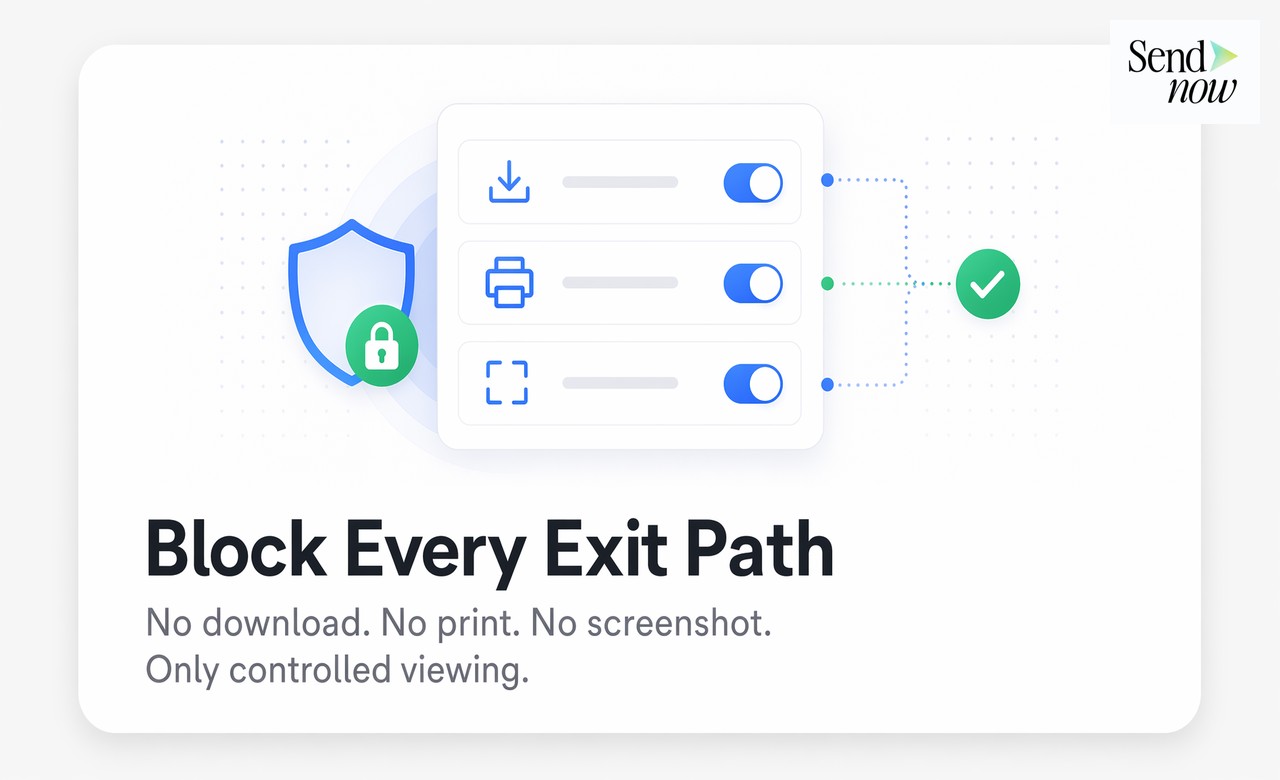
Combined, these three controls create a framework where the document cannot be downloaded, captured cleanly, or shared anonymously. For the most sensitive financial and legal materials, this is the appropriate baseline.
When to Use Download Blocking
Not every shared document warrants full download blocking. The control is most appropriate for:
- Investor decks during an active fundraising round: Proprietary strategy, financial projections, and competitive positioning should not become permanent files on investor devices before a deal is concluded.
- Confidential financial models: Detailed operating models, valuation analyses, and sensitivity tables represent significant intellectual property. View-access for due diligence purposes should not convert into permanent file possession.
- Term sheets in active negotiation: A term sheet at a specific stage of a deal process should not be a freely distributable document. Download blocking limits circulation to the viewer session.
- Legal settlement agreements and draft contracts: Pre-signature drafts shared for review should not be extractable as standalone files that can be forwarded to third parties.
- Client-facing deliverables with contractual distribution restrictions: Advisory reports, research products, or custom analyses delivered under license agreements often prohibit redistribution. Download blocking enforces this at the platform level.
Download Blocking vs DRM
Download blocking and Digital Rights Management (DRM) address similar problems through different architectural approaches.
| Aspect | Download Blocking | DRM |
|---|---|---|
| How it works | Server-side rendering, file never transmitted | File encrypted with usage license attached |
| Recipient experience | Browser viewer, seamless access | Often requires dedicated software or plugin |
| Coverage scope | Within the sharing platform | Follows the file wherever it goes |
| Screenshot protection | Available as separate control | Limited, varies by implementation |
| Revocation | Instant, via link or access revocation | Depends on license server availability |
| Setup complexity | Low, toggle in sharing settings | High, requires DRM infrastructure |
| Cost | Included in modern secure sharing platforms | Typically enterprise licensing |
| GDPR suitability | High, no client software required | Varies, may require data on recipient devices |
DRM is appropriate for large-scale content distribution where files must maintain protection beyond a controlled sharing session: published research distributed to subscribers, licensed software, and regulated financial reporting delivered to institutional clients.

Download blocking is appropriate for controlled point-to-point document sharing in deal, legal, and advisory workflows where the sender controls the environment and the audience is defined.
SendNow combines both approaches: download blocking keeps files inside the controlled viewer, while dynamic watermarking provides traceability if content is captured outside the platform through unauthorized means.
Share documents that viewers can't download, forward, or copy. Try SendNow at sendnow.live
Frequently Asked Questions
What is the difference between view-only and download blocking? View-only hides the download button in the interface but the file is still technically accessible to browser tools and screen recording. Download blocking prevents the file from being transmitted to the recipient's device entirely.
Does download blocking work on mobile devices? Yes. Properly implemented download blocking works across all devices and browsers because the control operates at the server level, not the device level. The file is rendered but never transmitted as a downloadable object.
Can someone screenshot a download-blocked document? Without additional controls, yes. Screenshot protection must be enabled separately to address screen-capture tools. Download blocking and screenshot protection together cover both exit paths.
Is download blocking GDPR compliant? Download blocking supports GDPR data minimization and security principles by limiting the spread of documents containing personal data. It reduces the number of uncontrolled copies in circulation.
Can I apply download blocking to PDFs? Yes. Platforms that support download blocking apply it to PDFs and other document formats through their browser-based viewer. The viewer renders the PDF without transmitting the underlying file.
Does download blocking prevent printing? On platforms where print functions are part of the controlled viewer, printing can be blocked alongside downloading. Standard browser print functions are blocked when the platform controls the viewing session.
Is download blocking the same as DRM? No. Download blocking prevents file transmission within a controlled sharing session. DRM attaches usage rights to a file so it remains protected wherever it travels. Both serve related but distinct purposes.
What types of documents benefit most from download blocking? Investor decks, financial models, term sheets, settlement agreements, confidential research, and any document containing proprietary or personally sensitive information that should not become a freely distributable file.
Written by Alex Carter. Alex covers document security, deal workflows, and GDPR compliance for financial professionals using SendNow.