
Viewer-Specific Watermarks: The Feature That Tells You Who Leaked Your
Published on April 24, 2026
TLDR
Dynamic watermarks embed a specific viewer's email address and name across every page of a document the moment they open it. If a page is photographed, screenshotted, or shared without permission, the watermark immediately identifies the source. This single feature changes the cost-benefit calculation for any potential leaker and acts as a deterrent before a leak ever happens.
Table of Contents
- What Dynamic Watermarks Are
- How They Differ from Static Watermarks
- Why They Deter Leaks Better Than Any Other Control
- How SendNow Applies Them Automatically Per Viewer
- Use Cases: Investor Decks, Term Sheets, NDAs
- Combining with Other Security Controls
- FAQs
What Dynamic Watermarks Are {#what-dynamic-watermarks-are}
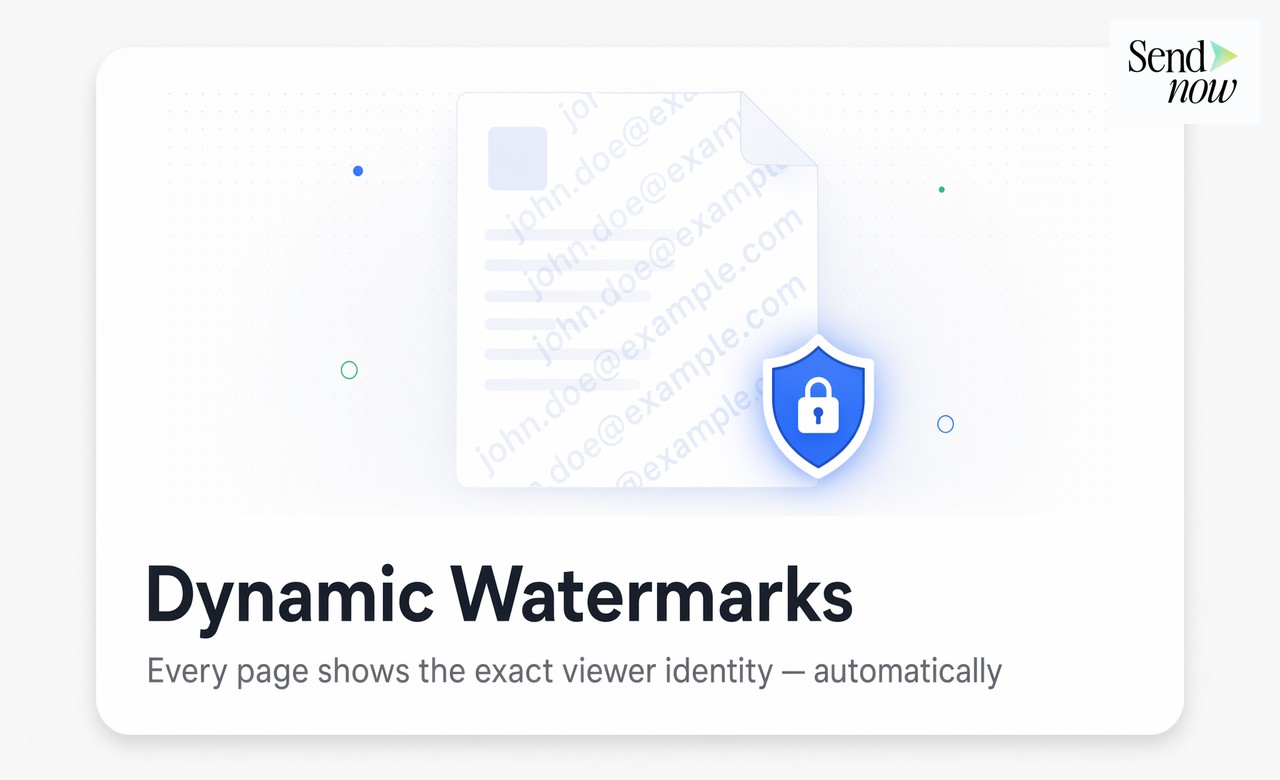
A dynamic watermark is a viewer-specific overlay that appears on every page of a document. It contains information unique to the individual who opened it, typically their email address, name, and sometimes the access date and time. The overlay is generated at the moment the document loads and differs for each viewer.
If Investor A opens a pitch deck, every page displays their email address diagonally across the content. If Investor B opens the same deck from a separate link, their pages display their own email address. The document content is identical. The watermark is unique.
This is in direct contrast to a static watermark, which is a fixed piece of text or image embedded in the document before distribution. Static watermarks say "Confidential." Dynamic watermarks say "Confidential — and we know who is reading this."
How They Differ from Static Watermarks {#how-they-differ-from-static-watermarks}
Static watermarks have three significant limitations that dynamic watermarks eliminate.
No attribution. A static "Confidential" or company logo watermark does not identify which recipient leaked a document. If a page surfaces publicly, you know the document was leaked but not by whom. With a dynamic watermark, the leaked page carries the source's identity.
Easily removed. Static watermarks embedded in a PDF at a fixed layer can be removed with standard PDF editing tools. A dynamic watermark applied in the viewer layer rather than the file itself is not present in any downloadable file version and cannot be stripped before the screenshot or photo is taken.
No deterrent effect. A watermark that does not identify the viewer does not meaningfully deter the behavior. The potential leaker calculates that they cannot be personally traced. A viewer who sees their own name on every page makes a different calculation.
| Watermark Type | Identifies Viewer | Removable | Deterrent Effect |
|---|---|---|---|
| No watermark | No | N/A | None |
| Static text (Confidential) | No | Often yes | Low |
| Static logo | No | Often yes | Low |
| Dynamic (viewer-specific) | Yes | No | High |
Why They Deter Leaks Better Than Any Other Control {#why-they-deter-leaks-better-than-any-other-control}
Every other document security control is reactive: it prevents access, detects a breach after the fact, or records what happened. Dynamic watermarks are primarily preventive. They change the behavior of the viewer before any leak occurs.

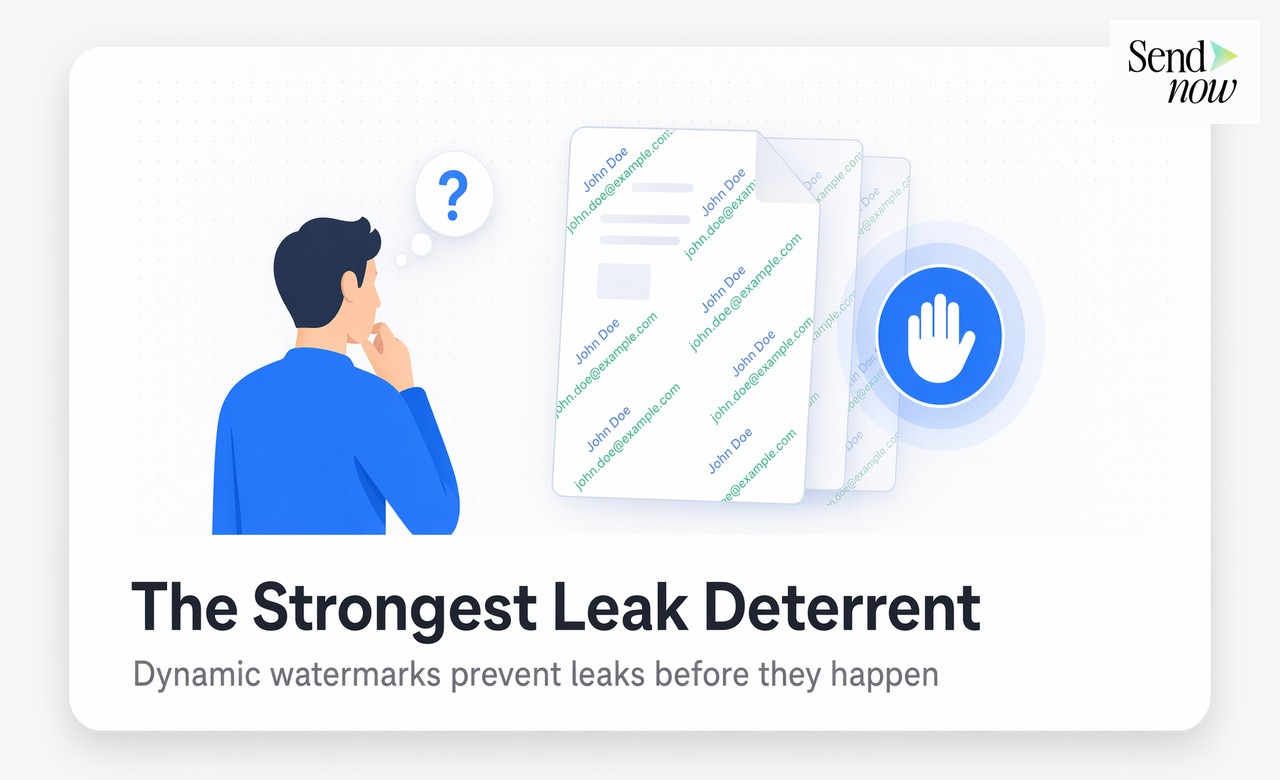
The deterrence mechanism is straightforward. A viewer who sees their name and email address on every single page of a document knows that any photograph of that page, any screenshot shared to a group chat, any forwarded image in a messaging app carries permanent proof of their identity. The cost of leaking is not just legal exposure. It is immediate, traceable attribution.
For investors, potential acquirers, or counterparties who operate in professional networks where reputation matters, this visible accountability is a stronger control than any technical restriction. You cannot take a photo of a document page and claim you did not receive it when your email address is printed across it.
How SendNow Applies Them Automatically Per Viewer {#how-sendnow-applies-them-automatically-per-viewer}

SendNow generates dynamic watermarks automatically when the feature is enabled on a shared document. No manual configuration is required per share. The process works as follows:
- Enable dynamic watermarking on a document in your SendNow settings
- Share the document link with email verification enabled (so viewer identity is confirmed before access)
- The viewer opens the link and completes email verification
- SendNow generates the watermarked view in real time, embedding the verified email address and name across every page
- The viewer reads the document with their identity visible on each page
The watermark cannot be removed by the viewer because it is not embedded in the underlying file. It is applied at the viewer layer within the SendNow document rendering environment. If the viewer downloads a copy (if you have enabled downloads), the downloaded file does not carry the watermark. But any screen-based capture, including phone photographs, screenshots, or screen recordings, captures the watermark as it appears in the viewer.
For most leak vectors in a professional context, the screen capture is the primary risk. Dynamic watermarking addresses that risk directly.
Use Cases: Investor Decks, Term Sheets, NDAs {#use-cases}
Dynamic watermarks apply wherever a document contains information that would retain value to a third party if extracted and redistributed.
Investor pitch decks. Shared with multiple potential investors before any investment agreement, pitch decks contain financial projections, strategy, and competitive positioning. A leak before funding closes can damage negotiations or advantage competitors.
Confidential Information Memoranda. CIMs in M&A processes are shared with a controlled group of potential acquirers. A leak of deal economics or seller motivation can affect deal pricing and competitive dynamics.
Term sheets. Containing deal terms, valuations, and conditions, term sheets are highly sensitive during negotiation. Any external disclosure before signing creates legal and negotiating risk.
NDA-gated documents. Combining NDA gating with dynamic watermarks creates a two-layer deterrent: the viewer commits to confidentiality before access, then carries visible accountability on every page during access.
Due diligence packages. Shared with multiple parties in parallel, due diligence documents contain company-level financial, legal, and operational data. Knowing which specific party was the source of any extracted information has direct legal value.
Combining with Other Security Controls {#combining-with-other-security-controls}

Dynamic watermarks work best as one layer within a broader document security stack. On their own, they deter and attribute. Combined with other controls, they prevent, deter, attribute, and respond.
A complete security configuration for a high-sensitivity document on SendNow looks like this:
- Email verification — confirms viewer identity before access
- NDA gating — requires confidentiality commitment before loading
- Dynamic watermarks — embeds viewer identity on every page
- Screenshot protection — adds a browser-level barrier to screen capture tools
- Download blocking — prevents local copies from being saved
- Link expiry — automatically revokes access after a defined period
- Revocation — allows instant access termination if a concern arises
Each layer addresses a different part of the threat model. Email verification handles identity. NDA gating handles legal exposure. Dynamic watermarks handle deterrence and attribution. Screenshot protection handles screen capture risk. Download blocking handles file exfiltration. Expiry and revocation handle ongoing access risk.
Most finance teams do not need all seven controls on every document. But for term sheets, CIMs, and any document where a leak has direct monetary or legal consequences, stacking all layers costs nothing extra and removes almost every practical leak vector.
Get started at sendnow.live.
FAQs {#faqs}
What is a dynamic watermark on a document? A dynamic watermark is a viewer-specific overlay applied to every page of a document. It displays the viewer's email address and name automatically the moment the document loads, making each viewer's copy uniquely identifiable.
How is a dynamic watermark different from a static watermark? A static watermark is a fixed label like "Confidential" that is the same for all viewers. A dynamic watermark embeds the specific viewer's identity, so any leaked page traces directly back to the individual who received it.
Can a dynamic watermark be removed? Dynamic watermarks applied in the viewer layer rather than the underlying file cannot be stripped before a screen capture or photograph is taken. They are not present in any downloaded file version, but they appear on every on-screen view, which covers the primary leak vectors.
Do dynamic watermarks deter document leaks? Yes. A viewer who sees their own name and email address on every page of a document knows any screen capture or photograph carries permanent attribution. This visible personal accountability is a stronger deterrent than any restriction the viewer cannot see.
What information does a dynamic watermark display? Typically the viewer's email address, full name, and sometimes the access date and time. The exact fields are configurable in the document sharing platform. The key requirement is that the displayed information is unique to the individual viewer.
Are dynamic watermarks applied automatically per viewer? Yes. When you enable dynamic watermarking on a document in SendNow, the watermark is generated automatically for each viewer at the moment they access the document. No manual action is required per share.
Which documents should use dynamic watermarks? Investor pitch decks, CIMs, term sheets, due diligence packages, financial models, and any document shared externally where a leak would create financial, legal, or reputational damage.
Can dynamic watermarks be combined with NDA gating? Yes. Combining NDA gating with dynamic watermarks creates a two-layer protection: the viewer commits to confidentiality before access, and every page they read carries their identity. This is the recommended configuration for high-sensitivity deal documents.
<script type="application/ld+json"> }, { "@type": "Question", "name": "How is a dynamic watermark different from a static watermark?", "acceptedAnswer": { "@type": "Answer", "text": "A static watermark is a fixed label like Confidential that is the same for all viewers. A dynamic watermark embeds the specific viewer's identity, so any leaked page traces directly back to the individual who received it." } }, { "@type": "Question", "name": "Can a dynamic watermark be removed?", "acceptedAnswer": { "@type": "Answer", "text": "Dynamic watermarks applied in the viewer layer cannot be stripped before a screen capture or photograph is taken. They are not present in downloaded files but appear on every on-screen view, covering the primary leak vectors." } }, { "@type": "Question", "name": "Do dynamic watermarks deter document leaks?", "acceptedAnswer": { "@type": "Answer", "text": "Yes. A viewer who sees their own name and email address on every page knows any screen capture carries permanent attribution. This visible personal accountability is a stronger deterrent than restrictions the viewer cannot see." } }, { "@type": "Question", "name": "What information does a dynamic watermark display?", "acceptedAnswer": { "@type": "Answer", "text": "Typically the viewer's email address, full name, and sometimes the access date and time. The exact fields are configurable. The key requirement is that the displayed information is unique to the individual viewer." } }, { "@type": "Question", "name": "Are dynamic watermarks applied automatically per viewer?", "acceptedAnswer": { "@type": "Answer", "text": "Yes. When you enable dynamic watermarking on a document in SendNow, the watermark is generated automatically for each viewer at the moment they access the document. No manual action is required per share." } }, { "@type": "Question", "name": "Which documents should use dynamic watermarks?", "acceptedAnswer": { "@type": "Answer", "text": "Investor pitch decks, CIMs, term sheets, due diligence packages, financial models, and any document shared externally where a leak would create financial, legal, or reputational damage." } }, { "@type": "Question", "name": "Can dynamic watermarks be combined with NDA gating?", "acceptedAnswer": { "@type": "Answer", "text": "Yes. Combining NDA gating with dynamic watermarks creates a two-layer protection: the viewer commits to confidentiality before access, and every page they read carries their identity." } } ] } </script>