
How to Set Up a Secure Client Portal for Your Team
Published on April 24, 2026
TLDR
A secure client portal gives your team a controlled, branded space to share documents with clients without relying on email attachments or untracked links. Role-based permissions let you decide exactly who can view, edit, or manage each document. With SendNow, you can have a fully branded, access-controlled portal live in under 30 minutes.
Table of Contents
- What a Secure Client Portal Is
- Setting Up Roles and Permissions
- Branding Your Portal
- Client Access Controls
- Analytics for Team and Client Activity
- Step-by-Step Setup Guide
- FAQs
What a Secure Client Portal Is {#what-a-secure-client-portal-is}
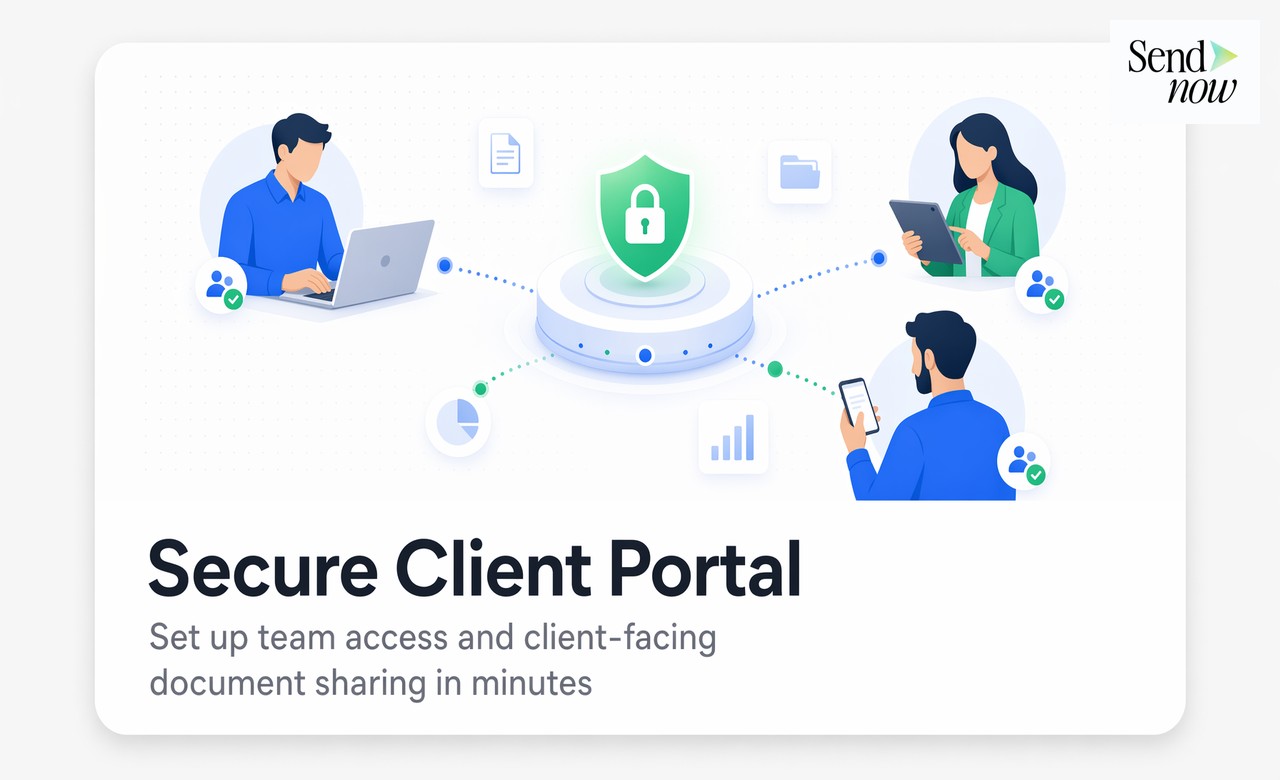
A secure client portal is a private, access-controlled environment where your team shares documents, reports, and files with specific clients. Unlike email, which scatters documents across inboxes with no visibility into what happens next, a portal gives you a single controlled channel with a full audit trail.
For financial professionals, this distinction matters. Sending a pitch deck or compliance report via email creates no record of when it was opened, how long it was read, or whether it was forwarded. A well-configured portal closes all of those gaps.
The core components of a proper client portal include:
- Access authentication — clients verify their identity before viewing any document
- Role-based permissions — internal team members have different capabilities than external clients
- Branded presentation — documents appear under your firm's domain and visual identity
- Activity tracking — you see every open, return visit, and page read in real time
For EU-based firms, the portal itself becomes a compliance asset. Every access event is logged with a timestamp and viewer identity, which satisfies GDPR accountability requirements for document handling.
Setting Up Roles and Permissions {#setting-up-roles-and-permissions}
Role-based access is the foundation of any serious client portal. Before sharing a single file, define who in your team can do what.
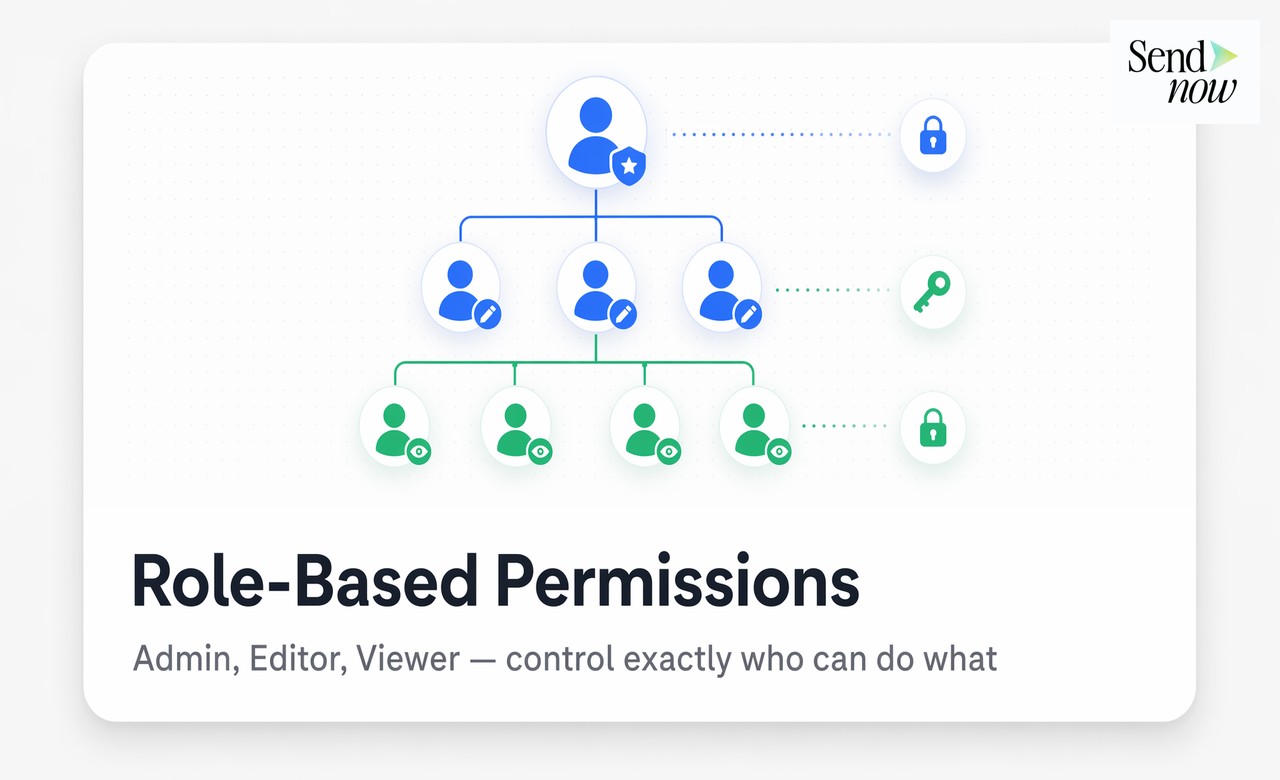
A standard three-tier permission structure works as follows:

- Admin — full access to upload, delete, configure access rules, view all analytics, and manage team members
- Editor — can upload and organize documents and set per-document access controls, but cannot change portal-wide settings
- Viewer — read-only access, used for clients or junior team members who consume content without managing it
When you assign a client access to the portal, they operate as external viewers. They see what you explicitly share with them and nothing else. This prevents accidental cross-client document exposure, which is a real GDPR risk when using shared folder tools like Google Drive or Dropbox.
Permissions should be the first thing you configure before any documents are uploaded. Retrofitting access rules after sharing creates gaps in your audit log and can lead to unauthorized access windows.
Branding Your Portal {#branding-your-portal}
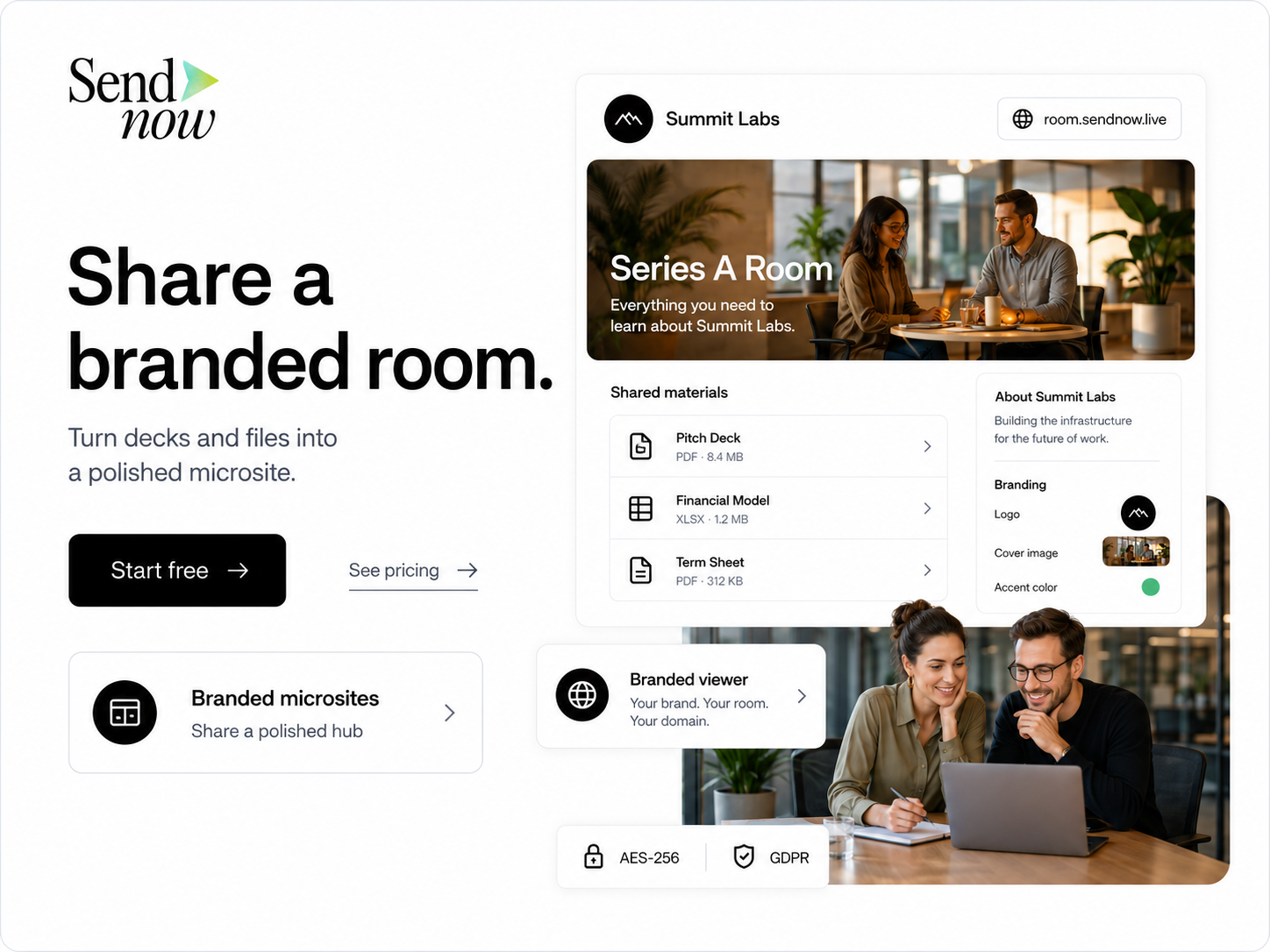
A portal that displays your firm's logo, uses your custom domain, and matches your brand colors signals professionalism from the moment a client clicks the link. Generic document tool interfaces undermine that first impression and raise questions about data security.
Branding your portal involves three elements:
- Logo upload — your logo appears in the header of every document view and access verification page
- Custom domain — clients visit
documents.yourfirm.cominstead of a third-party subdomain - Color scheme — accent colors in buttons, borders, and notification emails match your brand guide
SendNow supports full white labeling, so clients see your branding throughout the entire experience: from the access verification screen to the document viewer to the email notifications they receive when you share new files.
Client Access Controls {#client-access-controls}
Branding handles how the portal looks. Access controls handle who gets in and on what terms.
For financial documents, the minimum viable access configuration includes a combination of the following controls:
| Control | Purpose | Recommended Setting |
|---|---|---|
| Email verification | Confirms viewer identity before access | Required for all external clients |
| Password protection | Adds a second factor to shared links | Use for sensitive deal documents |
| Link expiry | Revokes access automatically after a set period | 14-30 days for pitch decks and term sheets |
| Download blocking | Prevents local copies from being saved | Enable for confidential financials |
| Revocation | Instantly kills access to any already-shared link | Keep available for all active links |
None of these controls are mutually exclusive. A single document can carry email verification, a password, a 14-day expiry, and download blocking simultaneously. Stack them based on the document's sensitivity tier.
Analytics for Team and Client Activity {#analytics-for-team-and-client-activity}
Once clients access your portal, the activity data becomes as valuable as the documents themselves. A portal without analytics is a fancier version of email.
With page-by-page tracking, you know which sections of a report a client actually read and which they skipped. With return visit tracking, you know when they came back to review a document, which is often a signal of renewed interest before a decision. With open notifications, you know the exact moment a document was first accessed.
This data flows to your entire team. If a senior partner shares a CIM and a junior analyst needs to follow up, they check the portal activity rather than sending a "did you get a chance to look at this?" email.
Step-by-Step Setup Guide {#step-by-step-setup-guide}
Here is a practical setup sequence for teams moving to SendNow as their client portal:
- Create your account at sendnow.live
- Configure your custom domain under portal settings (add a CNAME record to your DNS)
- Upload your logo and set brand colors in the white label section
- Create team roles — assign Admin to your operations lead, Editor to account managers, Viewer to clients
- Upload your first document and apply access controls (email verification plus expiry recommended for new clients)
- Share the link directly from the portal — the client receives a branded access notification
- Monitor activity in the analytics dashboard to track opens, reads, and return visits
The entire process takes under 30 minutes for a team that already has brand assets ready.
FAQs {#faqs}
What is a secure client portal? A secure client portal is a private, access-controlled environment where businesses share documents with clients using authentication, permissions, and activity tracking rather than email attachments.
How do I set up role-based permissions in a client portal? Assign roles such as Admin, Editor, and Viewer before uploading any documents. Admins control the full portal, Editors manage documents, and Viewers are read-only external users.
Can I brand a client portal with my own logo and domain? Yes. Tools like SendNow support full white labeling, including custom domain configuration, logo upload, and brand color customization so clients never see a third-party tool name.
What is email verification for a client portal? Email verification requires a client to confirm their email address before accessing a shared document. This confirms their identity and creates a logged access record, which supports GDPR accountability.
How do I prevent clients from downloading documents from a portal? Most secure portals offer a download-blocking control that disables the download button and right-click save options inside the document viewer. Apply this per document or as a portal-wide setting.
Can I revoke document access after sharing? Yes. Link revocation instantly invalidates a shared link. The document becomes inaccessible to anyone who clicks it after revocation, even if they had valid access previously.
Is a client portal GDPR compliant? A portal is GDPR compliant if it logs access events with timestamps and viewer identity, supports data deletion requests, stores data within EU infrastructure or with appropriate transfer safeguards, and applies access controls that prevent unauthorized data exposure.
What analytics does a client portal provide? A proper portal tracks document opens, time spent per page, return visits, download attempts, and viewer identity. This data helps teams understand client engagement and time follow-up communications effectively.
<script type="application/ld+json"> }, { "@type": "Question", "name": "How do I set up role-based permissions in a client portal?", "acceptedAnswer": { "@type": "Answer", "text": "Assign roles such as Admin, Editor, and Viewer before uploading any documents. Admins control the full portal, Editors manage documents, and Viewers are read-only external users." } }, { "@type": "Question", "name": "Can I brand a client portal with my own logo and domain?", "acceptedAnswer": { "@type": "Answer", "text": "Yes. Tools like SendNow support full white labeling, including custom domain configuration, logo upload, and brand color customization so clients never see a third-party tool name." } }, { "@type": "Question", "name": "What is email verification for a client portal?", "acceptedAnswer": { "@type": "Answer", "text": "Email verification requires a client to confirm their email address before accessing a shared document. This confirms their identity and creates a logged access record for GDPR accountability." } }, { "@type": "Question", "name": "How do I prevent clients from downloading documents from a portal?", "acceptedAnswer": { "@type": "Answer", "text": "Most secure portals offer a download-blocking control that disables the download button and right-click save options inside the document viewer." } }, { "@type": "Question", "name": "Can I revoke document access after sharing?", "acceptedAnswer": { "@type": "Answer", "text": "Yes. Link revocation instantly invalidates a shared link. The document becomes inaccessible to anyone who clicks it after revocation, even if they had valid access previously." } }, { "@type": "Question", "name": "Is a client portal GDPR compliant?", "acceptedAnswer": { "@type": "Answer", "text": "A portal is GDPR compliant if it logs access events with timestamps and viewer identity, supports data deletion requests, stores data within EU infrastructure or with appropriate transfer safeguards, and applies access controls that prevent unauthorized data exposure." } }, { "@type": "Question", "name": "What analytics does a client portal provide?", "acceptedAnswer": { "@type": "Answer", "text": "A proper portal tracks document opens, time spent per page, return visits, download attempts, and viewer identity. This data helps teams understand client engagement and time follow-up communications effectively." } } ] } </script>