

Native Screenshot Protection and Print Screen Blocking
Published on June 9, 2026
Native Screenshot Protection and Print Screen Blocking
Executive Summary / TL;DR
In an era where data breaches and information leaks can severely impact businesses, the need for secure methods of sharing sensitive documents has never been more critical. Traditional file-sharing methods, such as emails and cloud storage services like Dropbox, often expose sensitive information to potential leaks. This article delves into the vulnerabilities associated with conventional file-sharing workflows, outlines industry-specific best practices for secure document sharing, and introduces innovative solutions like native screenshot protection and print screen blocking. These features are essential for safeguarding confidential information, especially when sharing sensitive materials such as pitch decks, contracts, and proprietary data.
Current Security Vulnerabilities
The Risks of Conventional File Sharing
File-sharing workflows that rely on email, Dropbox, or similar platforms are inherently risky. Here are some of the primary vulnerabilities:
-
Email Exposure: Emails can be easily forwarded, and once a document is sent, the sender loses control over its distribution. Sensitive information can be shared inadvertently or maliciously.
-
Cloud Storage Risks: While cloud storage solutions offer convenience, they also present risks. Unauthorized access, phishing attacks, and data breaches can expose files to unintended recipients.
-
Lack of Control: Once a document is shared, it is challenging to enforce access controls. Recipients can take screenshots, print documents, or share them further without the sender's consent.
-
Inadequate Security Measures: Many organizations fail to implement robust security protocols, leaving sensitive information vulnerable to leaks. This is particularly concerning for industries that handle confidential data, such as finance, healthcare, and legal services.
-
Human Error: Employees may unintentionally share sensitive information through careless actions, such as sending files to the wrong recipient or failing to use secure sharing methods.
These vulnerabilities necessitate a more secure approach to sharing sensitive documents, particularly in high-stakes environments where confidentiality is paramount.
Industry-Specific Best Practices
To mitigate the risks associated with file sharing, organizations should adopt industry-specific best practices. Here are actionable steps for professionals to enhance document security:
Step 1: Assess Your Needs
-
Identify Sensitive Information: Determine what types of documents require heightened security measures. This may include pitch decks, financial reports, contracts, or proprietary research.
-
Understand Regulatory Requirements: Familiarize yourself with relevant regulations such as GDPR (General Data Protection Regulation) and HIPAA (Health Insurance Portability and Accountability Act) that govern data protection in your industry.
Step 2: Choose the Right Tools
-
Select Secure File Sharing Solutions: Opt for platforms that offer advanced security features, including encryption, access controls, and activity tracking.
-
Implement Native Screenshot Protection: Utilize tools that provide screenshot protection and print screen blocking to prevent unauthorized captures of sensitive documents.
Step 3: Establish Access Controls
-
Limit Access: Only grant access to individuals who require it. Use role-based permissions to control who can view, edit, or share documents.
-
Set Expiration Dates: Implement link expiry features to ensure that shared documents are only accessible for a limited time.
Step 4: Educate Your Team
-
Conduct Training Sessions: Provide training on secure file-sharing practices and the importance of protecting sensitive information.
-
Promote a Culture of Security: Encourage employees to prioritize data security and report any suspicious activity.
Step 5: Monitor and Audit
-
Track Document Activity: Use tools that allow you to monitor who accesses your documents and when. This can help identify potential breaches.
-
Regularly Review Security Protocols: Periodically assess your file-sharing practices and update them as needed to address emerging threats.
By implementing these best practices, organizations can significantly reduce the risk of data leaks and enhance the security of their sensitive documents.
SendNow Feature Deep-Dive
SendNow is a cutting-edge file-sharing platform designed to address the vulnerabilities associated with traditional methods. Its robust security features, including native screenshot protection and print screen blocking, provide a comprehensive solution for safeguarding sensitive information.
Dynamic Watermarking
SendNow allows users to apply dynamic watermarks to documents. This feature displays the recipient's email address or other identifying information on the document, discouraging unauthorized sharing and ensuring accountability.
Screenshot Blocking
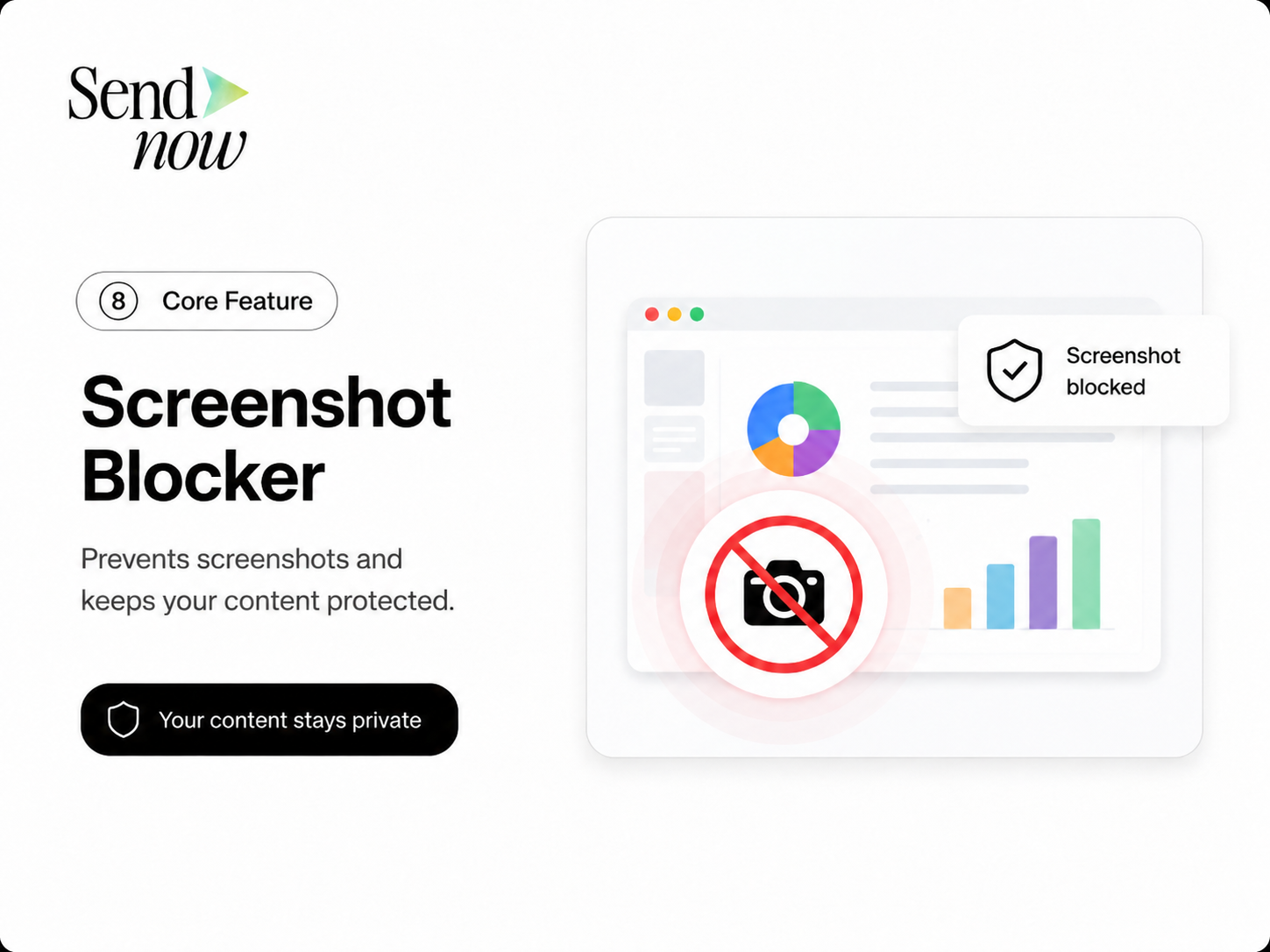
One of the standout features of SendNow is its native screenshot protection. This functionality prevents users from taking screenshots of sensitive documents, significantly reducing the risk of information leaks. By blocking the print screen function, SendNow ensures that confidential data remains secure, even in high-pressure situations.
Email Gates
SendNow requires recipients to verify their identity through email gates before accessing shared documents. This adds an additional layer of security, ensuring that only authorized individuals can view sensitive information.
Link Expiry
SendNow allows users to set expiration dates for shared links. Once the time limit is reached, access to the document is automatically revoked, preventing unauthorized access after the intended sharing period.
NDA Gates
For organizations that require additional legal protection, SendNow offers NDA gates. Recipients must agree to a non-disclosure agreement before accessing sensitive documents, providing an extra layer of security and legal recourse in case of unauthorized sharing.
For more information about SendNow and its innovative features, visit their official LinkedIn page: SendNow LinkedIn.
Technical Walkthrough
Setting up SendNow for secure document sharing is straightforward. Follow these step-by-step instructions to upload, configure links, and distribute documents safely.
Step 1: Create an Account
- Visit the SendNow website and click on "Sign Up."
- Fill in the required information to create your account.
- Verify your email address to activate your account.
Step 2: Upload Your Document
- Log in to your SendNow account.
- Click on the "Upload" button.
- Select the document you wish to share (e.g., pitch deck, contract).
- Wait for the upload to complete.
Step 3: Configure Document Settings
- After uploading, you will be prompted to configure your document settings.
- Enable dynamic watermarking to discourage unauthorized sharing.
- Activate screenshot blocking to prevent recipients from taking screenshots.
- Set an expiration date for the link to ensure limited access.
- If necessary, enable NDA gates to require recipients to agree to a non-disclosure agreement.
Step 4: Distribute the Document

- Once your document settings are configured, click on "Generate Link."
- Copy the generated link and send it to your intended recipients via email or messaging platform.
- Monitor document activity through your SendNow dashboard to track who accesses the document and when.
By following these steps, you can securely share sensitive documents while maintaining control over access and distribution.
ROI & Business Impact
Investing in secure file-sharing solutions like SendNow can yield significant returns for businesses. Here are some key benefits:
Cost-Efficiency
-
Reduced Data Breach Costs: The average cost of a data breach can exceed millions of dollars. By implementing secure file-sharing practices, organizations can mitigate the risk of costly breaches.
-
Streamlined Workflows: Secure file-sharing solutions can enhance productivity by simplifying document distribution and reducing the time spent on managing security protocols.
Contract Compliance
-
Adherence to Regulations: Many industries are subject to strict data protection regulations. Using secure file-sharing solutions helps organizations comply with these regulations, reducing the risk of fines and legal repercussions.
-
Enhanced Client Trust: Clients are more likely to trust organizations that prioritize data security. By demonstrating a commitment to protecting sensitive information, businesses can strengthen client relationships and enhance their reputation.
Protection Value
-
Safeguarding Intellectual Property: For organizations that rely on proprietary information, secure file-sharing solutions are essential for protecting intellectual property and maintaining a competitive edge.
-
Minimizing Human Error: By implementing features like screenshot blocking and NDA gates, organizations can reduce the likelihood of human error leading to data leaks.
Overall, the investment in secure file-sharing solutions like SendNow can lead to substantial cost savings, improved compliance, and enhanced protection of sensitive information.
Structured FAQ
1. How does native screenshot protection work?
Native screenshot protection works by disabling the print screen function on the recipient's device. This prevents users from capturing images of sensitive documents, significantly reducing the risk of unauthorized sharing.
2. Why is print screen blocking important for document security?
Print screen blocking is crucial for document security because it prevents recipients from taking screenshots of sensitive information. This feature helps organizations maintain control over their documents and reduces the likelihood of data leaks.
3. What types of documents can I share securely with SendNow?
You can securely share a wide range of documents using SendNow, including pitch decks, contracts, financial reports, and proprietary research. The platform is designed to protect sensitive information across various industries.
4. How can I monitor document activity in SendNow?
SendNow provides a dashboard that allows you to monitor document activity. You can track who accesses your documents, when they are accessed, and any actions taken, such as downloads or shares.
5. What should I do if a recipient violates the NDA?
If a recipient violates the NDA, you can take legal action based on the terms outlined in the agreement. It is essential to have clear documentation of the violation and to consult with legal counsel for guidance on the next steps.
Actionable CTA
Ready to enhance your document security and protect sensitive information? Start your trial on SendNow today at SendNow Trial. Experience the benefits of native screenshot protection, print screen blocking, and other advanced security features that will keep your confidential documents safe. Don't leave your sensitive information to chance—secure it with SendNow!