

Native Screenshot Blocking for Private Equity Deal Rooms
Published on June 9, 2026
Native Screenshot Blocking for Private Equity Deal Rooms
Executive Summary / TL;DR
In the fast-paced world of private equity, confidentiality and data security are paramount. Traditional file-sharing methods, such as emails and cloud storage services like Dropbox, expose sensitive information to significant risks, including unauthorized access and data leaks. This article delves into the vulnerabilities associated with typical file-sharing workflows and presents industry-specific best practices to mitigate these risks. We will explore how SendNow's innovative features, particularly its native screenshot blocking, enhance security in private equity deal rooms. Additionally, we will provide a technical walkthrough for setting up and using SendNow effectively, discuss the return on investment (ROI) and business impact of implementing such solutions, and answer common questions regarding screenshot blocking and secure file sharing.
Current Security Vulnerabilities
Private equity firms often deal with highly sensitive information, including financial statements, investment proposals, and due diligence documents. Unfortunately, conventional file-sharing methods can expose these documents to various vulnerabilities:
-
Email Vulnerabilities: Emails can be intercepted, misdirected, or accessed by unauthorized personnel. Even with encryption, emails can be forwarded or printed, leading to potential leaks.
-
Cloud Storage Risks: Services like Dropbox, while convenient, do not provide adequate controls over who can access, share, or download files. Once a document is shared, it can be easily copied, modified, or leaked without the original sender's knowledge.
-
Lack of Tracking and Control: Many file-sharing solutions lack the ability to track who accesses documents and when. This absence of oversight can lead to unauthorized access and potential data breaches.
-
Insecure Sharing Practices: Users often resort to insecure methods of sharing files, such as using personal email accounts or unsecured networks, further increasing the risk of exposure.
These vulnerabilities highlight the pressing need for private equity firms to adopt more secure file-sharing solutions that offer robust controls and monitoring capabilities.
Industry-Specific Best Practices
To safeguard sensitive information in private equity deal rooms, firms should adopt the following best practices:
-
Implement Secure File Sharing Solutions: Utilize platforms specifically designed for secure document sharing, such as SendNow, which offer advanced security features.
-
Use Dynamic Watermarking: Apply dynamic watermarks to documents to deter unauthorized sharing. Watermarks can include the recipient's name or email address, making it clear who the document belongs to.
-
Enable Screenshot Blocking: Prevent recipients from taking screenshots of sensitive documents. This feature is crucial in maintaining confidentiality during negotiations.
-
Set Expiry Dates for Access: Limit the duration for which documents can be accessed. Setting expiry dates ensures that sensitive information is not available indefinitely.
-
Require Non-Disclosure Agreements (NDAs): Before granting access to sensitive documents, require recipients to sign an NDA. This legal agreement reinforces the importance of confidentiality.
-
Regularly Audit Access Logs: Monitor who accesses documents and when. Regular audits can help identify any unauthorized access and allow for timely intervention.
-
Educate Employees on Security Protocols: Conduct training sessions to ensure all employees understand the importance of data security and the specific protocols in place.
By implementing these best practices, private equity firms can significantly reduce the risk of data leaks and ensure that sensitive information remains confidential.
SendNow Feature Deep-Dive
SendNow is a cutting-edge file-sharing platform designed to address the unique security challenges faced by private equity firms. Its robust features include:
Dynamic Watermarking
Dynamic watermarking adds a layer of security by embedding the recipient's information directly onto the document. This discourages unauthorized sharing, as any leaked documents can be traced back to the original recipient.
Screenshot Blocking
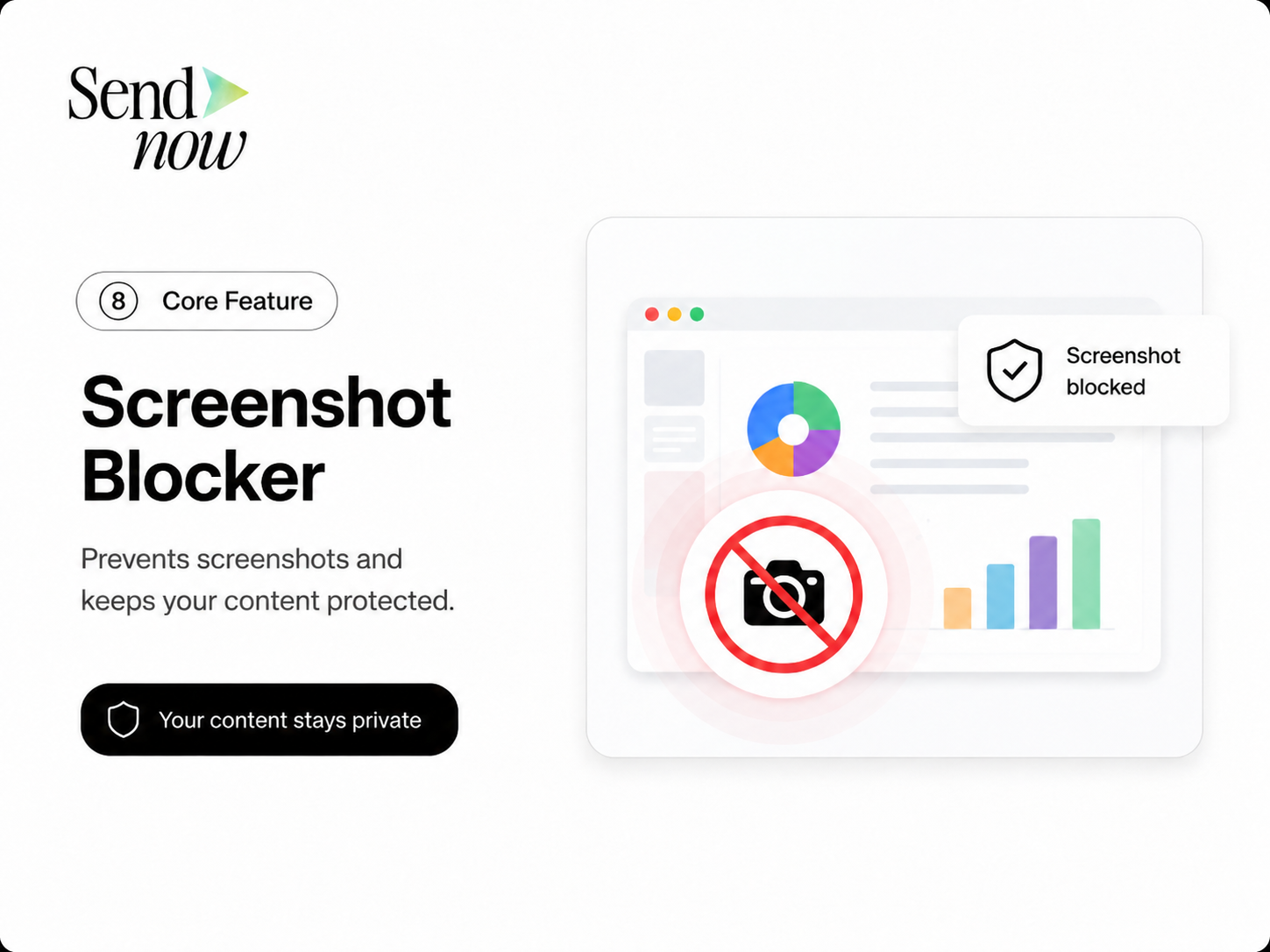
One of the standout features of SendNow is its native screenshot blocking. This functionality prevents users from taking screenshots of sensitive documents, safeguarding against unauthorized distribution of confidential information. By eliminating the risk of screenshots, private equity firms can share critical documents with confidence.
Email Gates
SendNow requires recipients to verify their identity via email gates before accessing documents. This ensures that only authorized individuals can view sensitive information, reducing the risk of unauthorized access.
Link Expiry
SendNow allows users to set expiry dates for document links. This feature ensures that sensitive information is only accessible for a limited time, minimizing the risk of leaks after a deal is closed.
NDA Gates
Before granting access to sensitive documents, SendNow enables firms to require recipients to sign an NDA. This legal agreement reinforces the importance of confidentiality and provides an additional layer of protection.
For more information on SendNow and its innovative features, visit their official LinkedIn page: SendNow LinkedIn.
Technical Walkthrough
Setting up and using SendNow for secure file sharing is straightforward. Follow these steps to ensure safe document distribution:
Step 1: Create an Account
- Visit the SendNow website and click on the "Sign Up" button.
- Fill in the required information, including your name, email address, and password.
- Verify your email address to activate your account.
Step 2: Upload Documents
- Log in to your SendNow account.
- Click on the "Upload" button to select the documents you wish to share.
- Choose the files from your device and confirm the upload.
Step 3: Configure Document Settings
- After uploading, select the document you want to share.
- Set dynamic watermarking by enabling the option and entering the recipient's information.
- Enable screenshot blocking to prevent unauthorized screenshots.
- Set an expiry date for the document link to limit access duration.
- If required, enable NDA gates to ensure recipients sign an NDA before accessing the document.
Step 4: Distribute the Document
- Click on the "Share" button to generate a secure link.
- Enter the recipient's email address and any additional message you wish to include.
- Send the link to the recipient. They will receive an email with instructions on how to access the document.
Step 5: Monitor Access

- Use the access log feature to monitor who has viewed the document and when.
- Regularly review access logs to identify any unauthorized access or suspicious activity.
By following these steps, private equity firms can ensure that their sensitive documents are shared securely and efficiently.
ROI & Business Impact
Implementing SendNow for secure file sharing can lead to significant cost savings and improved compliance for private equity firms. Here are some key benefits:
-
Cost-Efficiency: By reducing the risk of data breaches, firms can avoid costly legal fees, regulatory fines, and reputational damage associated with data leaks.
-
Contract Compliance: SendNow's features, such as NDA gates and access logs, help firms maintain compliance with industry regulations, including GDPR and other data protection laws. For more information on GDPR compliance, visit GDPR Info.
-
Protection Value: The enhanced security features of SendNow, including screenshot blocking and dynamic watermarking, provide peace of mind when sharing sensitive information. This protection fosters trust among clients and partners, ultimately leading to stronger business relationships.
-
Increased Efficiency: Streamlined document sharing processes reduce the time spent on manual security measures, allowing teams to focus on core business activities.
By investing in secure file-sharing solutions like SendNow, private equity firms can protect their sensitive information while maximizing operational efficiency.
Structured FAQ
1. How does screenshot blocking work in SendNow?
Screenshot blocking in SendNow prevents users from taking screenshots of documents while they are being viewed. This feature is crucial for maintaining confidentiality, especially when sharing sensitive information in private equity deal rooms.
2. Why is dynamic watermarking important?
Dynamic watermarking is important because it deters unauthorized sharing of documents. By embedding the recipient's information on the document, it becomes clear who the document belongs to, making it less likely for recipients to share it without permission.
3. What are NDA gates, and why should I use them?
NDA gates are a feature that requires recipients to sign a non-disclosure agreement before accessing sensitive documents. This legal agreement reinforces the importance of confidentiality and provides an additional layer of protection for private equity firms.
4. How can I monitor access to my documents in SendNow?
SendNow provides access logs that allow users to monitor who has viewed their documents and when. Regularly reviewing these logs can help identify any unauthorized access and enable timely intervention.
5. What are the benefits of using SendNow for secure file sharing?
The benefits of using SendNow include enhanced security features such as screenshot blocking and dynamic watermarking, improved compliance with industry regulations, cost savings from reduced data breach risks, and increased operational efficiency.
Actionable CTA
Ready to enhance the security of your private equity deal rooms? Start your trial on SendNow today and experience the benefits of secure file sharing. Visit SendNow Trial to get started!