
How to Set an Expiry Date on a Shared Document Link
Published on April 24, 2026
How to Set an Expiry Date on a Shared Document Link
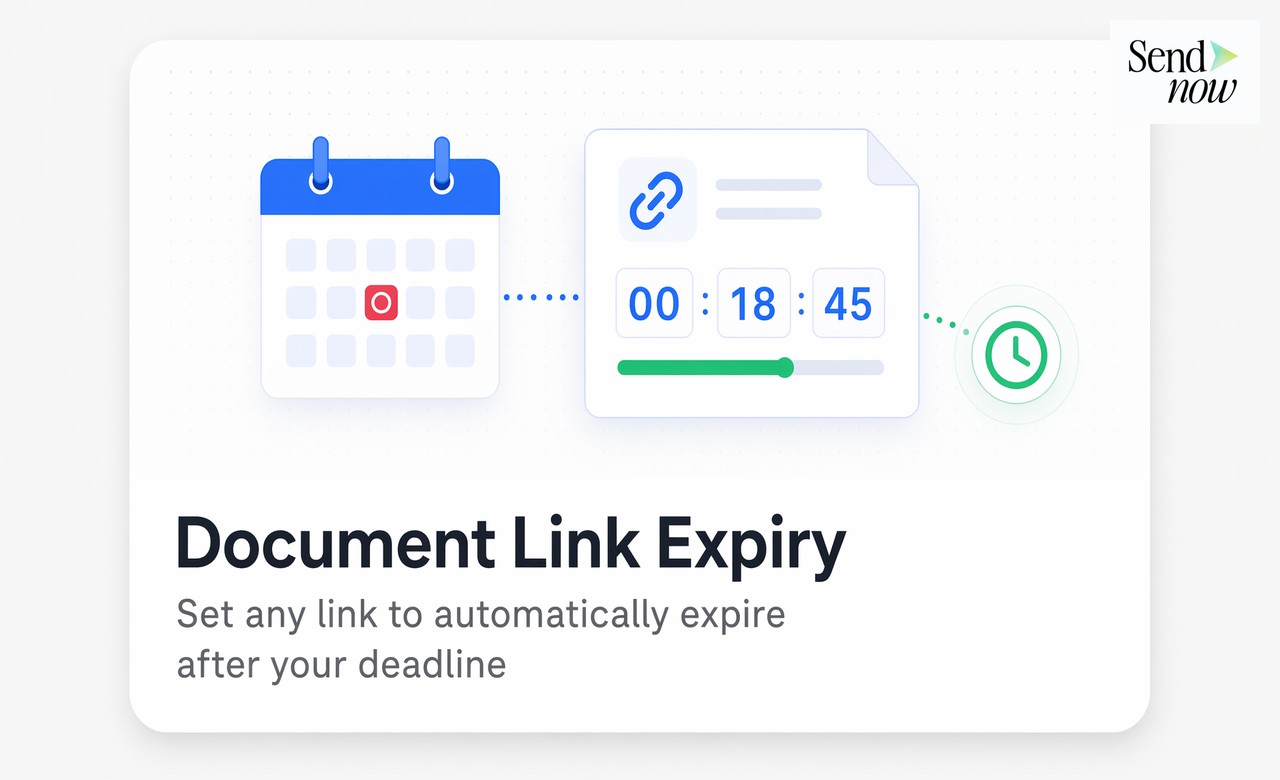
#TLDR: Sending a document link with no expiry means the recipient retains access indefinitely, even after a proposal deadline passes, a deal closes, or a relationship ends. Link expiry sets an automatic cutoff date after which the link stops working, with no manual intervention required.
Table of Contents
- Why Document Link Expiry Matters
- Common Scenarios Requiring Link Expiry
- How to Set an Expiry Date in SendNow
- What Happens When a Link Expires
- Can You Extend or Reactivate an Expired Link?
- Combining Expiry with Other Access Controls
Why Document Link Expiry Matters
Most document sharing tools treat access as permanent by default. Once a link is created and sent, it remains active until the sender manually revokes it or deletes the file. In practice, manual revocation rarely happens. Deal teams move on to the next transaction. Advisors close their files. The link that went to a prospective buyer six months ago is still live.
This is a data exposure risk. Documents shared during a process that has since concluded remain accessible to anyone who still holds the link, including people who were never the intended final recipient, emails that were forwarded without authorization, and users whose devices may no longer be secured.
Link expiry removes this risk automatically. The sender sets a date. On that date, the link stops working. The document is no longer accessible without the sender creating new access.
For EU-based teams, link expiry also supports GDPR data minimization principles. Limiting the duration of access to personal or commercially sensitive data is consistent with the principle that data should not be retained or accessible for longer than necessary for the purpose it was shared.
Common Scenarios Requiring Link Expiry
Proposal and tender deadlines: A commercial proposal shared with a prospect should expire on the submission deadline. After that date, the pricing, terms, and commercial details in the document are no longer valid and should not remain accessible.
Offer letters and term sheets: HR and legal teams sharing offer letters or term sheets should set expiry aligned with the acceptance deadline. An expired offer is no longer live and the document should reflect that.
Event or time-limited access: Conference materials, webinar resources, and workshop documents intended for a specific date or period should expire at the end of that window.
Investor deck distributions: Founders sharing fundraising materials during a specific round can set link expiry to the end of the closing period, after which the materials are no longer current or authorized for circulation.
Confidential pricing documents: Pricing sheets shared with specific clients at a point-in-time rate should expire when that pricing period ends to prevent recipients from referencing outdated terms.

How to Set an Expiry Date in SendNow
Setting a link expiry in SendNow takes three steps from the document sharing panel:
- Upload or select your document in your SendNow workspace.
- Open the link settings panel for that document. This is where all access controls are configured before the link is generated.
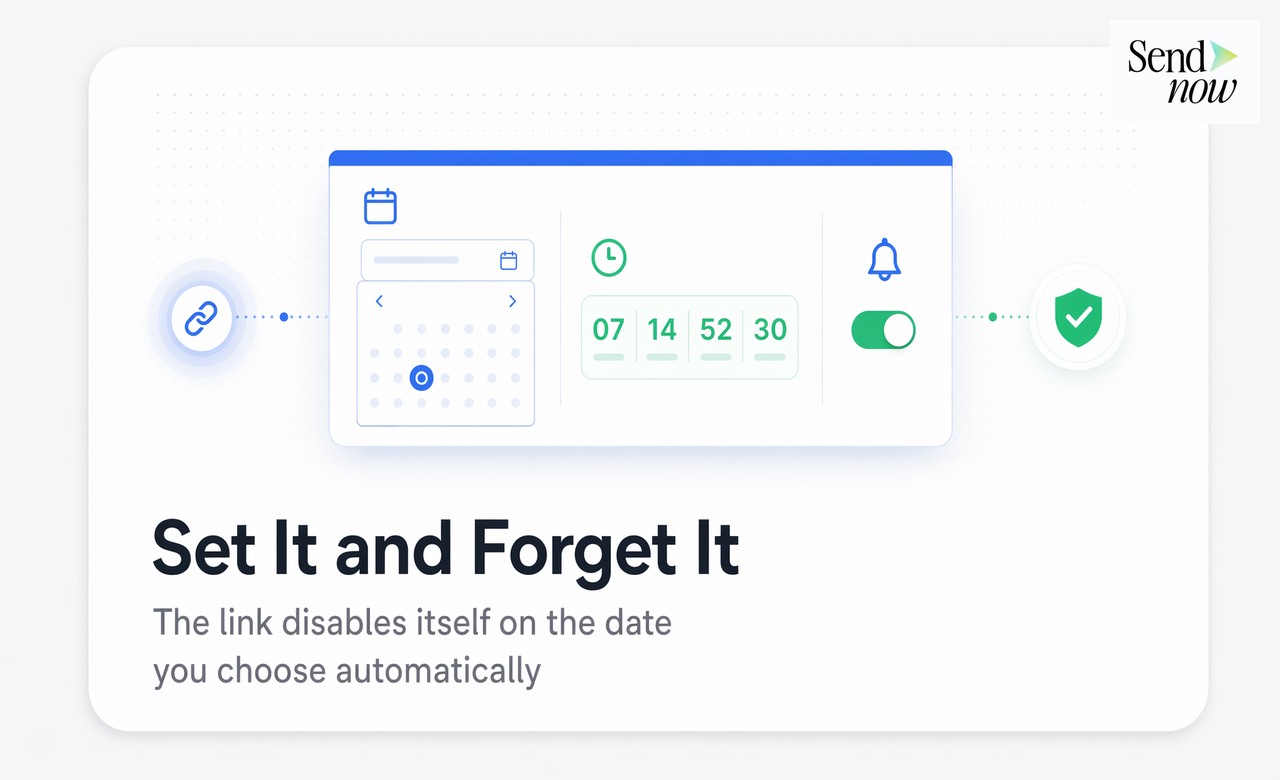
- Select the expiry date using the calendar date picker. You can also set a time of day for the expiry, which is useful for deadline-specific use cases like tender submissions. An optional notification-before-expiry toggle sends you a reminder before the link deactivates.
Once configured, the link behaves normally until the specified date and time. No further action is required from the sender.
What Happens When a Link Expires
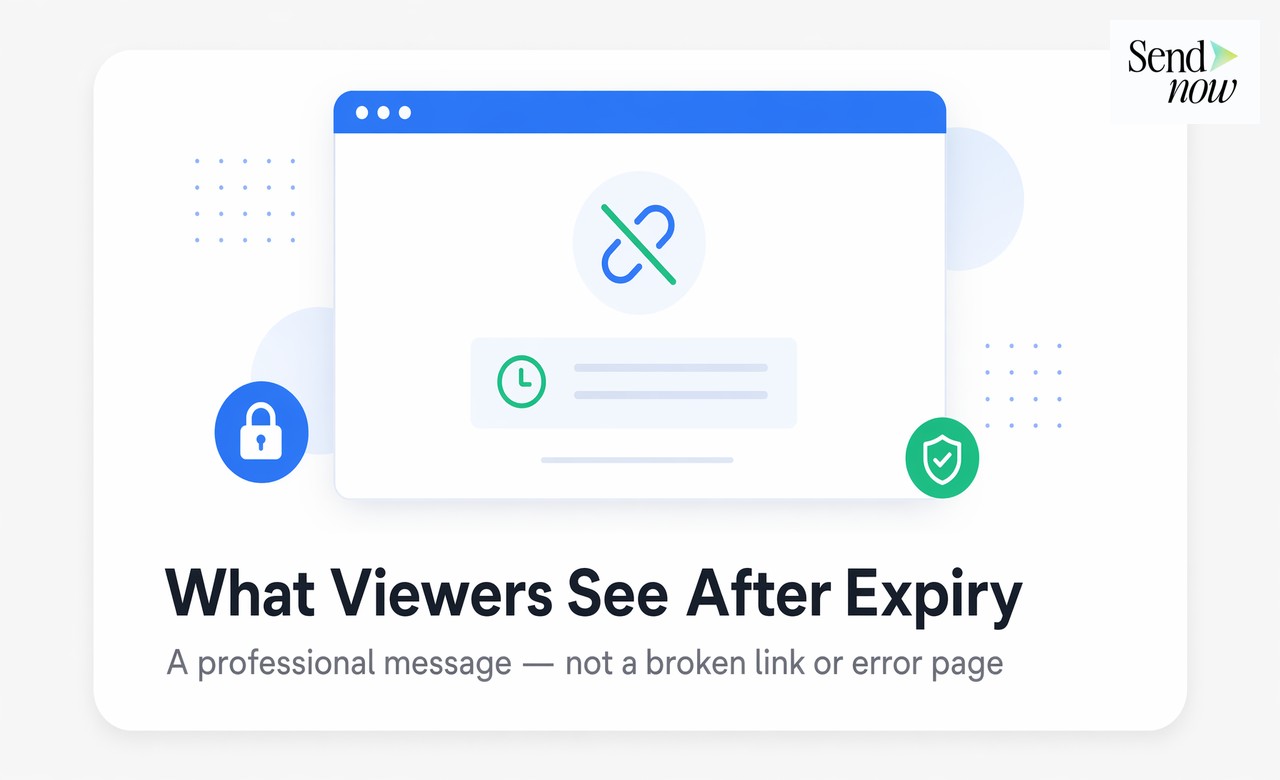
When a recipient attempts to open an expired link, they see a professional access message rather than a broken link or a generic error page. The message communicates that the link has expired and prompts them to contact the sender if they require further access.
This matters for professional credibility. A broken link creates confusion. A clear, branded expiry message tells the recipient exactly what has happened and what to do next. It also signals that the document was shared through a controlled platform with deliberate access management, which is the right impression to leave with counterparties in financial and legal transactions.
The sender receives no notification when a link expires by reaching its scheduled date. Expiry is automatic. If the sender wants to confirm the link has deactivated, the activity log in the document settings shows the current link status.
Can You Extend or Reactivate an Expired Link?
Yes. The sender retains full control over expired links. There are two options:
- Extend the expiry date: Return to the link settings panel and set a new expiry date. The existing link becomes active again immediately. This is useful when a recipient needs more time to review materials or when a deadline is extended.
- Generate a new link: For cases where a new link with fresh settings is preferable, such as when sending revised materials or adding additional access controls, the sender can generate a new link while leaving the original expired.
Recipients cannot self-extend access. Only the document owner or an authorized administrator can modify link settings. This ensures that access extensions are always deliberate and authorized.
Combining Expiry with Other Access Controls
Link expiry is most effective when combined with the broader access control options available in a secure document platform. The full suite creates layered protection for confidential documents.

| Control | Purpose | Best Used With Expiry |
|---|---|---|
| Email verification | Confirms the recipient's identity before first access | Always |
| NDA gating | Requires the recipient to accept terms before viewing | For sensitive commercial documents |
| Password protection | Adds a second authentication factor | For high-sensitivity materials |
| Download blocking | Prevents local file copies regardless of expiry | For documents requiring ongoing control |
| Revocation | Cancels access immediately regardless of expiry date | For urgent access removal |
| Expiry date | Automatically ends access on a specific date | For deadline-driven sharing |
| Watermarking | Identifies the document if it is shared outside the platform | For widely distributed materials |
A complete access control configuration for a confidential document shared during a deal process might include: email verification at first access, NDA acceptance, download blocking, dynamic watermarking, and a link expiry set to the deal closing date.
Set expiry dates, control access, and track every view. Try SendNow at sendnow.live
Frequently Asked Questions
What is a document link expiry date? A document link expiry date is a date and time configured by the sender after which a shared document link automatically stops working. Recipients who click the link after expiry see a notification that the link has expired.
Can I set an expiry date on a Google Drive link? Google Drive does not natively support link expiry dates for standard shared links. Expiry is available as a setting for specific sharing configurations in Google Workspace but is limited in scope and not available for all link types.
Does link expiry delete the document? No. Link expiry only deactivates the specific shared link. The document remains in the sender's workspace and can be shared again with a new link at any time.
How do I know when a shared link has expired? The link status is visible in the document's access settings panel. Some platforms send an optional notification before expiry occurs. Recipients attempting to open the link see a clear expiry message.
Can a recipient bypass a link expiry? No. Link expiry is enforced at the server level. A recipient holding a valid link before expiry cannot access the document after the expiry date and time have passed.
What is the minimum expiry period I can set? Most platforms allow expiry dates as short as a few hours from the time of link creation. This is useful for highly time-sensitive access like live meeting materials or one-time review sessions.
Is link expiry the same as document revocation? Link expiry deactivates access on a scheduled future date. Document revocation cancels access immediately, regardless of the original expiry setting. Both tools serve different purposes and can be used together.
Does link expiry work for documents shared with multiple recipients? Yes. An expiry date set on a link applies to all recipients who access through that link. If different recipients need different expiry dates, the sender can generate separate links with individual settings.
Written by Alex Carter. Alex covers document security, deal workflows, and GDPR compliance for financial professionals using SendNow.