
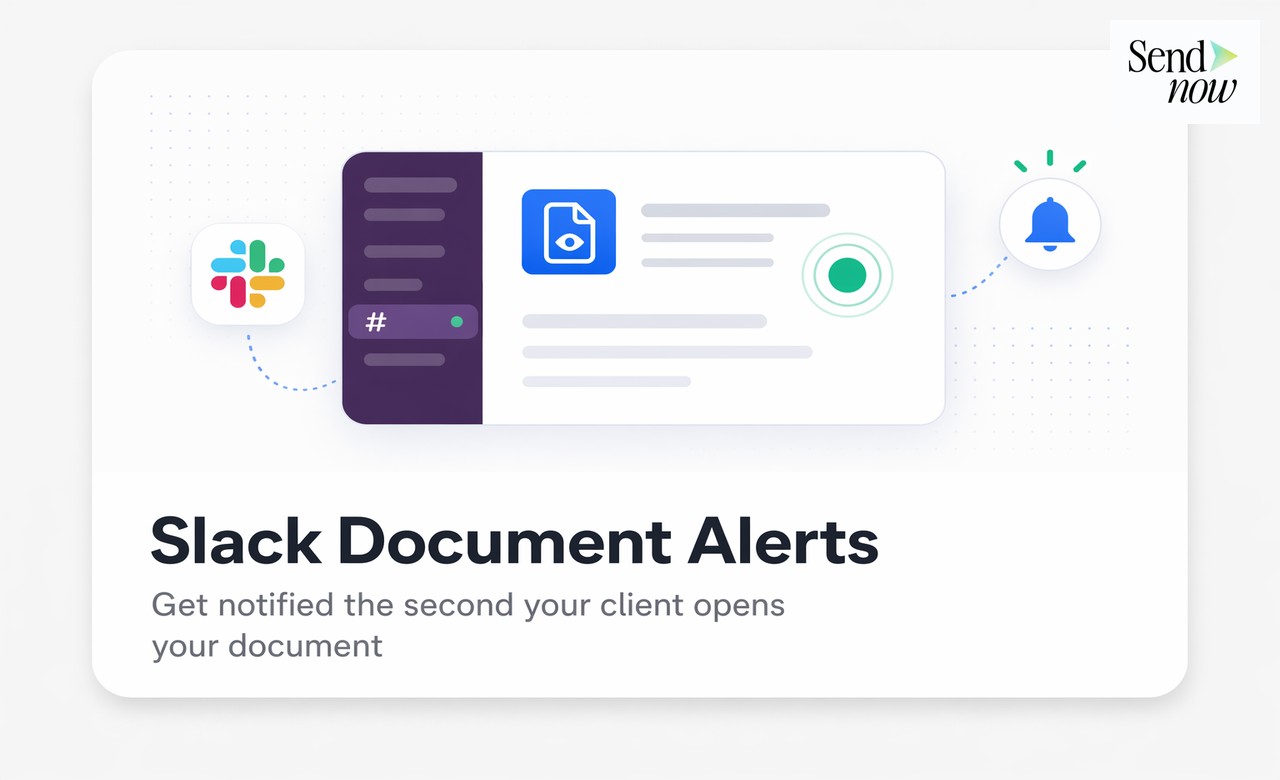
How to Get Slack Alerts When a Client Opens Your Document
Published on April 24, 2026
How to Get Slack Alerts When a Client Opens Your Document
#TLDR
Real-time Slack alerts triggered by document opens give sales and finance teams an immediate signal to follow up. This article explains how document tracking software integrates with Slack, how to configure it, and how to build a workflow where every document open becomes an actionable sales trigger.
Table of Contents
- Why Document Open Alerts Change Sales
- How Slack Integration Works in SendNow
- Setting Up Real-Time Notifications
- What to Do the Moment You Get an Alert
- Using Webhooks for CRM Push
- Building a Document-Driven Sales Workflow
Why Document Open Alerts Change Sales
In financial services and B2B sales, timing is one of the most powerful variables in closing a deal. A prospect who just opened your pitch deck is, at that exact moment, thinking about your offer. They are mentally engaged. That is the optimal time to call.
The problem is that most teams send documents and then wait passively for the prospect to respond. Days pass. The follow-up call happens long after the moment of peak interest. The deal stalls.
Document open alerts solve this by eliminating the guesswork. When you know a prospect opened your deck at 2:17 PM and read all 14 pages over 6 minutes, you have everything you need to make an informed, timely follow-up. You know they are engaged. You know which document they reviewed. You know how long they spent on it.
This is what separates teams using document tracking software from teams operating on gut feel.
How Slack Integration Works in SendNow
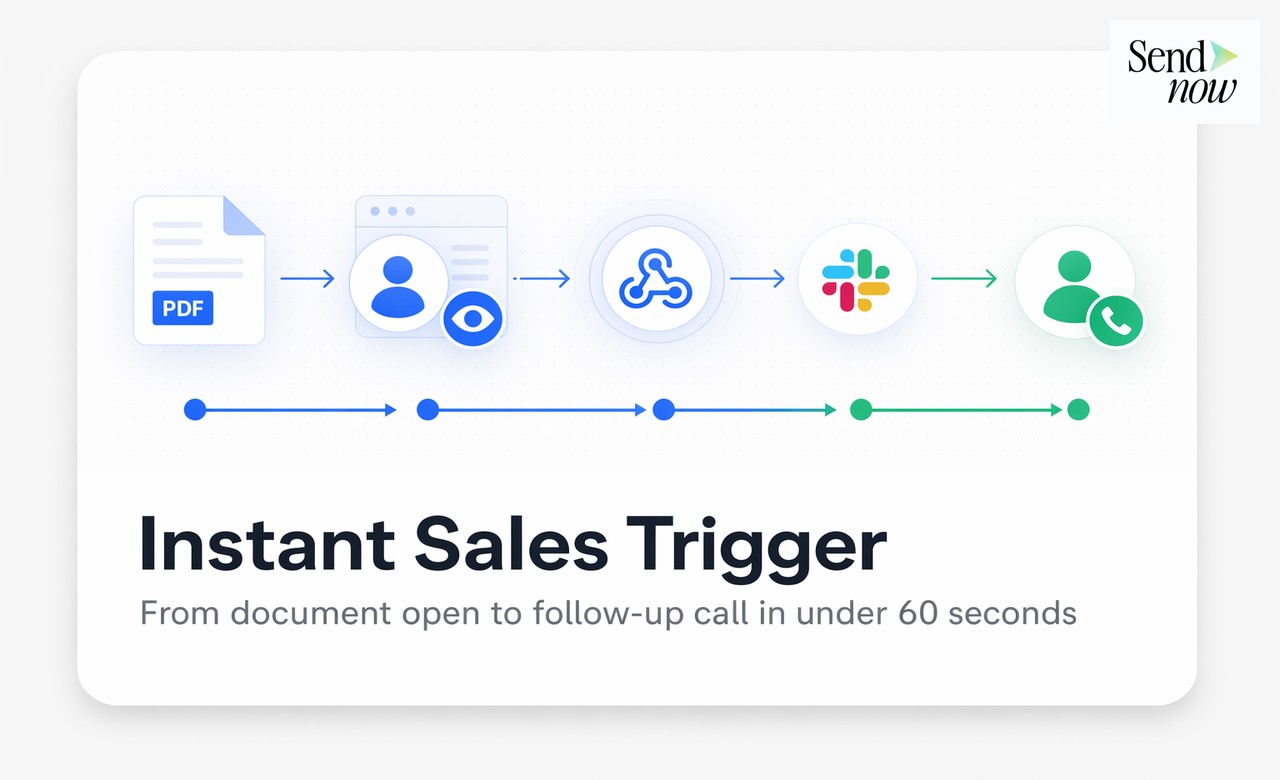
SendNow's Slack integration uses webhooks to push document engagement events directly into your Slack workspace. When a recipient opens a document you have shared, a formatted Slack message fires into your designated channel within seconds.
The alert includes:
- Recipient name and email (if verified)
- Document name
- Time of open
- Pages viewed and time spent per page
- Total reading time
- Number of visits (first open vs. return visit)
This is not a generic "someone opened your document" ping. It is a structured engagement summary that gives your team the context to act immediately.
The integration connects at the workspace level, meaning you configure it once and it applies across all documents you share through the platform.
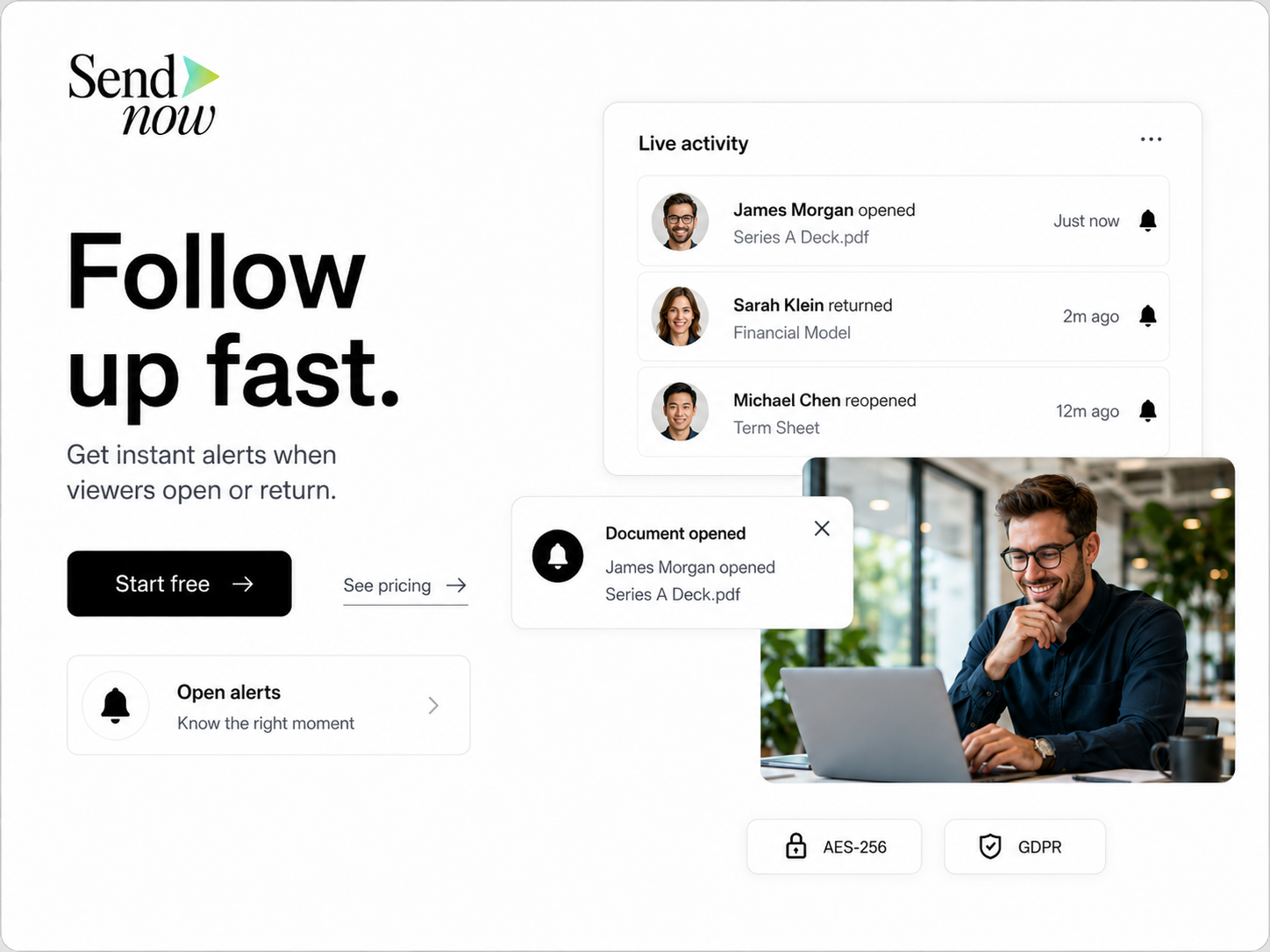
Setting Up Real-Time Notifications
Setting up Slack alerts in SendNow takes under five minutes:
- Go to Settings > Integrations > Slack in your SendNow dashboard.
- Click Connect to Slack and authenticate with your Slack workspace.
- Select the channel where you want document alerts to appear (e.g., #deal-alerts or #document-opens).
- Choose which event types trigger a notification: first open, return visit, page-by-page completion, or all events.
- Optionally, set filters so you only receive alerts for specific document folders or recipient domains.
Once connected, every document you share through SendNow will automatically fire Slack alerts based on your configuration. You do not need to enable it per document unless you want to override default settings for a specific share.
What to Do the Moment You Get an Alert
Receiving a Slack alert is a signal, not an end in itself. The value comes from what your team does next.
A practical response protocol:
- First open, under 2 minutes of reading time: The recipient has seen the cover and a few slides. Do not call immediately. Wait to see if they return.
- First open, over 5 minutes of reading time: High engagement. They read the whole deck. This is a strong signal to follow up within the hour with a personalised message referencing what they reviewed.
- Return visit within 24 hours: Strongest signal. A prospect who comes back to your document is actively reconsidering or showing it to others. Call immediately.
- Shared internally (multiple viewer opens from the same domain): The document is circulating inside their organisation. Widen your outreach to the other contacts you know at that firm.
Build these response rules into your team playbook so that Slack alerts translate consistently into action, not just awareness.
Using Webhooks for CRM Push
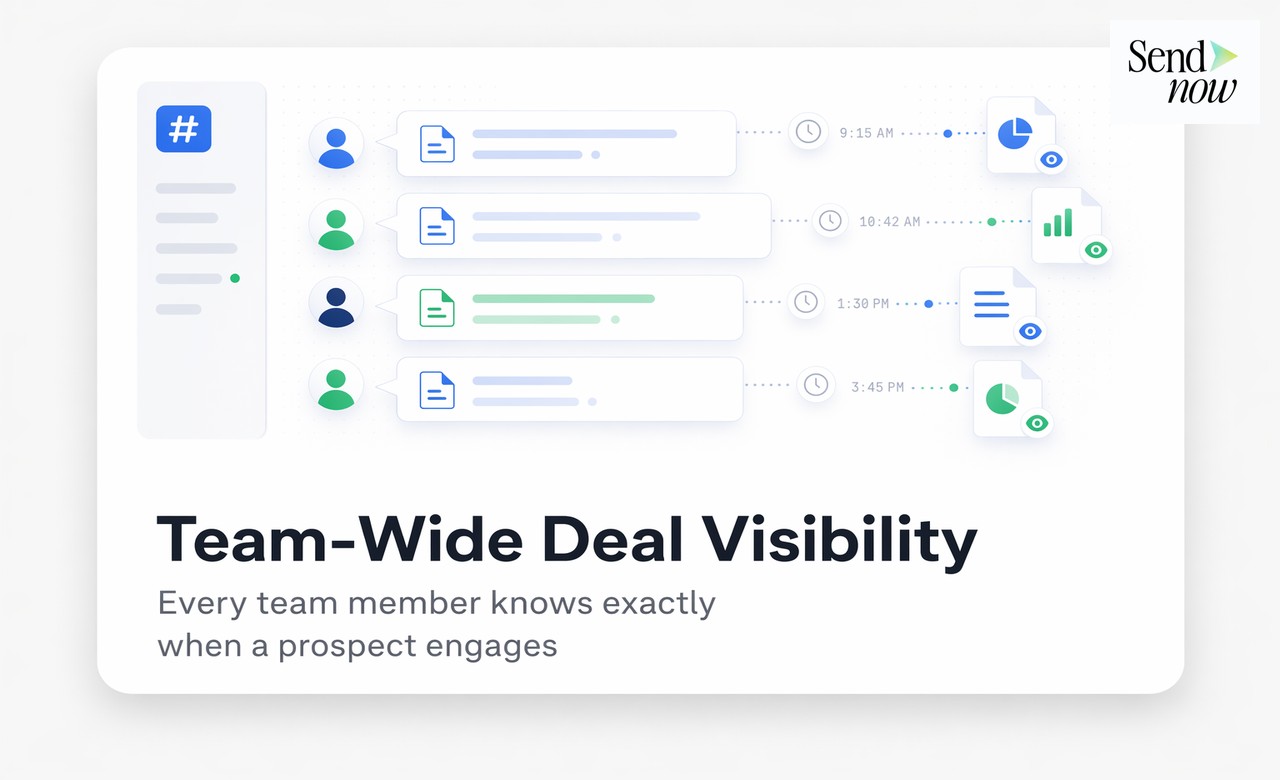
For teams with a CRM, Slack alerts are just one output. SendNow also supports custom webhooks that can push document engagement data to any endpoint.
This means you can:
- Automatically log a document open as a CRM activity in HubSpot, Salesforce, or Pipedrive
- Trigger a follow-up task assigned to the deal owner
- Update the deal stage based on engagement thresholds (e.g., move to "Hot" if a prospect reads more than 80% of pages)
- Feed engagement scores into lead scoring models
The webhook payload includes the same structured data as the Slack alert: recipient, document, timestamp, pages viewed, and reading duration. Your development team or a no-code tool like Zapier can map these fields to your CRM schema without custom development.
Building a Document-Driven Sales Workflow
The most effective teams treat document engagement as a first-class data source in their sales process. Here is a template workflow:
| Stage | Document Sent | Alert Trigger | Action |
|---|---|---|---|
| Initial outreach | Intro deck | First open, 5+ min | Email follow-up within 1 hour |
| Qualification | Full pitch deck | Return visit | Phone call within 30 min |
| Due diligence | Data room access | Internal sharing detected | Widen stakeholder contact |
| Closing | Term sheet | Open, any duration | Immediate call, log in CRM |
| Post-close | Onboarding doc | First open | Trigger onboarding sequence |

When document tracking software is wired into Slack and your CRM, document sends stop being passive handoffs and become active sales events. Every share creates a real-time feedback loop between your content and your pipeline.
Frequently Asked Questions
Q1: Does the Slack integration require technical setup? No. The SendNow Slack integration is a no-code connection. You authenticate with Slack, choose a channel, and it works automatically across all your document shares.
Q2: Can I get alerts for specific documents only? Yes. You can configure alerts at the workspace level (all documents) or override settings per document or per folder.
Q3: What information is included in each Slack alert? Each alert includes the recipient's name and email (if verified via email gate), document name, open timestamp, pages viewed, and total reading time.
Q4: Can I route different document types to different Slack channels? Yes. You can set up folder-level routing so investor deck opens go to #ir-alerts and contract opens go to #legal-docs.
Q5: What is the delay between a document open and the Slack alert firing? Typically under 10 seconds. The webhook fires in near real-time as soon as the document is opened.
Q6: Do I need to be a Slack admin to set this up? You need permission to add apps to your Slack workspace, which typically requires admin or owner rights. A Slack admin can also install the SendNow app on behalf of the team.
Q7: Can webhooks push data to Salesforce or HubSpot directly? Yes, via the custom webhook feature. You point the webhook at your CRM's API endpoint or use a middleware tool like Zapier to map the fields.
Q8: Is document tracking compliant with GDPR? GDPR requires that recipients are informed when their interaction with shared documents is tracked. SendNow's document viewer can display a tracking disclosure, and its NDA gating and email verification features create a clear consent record.
<script type="application/ld+json"> }, { "@type": "Question", "name": "Can I get alerts for specific documents only?", "acceptedAnswer": { "@type": "Answer", "text": "Yes. You can configure alerts at the workspace level (all documents) or override settings per document or per folder." } }, { "@type": "Question", "name": "What information is included in each Slack alert?", "acceptedAnswer": { "@type": "Answer", "text": "Each alert includes the recipient's name and email (if verified via email gate), document name, open timestamp, pages viewed, and total reading time." } }, { "@type": "Question", "name": "Can I route different document types to different Slack channels?", "acceptedAnswer": { "@type": "Answer", "text": "Yes. You can set up folder-level routing so investor deck opens go to #ir-alerts and contract opens go to #legal-docs." } }, { "@type": "Question", "name": "What is the delay between a document open and the Slack alert firing?", "acceptedAnswer": { "@type": "Answer", "text": "Typically under 10 seconds. The webhook fires in near real-time as soon as the document is opened." } }, { "@type": "Question", "name": "Do I need to be a Slack admin to set this up?", "acceptedAnswer": { "@type": "Answer", "text": "You need permission to add apps to your Slack workspace, which typically requires admin or owner rights. A Slack admin can also install the SendNow app on behalf of the team." } }, { "@type": "Question", "name": "Can webhooks push data to Salesforce or HubSpot directly?", "acceptedAnswer": { "@type": "Answer", "text": "Yes, via the custom webhook feature. You point the webhook at your CRM's API endpoint or use a middleware tool like Zapier to map the fields." } }, { "@type": "Question", "name": "Is document tracking compliant with GDPR?", "acceptedAnswer": { "@type": "Answer", "text": "GDPR requires that recipients are informed when their interaction with shared documents is tracked. SendNow's document viewer can display a tracking disclosure, and its NDA gating and email verification features create a clear consent record." } } ] } </script>
Get real-time Slack alerts for every document open. Start with sendnow.live.
Written by Alex Carter. Alex covers document security, financial compliance, and SaaS tools for finance professionals.