

Virtual Data Rooms with Slack alerts for VC deals
Published on June 9, 2026
Virtual Data Rooms with Slack Alerts for VC Deals
Executive Summary / TL;DR
In the fast-paced world of venture capital (VC), the need for secure, efficient, and collaborative environments is paramount. Traditional file-sharing methods, such as email and generic cloud storage solutions, often expose sensitive information to leaks and unauthorized access. Virtual Data Rooms (VDRs) have emerged as a robust solution, providing a secure platform for sharing confidential documents. By integrating Slack alerts into these VDRs, teams can enhance communication and streamline workflows, ensuring that critical updates are received in real-time. This article delves into the current security vulnerabilities in typical file-sharing workflows, industry-specific best practices for VC professionals, the advantages of using VDRs with Slack alerts, and actionable steps for implementation.
Current Security Vulnerabilities
The landscape of digital communication is fraught with vulnerabilities, particularly when it comes to sharing sensitive information. Traditional methods such as email and platforms like Dropbox, while convenient, pose significant risks:
-
Email Risks: Emails can be intercepted, misaddressed, or mistakenly forwarded, leading to unauthorized access to confidential information. Phishing attacks can also compromise email accounts, resulting in data breaches.
-
Cloud Storage Vulnerabilities: While platforms like Dropbox offer file-sharing capabilities, they often lack robust security features. Files stored in the cloud can be accessed by unauthorized users if proper permissions are not set. Furthermore, data stored in the cloud may be subject to compliance issues related to regulations such as GDPR.
-
Lack of Audit Trails: Many file-sharing solutions do not provide comprehensive audit trails, making it difficult to track who accessed what information and when. This lack of accountability can be detrimental in a VC context, where due diligence and compliance are critical.
-
Inadequate Security Controls: Many file-sharing platforms do not offer advanced security features such as dynamic watermarking, screenshot blocking, or link expiration, which are essential for protecting sensitive documents.
These vulnerabilities highlight the need for a more secure and efficient solution for sharing sensitive information in the VC space.
Industry-Specific Best Practices
To mitigate risks associated with file-sharing in the VC industry, professionals should adopt the following best practices:
-
Utilize Virtual Data Rooms: Implement a VDR specifically designed for secure document sharing. VDRs provide a controlled environment where sensitive information can be shared with authorized parties only.
-
Establish Clear Access Controls: Define user roles and permissions to ensure that only authorized individuals can access specific documents. Regularly review and update these permissions as needed.
-
Implement Two-Factor Authentication (2FA): Require 2FA for all users accessing the VDR to add an extra layer of security. This ensures that even if login credentials are compromised, unauthorized access is still prevented.
-
Conduct Regular Security Audits: Regularly review security protocols and conduct audits to identify and rectify any vulnerabilities in the system.
-
Educate Team Members: Provide training for team members on best practices for data security, including recognizing phishing attempts and understanding the importance of secure file-sharing.
-
Leverage Integration with Communication Tools: Use tools like Slack in conjunction with VDRs to facilitate real-time communication and updates, ensuring that all team members are informed of critical developments.
SendNow Feature Deep-Dive
SendNow is a leading provider of secure file-sharing solutions tailored for the VC industry. Its features address the common vulnerabilities associated with traditional file-sharing methods. Here’s how SendNow’s specific controls enhance security:
- Dynamic Watermarking: Each document shared through SendNow can be watermarked with the recipient's information. This discourages unauthorized sharing and provides a clear audit trail.
-
Screenshot Blocking: SendNow includes technology that prevents users from taking screenshots of sensitive documents. This feature is crucial for protecting proprietary information from being captured and shared without authorization.
-
Email Gates: Users must verify their identity through email before accessing documents. This ensures that only intended recipients can view sensitive information.
-
Link Expiry: Shared links can be set to expire after a specific period, reducing the risk of unauthorized access over time. This feature is particularly useful for time-sensitive documents.
-
NDA Gates: SendNow allows users to require recipients to sign a Non-Disclosure Agreement (NDA) before accessing certain documents. This adds an additional layer of legal protection for sensitive information.
For more information on SendNow and its offerings, visit their official LinkedIn page: SendNow on LinkedIn.
Additionally, it is essential to adhere to regulatory standards such as GDPR, which emphasizes the protection of personal data. For more information on GDPR compliance, visit GDPR Info.
Technical Walkthrough
Setting up a Virtual Data Room with Slack alerts through SendNow is a straightforward process. Follow these steps to ensure a secure and efficient setup:
Step 1: Create an Account
- Visit the SendNow website and sign up for an account.
- Verify your email address to activate your account.
Step 2: Upload Documents
- Log in to your SendNow account.
- Navigate to the "Upload" section.
- Select the files you wish to share and upload them to the VDR.
Step 3: Configure Document Settings
- After uploading, select the document and configure its settings.
- Enable dynamic watermarking and screenshot blocking.
- Set link expiration dates and require email verification for access.
Step 4: Set Up NDA Gates
- If necessary, create an NDA template within SendNow.
- Assign the NDA to specific documents that require additional legal protection.
Step 5: Integrate with Slack
- Navigate to the integration settings within your SendNow account.
- Connect your Slack account by following the prompts.
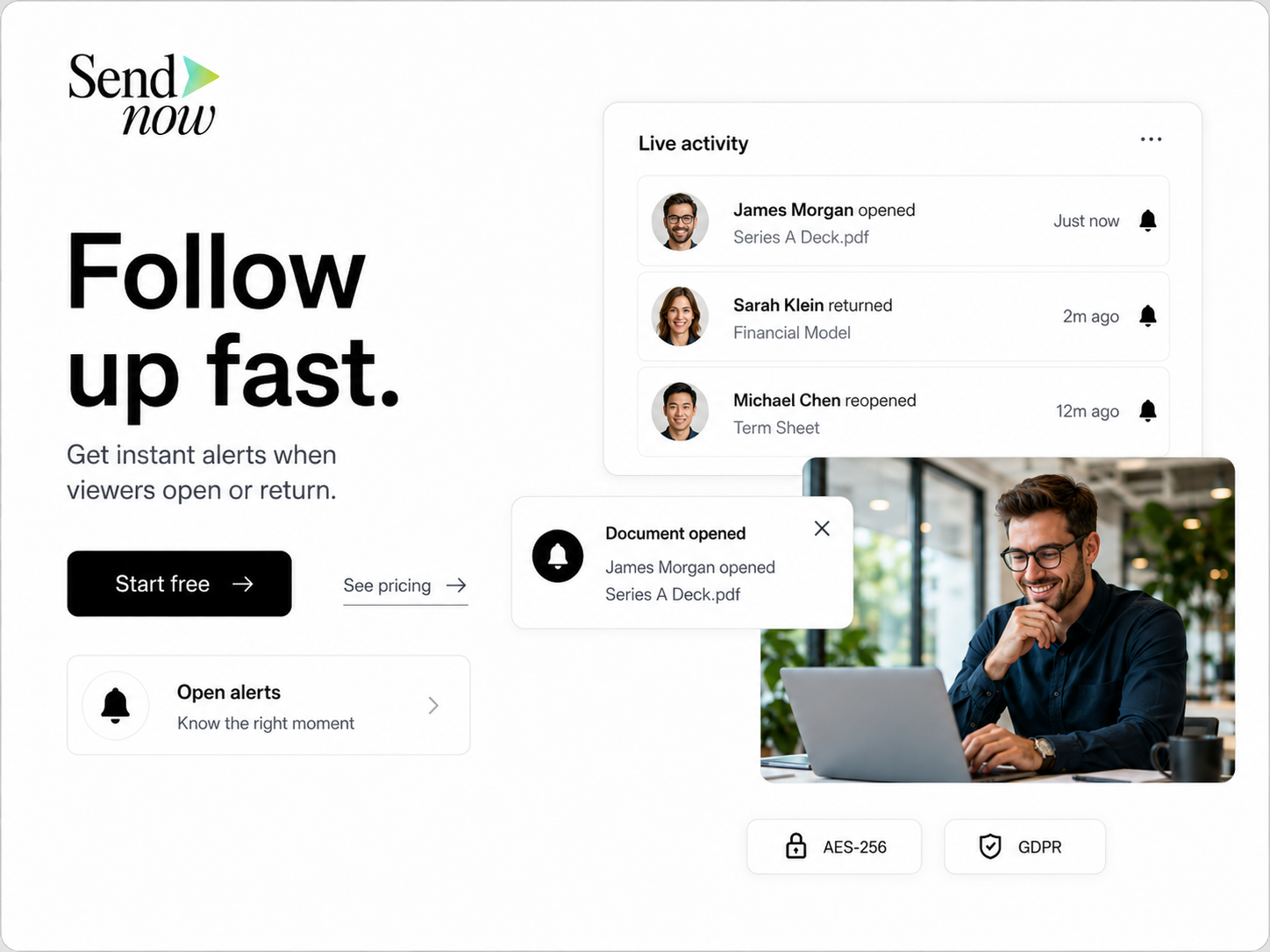
- Configure alerts for document uploads, access requests, and updates.
Step 6: Distribute Links Securely
- Once your documents are configured, generate secure links for sharing.
- Distribute these links to authorized recipients via email or directly through Slack.
Step 7: Monitor Activity

- Regularly check the audit logs within SendNow to monitor who accessed documents and when.
- Use Slack alerts to stay informed of any access requests or document updates.
ROI & Business Impact
Implementing a Virtual Data Room with Slack alerts can yield significant returns on investment (ROI) for VC firms:
-
Cost-Efficiency: By reducing the risk of data breaches and the associated costs of remediation, firms can save substantial amounts of money. Additionally, the streamlined workflow reduces the time spent on document management.
-
Contract Compliance: Adhering to regulatory standards such as GDPR is crucial for VC firms. Using a secure VDR helps ensure compliance, reducing the risk of fines and legal issues.
-
Protection Value: The advanced security features offered by SendNow, such as dynamic watermarking and NDA gates, provide peace of mind that sensitive information is protected. This protection is invaluable in maintaining the trust of investors and stakeholders.
-
Enhanced Collaboration: Integrating Slack alerts fosters real-time communication among team members, improving collaboration and decision-making processes.
-
Increased Efficiency: The ability to quickly share and access documents securely accelerates the due diligence process, allowing firms to make faster investment decisions.
Structured FAQ
1. How does a Virtual Data Room enhance security for VC deals?
A Virtual Data Room provides a secure environment for sharing sensitive documents, with features such as access controls, audit trails, and advanced security measures that protect against unauthorized access and data breaches.
2. Why should VC firms use Slack alerts in conjunction with a VDR?
Integrating Slack alerts with a VDR enhances communication by providing real-time notifications about document access and updates. This ensures that team members are always informed and can respond quickly to changes.
3. What are the key features to look for in a Virtual Data Room?
Key features to consider include dynamic watermarking, screenshot blocking, email verification, link expiration, NDA gates, and comprehensive audit trails. These features help protect sensitive information and maintain compliance with regulations.
4. How can I ensure compliance with regulations like GDPR when using a VDR?
To ensure compliance with GDPR, choose a VDR that offers robust security features, data encryption, and the ability to manage user permissions. Regularly review your data-sharing practices and maintain clear records of document access.
5. What steps should I take to implement a Virtual Data Room with Slack alerts?
To implement a VDR with Slack alerts, create an account with a provider like SendNow, upload your documents, configure security settings, integrate with Slack, and monitor activity through audit logs and alerts.
Actionable CTA
Ready to enhance your VC deal workflows with a secure Virtual Data Room and real-time Slack alerts? Start your trial with SendNow today at https://share.sendnow.live/dashboard and experience the benefits of streamlined, secure document sharing. Don’t leave your sensitive information to chance—take control with SendNow!