
What Is a Document Microsite and Why Is It Replacing Email Attachments?
Published on April 24, 2026
TLDR
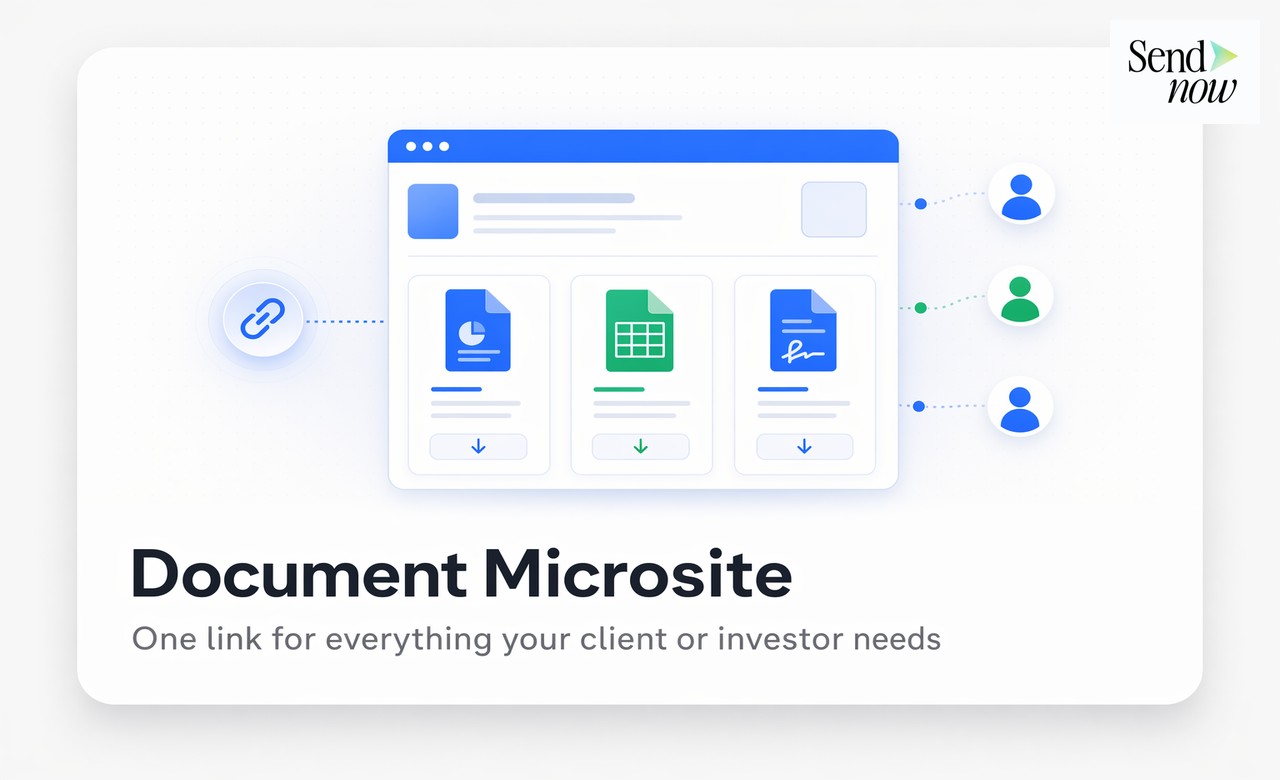
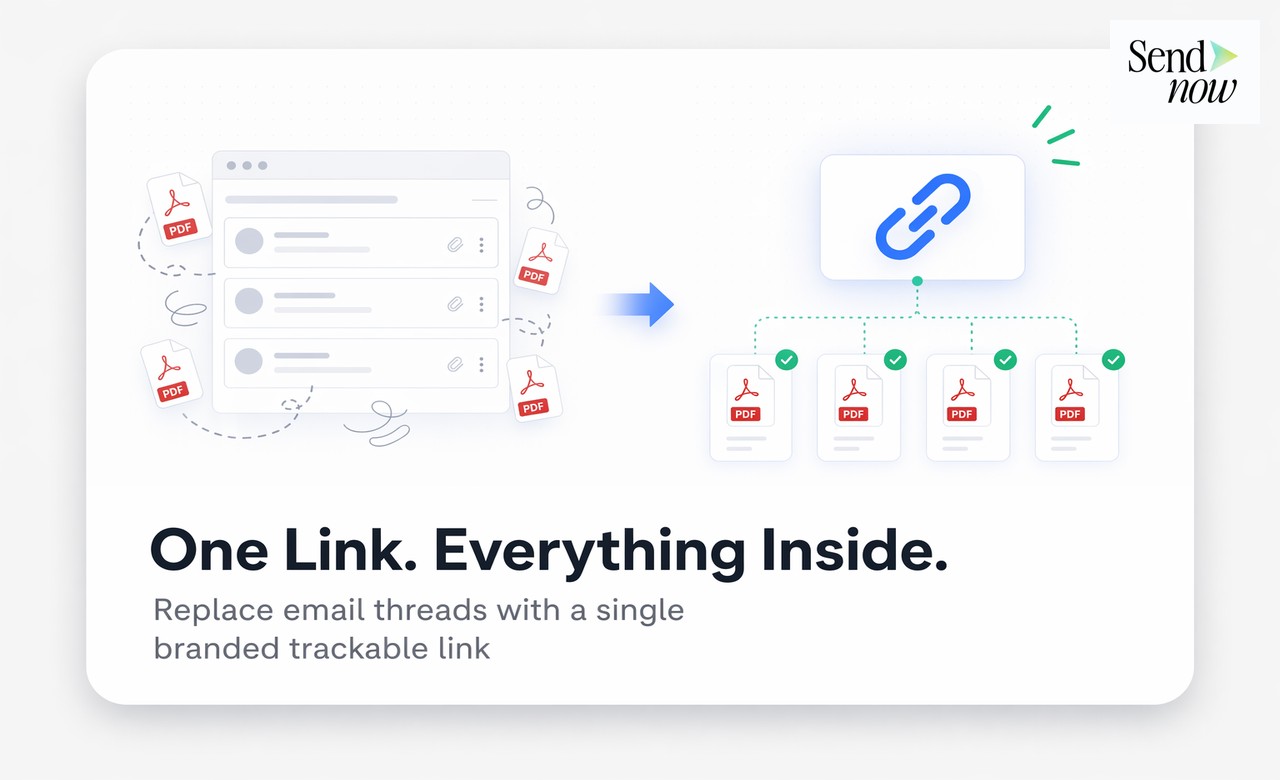
A document microsite is a branded, trackable web page that hosts all the documents for a single deal, investor relationship, or client engagement under one secure link. It replaces the scattered email thread of PDF attachments with a single organized portal where every file has its own access controls, analytics, and permissions. Finance teams use microsites to deliver a premium client experience while gaining the engagement data needed to close faster.
Table of Contents
- What a Document Microsite Is
- How It Differs From a Shared Folder, VDR, or Single Link
- Key Features: Branding, Tracking, NDA, Permissions
- When to Use a Microsite vs a Single Link
- How to Create One in Under 10 Minutes
- Which Industries Use Them Most
- FAQs
What a Document Microsite Is
A document microsite is a lightweight, secure web page — hosted and managed by a document sharing platform — that presents multiple files in an organized, branded layout under a single URL.
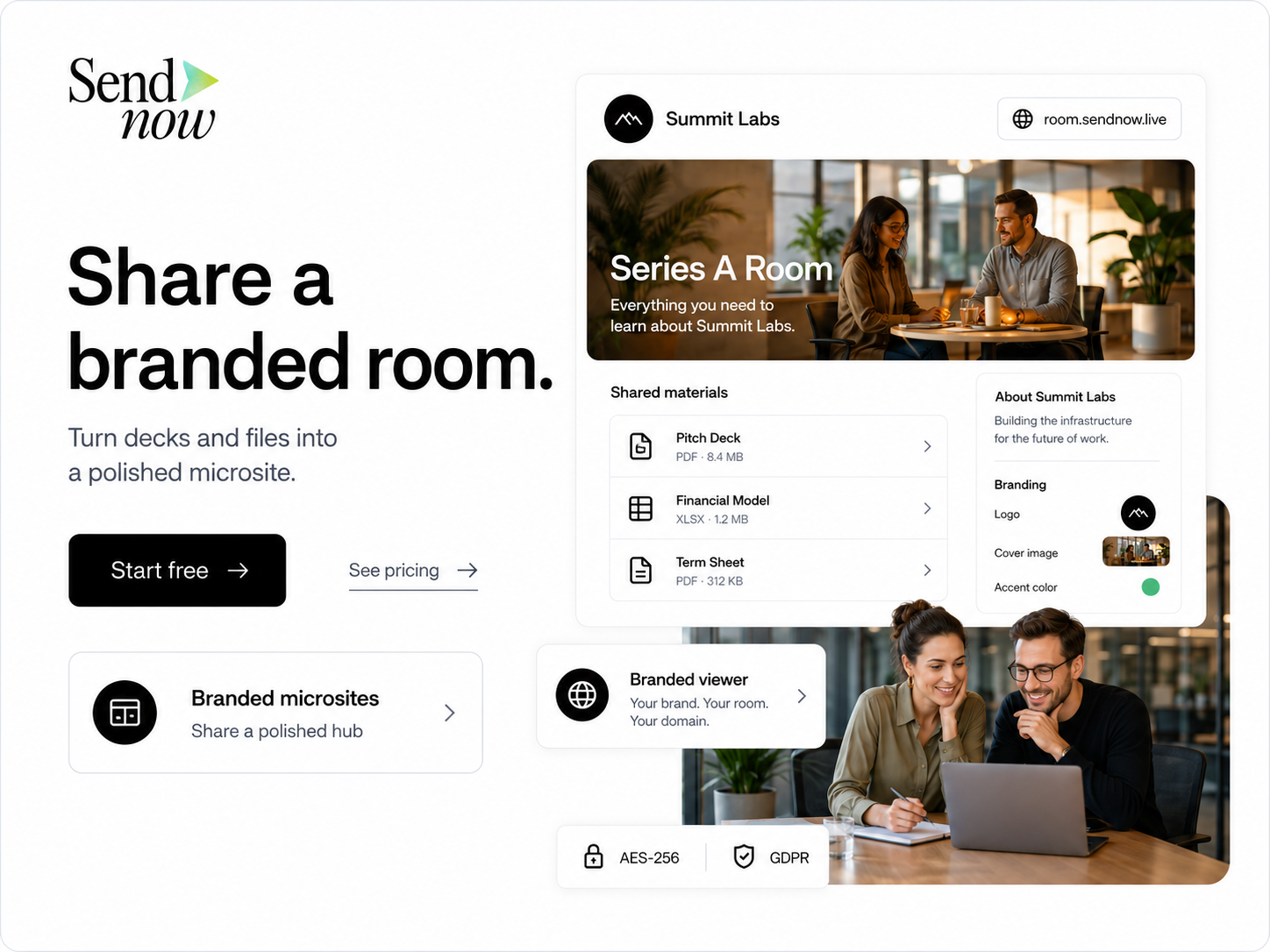
When a prospective investor clicks your microsite link, they land on a page that looks like your brand: your logo, your colors, your firm's name in the header. Beneath that, they see clearly labeled document cards: Pitch Deck, Financial Model, Term Sheet, Data Room Index. Each card opens its individual document with its own security settings, analytics, and access controls.
The microsite is not a website you build. It takes minutes to create, lives on the sharing platform's infrastructure, and requires no design or engineering work. The result is a professional, organized experience that tells your counterpart you run a serious operation — before they have read a single word of your deck.
The alternative — three separate email attachments with a note saying "see attached" — communicates the opposite.
How It Differs From a Shared Folder, VDR, or Single Link
Versus a shared folder (Dropbox, Google Drive): A shared folder is a file container with no analytics, no access controls per document, no NDA enforcement, and no branding. It is useful for internal collaboration. It is not appropriate for external deal sharing.
Versus a full virtual data room (VDR): A VDR supports hundreds of folders, thousands of documents, formal Q&A workflows, and legal-grade audit trails. It is the right tool for a formal M&A due diligence process with multiple bidders. Setup takes days, costs thousands per month, and provides capabilities that most early-stage deals do not need.
Versus a single tracked link: A single link shares one document. A microsite shares a curated collection of documents, each with its own permissions and analytics, under a single entry point. The microsite is the right step up when your deal requires more than one document but does not require a full VDR.
Versus email attachments: The microsite gives you analytics on every document, controls on every access, a branded first impression, and the ability to update documents without resending anything. Email attachments give you none of these.
Key Features: Branding, Tracking, NDA, Permissions
Branding. Your logo, firm name, and color scheme appear on the microsite. When an investor lands on the page, they see your brand, not a generic file storage interface. Custom domains — where the microsite URL reflects your firm rather than the platform — reinforce this further.
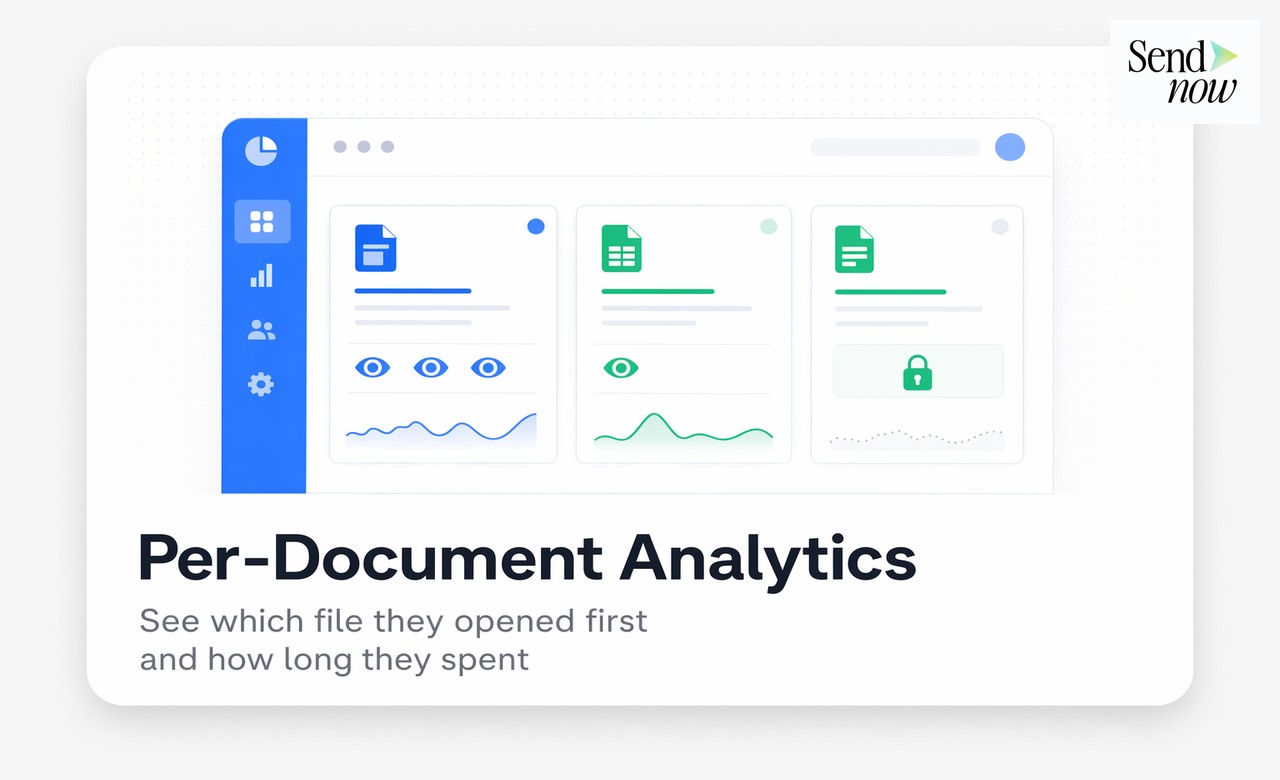
Per-document tracking. Each document on the microsite has its own analytics. You see which files each visitor opened, in what order, and for how long. If a prospective buyer spent 8 minutes on your financial model and skipped the executive summary, that tells you exactly where to focus your next conversation.
NDA gating. The microsite can require visitors to accept an NDA before they see any documents. The acceptance is logged with the visitor's identity and timestamp, providing a binding record without a DocuSign workflow.
Granular permissions. Different documents on the same microsite can have different access rules. Your pitch deck might be accessible to all verified visitors. Your financial model might require a separate password. Your term sheet might be hidden entirely until you manually enable it for a specific party. SendNow allows this level of control within a single microsite.
Download and screenshot controls. Each document on the microsite has its own download block and watermark settings. Sensitive documents display the viewer's identity on every page. Less sensitive marketing materials can be set to allow download.
Instant updates. Replace any document on the microsite without changing the link. When your financial model updates, you swap the file and every future visitor sees the new version automatically.
When to Use a Microsite vs a Single Link
Use a single tracked link when you are sharing one document with one person for a specific purpose — a standalone pitch deck send, a contract for review, or a report for a client.
Use a document microsite when:
- You are running a fundraising process and investors need access to a pitch deck, financial model, and supporting materials simultaneously
- You are managing a buy-side or sell-side deal where multiple documents need to be delivered in a curated, professional format
- You want different documents to have different access rules within the same sharing experience
- You are onboarding a new client and delivering a package of materials (engagement letter, onboarding guide, compliance documents) under one organized link
- You represent a brand where the sharing experience itself is part of the impression you are making
The rule of thumb is straightforward: one document, one link; multiple documents for one recipient or relationship, one microsite.
How to Create One in Under 10 Minutes
With SendNow, creating a document microsite takes less time than writing the email you would otherwise send with attachments.
- Log in to SendNow at sendnow.live and select "Create Microsite."
- Add your branding. Upload your logo and select your brand color. The microsite header updates instantly.
- Upload your documents. Drag and drop your pitch deck, financial model, and any supporting files. Each uploads with AES-256 encryption.
- Configure each document. Set individual access rules: email verification, password, download block, watermark, NDA gate. Each document gets its own settings.
- Set the microsite access rule. Decide whether visitors need to verify their email before seeing the document list, or whether the list is visible immediately with protection at the document level.
- Copy the microsite link. Share it in your email. Optionally use your custom domain so the URL reflects your firm name.
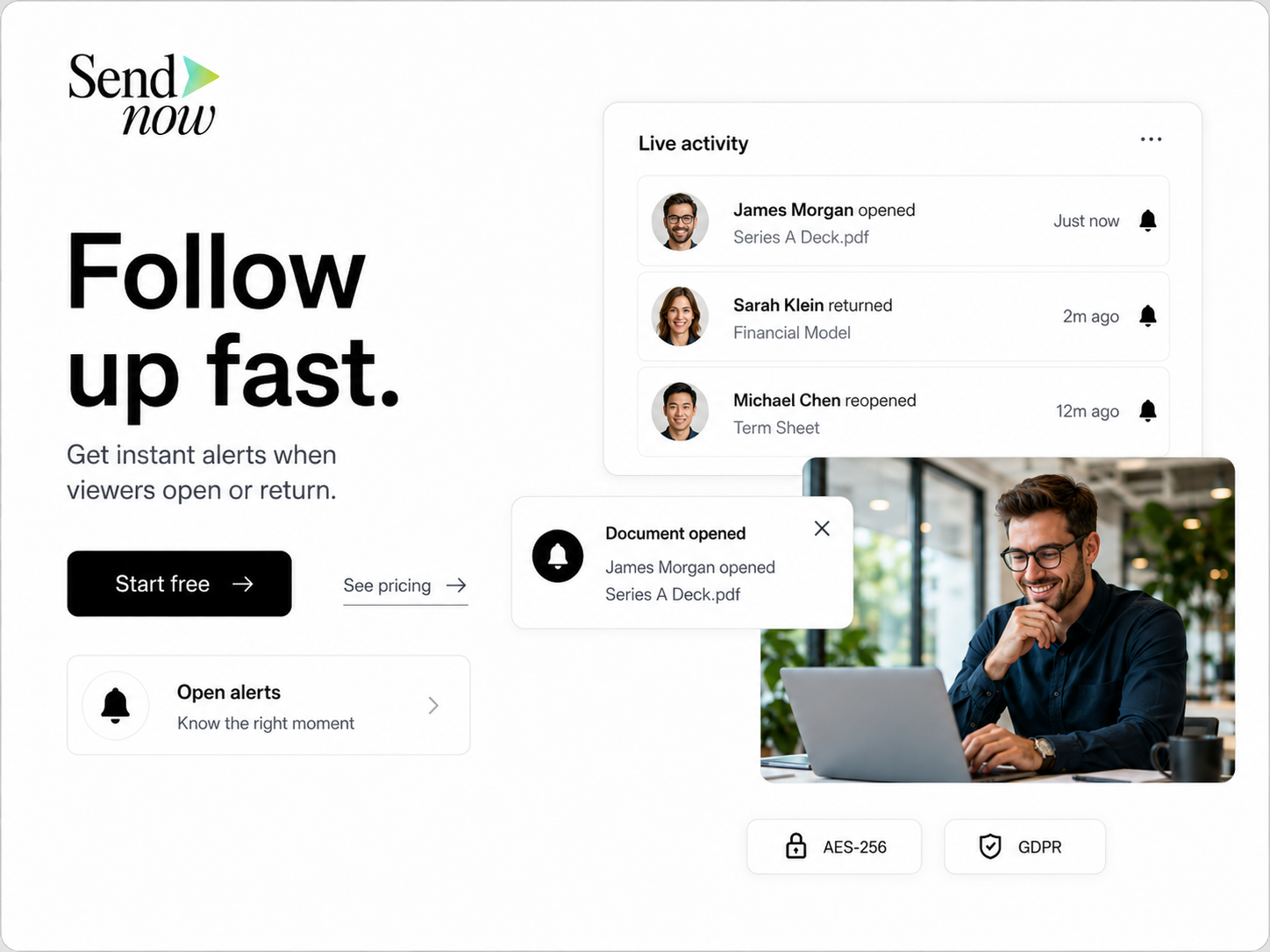
- Monitor analytics. The dashboard shows which documents each verified visitor accessed, in what order, and for how long. Slack or email alerts fire on each new access event.
From upload to live link: under 10 minutes.
Which Industries Use Them Most
Investment banking and private equity. Microsites replace the scattered PDF email thread in early-stage deal processes. An M&A advisor shares a deal teaser, CIM, and management presentation through a single branded microsite — with each document independently gated and tracked.
Venture capital and startup fundraising. Founders share pitch deck, financial model, and data room index through one microsite link. Analytics show which investors are engaging seriously, allowing the team to prioritize follow-up conversations.
Wealth management and financial advisory. Client onboarding packages, quarterly reports, and investment proposals go through microsites so advisors know which sections clients actually read before their next meeting.
Commercial real estate. Property offering memorandums, rent rolls, and financial projections sit in a single microsite for each asset. Brokers track which buyers are engaging and tailor their outreach accordingly.
Legal and professional services. Engagement letters, compliance documents, and report deliverables are bundled into a microsite that projects a professional brand while keeping each document individually controlled.
The common thread across all these use cases is the same: high-value documents, multiple files, external counterparties, and a need for both a premium presentation and actionable engagement data.
FAQs
Q1: What is a document microsite? A document microsite is a branded, secure web page that hosts multiple documents under a single link. Each document has its own access controls, analytics, and permissions, giving the sender full visibility and control over every file.
Q2: How is a document microsite different from a Google Drive folder? A Google Drive folder has no analytics, no NDA enforcement, no per-document access controls, and no branding. A document microsite provides all of these, plus the ability to revoke access, set expiry dates, and block downloads — all from a single dashboard.
Q3: Can I track which documents on a microsite each visitor opened? Yes. Per-document analytics show exactly which files each verified visitor accessed, in what order, and for how long. This data is available per visitor in real time.
Q4: Do recipients need to create an account to view a microsite? No. Recipients click the link and view documents in a standard browser. If email verification is enabled, they enter a one-time code — no account creation required.
Q5: Can different documents on the same microsite have different security settings? Yes. Each document on a SendNow microsite has independent access controls. One document can require a password while another requires only email verification, and a third can be hidden until you choose to enable it.
Q6: How long does it take to set up a document microsite? Under 10 minutes with a platform like SendNow. Upload your documents, configure branding and access settings, and copy the link. No design or engineering work is required.
Q7: Is a document microsite GDPR compliant? Yes, when the platform provides AES-256 encryption, EU data residency, a signed data processing agreement, and access logging. SendNow covers all of these requirements for EU-based users.
Q8: When should I use a microsite instead of a full VDR? Use a microsite when you need to share 2-10 documents professionally with one or a small number of counterparties and need analytics and access controls, but not a formal Q&A module or thousand-document hierarchy. A full VDR is the right choice for formal M&A due diligence with multiple bidders.