
White Label Document Sharing: The Complete Guide for Finance Firms
Published on April 24, 2026
White Label Document Sharing: The Complete Guide for Finance Firms
#TLDR
White label document sharing lets finance firms share documents under their own brand — custom domain, logo, colors, and email notifications — without any mention of the underlying platform. For firms where perception of professionalism directly affects client trust, this is a fundamental requirement, not a luxury upgrade.
Table of Contents
- What White Label Document Sharing Is
- Why Finance Firms Need It
- What Can Be Branded
- How to Set It Up in SendNow
- The Client Experience End-to-End
- White Label vs. Standard Sharing
What White Label Document Sharing Is
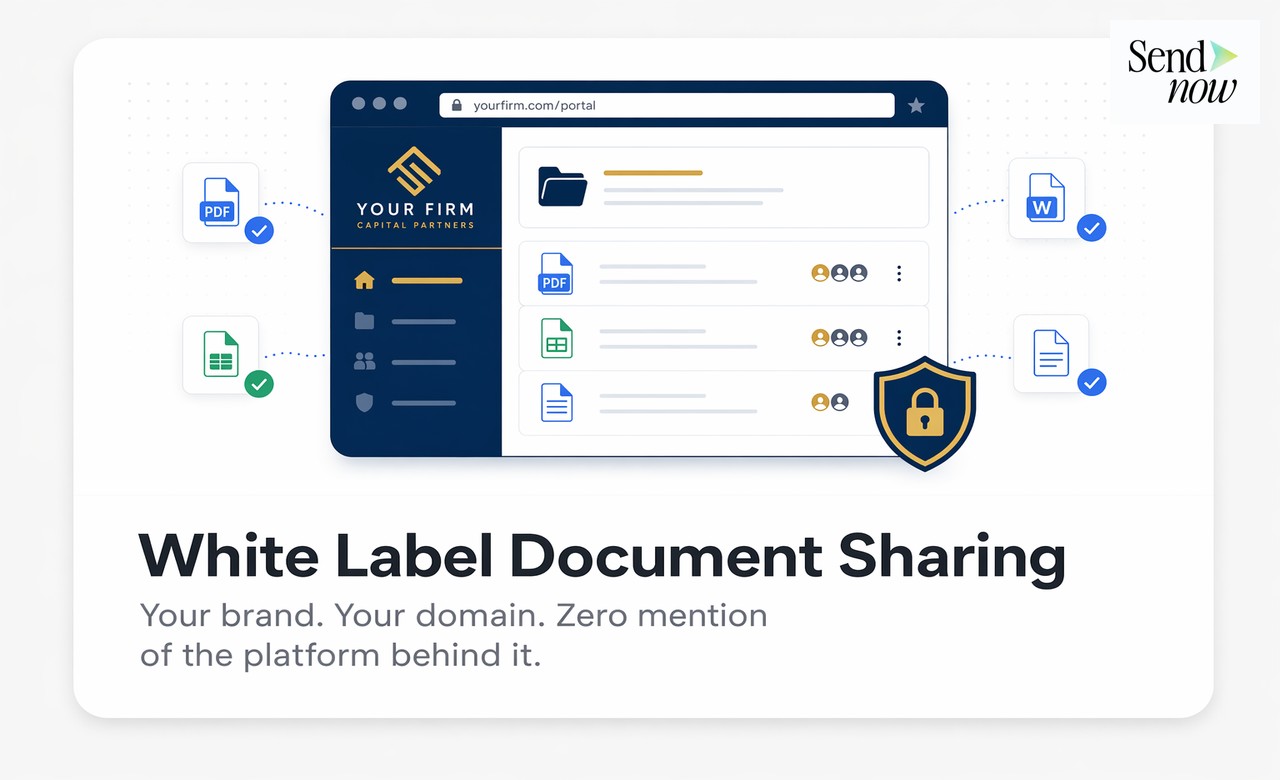
White label document sharing means the platform disappears. From the client's perspective, they receive an email from your domain, click a link that resolves to your domain, and view the document inside a branded viewer that shows your logo, your colors, and your firm name. The technology behind it is invisible.
This is distinct from standard document sharing, where the platform's name, logo, and domain appear throughout the experience. With standard sharing, your client clicks a link to "sendnow.live/doc/xyz" — they see the platform name in the URL bar, in the viewer header, and in any notification emails. With white labeling, they click "docs.apexfinancepartners.com" and see "Apex Finance Partners" throughout.
The distinction matters significantly in financial services, where the professionalism of every client touchpoint reflects on the firm.
Why Finance Firms Need It
In financial services, client relationships are built on trust, discretion, and the perception of institutional quality. A boutique M&A advisory that sends deal documents through a platform that prominently displays a third-party SaaS brand name undermines that perception.
Several specific scenarios make white labeling essential:
Client-facing data rooms. When a sell-side firm shares a data room with potential buyers, every element of the experience communicates the quality of the deal process. A branded portal at your firm's domain signals operational professionalism.
LP communications. Fund managers sharing quarterly reports or capital call notices need those documents to arrive under the fund's brand, not from a generic platform email address.
Regulated client communications. Under MiFID II and FCA conduct rules, client communications must be clearly attributable to the authorised firm. Emails arriving from a third-party platform domain can create confusion about the source.
Competitive positioning. For firms competing on service quality, white labeled document delivery is a differentiator in pitch processes where clients compare multiple advisors.
What Can Be Branded

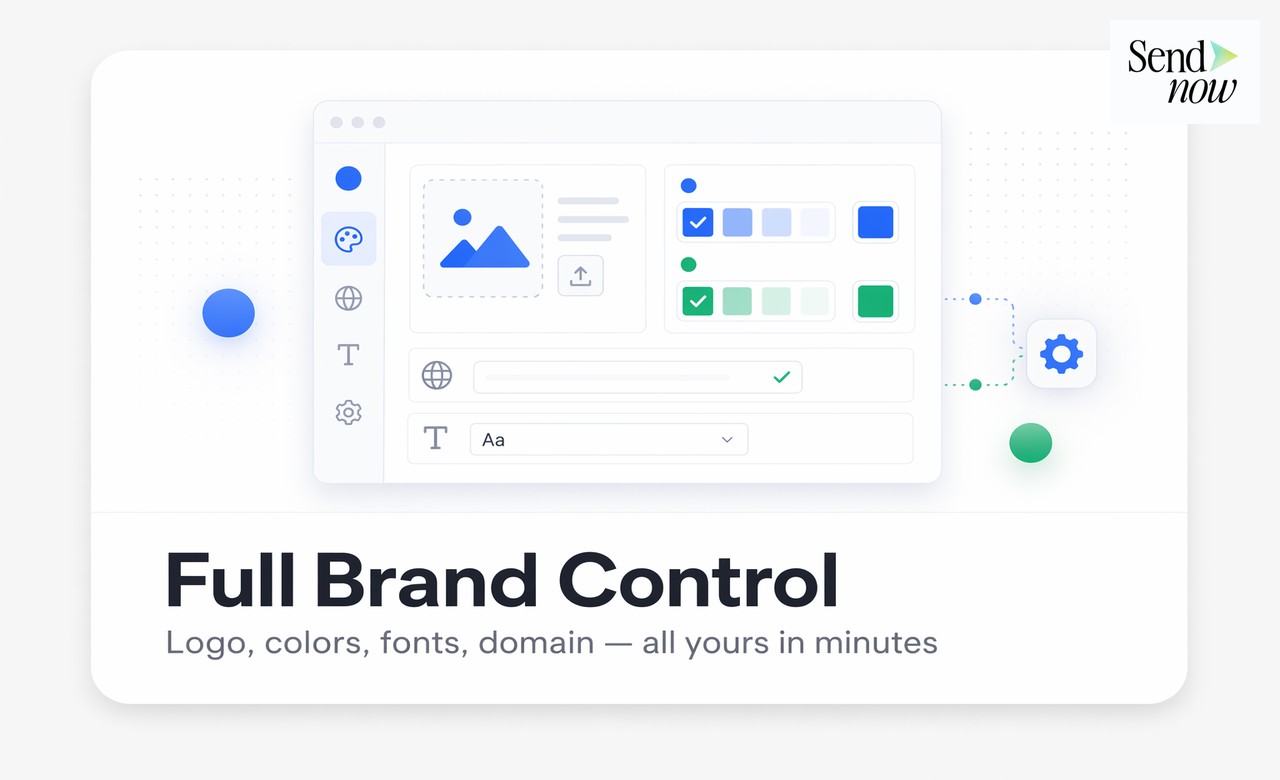
A fully implemented white label document sharing setup controls every client-facing touchpoint:
| Element | What You Control |
|---|---|
| Custom domain | Full subdomain (docs.yourfirm.com) or mapped domain |
| Logo | Appears in viewer header and notification emails |
| Primary and accent colors | Viewer UI, buttons, progress bars |
| Font selection | Match your firm's brand typography |
| Email sender name | "Apex Finance Partners" not "SendNow" |
| Email domain | Sent from @yourfirm.com via verified sending |
| Document viewer header | Firm name and logo only |
| Share link URL | yourfirm.com domain throughout |
| NDA and access gate pages | Branded with your firm identity |
| Notification copy | Email subject lines, body text, and CTAs under your brand voice |
When all of these elements align, the client experience is seamless. There is no moment where they see an unfamiliar brand name and wonder what platform they are dealing with.
How to Set It Up in SendNow
SendNow's white label configuration is managed entirely within the platform settings panel:
-
Custom domain: Navigate to Settings > White Label > Custom Domain. Add your subdomain (e.g., docs.apexfinance.com). SendNow provides the CNAME record you need to add to your DNS. Propagation takes 10-60 minutes.
-
Brand identity: Upload your logo, set your primary color (hex value), accent color, and select from the available font options. Preview renders in real time.
-
Email configuration: Set your display name and configure the verified sender email. If you want emails to arrive from @yourfirm.com, you add an SPF/DKIM record to your DNS — SendNow provides the exact records needed.
-
Viewer customisation: Set the header style, hide the "Powered by" attribution, and configure the default viewer background and UI elements.
-
Save and test: Share a test document internally to verify the full client experience before going live with a real client send.
Total setup time is typically under 30 minutes for teams comfortable with basic DNS management. SendNow's support team can assist with domain configuration if needed.

The Client Experience End-to-End
Once white labeling is configured, here is what the client experiences:
-
They receive an email from noreply@apexfinancepartners.com with the subject line your team set. The email is branded with your logo and uses your firm's color scheme.
-
They click the link. The URL bar shows docs.apexfinancepartners.com/doc/abc123. There is no third-party platform name anywhere in the URL.
-
If you have added an NDA gate or email verification, that screen is also branded with your firm identity.
-
The document viewer loads with your firm's logo in the header and your primary colors throughout the UI.
-
If they receive a follow-up notification (return visit prompt, expiry warning, or document update), it arrives from your domain with your branding.

Throughout the entire process, the client interacts only with your brand. The underlying platform — its infrastructure, analytics, security controls, and AI features — operate invisibly in the background.
White Label vs. Standard Sharing
| Feature | Standard Sharing | White Label |
|---|---|---|
| Document URL | platform.com/doc/xxx | docs.yourfirm.com/doc/xxx |
| Email sender | noreply@platform.com | noreply@yourfirm.com |
| Viewer branding | Platform logo and colors | Your logo and colors |
| NDA gate branding | Platform branded | Firm branded |
| Analytics and tracking | Available | Available (unchanged) |
| Security controls | Full | Full (unchanged) |
| Setup time | None | 20-30 minutes |
| Client perception | Third-party tool visible | Fully firm-branded |
| Cost | Standard plan | Available on Pro/Enterprise |
The analytics, security, and control features are identical in both configurations. White labeling changes only what the client sees, not how the platform functions.
Frequently Asked Questions
Q1: Can I use my own domain for document links? Yes. SendNow supports full custom domain mapping. You configure a subdomain (e.g., docs.yourfirm.com) and add a CNAME record to your DNS. All document share links then resolve to your domain.
Q2: Will clients be able to tell the platform is SendNow? No. With white labeling fully configured, there are no references to SendNow in the URL, viewer, notification emails, or any other client-facing element.
Q3: Does white labeling affect document security or analytics? No. All security controls, access restrictions, page-by-page analytics, and engagement tracking function identically regardless of branding configuration.
Q4: Can different teams in my firm use different branding? Workspace-level white labeling applies uniformly. For multi-brand firms, separate SendNow workspaces with different configurations are the recommended approach.
Q5: What DNS records do I need to configure? For the custom domain: a CNAME record pointing to SendNow's servers. For branded email sending: SPF and DKIM records. SendNow provides all exact values in the setup panel.
Q6: Is white labeling available on all plans? White labeling is available on Pro and Enterprise plans. The custom domain feature and full email branding are Enterprise-tier features.
Q7: Can I white label the mobile experience as well? Yes. The SendNow document viewer is responsive and the white label branding applies to the mobile browser experience as well as desktop.
Q8: How long does DNS propagation take? Typically 10-60 minutes for a CNAME update, though it can take up to 24 hours depending on your DNS provider and TTL settings.
<script type="application/ld+json"> }, { "@type": "Question", "name": "Will clients be able to tell the platform is SendNow?", "acceptedAnswer": { "@type": "Answer", "text": "No. With white labeling fully configured, there are no references to SendNow in the URL, viewer, notification emails, or any other client-facing element." } }, { "@type": "Question", "name": "Does white labeling affect document security or analytics?", "acceptedAnswer": { "@type": "Answer", "text": "No. All security controls, access restrictions, page-by-page analytics, and engagement tracking function identically regardless of branding configuration." } }, { "@type": "Question", "name": "Can different teams in my firm use different branding?", "acceptedAnswer": { "@type": "Answer", "text": "Workspace-level white labeling applies uniformly. For multi-brand firms, separate SendNow workspaces with different configurations are the recommended approach." } }, { "@type": "Question", "name": "What DNS records do I need to configure?", "acceptedAnswer": { "@type": "Answer", "text": "For the custom domain: a CNAME record pointing to SendNow's servers. For branded email sending: SPF and DKIM records. SendNow provides all exact values in the setup panel." } }, { "@type": "Question", "name": "Is white labeling available on all plans?", "acceptedAnswer": { "@type": "Answer", "text": "White labeling is available on Pro and Enterprise plans. The custom domain feature and full email branding are Enterprise-tier features." } }, { "@type": "Question", "name": "Can I white label the mobile experience as well?", "acceptedAnswer": { "@type": "Answer", "text": "Yes. The SendNow document viewer is responsive and the white label branding applies to the mobile browser experience as well as desktop." } }, { "@type": "Question", "name": "How long does DNS propagation take?", "acceptedAnswer": { "@type": "Answer", "text": "Typically 10-60 minutes for a CNAME update, though it can take up to 24 hours depending on your DNS provider and TTL settings." } } ] } </script>
Set up fully branded document sharing for your firm at sendnow.live.
Written by Alex Carter. Alex covers document security, financial compliance, and SaaS tools for finance professionals.