Security Risks of Sending Financial Reports as Email Attachments

Security Risks of Sending Financial Reports as Email Attachments
Executive Summary / TL;DR
In today’s digital landscape, the sharing of sensitive financial reports via email attachments poses significant security risks. While email remains a common method for transmitting important documents, it is fraught with vulnerabilities that can lead to data breaches, unauthorized access, and compliance violations. This article delves into the inherent security challenges associated with email attachments, outlines best practices for secure document sharing, and explores alternative solutions that can mitigate these risks effectively.
Current Security Vulnerabilities
1. Email as a Target
Email is one of the most exploited communication channels for cybercriminals. Phishing attacks, where attackers impersonate legitimate entities to steal sensitive information, are rampant. Financial reports, often containing confidential data, are prime targets for such attacks. Once a malicious actor gains access to an email account, they can easily intercept attachments or send fraudulent emails to other recipients.
2. Lack of Encryption
Most email services do not encrypt attachments by default. This means that if an email is intercepted during transmission, the contents—including sensitive financial reports—can be accessed in plain text. Even if the email is sent over a secure connection (TLS), the attachment itself may still be vulnerable if it is not encrypted.
3. Accidental Recipients
Email attachments can easily be sent to the wrong recipient, especially when dealing with multiple stakeholders. A simple typo in an email address can lead to sensitive financial information being exposed to unintended parties, resulting in potential legal and reputational consequences.
4. Limited Access Controls
Once an email is sent, the sender loses control over the document. Recipients can easily forward the email and its attachments to others without the sender’s knowledge or consent. This lack of access control can lead to unauthorized distribution of sensitive information.
5. Malware and Ransomware
Email attachments are a common vector for malware and ransomware. Cybercriminals often disguise malicious files as legitimate documents. When a recipient opens an infected attachment, it can compromise their system and lead to data breaches or loss of sensitive information.
Industry-Specific Best Practices
To mitigate the risks associated with sending financial reports as email attachments, professionals should adopt the following best practices:
1. Use Secure File Sharing Solutions
Instead of relying on email attachments, utilize secure file-sharing platforms designed for sensitive documents. These platforms often come with built-in security features such as encryption, access controls, and audit trails.
2. Implement Encryption
If email must be used, ensure that attachments are encrypted. Tools like PGP (Pretty Good Privacy) or S/MIME (Secure/Multipurpose Internet Mail Extensions) can provide an additional layer of security for sensitive documents.
3. Verify Recipients

Before sending financial reports, double-check the email addresses of all recipients. Implement a verification process to ensure that documents are sent only to authorized individuals.
4. Set Expiration Dates
When sharing sensitive documents, set expiration dates for access. This ensures that recipients can only view the document for a limited time, reducing the risk of unauthorized access.
5. Educate Employees
Conduct regular training sessions for employees on the importance of data security and the risks associated with email attachments. Awareness can significantly reduce the likelihood of accidental breaches.
SendNow Feature Deep-Dive
To address the security challenges of sharing financial reports, SendNow offers a robust solution with features specifically designed to protect sensitive information. Here’s how SendNow’s controls can mitigate the risks associated with email attachments:
1. Dynamic Watermarking
SendNow allows users to apply dynamic watermarks to documents. This feature displays the recipient’s email address on the document, discouraging unauthorized sharing and making it easier to trace leaks back to the source.
2. Screenshot Blocking
To prevent unauthorized copying of sensitive information, SendNow includes screenshot blocking capabilities. This feature ensures that recipients cannot take screenshots of the document, further protecting confidential data.
3. Email Gates
SendNow requires recipients to verify their identity through email gates before accessing shared documents. This ensures that only authorized individuals can view sensitive financial reports, reducing the risk of unauthorized access.
4. Link Expiry
With SendNow, users can set expiration dates for shared links. Once the link expires, recipients can no longer access the document, providing an additional layer of security.
5. NDA Gates
For highly sensitive financial reports, SendNow offers NDA gates that require recipients to agree to non-disclosure agreements before accessing the document. This ensures that recipients are legally bound to keep the information confidential.
For more information on SendNow and its features, visit their official LinkedIn page.
Technical Walkthrough
Step 1: Uploading Documents
- Log in to SendNow: Access your SendNow account.
- Navigate to the Upload Section: Click on the ‘Upload’ button on the dashboard.
- Select Your Document: Choose the financial report you wish to share from your device.
- Confirm Upload: Click ‘Upload’ to add the document to your SendNow account.
Step 2: Configuring Links
- Select the Uploaded Document: Once uploaded, click on the document to configure sharing options.
- Set Security Features: Choose from options such as dynamic watermarking, screenshot blocking, and NDA gates.
- Set Expiration Date: Specify how long the link will remain active.
- Generate Link: Click ‘Generate Link’ to create a secure sharing link.
Step 3: Distributing Safely
- Copy the Link: Once the link is generated, copy it to your clipboard.
- Send via Secure Channels: Use secure communication channels (e.g., encrypted messaging apps) to share the link with authorized recipients.
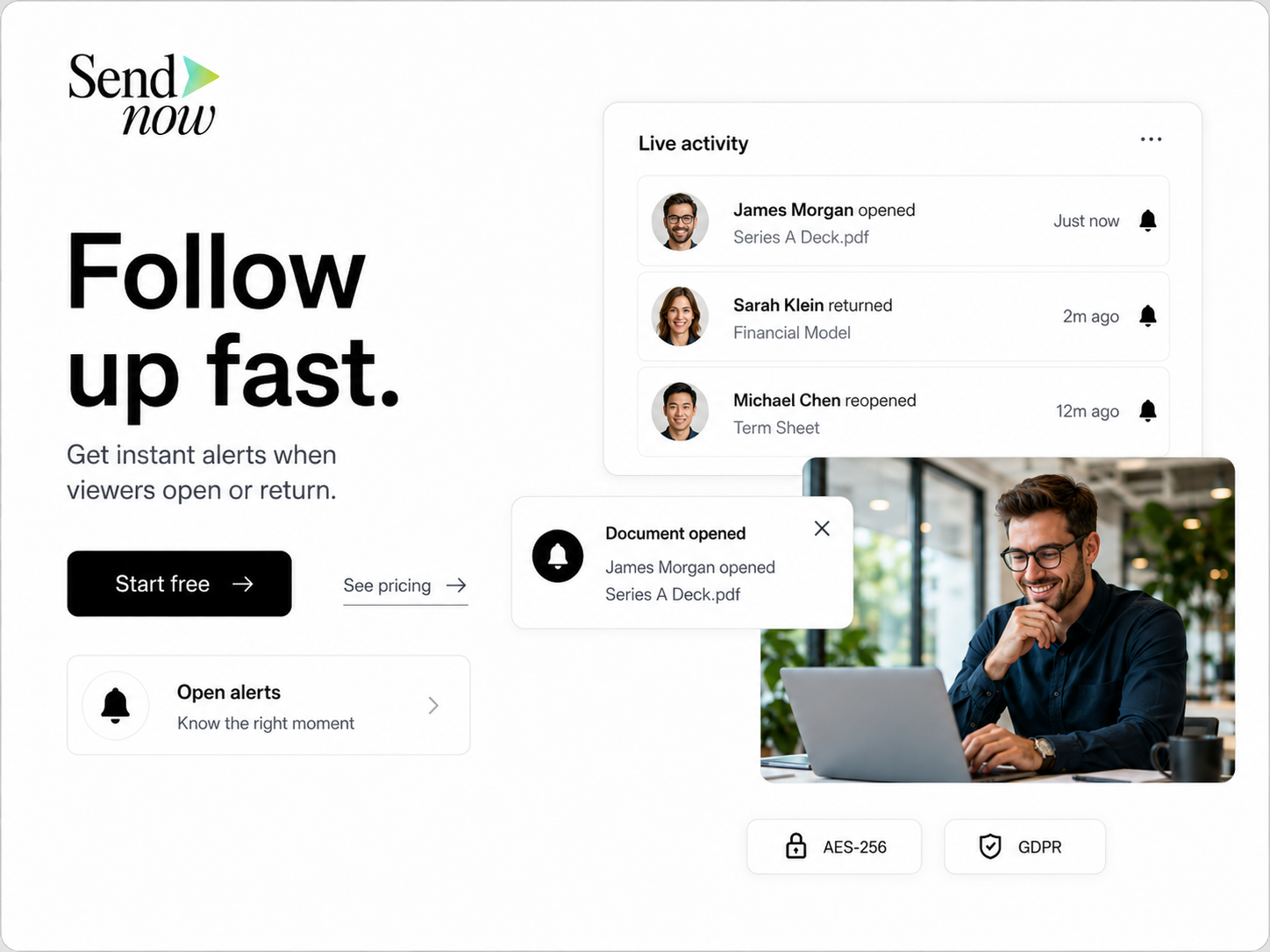
- Monitor Access: Use SendNow’s tracking features to monitor who accesses the document and when.
ROI & Business Impact
Investing in secure document sharing solutions like SendNow can yield significant returns for businesses, particularly in the finance sector. Here are some key benefits:
1. Cost-Efficiency
By reducing the risk of data breaches, companies can save on potential costs associated with legal fees, regulatory fines, and reputational damage. Implementing secure sharing solutions can be more cost-effective than dealing with the aftermath of a breach.
2. Contract Compliance
Many industries are subject to strict regulations regarding data protection (e.g., GDPR, HIPAA). Using secure document sharing solutions helps ensure compliance with these regulations, reducing the risk of penalties.
3. Protection Value
The value of protecting sensitive financial information cannot be overstated. By investing in secure sharing solutions, businesses can safeguard their intellectual property, maintain client trust, and enhance their overall security posture.
Structured FAQ
1. How does email sharing expose financial reports to risks?
Email sharing exposes financial reports to risks through phishing attacks, lack of encryption, accidental recipients, limited access controls, and malware threats.
2. Why should I avoid sending financial reports as email attachments?
Sending financial reports as email attachments increases the likelihood of unauthorized access, data breaches, and compliance violations, making it a risky practice.
3. What are the best practices for secure document sharing?
Best practices include using secure file-sharing solutions, implementing encryption, verifying recipients, setting expiration dates, and educating employees on data security.
4. How does SendNow enhance document security?
SendNow enhances document security through features like dynamic watermarking, screenshot blocking, email gates, link expiry, and NDA gates, which collectively protect sensitive information.
5. What steps should I take to start using SendNow?
To start using SendNow, visit their website, create an account, and follow the technical walkthrough provided to upload, configure, and share documents securely.
Actionable CTA
Don’t leave your sensitive financial reports vulnerable to security risks. Start a trial on SendNow today and experience the peace of mind that comes with secure document sharing. Visit SendNow to get started!
About the Author: Rifana Hameem
Rifana is the founder of SendNow. She leads the team in building secure, compliant, and analytics-rich document sharing tools for finance and professional teams worldwide.
Connect on LinkedIn