How to Share a PowerPoint as a Link Without Converting It to PDF

How to Share a PowerPoint as a Link Without Converting It to PDF
For years, my default workflow for sharing a presentation was simple: finish the deck, export it to PDF, attach it to an email, and hope the recipient actually opened it.
That workflow still works, but it is no longer always the best option.
A PowerPoint file can contain far more than static slides. A presentation may include embedded video, audio narration, clickable links, high-resolution graphics, product demonstrations, or financial charts. Exporting the deck to PDF can make it easier to distribute, but it also turns the presentation into a static document.
If you simply want someone to open your deck in a browser, a shareable presentation link is often cleaner.
Microsoft itself supports browser-based PowerPoint sharing through PowerPoint for the web. Microsoft explains that presentations can be stored in OneDrive, shared through a link, and viewed in a browser without installing additional software. That establishes an important point: browser-based presentation viewing is already a normal workflow, not an unusual workaround.
For founders, sales teams, advisers, and consultants, though, the question is often different:
How do I share the PowerPoint as a link while also keeping control over access and seeing whether the recipient actually viewed it?
That is where tracked presentation-sharing tools become useful.
PowerPoint link vs attachment vs PDF
| Method | Recipient experience | Rich PPTX content | Tracking | Access control | Best for |
|---|---|---|---|---|---|
| Email PPTX attachment | Downloads original file | Yes | Usually no | Low | Internal collaboration |
| PDF attachment | Opens almost anywhere | No rich media | Usually no | Low | Static distribution |
| OneDrive/PowerPoint link | Browser viewing | Strong PowerPoint compatibility | Basic collaboration activity | Yes | Microsoft collaboration |
| Tracked presentation link | Browser viewing | Depends on platform | Yes | Yes | Fundraising, sales, external sharing |
I do not think PDF should disappear. It remains useful when the goal is maximum static compatibility.
The important change is that PDF should be a deliberate choice rather than an automatic one.
When a browser link is better
A presentation link is especially useful when the recipient is external.
Imagine a founder sending a pitch deck to twenty investors. If the founder sends the raw .pptx, every investor receives a separate copy. The sender has little control after the file leaves the inbox.
If the founder sends a static PDF, the file becomes easier to open, but video and audio are no longer part of the presentation experience.
A browser link changes the interaction.
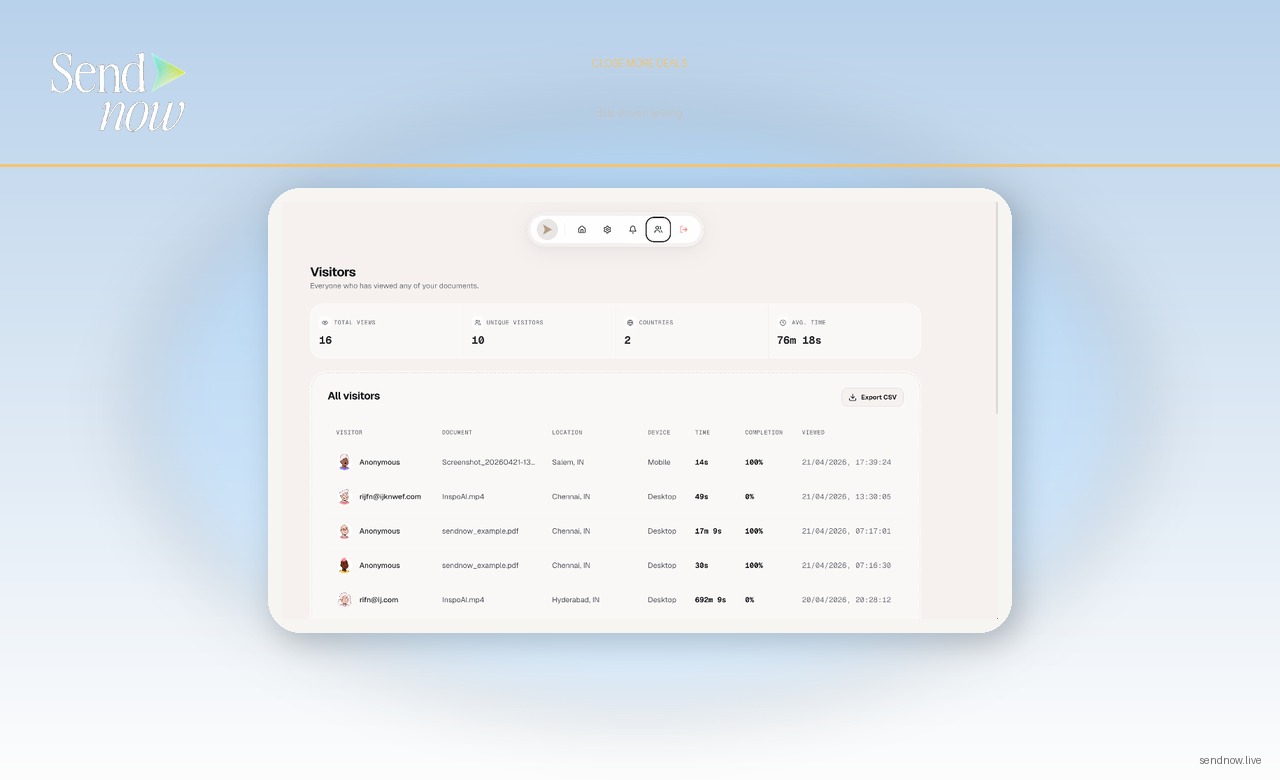
The sender can give the investor one URL. The investor opens the presentation in a browser. With a tracking-focused platform, the sender can also receive engagement signals such as opens, viewer identity where email gating is enabled, time spent, and page or slide engagement.
Those signals are not proof that an investor will invest. They are simply useful context.
A practical workflow
The easiest workflow is:
- Keep your final presentation as
.pptx. - Upload it to a presentation-sharing platform.
- Configure access controls.
- Copy the generated link.
- Send the link instead of attaching the original file.
- Review engagement after the recipient opens it.
With SendNow, the dedicated PowerPoint-sharing workflow is explained in more detail on the Share PowerPoint as a Link page.
If the presentation contains media, the related guides on sharing PowerPoint with video and sharing PowerPoint with audio are more relevant.
What I would choose for an investor pitch
If I were sending a simple ten-slide static deck, PDF would still be perfectly reasonable.
If I had a product demo embedded inside the deck, narration, important clickable links, or I cared about viewer analytics, I would prefer a tracked browser link.
That choice keeps the sending experience simple while giving the sender more control.
DocSend has built a large part of its startup-fundraising product around this idea: founders send a trackable deck link, then use engagement data to understand which investors viewed the deck and where they spent time.
Papermark takes a similar approach and describes trackable pitch-deck links with page-level engagement analytics.
SendNow's newer PPTX workflow extends the same core idea to native PowerPoint-oriented sharing, including supported embedded media.
What about PowerPoint for the web?
PowerPoint for the web is an excellent option when your main goal is Microsoft-based collaboration.
It allows people to create, open, edit, and share presentations through the browser. Microsoft also supports view-only links and permissions.
A specialized sharing platform becomes more useful when the presentation is being used as part of a commercial process rather than collaborative editing.
Examples include:
- investor fundraising,
- sales proposals,
- board materials,
- financial advisory presentations,
- client reports,
- partnership proposals,
- M&A teaser decks.
In those situations, the sender may care less about co-editing and more about access, engagement, and follow-up.
Can the viewer download the file?
That depends on the platform and settings.
It is important to distinguish “view without manually downloading the original PPTX” from claiming that a browser can somehow make content impossible to capture.
No browser-based tool can make an on-screen presentation magically immune to screenshots, screen recording, caching, or photography.
Good security language should therefore focus on practical controls:

- viewer authentication,
- password/passcode protection,
- link expiration,
- download controls,
- NDA gates,
- dynamic watermarks,
- access revocation.
These reduce risk. They do not create absolute technical prevention.
Why presentation analytics matter
The biggest reason I prefer tracked links for commercial presentations is not convenience. It is context.
Suppose two investors receive the same pitch deck.
Investor A opens it once for twenty seconds.
Investor B returns three times and spends several minutes on the financial and market slides.
That does not mean Investor B will invest. But it is clearly a different engagement pattern.
That is useful when deciding who to follow up with first.
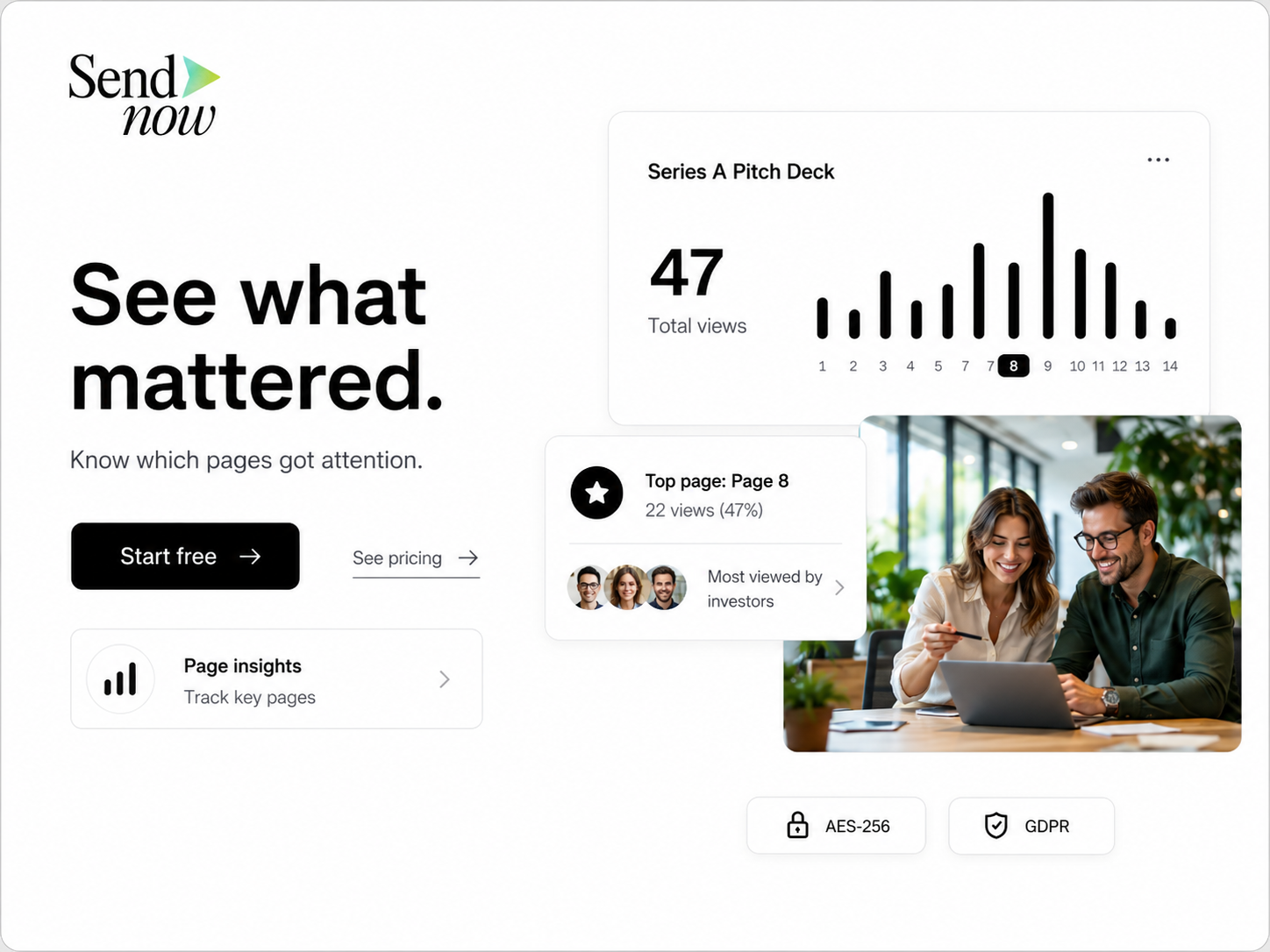
For a deeper explanation, see PowerPoint Presentation Analytics and Pitch Deck Analytics.
FAQ
Can I share a PowerPoint as a link instead of an attachment?
Yes. PowerPoint presentations can be shared through browser-based links using services such as Microsoft OneDrive/PowerPoint for the web or specialist presentation-sharing platforms.
Do recipients need Microsoft PowerPoint installed?
Not necessarily. Browser-based viewers can allow recipients to open the presentation without installing the desktop PowerPoint application.
Should I convert my pitch deck to PDF?
Only if a static format is what you want. PDF is excellent for compatibility, but it can remove presentation-specific content such as playable embedded media.
Can I see who viewed my PowerPoint?
With a tracked presentation-sharing platform, viewer identification and engagement analytics may be available depending on the access settings used.
Can a PowerPoint containing video be shared online?
Yes, but compatibility depends on how the video is embedded and what the sharing platform supports. SendNow supports compatible embedded PowerPoint media through its PPTX viewer.
What is the safest way to share a confidential presentation?
Use a controlled link rather than an unrestricted attachment, enable appropriate access controls, and avoid treating any browser security feature as absolute protection.
Sources
- Microsoft Support: PowerPoint for the web and online presentation sharing
- Microsoft Support: Sharing PowerPoint presentations with others
- DocSend: investor pitch-deck engagement tracking
- Papermark: pitch-deck activity tracking
Final takeaway
The old choice was usually “send the PPTX” or “export to PDF.”
There is now a third option: keep the presentation as a presentation and share it through a browser link.
For external business sharing, that can be the better balance of presentation quality, recipient convenience, control, and engagement analytics.
About the Author: Rifana Hameem
Rifana is the founder of SendNow. She leads the team in building secure, compliant, and analytics-rich document sharing tools for finance and professional teams worldwide.
Connect on LinkedIn