

How to Prevent VC Investors from Leaking Your Pitch Deck Slides

How to Prevent VC Investors from Leaking Your Pitch Deck Slides
Founders raising seed or Series A capital often find their pitch decks forwarded to unintended audiences. To protect your intellectual property, you must actively block pitch deck screenshots, restrict downloads, and utilize dynamic watermarking. By establishing strict document control workflows, you can pitch with confidence and prevent sensitive competitive data from being exposed.
The Reality of VC Pitch Deck Sharing
When you send a pitch deck to a venture capitalist, you are not just sending it to one person. You are sending it to a complex node in a massive network. In the venture capital ecosystem, sharing deal flow is a standard practice. VCs share decks with their partners, their associates, external technical advisors, portfolio founders, and co-investors in other syndicates.
While much of this sharing is done in good faith to evaluate the deal, it often occurs without the founder's knowledge or consent. A casual forward to an advisor to "get their quick thoughts on this market" can quickly expose your core intellectual property to individuals who have no obligation to keep it confidential.
In worse cases, a VC might back a direct competitor. When they receive your deck, they may view it not as a potential investment, but as market intelligence. Sharing your product roadmap, financial forecasts, or key hiring targets with their portfolio company can directly damage your market position.
       +--------------------------------------------+
       |         Uncontrolled Deck Distribution     |
       +--------------------------------------------+
       |   Founder                                  |
       |     |                                      |
       |     v                                      |
       |   VC Associate                             |
       |     +---> Partner                          |
       |     +---> Co-Investor Syndicate            |
       |     +---> Technical Advisor                |
       |     +---> Portfolio Founder (Competitor!)  |
       +--------------------------------------------+
Why Disabling Downloads is Not Enough
Many founders believe they have solved the security problem by using sharing tools that disable file downloads. They assume that if an investor cannot download a PDF or PowerPoint file, the slides are safe. This is a dangerous misconception.
Even if download buttons are removed, the document is still rendered in a web browser. This exposes the document to several simple capture methods:
- Native OS Screenshots: A user can press
Print Screenon Windows orCmd + Shift + 4on macOS to instantly capture high-resolution images of your slides. - Mobile Phone Cameras: A viewer can simply take a photo of their computer screen using their smartphone. While this is lower quality, it is highly effective at capturing readable financial tables or diagrams.
- Browser Extensions: Dozens of browser extensions are designed to bypass disabled downloads by scraping image assets directly from the browser's Document Object Model (DOM).
- Browser Developer Tools: Technically sophisticated viewers can inspect the page source, extract the direct image URLs of the slides, and download them manually.
To truly protect your slides, you must implement a system that can actively prevent these capture methods from succeeding.
How to Block Pitch Deck Screenshots Technically
Active screenshot prevention requires a specialized client-side viewer. While no software can physically stop someone from taking a photo of a monitor with a physical camera, you can prevent digital screen capture tools from function.
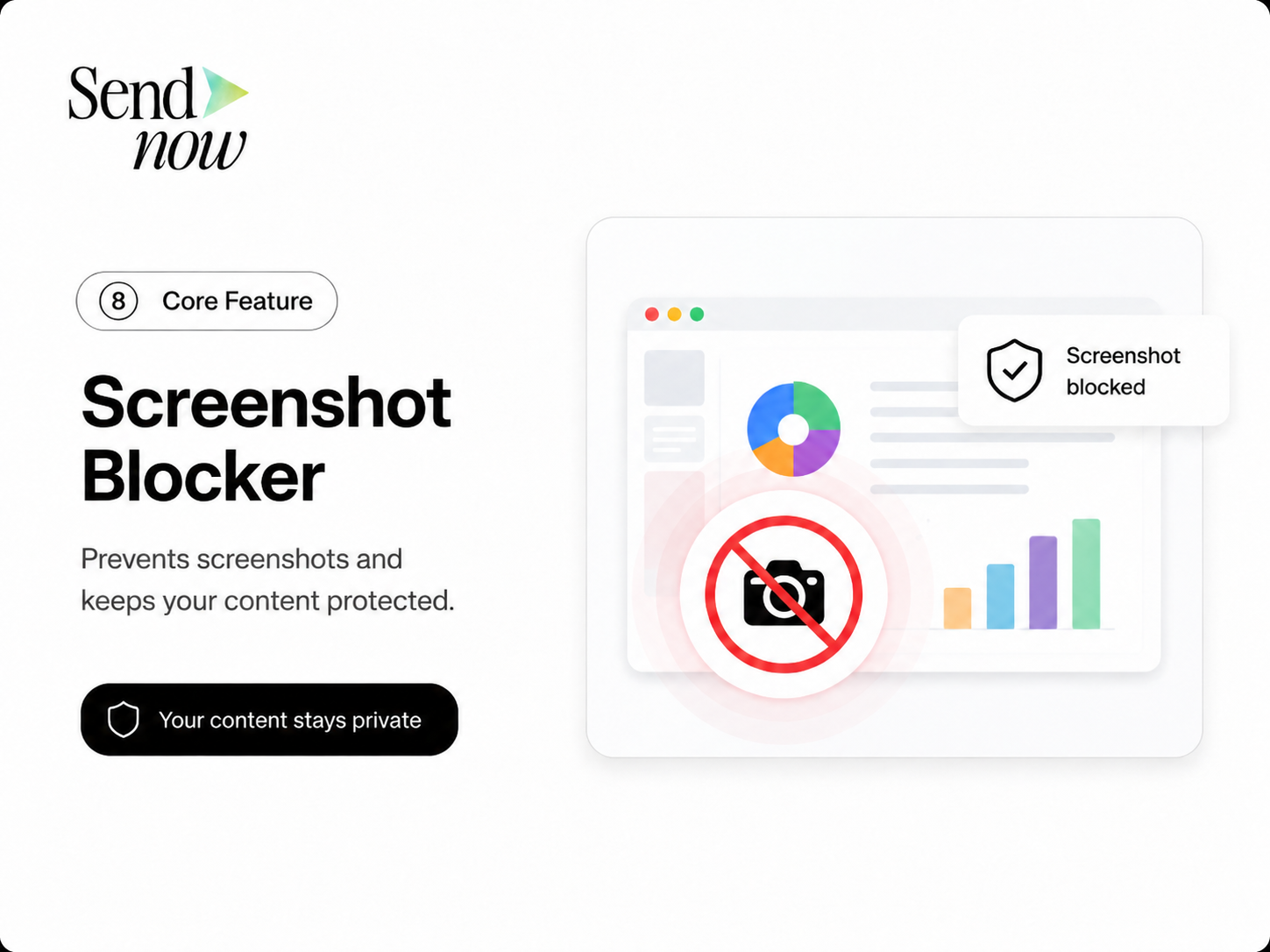
Modern document security platforms like SendNow use several layers of technology to block pitch deck screenshots:
+--------------------------------------------------------------+
|             Layered Screenshot Prevention System             |
|                                                              |
|   1. OS-Level Block ===> Disables Print Screen / Cmd+Shift+4 |
|   2. Focus Detection => Blurs content when browser loses focus|
|   3. Virtual Machine => Detects and blocks VM screen-grabbers|
|   4. DOM Obfuscation => Encrypts slide assets in browser DOM |
+--------------------------------------------------------------+
OS-Level Interception
The viewer software registers event listeners that intercept system-level print-screen commands. When these commands are detected, the clipboard is cleared, or the active window is rendered black.
Focus Loss Blurring
Many automated screenshot tools operate by taking the focus away from the active browser tab. A secure viewer monitors tab focus. If the user clicks away, opens a developer console, or launches an external capture application, the document area is immediately blurred.
CSS and JS Protection Layer
Using modern CSS properties (such as user-select: none) and custom Javascript canvas rendering, the slides are drawn as dynamic canvas objects rather than static image tags. This makes it impossible for viewers to right-click and save the image or locate the file source in the developer tools.
Virtual Machine and Remote Desktop Detection
Advanced VDR (Virtual Data Room) systems can detect if the viewer is accessing the document through a remote desktop connection or a virtual machine, where screen capture is harder to block at the hardware level. The system can refuse to load the document in these environments.
The Role of Dynamic Watermarking
If an investor is determined to leak your slides, they can still take a physical photo of their screen with a smartphone. This is where dynamic watermarking becomes your ultimate safety net.
A dynamic watermark overlays the viewer's identifying metadata across each slide. This typically includes:
- The viewer's verified email address.
- Their current IP address.
- The exact date and time of access.
+-------------------------------------------------------------+
|                      Watermarked Slide                      |
|                                                             |
|   [ Startup Financial Projections ]                         |
|                                                             |
|   Revenue Y1: $1.2M                                         |
|   Revenue Y2: $4.5M      CONFIDENTIAL                       |
|   Revenue Y3: $12.0M     viewed by: investor@vc-fund.com    |
|                          IP: 192.168.1.55 on 2026-06-09     |
|                                                             |
+-------------------------------------------------------------+
This watermark is rendered directly on top of the content, usually diagonally at a semi-transparent opacity. It does not prevent reading, but it ensures that any photo taken of the screen will prominently display the reader's identity.
Because VCs value their professional reputation above all else, the presence of a personalized watermark serves as an absolute psychological barrier to leaking. They know that if a photo of that slide appears on a public forum, their email address will be clearly visible, permanently damaging their credibility in the startup ecosystem.
Playbook: How to Share Decks Safely on SendNow
To protect your startup during its raise, implement this step-by-step playbook using SendNow.
Step 1: Separate Teaser Decks from Deep-Dive Decks
Never send your full deck in your initial outreach. Create two versions of your presentation:
- The Teaser Deck (10 slides max): High-level overview of the problem, solution, market size, and team. This deck contains no proprietary data and can be shared with fewer restrictions to generate initial interest.
- The Deep-Dive Deck (20+ slides): Contains detailed unit economics, technology architecture, patent details, pipeline data, and financial models. This deck must be highly secured.
Step 2: Upload and Configure the Deep-Dive Link
Upload your Deep-Dive Deck to SendNow. Before generating the link, apply the following security settings:
- Require Email Verification: Toggle this on. This forces the investor to verify their email before viewing, ensuring you know exactly who is opening the file.
- Disable Downloads: Turn off downloading and printing. Keep the investor within the secure browser environment.
- Enable Screenshot Protection: Turn on screenshot blocking to disable print-screen and blur on focus loss.
- Apply Dynamic Watermarks: Set the watermark text to include the visitor's email and IP address.
- Set an Expiry Date: Set the link to expire in 7 or 14 days.
Step 3: Send Individualized Links
Do not send the same link to multiple VC firms. Create a unique, dedicated link for each fund you pitch. This allows you to monitor the specific engagement of each firm separately and revoke access for one fund without affecting others.
For example, generate:
share.sendnow.live/s/sequoia-deep-dive-2026share.sendnow.live/s/andreessen-deep-dive-2026
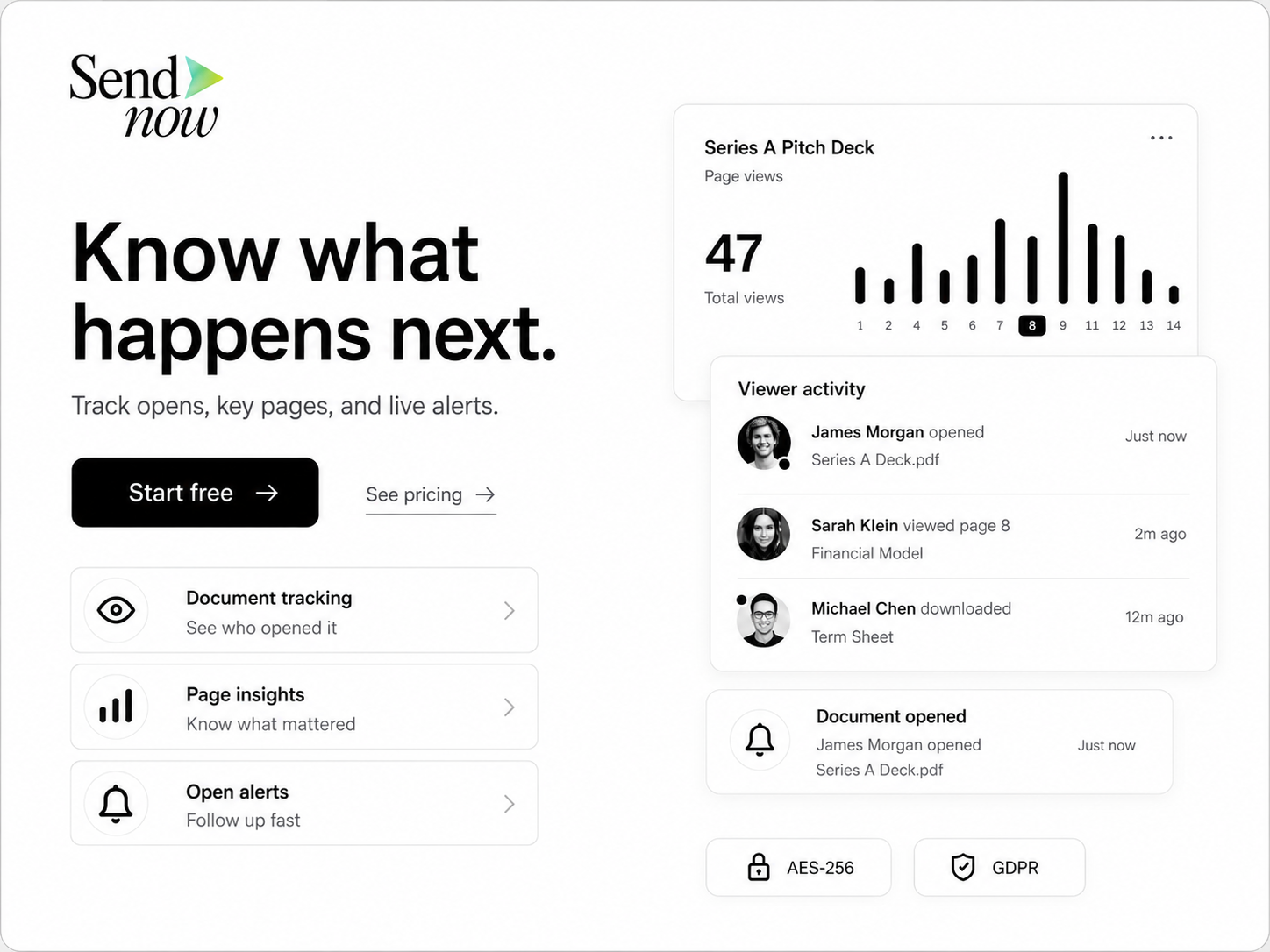
Step 4: Monitor and Audit Access Logs
Check your SendNow dashboard daily. Look for:
- Unexpected Email Addresses: If you sent the link to a Partner, but a Partner at a different fund is trying to verify their email, you know your link has been forwarded.
- Multiple IP Addresses: If the same email address is opening the deck from three different cities, the viewer may be sharing their verification code or accessing it via a VPN.
- High Time-on-Slide Metrics: If an investor spends a significant amount of time on your competition or financials page, prepare to address those topics in detail during your next meeting.
+-------------------------------------------------------------+
|                  SendNow Access Log Example                 |
|                                                             |
|   File: Deep-Dive-Deck.pdf                                  |
|   Link: Sequoia Capital                                     |
|                                                             |
|   Viewer: analyst@sequoia.com | IP: 12.45.67.89  | Time: 4m |
|   Viewer: partner@sequoia.com | IP: 12.45.67.90  | Time: 8m |
|   *ALERT* Viewer: competitor@startup.com | Blocked (No Auth)|
+-------------------------------------------------------------+
Regulatory and Legal Safeguards
While technical barriers are the most effective way to prevent leaks, they should be paired with legal frameworks.
The Defend Trade Secrets Act (DTSA)
In the United States, the DTSA protects startups against the misappropriation of trade secrets. However, to claim protection under the DTSA, a company must prove that it took "reasonable measures" to keep the information secret.
Sharing a PDF file openly via email without password protection, tracking, or access control can be interpreted by courts as a failure to take reasonable measures. By using a secure portal with email gates and watermarks, you establish a clear legal record of taking proactive steps to protect your trade secrets.
Non-Disclosure Agreements (NDAs)
Most institutional VCs refuse to sign NDAs during initial meetings because they look at too many similar deals and want to avoid legal conflicts. However, during the due diligence phase (after a Term Sheet is signed), signing an NDA is standard practice. Gate your highly sensitive diligence folders and data rooms behind an NDA signature page, which SendNow can automatically display before files are unlocked.
Related Reading
Keep your fundraising secure and learn more about optimizing your document sharing workflows:
- The Ultimate Guide to Pitch Deck Security for Startups
- How Startup Founders Track VC Pitch Deck Opens in Real-Time
- Active Link Expiry and Revocation for Pitch Decks
- Dynamic Watermarks for SEC Compliant Pitch Decks
Frequently Asked Questions
Can you completely block pitch deck screenshots?
While you can block digital screenshots taken via software (Print Screen, snipping tools, OS shortcuts), no software can prevent a user from taking a physical photo of the monitor with a smartphone. To counter this, dynamic watermarking overlays the viewer's identity on the slides, making physical photos traceable back to them.
What is the difference between a teaser deck and a deep-dive deck?
A teaser deck is a short, non-confidential overview of your business meant to generate interest. A deep-dive deck contains sensitive IP, customer details, financial forecasts, and detailed roadmap plans. Teasers can be shared widely; deep-dives must be strictly tracked and secured.
Why do VCs forward pitch decks?
VCs forward decks for multiple reasons: seeking internal consensus with other partners, requesting opinions from technical advisors, sharing deal flow with co-investors, or vetting market competition with portfolio founders. Using a secure sharing tool ensures you are notified whenever a forward occurs.
Does SendNow comply with global data regulations?
Yes. SendNow supports GDPR-compliant data storage options, features clean audit trails, and utilizes secure protocols (HTTPS/AES-256) to ensure visitor email verification and access records are stored securely. Learn more at GDPR-Info.
What should I do if my pitch deck is leaked?
If you discover a leak, use your SendNow dashboard to identify the source of the leak using the dynamic watermark data or access logs. Immediately revoke the link to prevent further viewing. If the leak is causing severe commercial damage, consult your legal counsel regarding trade secret misappropriation under the DTSA.
Protect Your IP and Prevent Presentation Leaks
Take control of your fundraising assets. Don't let your competitive advantage walk out the door in the form of unauthorized forwards or screenshots.
Start a trial on SendNow at share.sendnow.live/dashboard and secure your slides today.
About the Author: Rifana Hameem
Rifana is the founder of SendNow. She leads the team in building secure, compliant, and analytics-rich document sharing tools for finance and professional teams worldwide.
Connect on LinkedIn

