How to Share Client Onboarding Documents Professionally

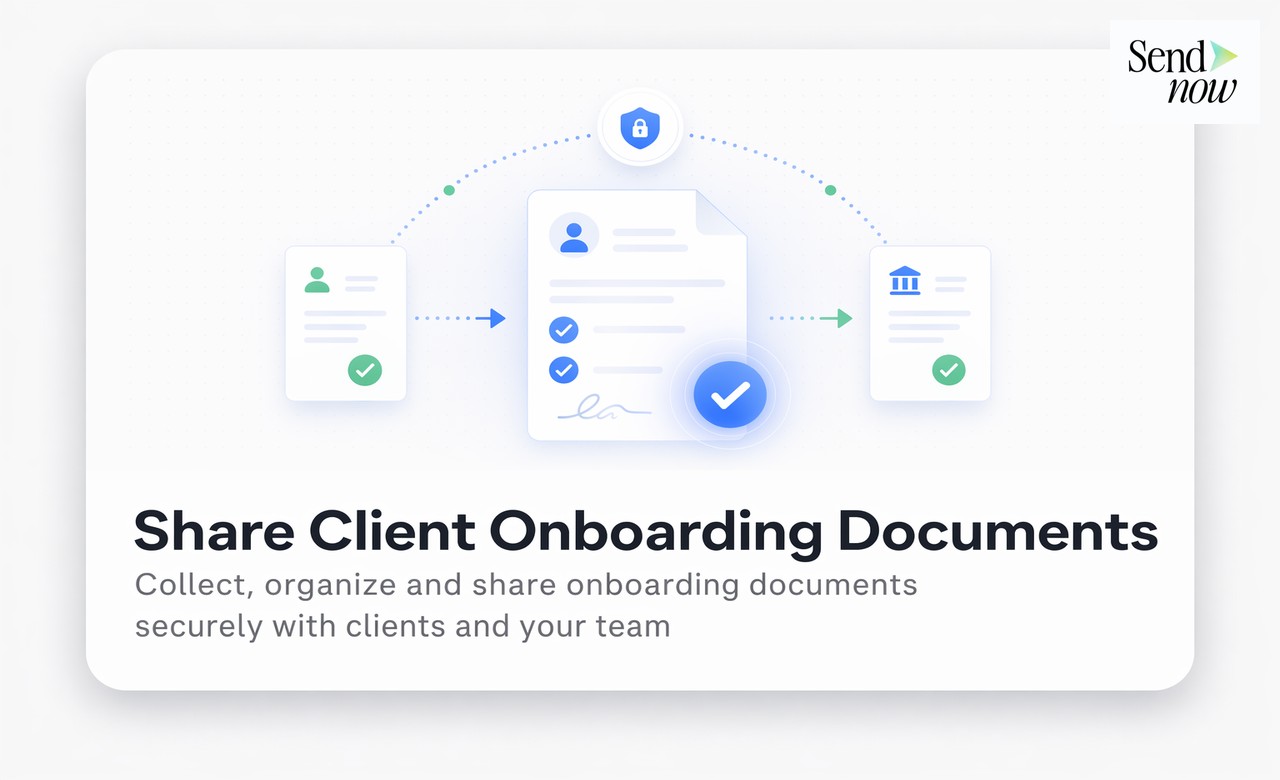
Professional client onboarding document sharing means delivering a structured, branded, and trackable set of materials through a single secure link rather than a scattered collection of email attachments. Done well, it signals to a new client that your firm is organised, security-conscious, and serious about their experience from the very first interaction. Done poorly, it undermines the trust that your proposal and sales process worked hard to build.
Why the Delivery Method for Onboarding Documents Matters
The moment a client signs a contract or pays an invoice, their evaluation of your firm does not stop. It continues through every subsequent touchpoint, and the onboarding document delivery is one of the first. A client who receives seven separate PDF attachments across three emails in the first week draws a conclusion: this firm is disorganised. A client who receives a single branded link to a clean, structured portal draws a different conclusion: this firm is professional.
Beyond first impressions, the delivery method also affects completion rates. Clients who receive onboarding documents through an organised portal, with a clear indication of what needs to be read, signed, or returned, complete their onboarding faster and with fewer chaser emails.
What to Include in a Client Onboarding Document Pack
The specific contents depend on your service type, but a well-structured onboarding pack for a professional services firm typically includes:
- Welcome letter. Signed by the relationship manager, sets the tone, and provides key contact details.
- Service agreement or engagement letter. The contractual basis of the relationship, often requiring a signature.
- Privacy notice. Required under GDPR Article 13 where you collect personal data from clients.
- Client information form. KYC, AML, or general contact and preference details.
- How we work document. Explains your processes, communication expectations, and escalation paths.
- Useful resources. Guides, templates, or access details the client needs to get started.
A sequenced approach, where you provide foundational documents first and supplementary materials later, reduces cognitive load and improves completion rates.
Choosing the Right Delivery Format
There are three common delivery formats for onboarding documents.
Email attachments. The default for many firms. Easy to send but visually cluttered, difficult to track, and inappropriate for documents containing personal data under the GDPR if sent unencrypted.
Cloud storage links (Dropbox, Google Drive). Better for organisation, but the client experience shows third-party platform branding rather than yours. Access controls vary, and GDPR compliance requires additional configuration.
Branded document portal via a secure sharing platform. The most professional option. The client receives a single link that opens a branded, structured space containing all their onboarding documents. Access is controlled, every document access is tracked, and the experience carries your branding throughout.

Building a Branded Client Onboarding Portal
A branded onboarding portal does not require custom software. SendNow allows you to create a microsite-style link that displays your firm's logo, colour scheme, and document set in a clean browser-based interface.
Key configuration elements:
Custom branding. Your logo should appear at the top, not the platform's logo. Colours should match your brand guidelines. Use your own domain or subdomain where possible.
Document organisation. Group documents logically. Use clear section headings and brief descriptions so the client understands each document before opening it.
Email gate. Require clients to verify their email address before accessing the portal. This confirms identity, provides an access record, and satisfies a practical GDPR compliance requirement.
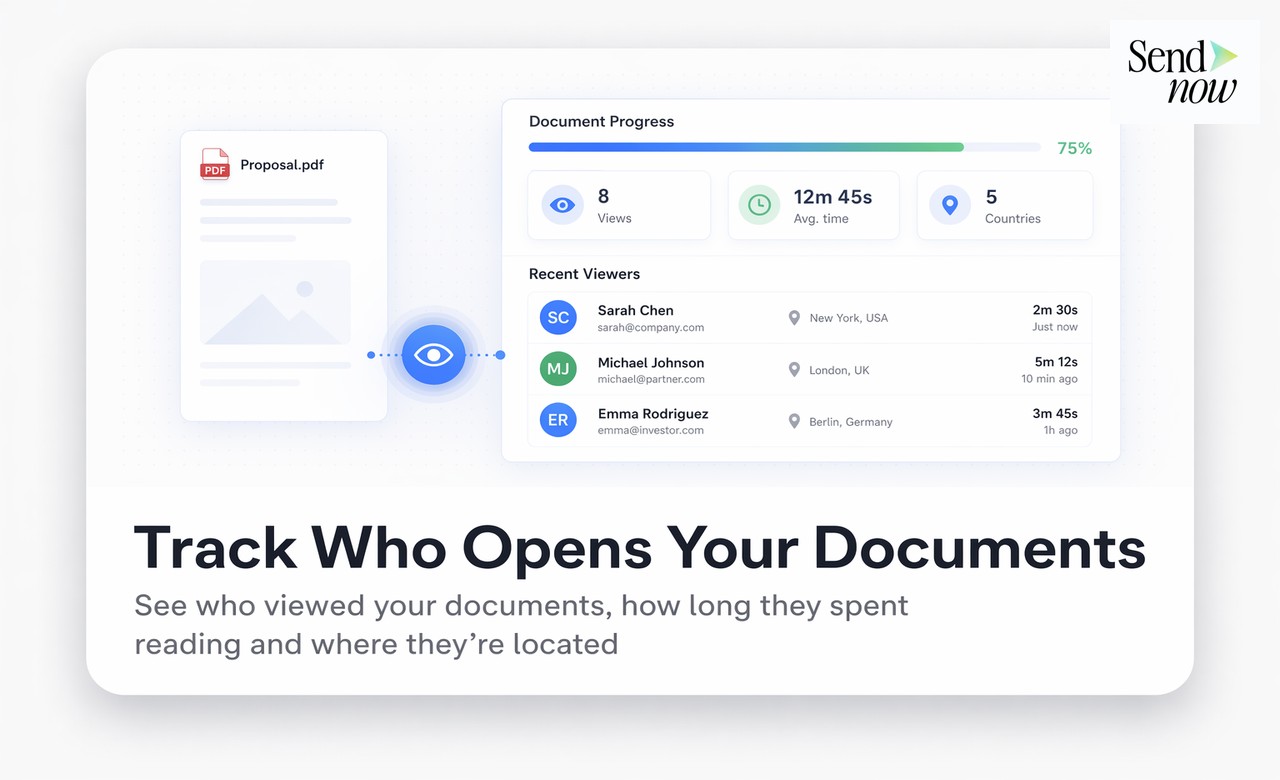
Completion tracking. Enable document-level tracking so your team can see which documents each client has opened and which remain unread. This allows targeted follow-up rather than generic reminder emails.
Download controls. For documents that are for review only, disable download and screenshot. For documents the client needs to sign or file, enable download explicitly.
Tracking Onboarding Completion
Completion monitoring is one of the most valuable uses of document tracking in an onboarding context.
| Onboarding Document | Tracking Action |
|---|---|
| Welcome letter | 7-day reminder if unread |
| Engagement letter | 3-day reminder; escalate if unsigned at day 7 |
| Privacy notice | Required before data collection; immediate chase |
| KYC/AML form | Regulatory requirement; track and escalate promptly |
| How we work guide | Reference material; low-urgency follow-up |
By tracking which documents each client has accessed, you can identify bottlenecks, send targeted chasers, and escalate only clients who are genuinely stuck rather than sending blanket reminders to everyone.

GDPR Considerations for Onboarding Document Delivery
Client onboarding documents typically contain personal data. For GDPR compliance:
- Documents containing personal data must be transmitted securely. A GDPR-compliant sharing platform with EU hosting and TLS encryption meets this requirement; an unencrypted email attachment does not.
- Your GDPR Article 13 privacy notice must be provided before or at the point of data collection. Including it in your onboarding portal satisfies this.
- Access should be restricted to the named client. An email-gated, unique link satisfies this requirement.
For the broader sales intelligence context, read the Document Intelligence for Sales Guide. See also How to Create a Branded Client Document Portal and the Document Microsite Guide.
Onboard clients like the premium firm you are. SendNow provides branded microsites, email-gated access, document completion tracking, and US-hosted infrastructure for every client portal you create. Visit sendnow.live.
Frequently Asked Questions
Q: Is it GDPR-compliant to send onboarding documents as email attachments? A: Sending documents containing personal data as unencrypted email attachments creates GDPR risk. Article 32 requires appropriate technical security measures for personal data processing. A secure, access-controlled link on encrypted EU infrastructure is a materially stronger position.
Q: How many documents should I include in an initial onboarding pack? A: Limit the initial pack to documents that are time-critical or required before work can begin. Overloading a new client with ten documents on day one reduces the likelihood that any of them are completed promptly. A sequenced approach works better.
Q: Can I use SendNow to require a client to sign documents during onboarding? A: SendNow focuses on secure document sharing and analytics. For electronic signatures, integrate with a dedicated e-signature tool and include the signature link in your onboarding portal. The combination covers both requirements cleanly.
Q: Should each client have a separate onboarding portal, or can I use a template? A: Use a template as the base and personalise per client. The structure and standard documents remain the same; you add the client's specific engagement letter, their name in the welcome note, and any custom materials relevant to their matter.
Q: How do I handle it when a client says they never received the onboarding documents? A: With a tracked document sharing link, you can confirm precisely whether the client accessed the portal, when, and which documents they opened. This resolves disputes quickly without awkwardness. If the portal was genuinely not accessed, you can re-share the link immediately.
Q: What is white-label document sharing, and do I need it for onboarding? A: White-label means the client experience shows your branding rather than the platform provider's. For client-facing onboarding, white-labelling is worth enabling. Seeing a third-party platform name in the experience can undermine the professional impression you are trying to create.
Q: Can I track whether a client has read the privacy notice specifically? A: Yes. With document-level tracking, you can see whether the privacy notice link was opened, when, and for how long. This gives you a verifiable record that the client was provided with the required GDPR Article 13 information, which is useful documentation to hold.
Q: What should my onboarding portal look like on mobile? A: Your portal should render cleanly on mobile without requiring the client to download anything. A browser-based link that opens a responsive, branded microsite meets this requirement. Test your portal on iOS and Android before sending to clients.
About the Author: Rifana Hameem
Rifana is the founder of SendNow. She leads the team in building secure, compliant, and analytics-rich document sharing tools for finance and professional teams worldwide.
Connect on LinkedIn