How to Create a Branded Client Document Portal in Minutes

How to Create a Branded Client Document Portal in Minutes
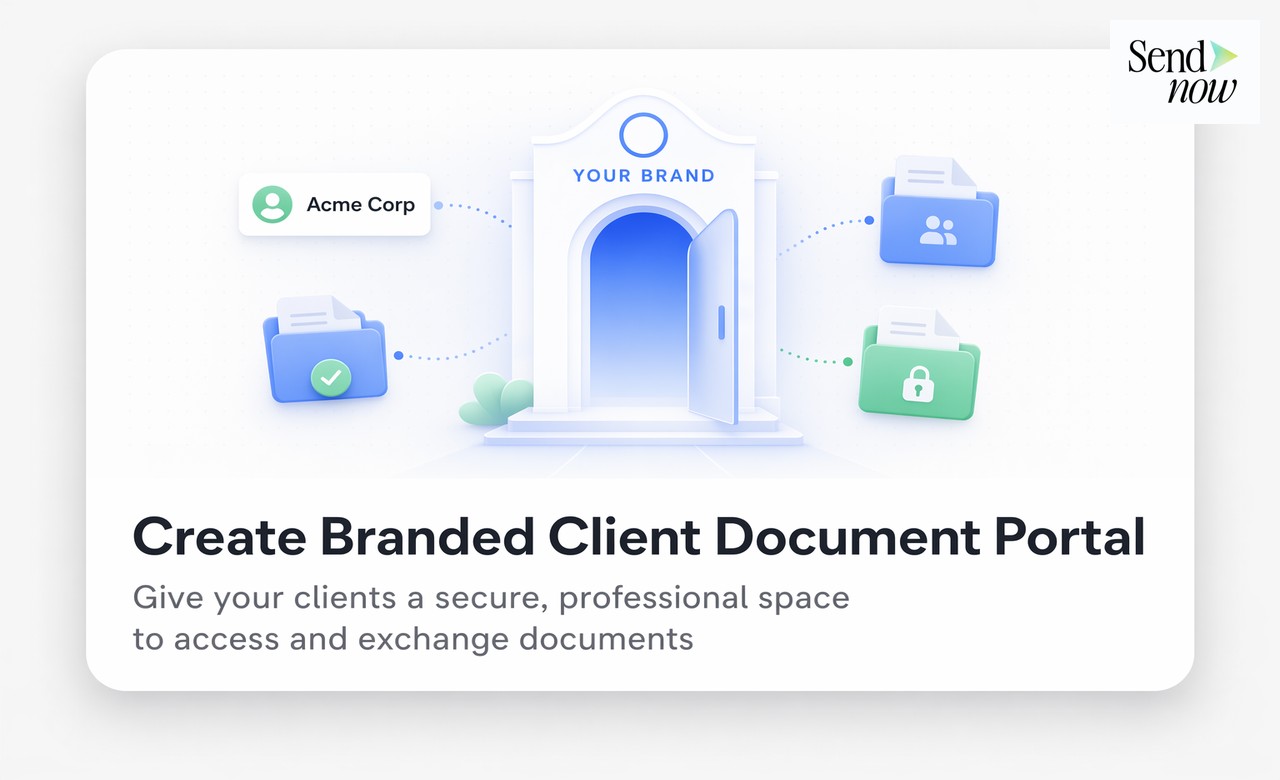
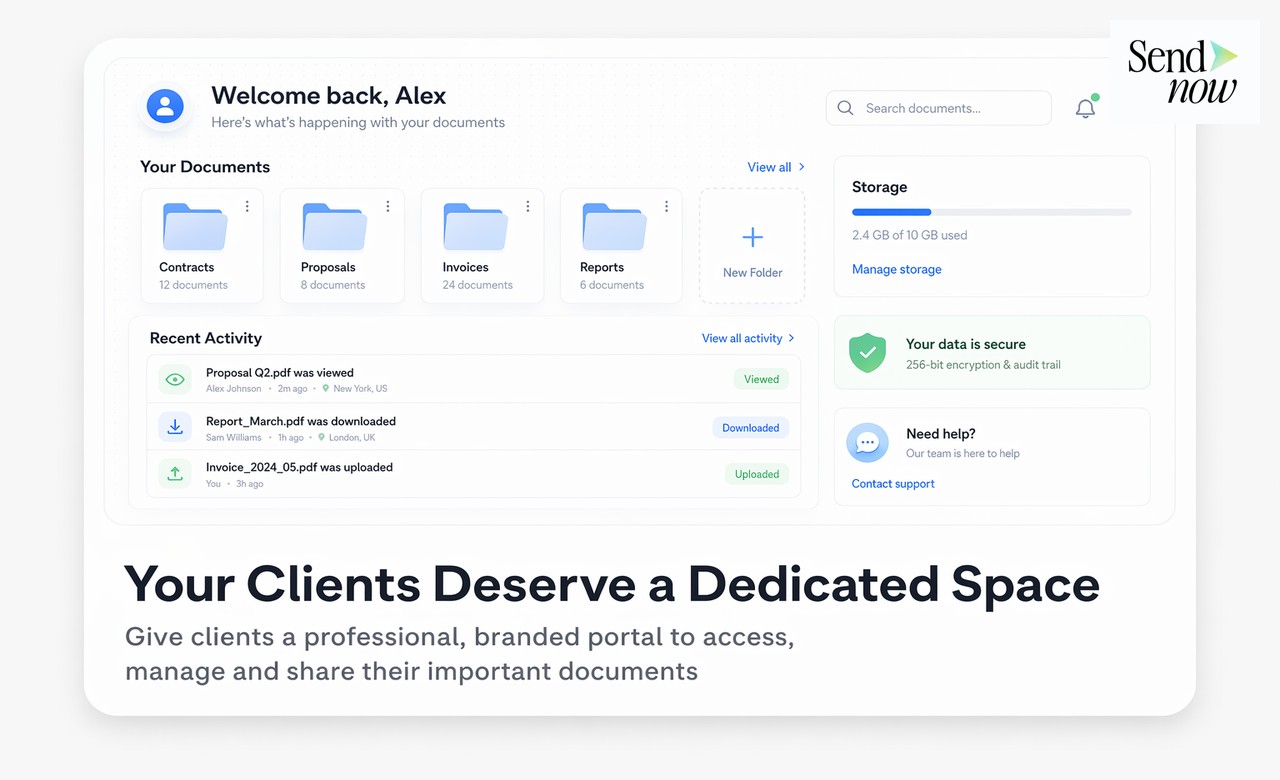
A client document portal is a private, branded hub where your clients can access all the documents relevant to their relationship with your firm, in one organised, professional location. Rather than sending documents as email attachments or individual links scattered across multiple conversations, a portal gives each client a single destination that reflects your brand and keeps all their materials current and accessible. With SendNow, you can build and launch a fully branded client portal in under fifteen minutes.
What Makes a Client Document Portal Different From Simply Sharing Files
The key difference between a client document portal and ad-hoc file sharing is structure and continuity. When you share individual files by email, each document exists in isolation. The client must search their inbox to find older materials, and there is no clear visual sense of what is available to them. A portal changes this entirely.
A portal has a persistent URL that belongs to the client relationship. It displays documents in organised sections with clear labels and descriptions. It uses your firm's branding so the experience feels like a proprietary tool, not a collection of random links. And it can be updated at any time, with new documents appearing in the portal without requiring any communication from you.
What Finance Clients Expect From a Document Portal
Finance clients, particularly at the institutional and high-net-worth level, are accustomed to a certain standard of professionalism in their service providers. A well-designed client portal signals that your firm has invested in its infrastructure and takes client experience seriously. The alternative, a folder of email attachments going back three years, signals the opposite.
A client document portal for a wealth management client might contain sections such as: Annual and quarterly reports, Portfolio statements, Meeting agendas and minutes, Tax documents, Agreements and mandates, and Regulatory disclosures. Each section is clearly labelled, documents are current, and the client can access anything they need without contacting you.
How to Build a Client Portal on SendNow
The process involves four steps that require no technical skill.
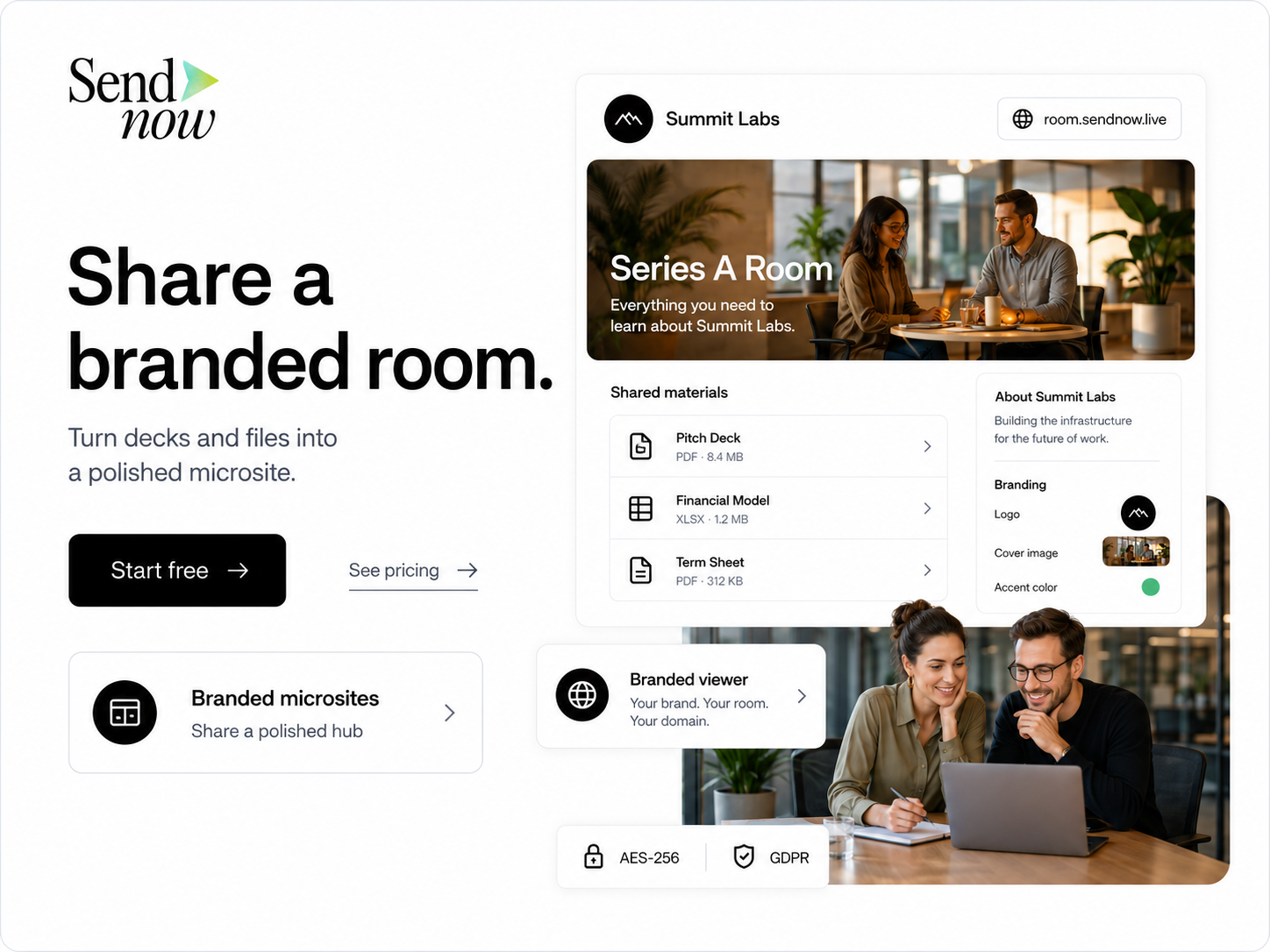
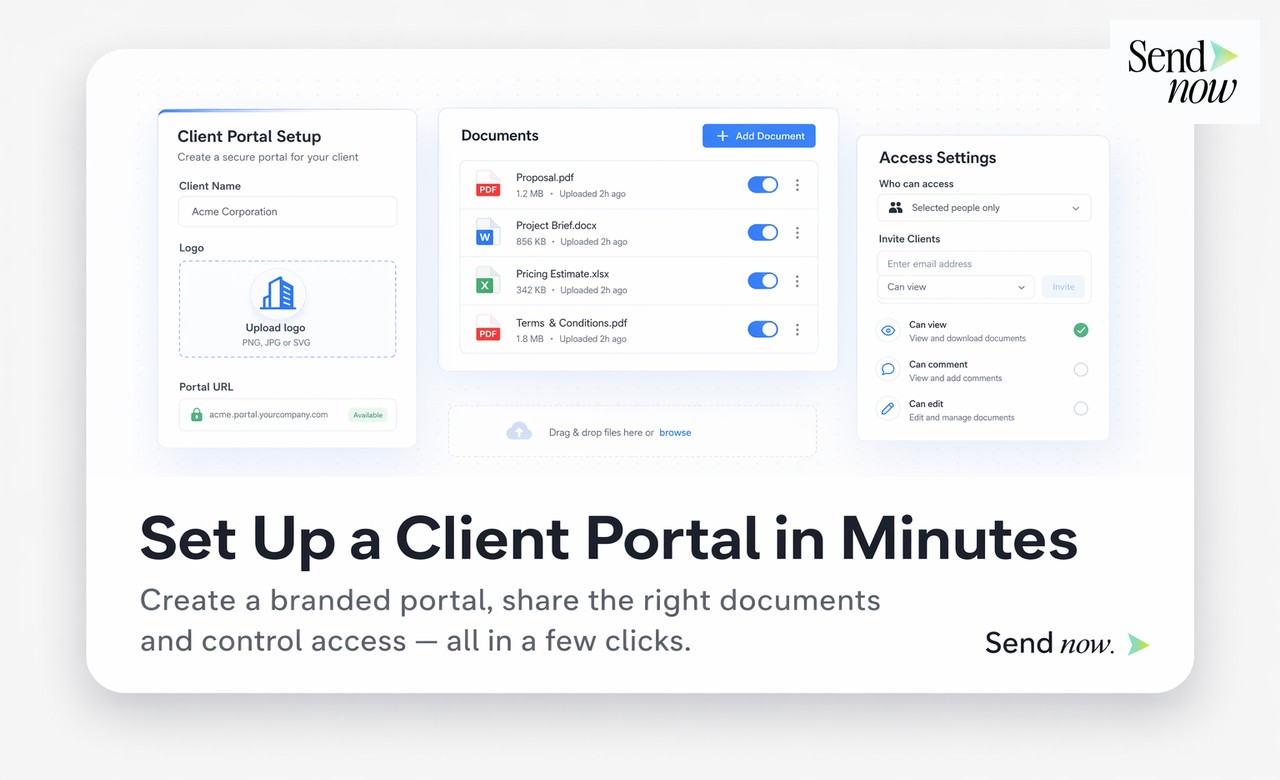
Step one: Create the portal. In SendNow, create a new portal and give it a name corresponding to the client. Choose your branding settings, including logo, colour, and custom domain if configured.
Step two: Add document sections. Organise the portal into sections matching the categories of documents relevant to this client. Use clear, client-facing labels rather than internal filing conventions.
Step three: Upload or link documents. Add the relevant documents to each section. You can upload new files directly or add existing SendNow links. Set any access permissions, expiry dates, or download restrictions at the individual document level.
Step four: Share the portal link. Send the client a single URL. They access the portal through this link every time, seeing the most current version of everything available to them.
| Feature | Email Attachments | Single Document Links | Client Document Portal |
|---|---|---|---|
| Organisation | None, client must search inbox | Per-document, no overview | Structured sections and labels |
| Branding | Email client defaults | Optional via custom domain | Fully branded, consistent |
| Updatability | New email required per update | New link required per update | Update in place, same URL |
| Analytics | None | Per-document analytics | Consolidated portal analytics |
| Client experience | Fragmented, high friction | Moderate, no overview | Seamless, professional |
| Access control | None | Per-document | Per-document and per-portal |
Portal Analytics: Knowing What Your Client Has Seen
One of the most valuable features of a client portal in SendNow is the consolidated analytics view. Rather than checking each document link individually, the portal analytics dashboard shows you a complete picture of your client's engagement.
You can see when the portal was last accessed, which documents were viewed and for how long, and whether any documents remain unread. For client review meetings, this intelligence is highly practical: if you can see that your client has not yet opened the Q3 report three days before your quarterly review, you can send a prompt in advance rather than discovering this on the call.
Access Security and GDPR Compliance
Client portals in SendNow benefit from the same access control infrastructure as individual document links. You can restrict the portal to specific email addresses so only authorised individuals within a client organisation can access it. You can require a password for additional security. And you can set the portal to expire at a defined date, after which access is automatically revoked.
For EU financial institutions, the ability to maintain a complete access log for each portal is important for GDPR compliance and, in regulated contexts, for audit purposes. SendNow records every access event, providing the documentation your compliance team needs.
Frequently Asked Questions

What is a client document portal?
A client document portal is a branded, private hub where a specific client can access all the documents relevant to their relationship with your firm, organised into sections and accessible from a single URL.
How long does it take to create a client portal on SendNow?
Most portals can be built and launched in under fifteen minutes, including uploading documents and configuring branding settings.
Can I restrict a portal to specific email addresses?
Yes. You can configure a portal so that only recipients with approved email addresses can access it, preventing unauthorised viewing.
Does each client get a separate portal?
Yes. Best practice is to create a separate portal for each client relationship, with documents and branding appropriate to that specific client.
Can I see if my client has read the documents in their portal?
Yes. Portal analytics show you exactly which documents were accessed, by whom, and when, giving you full visibility into client engagement.
Can I add new documents to a portal after it has been shared?
Yes. You can add, remove, or update documents at any time. The portal URL remains the same, and changes are reflected immediately.
Is a client document portal GDPR compliant?
SendNow's portals include access logging, permission controls, and expiry settings that support GDPR compliance. You should ensure your firm's privacy notices reference this document management tool appropriately.
Do I need to pay for a separate portal per client?
This depends on your SendNow plan. Most plans allow multiple portals, and higher-tier plans support unlimited portals. Check sendnow.live for the specific limits on your plan.
Related Reading
- The Complete Guide to Secure Document Sharing
- What Is a Document Microsite?
- What Is White-Label Document Sharing and Who Needs It?
Build your client portal today. Start at sendnow.live.
About the Author: Rifana Hameem
Rifana is the founder of SendNow. She leads the team in building secure, compliant, and analytics-rich document sharing tools for finance and professional teams worldwide.
Connect on LinkedIn