What Is a Document Microsite? When One Link Is Not Enough

What Is a Document Microsite? When One Link Is Not Enough
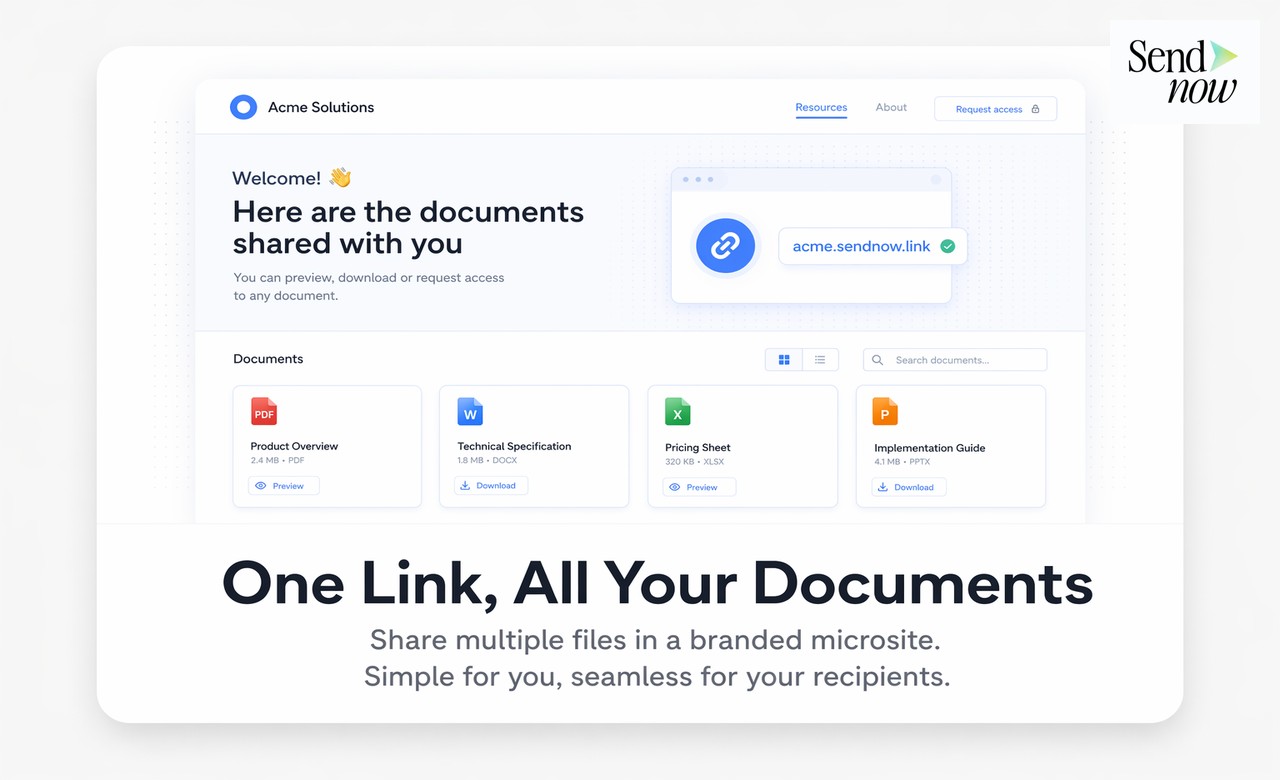
A document microsite is a lightweight, branded web page that presents multiple related documents under a single URL, allowing recipients to access everything they need in one organised, professionally designed hub. Where a single document link takes the recipient directly to one file, a document microsite provides a structured overview of everything relevant to a client relationship, a deal, or a project, without requiring multiple links or email attachments.
When a Single Document Link Falls Short
Most document sharing starts with a single link for a single document. But finance relationships quickly accumulate materials: an initial pitch deck is followed by a term sheet, then due diligence documentation, then an NDA, then an onboarding pack, then quarterly reports. Managing this as a series of individual links creates friction for both the sender and the recipient.
A client who needs to find the Q3 report you sent in October must search through email threads to locate the right link. You, as the sender, must keep track of which version of each document is current and which links are still valid. When you update a document, you must communicate the new link. None of this is particularly difficult, but the accumulated friction is real.
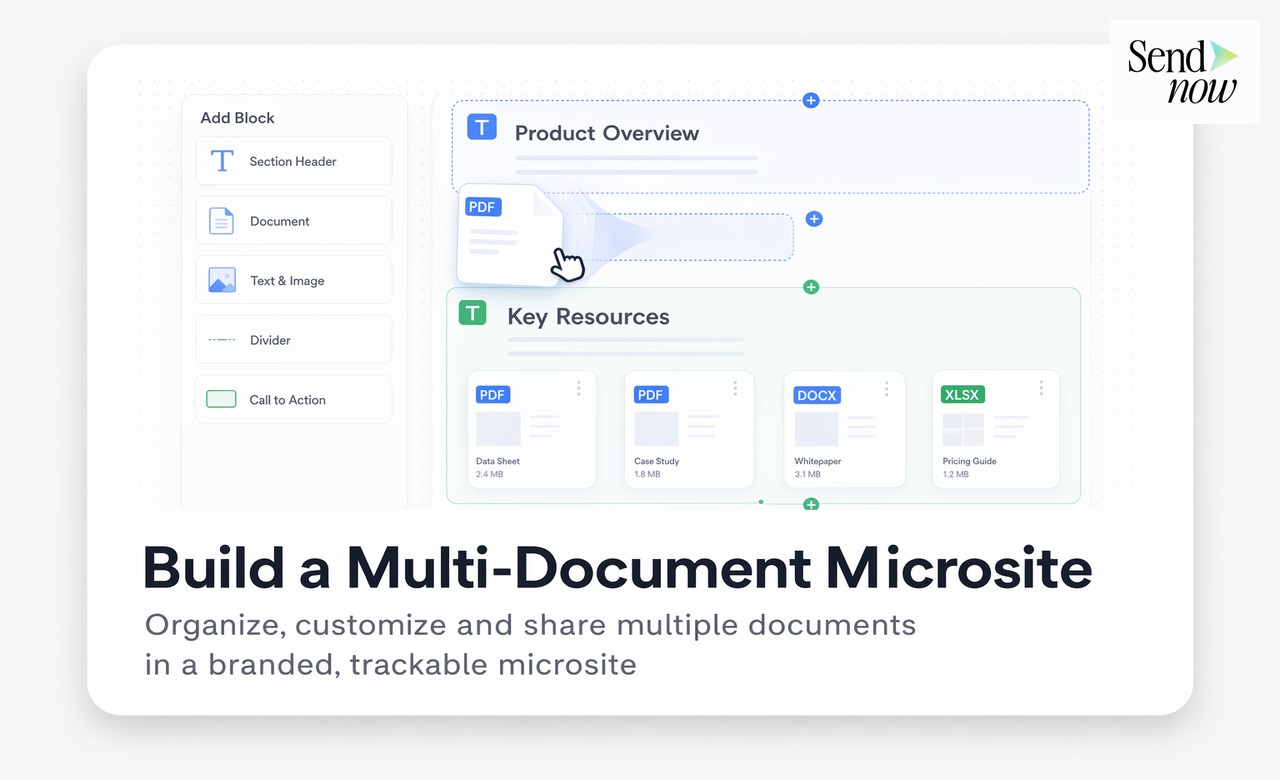
A document microsite solves this by acting as a persistent, curated destination. You add documents to it as the relationship progresses. The client always knows where to find everything. You update the microsite in place, and the URL remains the same.
What a Document Microsite Looks Like
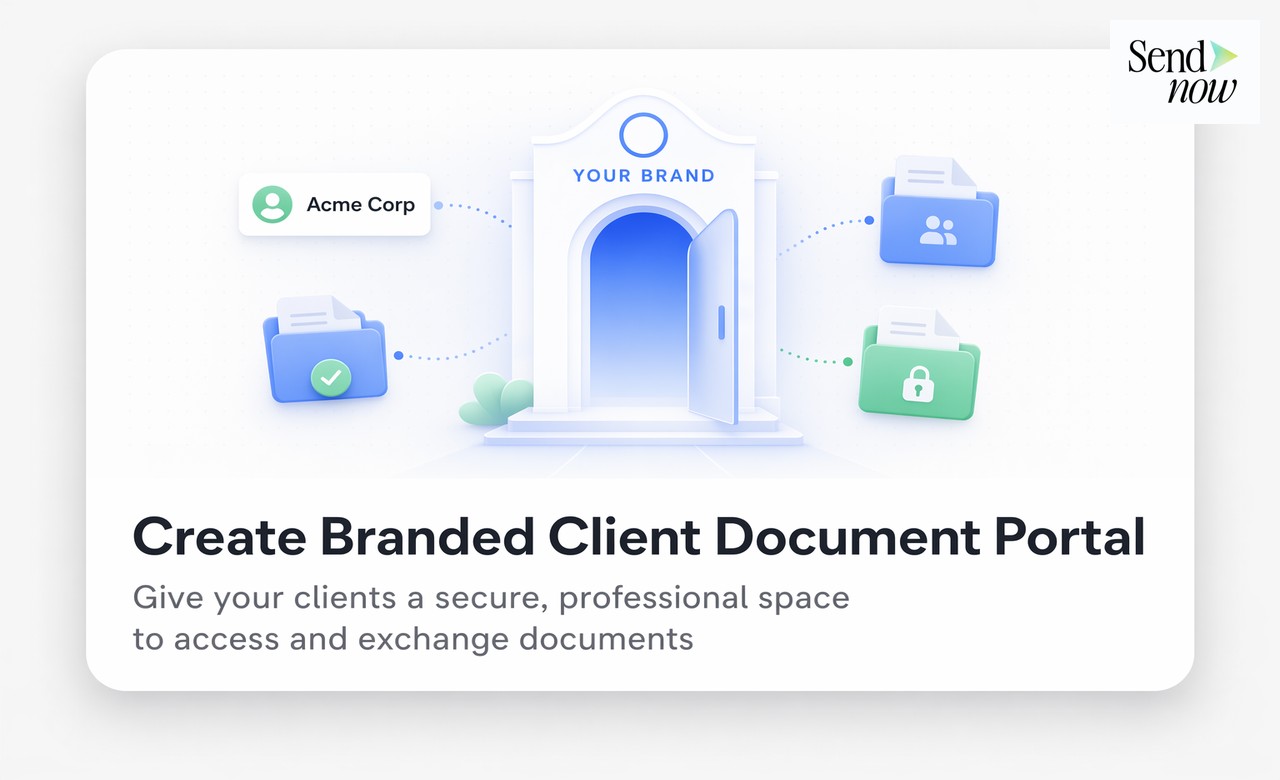
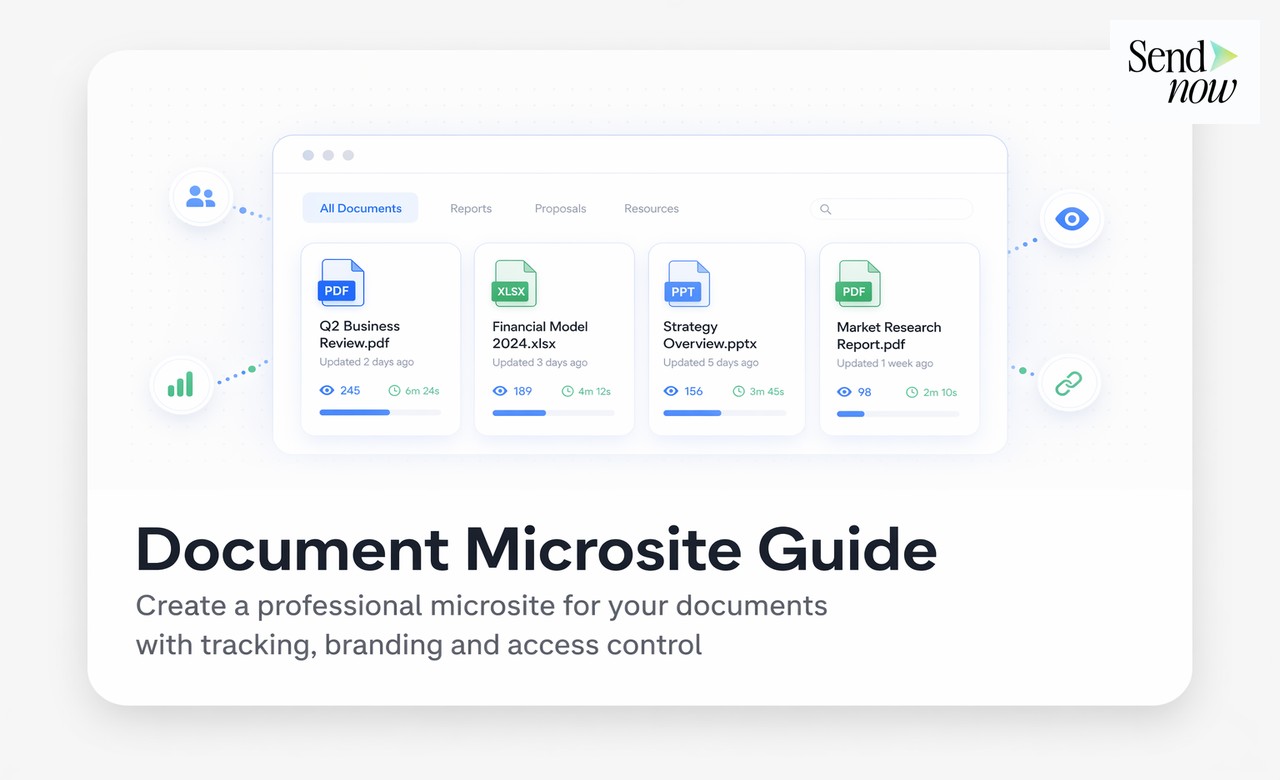
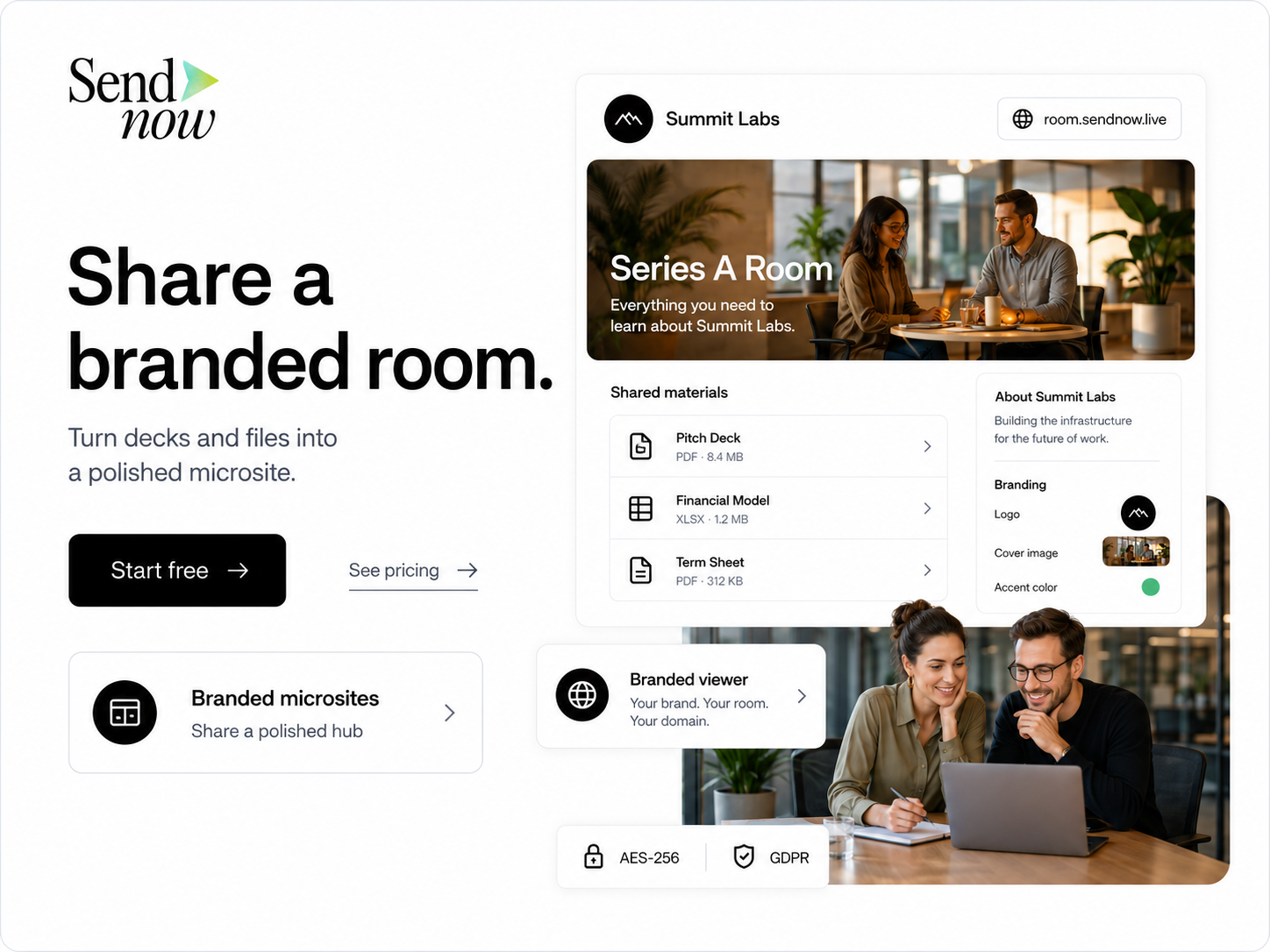
The recipient receives a single URL, such as docs.yourfirm.com/blackrock-2025. When they open it, they see a branded landing page with clearly labelled document cards. Each card represents one document and includes a title, a brief description, and a button to open or download the file. The page uses your firm's logo and colour scheme.
From the recipient's perspective, it looks like a purpose-built client portal. From your perspective, it takes under fifteen minutes to assemble and can be updated at any time without changing the URL.
Finance Use Cases for Document Microsites
| Use Case | Documents Typically Included | Key Benefit |
|---|---|---|
| Investor due diligence pack | IM, fund factsheet, audited accounts, legal docs | All materials in one place, access-controlled |
| New client onboarding | Welcome letter, agreements, KYC forms, product guides | Reduces back-and-forth email chains |
| RFP response | Executive summary, detailed response, team bios, case studies | Professional presentation of complex proposals |
| Quarterly investor update | Report, slide deck, commentary, calendar | Consistent format across reporting cycles |
| M&A process (sell-side) | Teaser, NDA, preliminary IM, data room instructions | Structured access for multiple interested parties |
| Annual general meeting | Notice, agenda, proxy materials, financial statements | Centralised access for all shareholders |
Analytics Across an Entire Microsite
One significant advantage of a document microsite over individual links is consolidated analytics. Rather than checking engagement data separately for each document, your SendNow analytics dashboard shows you how each recipient engaged with the microsite as a whole, including which documents they opened, how long they spent on each, and which sections received the most attention.
For a sell-side M&A process, this intelligence is extremely valuable. Knowing that a particular interested party spent 40 minutes on the financial model but never opened the management team section tells you something important about where their due diligence is focused and what questions to expect on the next call.
Access Control on a Microsite
Individual documents within a microsite can carry independent access controls. You might make the executive summary visible to all viewers but restrict the detailed financial appendix to recipients who have signed an NDA. SendNow allows you to configure access permissions at both the microsite level and the individual document level, giving you precise control over who sees what without having to manage separate links.
GDPR and Multi-Document Sharing
Sharing multiple documents through a single controlled URL has clear GDPR advantages over multiple email attachments. You retain the ability to revoke access to the entire microsite or to individual documents within it at any time. You can see exactly who accessed which document and when, maintaining the access log that regulated firms need. And you can apply expiry dates to ensure that time-sensitive materials such as draft agreements or preliminary IMs are no longer accessible after the relevant period.
Frequently Asked Questions
What is a document microsite?
A document microsite is a branded single-URL hub that presents multiple related documents together, allowing recipients to access everything relevant to a relationship or project from one place.

How is a document microsite different from a simple document link?
A single document link opens one file. A document microsite presents multiple documents on a branded landing page, giving recipients an organised overview of all available materials.
Do I need design skills to create a document microsite on SendNow?
No. SendNow provides a simple interface for adding documents to a microsite and applying your branding. No design skills or technical knowledge are required.
Can I control who sees each document within a microsite?
Yes. Individual documents within a microsite can have their own access permissions, including email restrictions, password protection, and expiry dates.
Can I update a microsite after sharing the link?
Yes. You can add, remove, or update documents within the microsite at any time. The URL remains the same, so recipients always access the most current version.
Does a document microsite support analytics?
Yes. SendNow provides per-document and per-viewer analytics for all content within a microsite, including engagement data for each individual document.
How many documents can I include in a single microsite?
SendNow supports multiple documents per microsite. The practical limit depends on your plan, but most finance use cases are well within standard limits.
Is a document microsite the same as a client portal?
The terms are closely related. A document microsite is a multi-document hub for a specific purpose or project. A client portal is a broader concept, typically a persistent branded destination for an ongoing client relationship. On SendNow, both can be built using the same feature set.
Related Reading
- The Complete Guide to Secure Document Sharing
- How to Create a Branded Client Document Portal in Minutes
- How to Share Client Onboarding Documents Securely
Everything your client needs. One link. Start at sendnow.live.
About the Author: Rifana Hameem
Rifana is the founder of SendNow. She leads the team in building secure, compliant, and analytics-rich document sharing tools for finance and professional teams worldwide.
Connect on LinkedIn