What Is White-Label Document Sharing and Who Needs It?

What Is White-Label Document Sharing and Who Needs It?
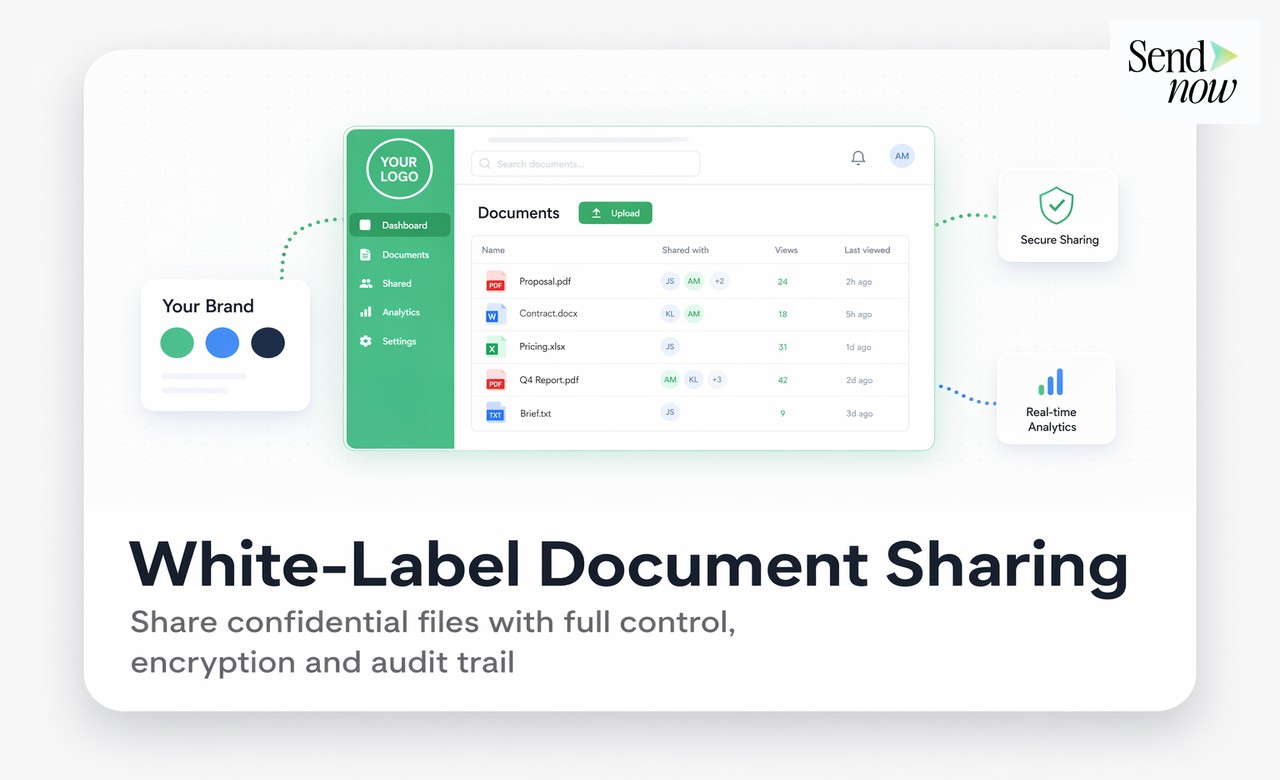
White-label document sharing means that when your clients, investors, or prospects view the documents you share with them, they see only your brand: your logo, your colours, your domain. The underlying platform powering the experience is invisible to them. For finance professionals who need every client touchpoint to reflect the quality and identity of their firm, white-label document sharing is the professional standard.
What White-Labelling Actually Removes
When you share a document through a standard platform link, several visual and contextual signals reveal the tool you are using. The URL contains the platform's domain. The email notification the recipient receives comes from the platform's sending address. The document viewer may display the platform's logo or footer. Any of these details can break the illusion of a seamless, firm-owned experience.
A fully white-label setup removes all of these signals. The link uses your domain. The notification email comes from your address. The document viewer shows only your branding. The client has no reason to think about the technology behind the experience at all.
The Four Components of a White-Label Document Setup
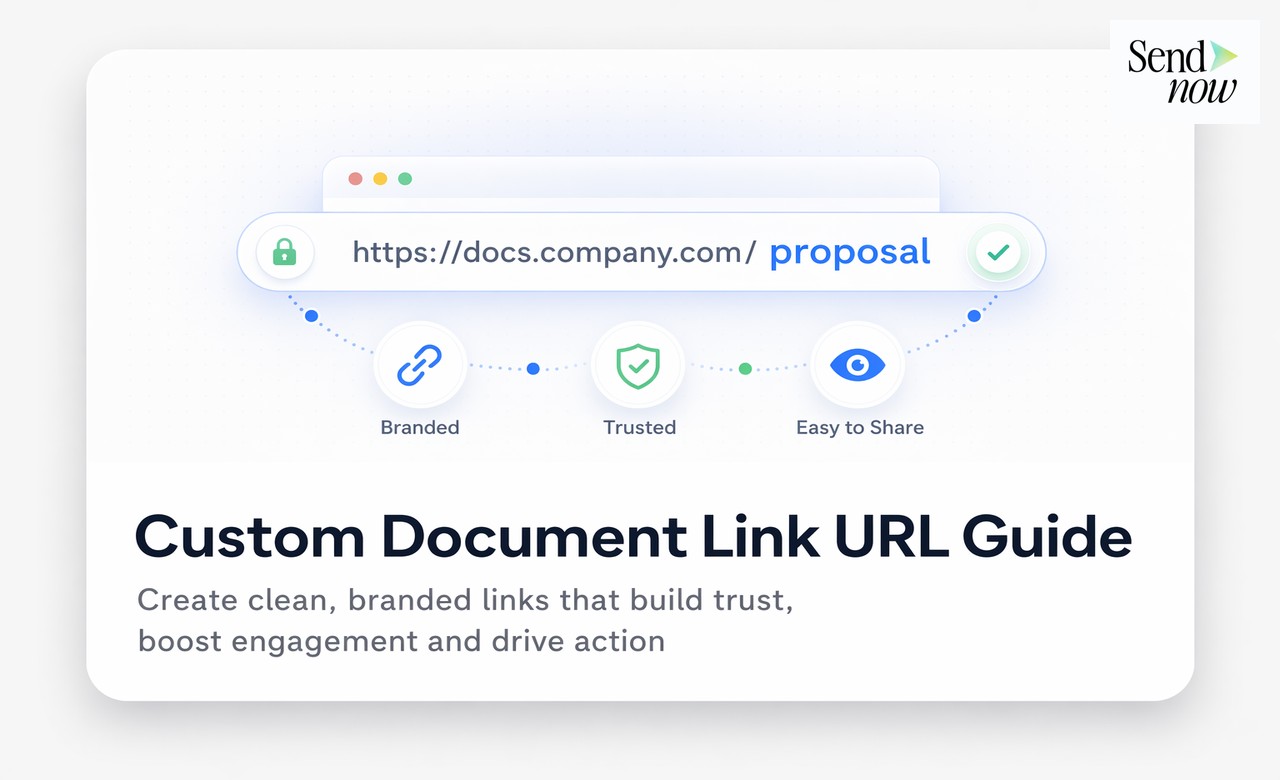
Custom domain: Your document links use your firm's subdomain, such as docs.acmecapital.com. No platform URL is ever visible to the recipient. This is covered in detail in the guide to custom domain document sharing.
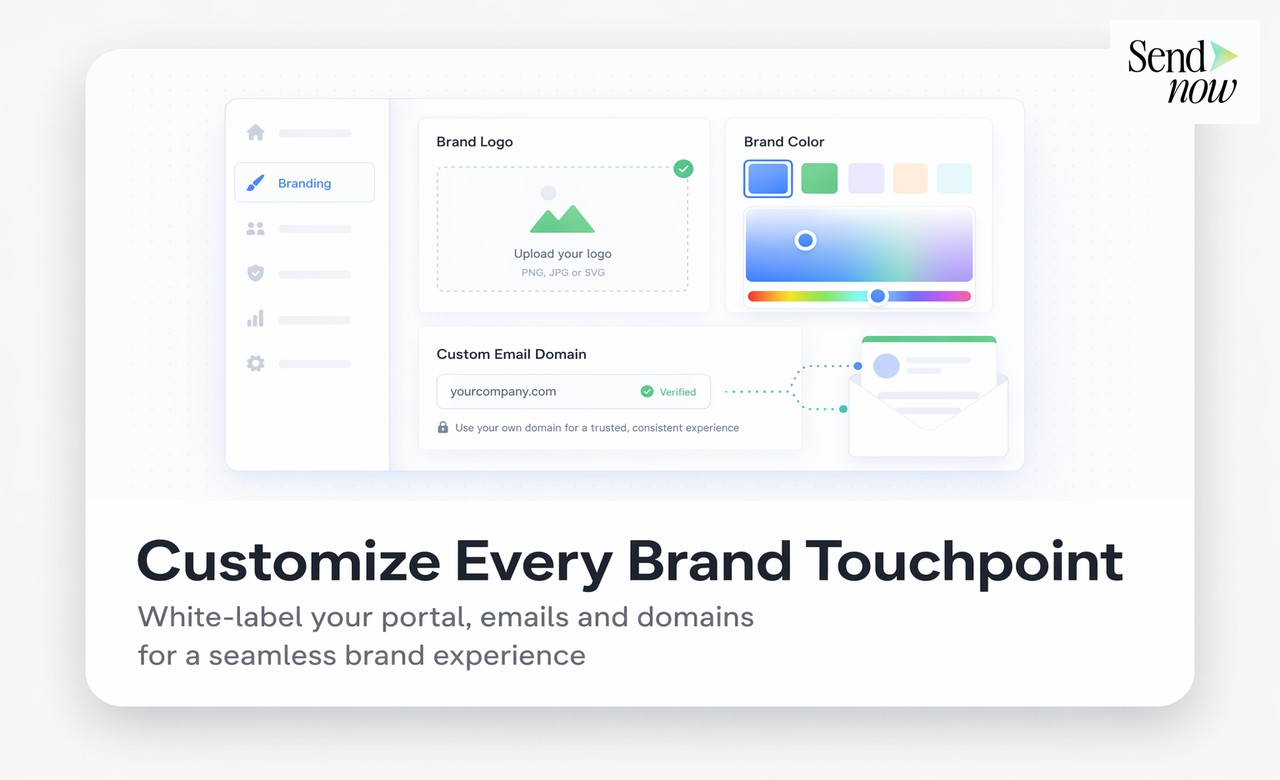
Logo and visual identity: Your firm's logo replaces any platform branding in the document viewer interface. Your primary colour is applied to interface elements including buttons and highlights. The visual result is an experience that feels entirely native to your brand.
Custom email notifications: When a client receives an access notification or is invited to view a document, the email arrives from a domain you control and with copy and design consistent with your firm's communication standards.
Viewer interface customisation: Beyond the logo, the document viewer can be configured to suppress any reference to the underlying platform. This includes footers, watermarks, and powered-by statements.

Who Needs White-Label Document Sharing
| Organisation Type | Primary Use Case | Why White-Label Matters |
|---|---|---|
| Asset managers | Investor reports, fund factsheets | Regulatory and brand consistency expectations from institutional investors |
| Wealth management firms | Client proposals, portfolio reviews | High-net-worth clients expect a premium, seamless experience |
| Financial advisory firms | RFP responses, onboarding packs | Brand differentiation during competitive pitching |
| Family offices | Sensitive private documents | Discretion and proprietary appearance are essential |
| FinTech platforms | Client-facing document portals | Product experience must remain fully branded to the FinTech, not a sub-tool |
| Accounting and audit firms | Client reporting, deliverables | Professional consistency expected by corporate clients |
What Clients Actually See
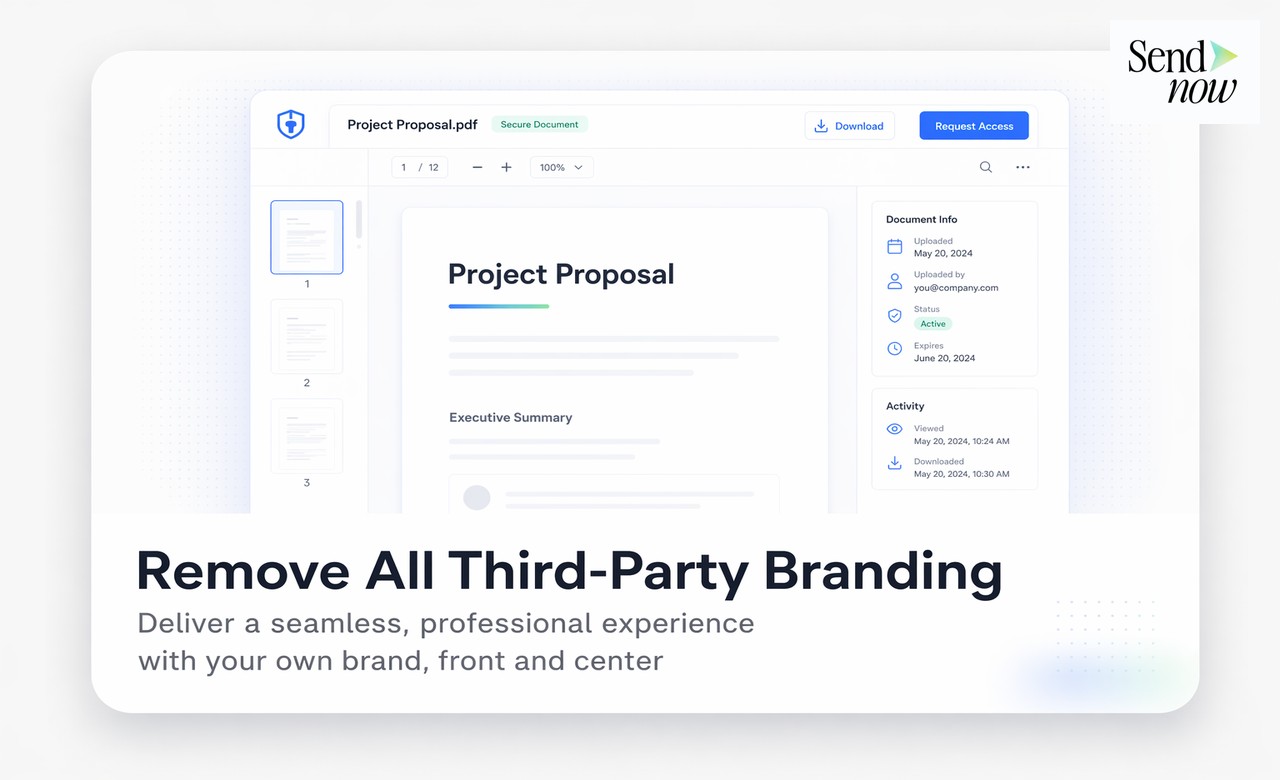
When a client clicks a link from your white-label SendNow setup, the experience looks entirely like a proprietary tool you built yourself. The URL reads docs.yourfirm.com. The page displays your logo and uses your brand colours. The document opens in a clean viewer with no external branding visible.
This matters in competitive contexts. If a wealth management firm is pitching for a mandate alongside two competitors, every element of the client experience is a signal. A competitor who sends a clearly third-party link looks less sophisticated than one whose entire digital presence feels purpose-built and proprietary.
White-Labelling Versus Custom Domain: The Distinction
A custom domain is a component of white-labelling, but the two terms are not interchangeable. A custom domain changes only the URL. White-labelling encompasses the custom domain plus all visual and communication customisations described above. For most professional finance firms, a full white-label setup is the appropriate target, not just a custom domain.
Setting Up White-Label on SendNow
SendNow's branding settings panel provides a single location to configure all white-label elements. Upload your logo, set your brand colour, enter your custom domain, and optionally configure custom email sending. The setup takes under thirty minutes and requires no developer involvement beyond the DNS record for the custom domain.
Frequently Asked Questions
What is white-label document sharing?
It is a document sharing configuration in which all platform branding is removed and replaced with your firm's own logo, colours, and domain, so clients see only your brand.

Is white-label document sharing available on all SendNow plans?
White-label features are available on higher-tier SendNow plans. Check the pricing page at sendnow.live for the specific plan that includes full white-label functionality.
Do I need a developer to set up white-label on SendNow?
No. The branding configuration is managed through a settings panel that requires no coding. You will need to add a DNS record for your custom domain, which your IT team or domain registrar can handle quickly.
Can I use white-label for documents shared with existing clients and new prospects?
Yes. Once configured, your white-label settings apply to all documents you share, regardless of whether the recipient is an existing client or a new prospect.
Will analytics and access controls still work in a white-label setup?
All SendNow features, including per-page analytics, access control, expiry dates, and download restrictions, function identically in a white-label setup. White-labelling affects only the presentation layer.
Does white-label include customizing email notifications with your brand?
Yes. A full white-label setup includes custom email sender configuration so that access notifications and alerts come from your firm's domain rather than a SendNow address.
Is white-label document sharing GDPR compliant?
Yes. The GDPR compliance obligations are defined by the data controller and processor relationship. SendNow acts as a GDPR-compliant data processor regardless of whether white-label branding is enabled.
What is the difference between white-label and a client document portal?
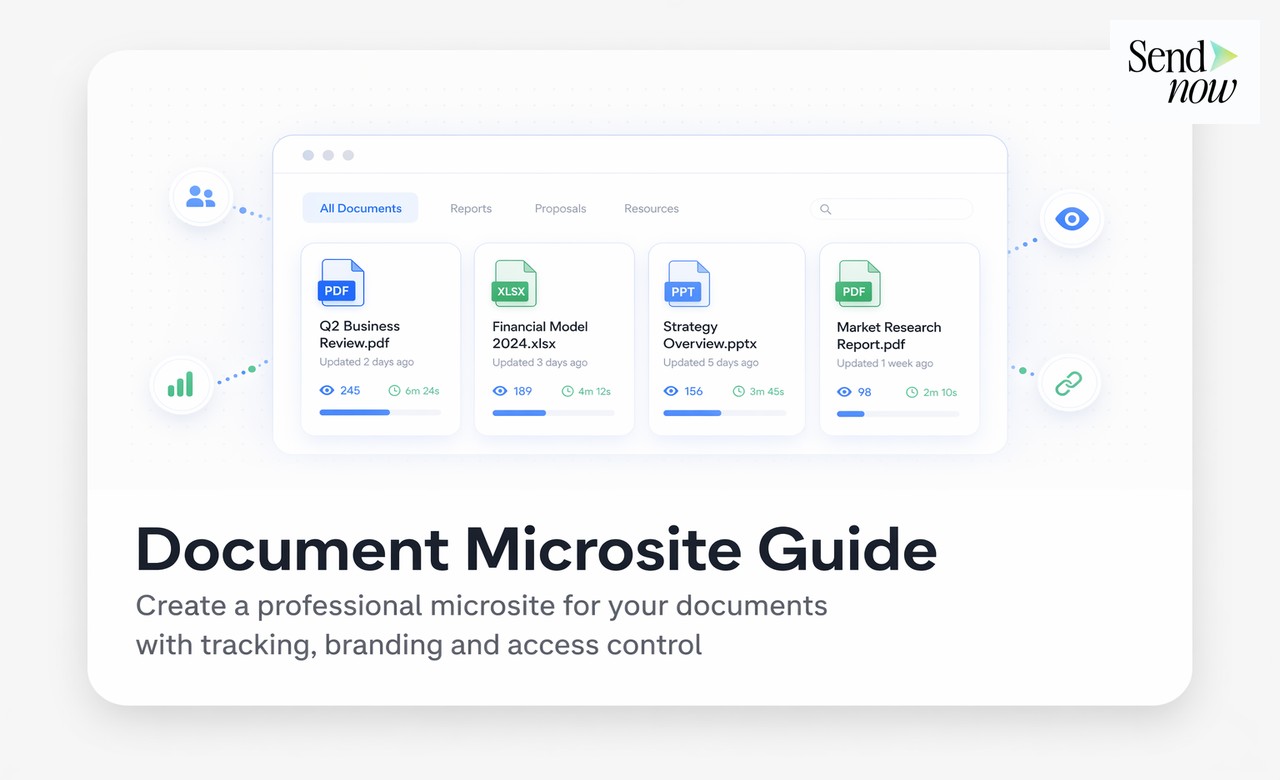
White-labelling defines the visual identity of your document sharing experience. A client document portal is a specific delivery format where multiple documents are presented together under that branded identity. The two are complementary: a portal is most effective when it is also white-labelled.
Related Reading
- The Complete Guide to Secure Document Sharing
- How to Share Documents From Your Own Custom Domain
- How to Create a Branded Client Document Portal in Minutes
Your brand. Every document. Start at sendnow.live.
About the Author: Rifana Hameem
Rifana is the founder of SendNow. She leads the team in building secure, compliant, and analytics-rich document sharing tools for finance and professional teams worldwide.
Connect on LinkedIn