Why Your Shared Document Link URL Matters (And How to Customise It)

Why Your Shared Document Link URL Matters (And How to Customise It)
When you share a document with a client or prospect, the link you send is the first thing they see before they read a single word of your content. A custom document link URL replaces a random string of characters with a short, meaningful slug that communicates purpose, reinforces your brand, and makes the link far easier to reference in follow-up conversations. It takes seconds to set up and makes a tangible difference to how your communications are perceived.
The Problem With Auto-Generated Document Links
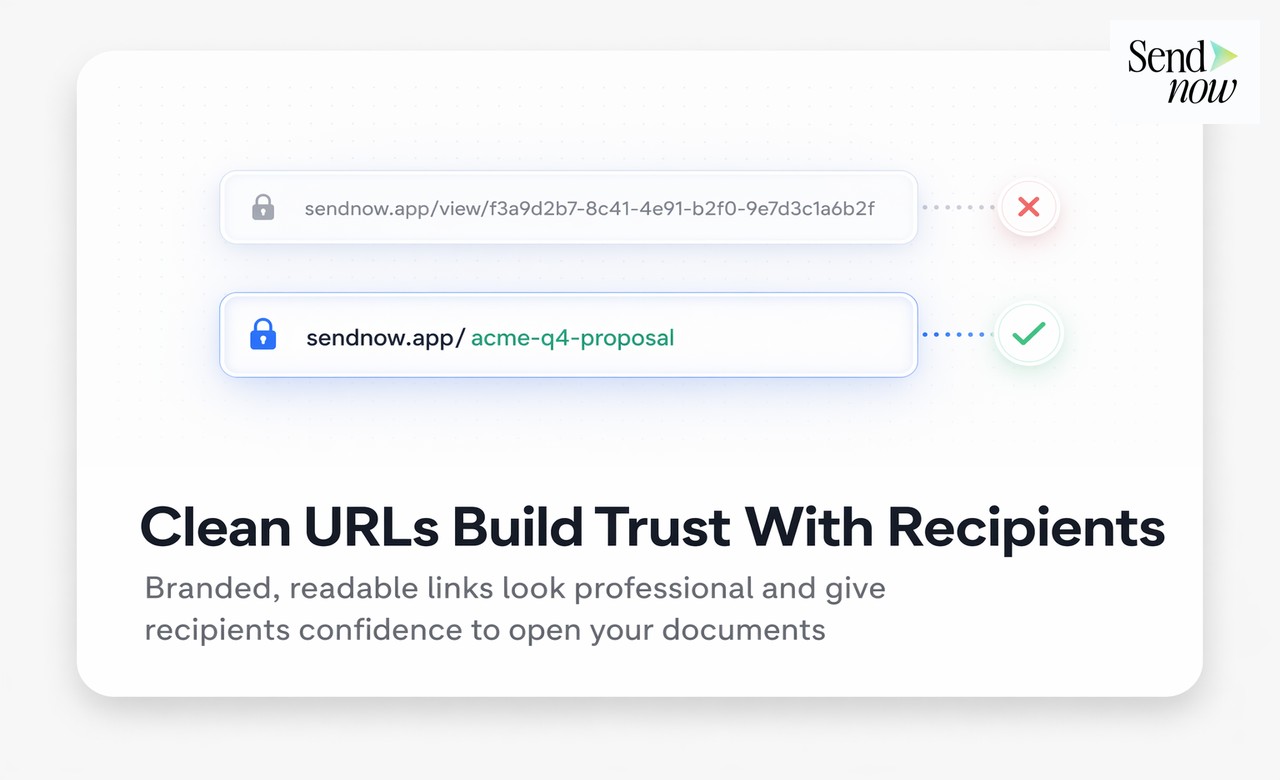
Every document sharing platform generates some form of unique identifier for each link. Without customisation, this identifier is a random string: sendnow.live/d/7kRpQ4mX2 or similar. These strings are functionally correct but carry several practical drawbacks.
They look unprofessional in email correspondence. They are difficult to reference verbally on a call: "just click the link I sent you" works fine, but if a client asks for the URL, a random string is hard to communicate clearly. They provide no context about what the document contains. And in a professional finance context, where every detail of your communication reflects your firm's standards, a randomly generated URL looks like a last-minute afterthought.
What a Custom Link Slug Is
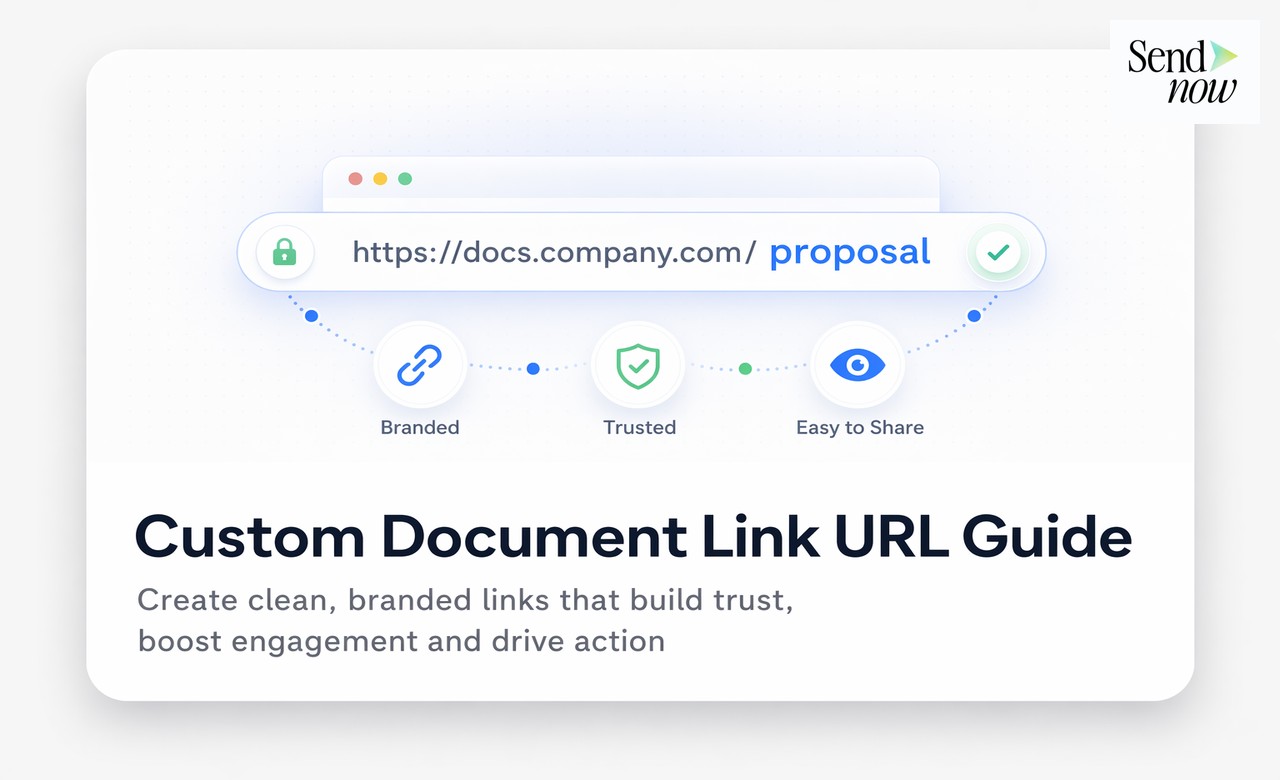
A slug is the readable portion of a URL that identifies a specific resource. In the context of document sharing, a custom slug lets you replace the random identifier with a meaningful string of your own choosing.
Instead of: sendnow.live/d/7kRpQ4mX2
You get: sendnow.live/d/acme-q1-report
Or, combined with a custom domain: docs.acmecapital.com/q1-report
The slug can reflect the client name, the document type, the date, or any combination that makes sense for your workflow. Common formats used by finance professionals include:
- Client-document:
barclays-nda-2025 - Report format:
q1-investor-update - Event-based:
series-b-pitch-deck - Product-specific:
fx-hedging-proposal
How to Set a Custom Slug in SendNow
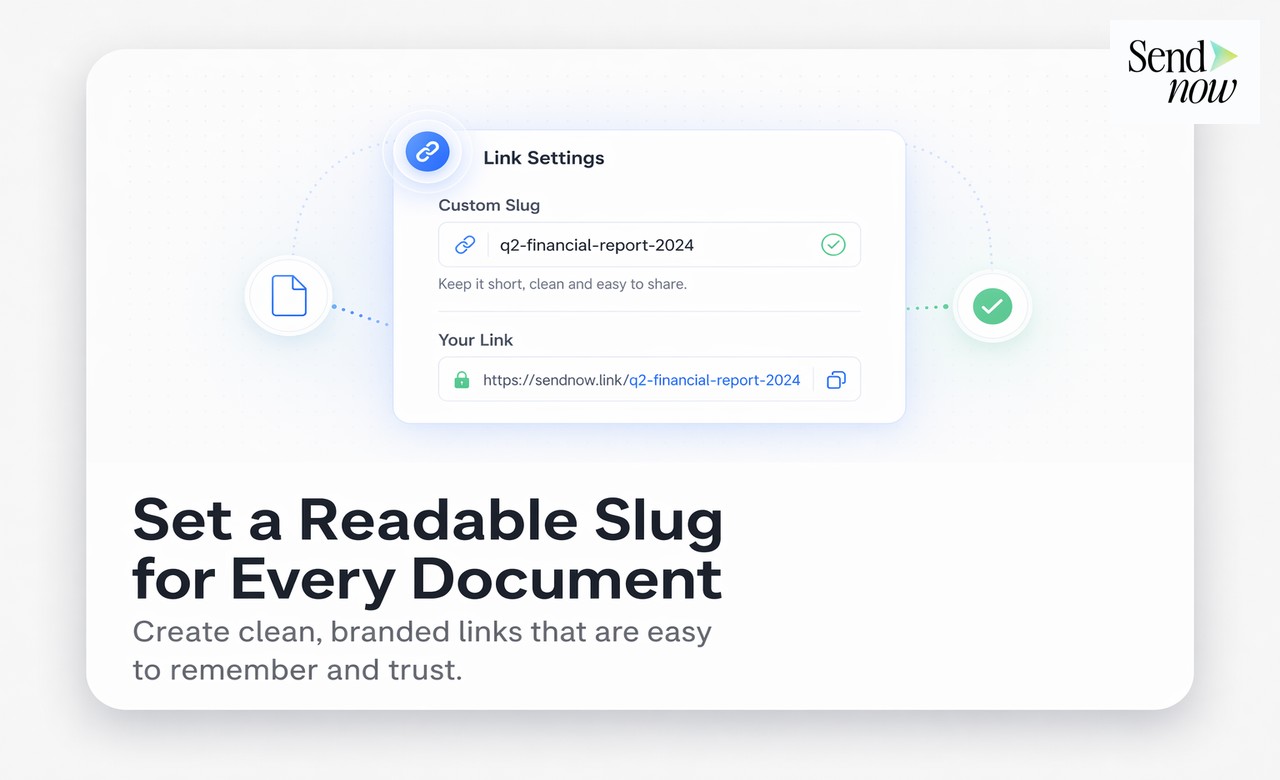
When creating a new sharing link in SendNow, the link creation panel includes a field for a custom slug. Enter your chosen string, confirm it is available, and the link is created with your custom identifier. No additional configuration is needed.
Slugs must be unique within your account. If you attempt to use a slug that has already been assigned to another link, the platform will prompt you to choose a different one. This uniqueness requirement also means your slugs function as an implicit organisation system: deloitte-annual-report-2025 and deloitte-annual-report-2024 are distinct links, making version management straightforward.
| Link Type | Example | Professional Impact |
|---|---|---|
| Auto-generated | sendnow.live/d/7kRpQ4mX2 | Functional but impersonal |
| Custom slug, shared domain | sendnow.live/d/acme-q1-report | Clear, purposeful, readable |
| Custom slug, custom domain | docs.acmecapital.com/q1-report | Fully branded, premium presentation |
| Custom slug, client-specific | docs.yourfirm.com/barclays-proposal | Highly personalised, boardroom-ready |
Practical Benefits for Finance Professionals
Easier reference in communications: When following up on a proposal, you can say "the link is docs.ourfirm.com/sterling-proposal" rather than asking the client to scroll through emails for a random string.
Organised link management: Custom slugs make your links library navigable. Searching for blackrock in your links dashboard surfaces all documents shared with that client instantly.
Consistent with verbal communication: During a call, you can walk a client through accessing a document using a URL they can type without error.
Analytics clarity: When reviewing engagement data, meaningful slugs make it immediately obvious which document activity relates to which client or campaign without having to cross-reference a separate record.
Custom Slugs and Security
A custom slug does not reduce the security of your shared document. Access controls, password protection, download restrictions, and expiry settings all function identically whether you use a random string or a custom slug. A custom slug makes the URL readable, not guessable, because the link still requires the exact full path to access the document. Additionally, you can restrict access to specific email addresses or require a password regardless of the slug format.

Frequently Asked Questions
What is a document link slug?
A slug is the readable identifier in a document URL. Instead of a random string, a custom slug lets you define a short, meaningful name for your document link.
How do I create a custom link slug in SendNow?
In the link creation panel, enter your desired slug in the custom URL field. If the slug is available, the link will be created with your chosen identifier.
Can two documents have the same slug?
No. Each slug must be unique within your account. SendNow will prompt you to choose a different slug if your preferred one is already in use.
Does a custom slug affect document security?
No. All security features, including password protection, access restrictions, and expiry dates, apply regardless of whether the link uses a custom or auto-generated slug.
Can I use a custom slug with my own domain?
Yes. Custom slugs and custom domains work together. With both configured, your link reads as docs.yourfirm.com/your-custom-slug.
Can I change a link's slug after it has been shared?
Changing a slug after sharing would break the existing link for anyone who has already received it. Best practice is to set the slug before sharing and not modify it afterwards.
Are there restrictions on what characters I can use in a slug?
Slugs typically support lowercase letters, numbers, and hyphens. Spaces, special characters, and upper-case letters are not permitted in standard URL slug format.
Is a custom slug visible in analytics?
Yes. In your SendNow analytics dashboard, documents are identified by their link slug, making custom slugs useful for keeping your analytics organised and readable.
Related Reading
- The Complete Guide to Secure Document Sharing
- How to Share Documents From Your Own Custom Domain
- What Is White-Label Document Sharing and Who Needs It?
Readable links. Professional impression. Start at sendnow.live.
About the Author: Rifana Hameem
Rifana is the founder of SendNow. She leads the team in building secure, compliant, and analytics-rich document sharing tools for finance and professional teams worldwide.
Connect on LinkedIn