How to Track Any Link You Share — Not Just PDFs

How to Track Any Link You Share — Not Just PDFs
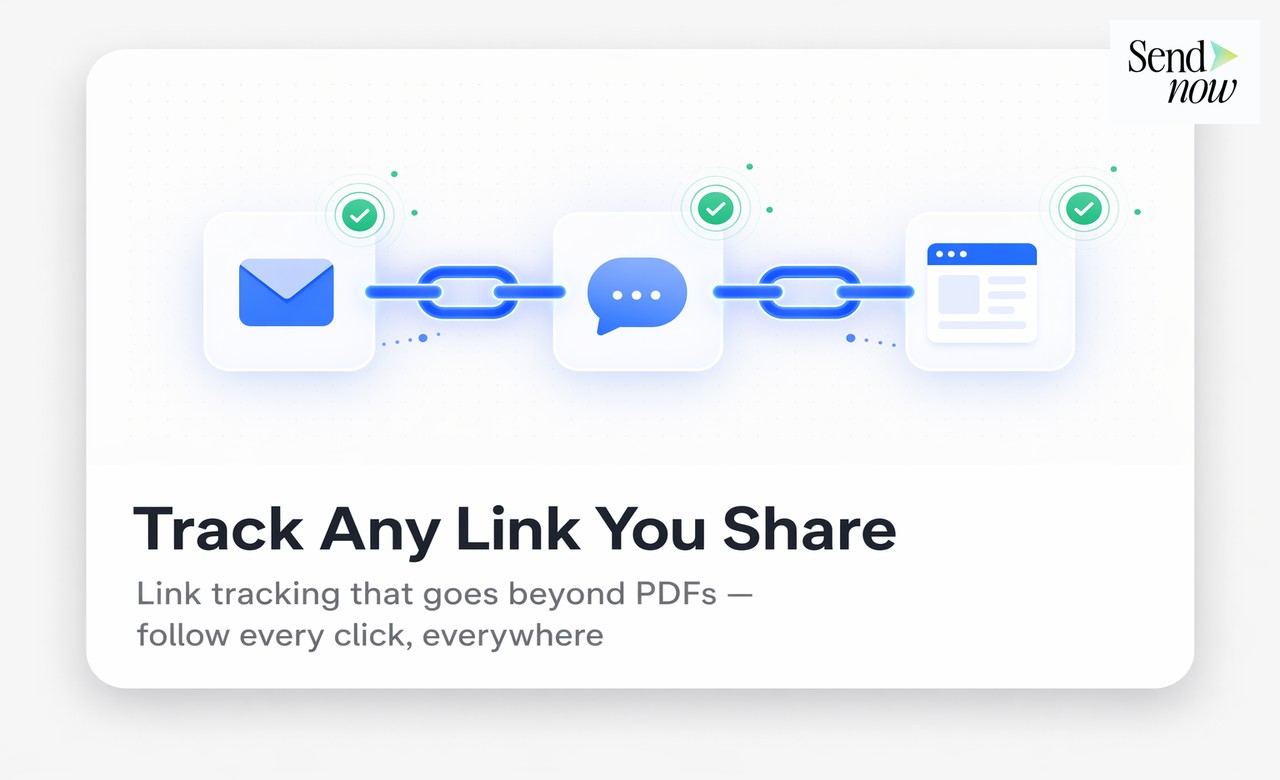
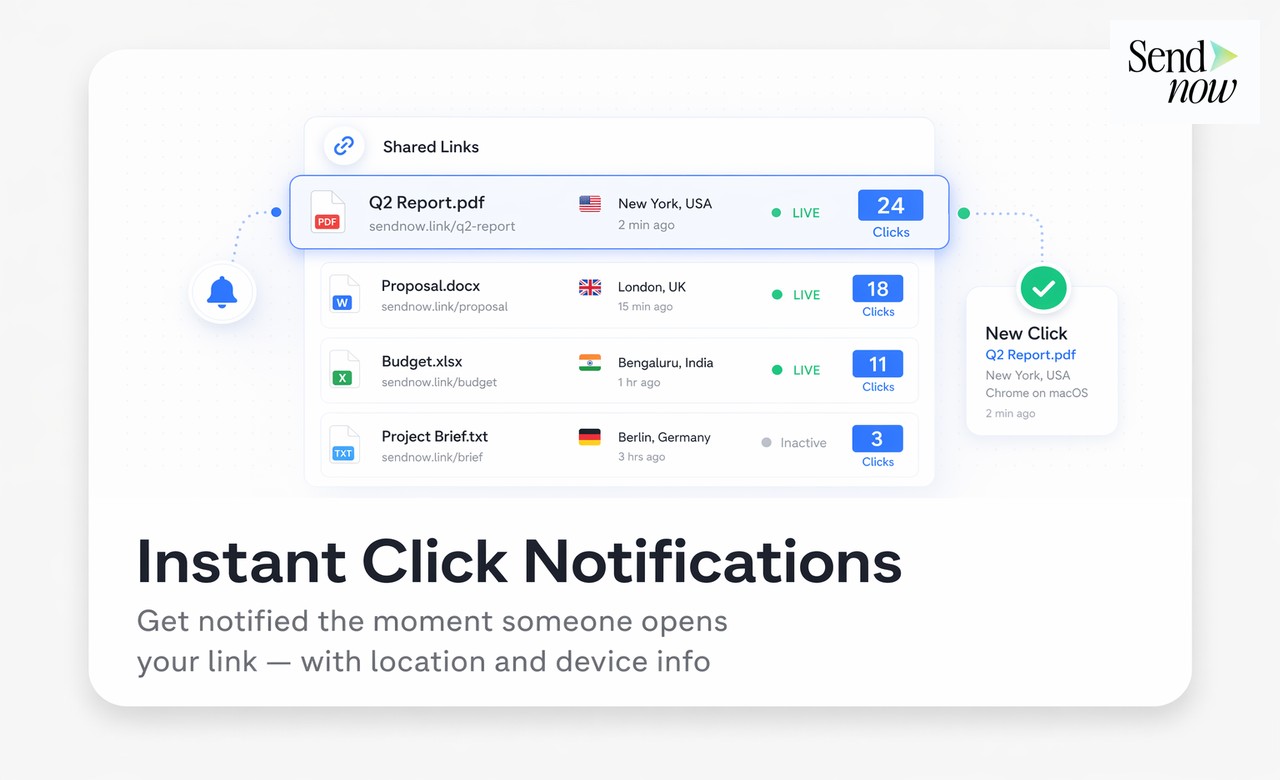
You can track any link you share — including PDFs, videos, web URLs, and presentations — by passing the link through a document analytics platform that wraps it in a trackable viewer or redirect. Every click generates analytics data: who opened it, when, from which device and location, and in the case of documents or videos, how long they engaged with the content.
Why Link Tracking Goes Beyond PDF Sharing
Most finance professionals discover document tracking through PDF analytics — the ability to know whether a proposal was read and which pages mattered. But the same principle applies to any content you share with clients, prospects, or counterparties.
Consider what you routinely share:
- PDFs — proposals, reports, term sheets, due diligence packs
- Videos — recorded explainers, firm introductions, market commentaries
- Web URLs — published research, case studies, landing pages, online portals
- Presentations — slide decks shared as links rather than files
- Spreadsheets and data files — financial models, data exports
Each of these represents information you want the recipient to engage with. Without tracking, all of them disappear into the same void as an email attachment. With link tracking, each becomes a source of engagement intelligence.
How Universal Link Tracking Works
Universal link tracking operates at two levels depending on what is being tracked:
For hosted documents (PDFs, videos) — the content is uploaded to or linked from the tracking platform, which serves it through a viewer that records full engagement analytics: time on content, page or video progress, completion rate, and viewer identity.
For external URLs — the tracking platform generates a wrapper link (similar to a redirect) that records the click event and passes the viewer through to the destination. This captures open/click data, device, location, and referral source, though engagement depth on the destination page is not tracked unless that site has its own analytics.
SendNow handles both cases from a single dashboard, allowing finance teams to manage all shared content — documents, videos, and URLs — under one analytics view.
What You Can Track with SendNow
| Content Type | Open/Click | Time on Content | Page/Video Progress | Viewer Identity | Return Visits |
|---|---|---|---|---|---|
| PDF document | Yes | Yes | Yes (per page) | Yes (email gate) | Yes |
| Video | Yes | Yes | Yes (watch time %) | Yes (email gate) | Yes |
| External URL | Yes | No | No | Partial | Yes |
| Presentation | Yes | Yes | Yes (per slide) | Yes (email gate) | Yes |
Setting Up Universal Link Tracking

For PDFs and documents:
- Log in to sendnow.live
- Click New Link and select Upload Document
- Upload your file and configure access settings
- Copy the trackable link and share it
For videos:
- Click New Link and select Video URL or upload a video file
- The platform wraps the video in a tracked viewer
- Share the link — watch time, completion, and viewer data are recorded
For external URLs:
- Click New Link and select URL
- Paste the destination URL
- The platform generates a trackable redirect link
- Share the link — click data, device, and location are recorded
All three types appear in the same dashboard, giving you a unified view of engagement across every piece of content you share.
Practical Use Cases for Finance Teams
Sharing a recorded market commentary — Track whether clients watched it, how far through they got, and whether they returned. Segment your follow-up call list by viewers versus non-viewers.
Distributing a published research note URL — Know how many of the fifteen prospects you emailed actually clicked the link, and which firms showed the most interest.
Sending a proposal alongside a video explainer — Track both assets in the same dashboard. See whether recipients who watched the video had higher proposal completion rates (a useful content strategy signal).
Circulating a web-based onboarding portal link — Know which new clients accessed it and, for those who did not, follow up proactively rather than assuming they found it.
Sharing a financial model spreadsheet — Track opens and access frequency to know when clients are actively working through the numbers — typically when decision conversations are happening.
The Intelligence Advantage of Unified Tracking
Managing all tracked links in a single platform has an effect beyond convenience. It allows you to see the full engagement picture for a single prospect or client.
A prospect record in SendNow might show:
- Opened the proposal PDF — 3 times, 94% completion
- Watched the video explainer — 1 time, watched 100%
- Clicked the case study URL — 2 times
This tells you a prospect who has engaged deeply with all three content pieces is a high-priority outreach. The aggregated engagement signal is more reliable than any single data point.

GDPR Considerations for Universal Link Tracking
Tracking link opens and video views for named individuals is personal data processing under GDPR. Finance teams in the EU should ensure:
- Viewers are informed that links are tracked (SendNow includes this in the viewer experience)
- Personal data (email addresses, IP-derived locations) is stored within the EU
- Data can be deleted on request
SendNow's platform is built for EU compliance, with AES-256 encryption and EU data residency as standard features. This makes it appropriate for financial services firms operating under strict data governance requirements.
For context on how link tracking fits into a broader document analytics strategy, see what is document completion rate and why it matters and the PDF tracking complete guide. For video-specific tracking, see how to track video proposals and see exactly who watched.
FAQs
Q: Can I track any link, not just PDFs? A: Yes. Tracking platforms like SendNow support PDFs, videos, external URLs, and presentations from a single dashboard.
Q: How does URL tracking work for external websites? A: The platform generates a trackable redirect link. When a recipient clicks it, the click event is recorded before the visitor is forwarded to the destination URL.
Q: Can I track whether someone watched a video I shared? A: Yes. If the video is hosted through or wrapped by SendNow's viewer, you can see watch time, completion percentage, and viewer identity.
Q: Does link tracking require software on the recipient's side? A: No. Recipients simply click a link and access the content in their browser. No installation is required.
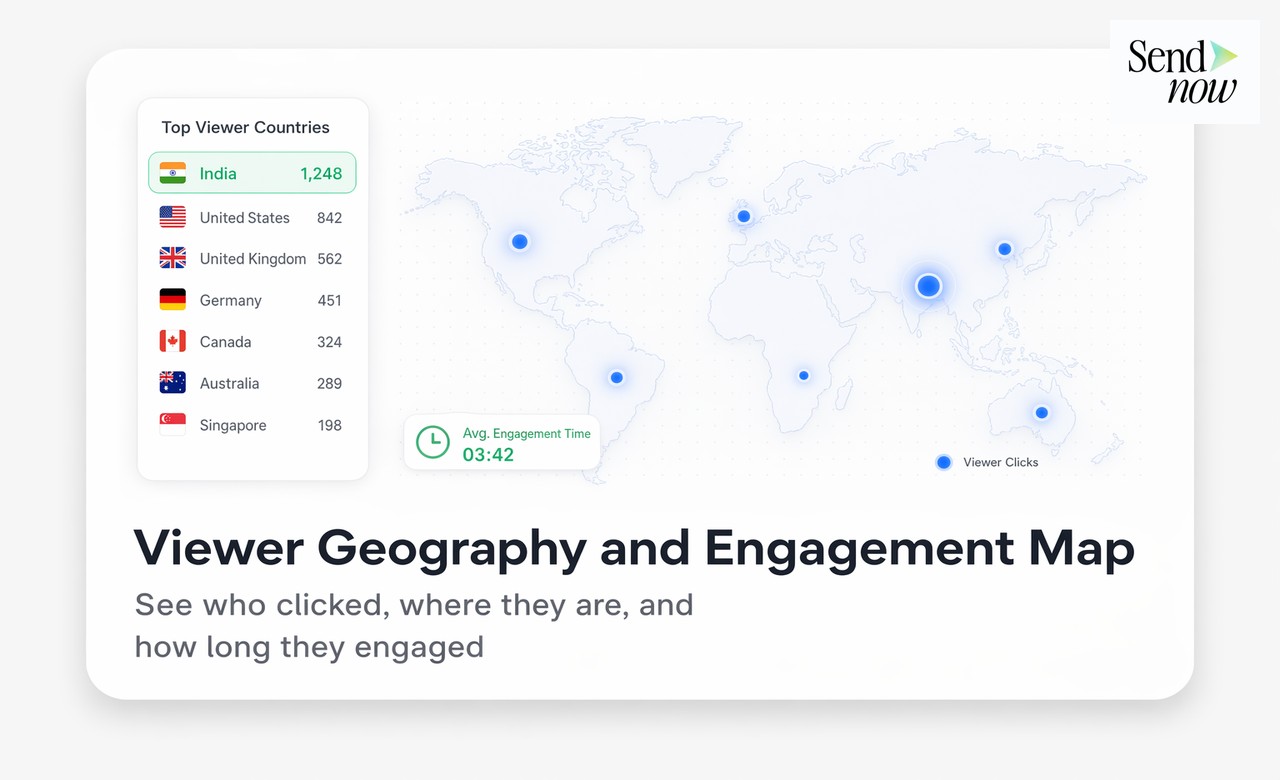
Q: Can I see which country a link was opened from? A: Yes. Each tracked click records the viewer's location (derived from IP address) as part of the analytics event.
Q: Is there a free tier for universal link tracking? A: Yes. SendNow's 24-hour free trial includes link tracking for documents, videos, and URLs.
Q: How is this different from a link shortener like Bitly? A: A link shortener records clicks. A tracking platform records engagement depth — time on content, pages or video progress, viewer identity, and return visits. The intelligence level is fundamentally different.
Q: Can I track multiple links in a single email? A: Yes. Create separate tracked links for each piece of content you share. Each link has its own analytics, and you can compare engagement across all of them in your dashboard.
SendNow offers a free trial — no credit card required. Start at sendnow.live.
About the Author: Rifana Hameem
Rifana is the founder of SendNow. She leads the team in building secure, compliant, and analytics-rich document sharing tools for finance and professional teams worldwide.
Connect on LinkedIn