Can a PDF Track Changes? Edit History vs Viewer Tracking Explained

Can a PDF Track Changes? Edit History, Version Comparison and Viewer Tracking Explained
Can a PDF track changes? Not like Word. A PDF has no built-in Track Changes history that reliably shows every edit. Two things you can do instead: compare two versions to see what changed, or share the PDF through a tracked link to see who opened it, which pages they viewed and how long they spent. A PDF file cannot report who opened it on its own, and it cannot prove its own full edit history after the fact.
| If you want to know... | Use |
|---|---|
| What changed between two PDF versions | A PDF comparison tool (try the free PDF compare tool) |
| Who opened a PDF and which pages they read | Document tracking, such as SendNow |
| Who edited a PDF and when | A managed workflow with version history or audit logs, if one exists |
This post separates edit history, version comparison and viewer tracking, because they are different problems. If you landed here to see who opened your PDF, jump to what PDF tracking software actually tracks or read how to know if someone opened your PDF.
Table of contents
- What does “track changes in a PDF” mean?
- Do PDFs have Track Changes like Word?
- How to compare two PDF versions
- Can you see PDF edit history?
- Can you tell if a PDF has been edited?
- PDF comments vs edit history
- PDF metadata: useful, but not proof
- What PDF tracking software actually tracks
- How SendNow tracks PDF engagement
- Best workflow for controlled PDF revisions
- Security and audit considerations
- Frequently asked questions
What does “track changes in a PDF” mean?
The phrase track changes is ambiguous when someone is talking about a PDF.
A user may be asking one of four very different questions:
- What changed between version A and version B?
- Who edited this PDF and when?
- Can I see comments or review annotations?
- Can I track who opens and reads the PDF after I share it?
These are not the same problem.
| Question | Best approach |
|---|---|
| What changed between two files? | Compare the two PDF versions |
| Who edited the file? | Use a managed workflow/audit system if one exists |
| What comments were added? | Review comments/annotations in the PDF tool |
| Who opened the shared PDF? | Use document tracking software |
| Which pages did a recipient read? | Use page-level engagement analytics |
This distinction matters. Saying “yes, PDFs track changes” without defining the type of tracking is misleading.
Do PDFs have Track Changes like Word?
Not in the normal Word-processing sense.
Microsoft Word's Track Changes workflow records insertions, deletions, formatting edits and review actions inside the document-editing process. A PDF is usually a final-layout document format rather than a collaborative authoring format.
PDF applications can support comments, annotations, editing and comparison, but that does not mean every PDF automatically carries a complete edit history.
A PDF may have been:
- exported from Word;
- generated from Google Docs;
- edited in Acrobat;
- assembled from scans;
- printed to PDF;
- regenerated from another source file;
- modified by a different PDF editor;
- passed through multiple systems.
Once you receive the final PDF, you usually cannot reconstruct every historical edit solely from that file with the same confidence as a version-controlled authoring workflow.
The practical rule
If edit history matters, track revisions before or during the editing process. Do not assume the final PDF will later reveal everything that happened to it.
How to compare two PDF versions
If you have both the older PDF and the newer PDF, comparison is much more reliable than trying to infer history from one file.
Adobe Acrobat Pro includes a Compare Files feature designed to identify differences between two versions of a PDF. Adobe says the tool can compare text, images, graphics, headers, footers, formatting, annotations and backgrounds, with filters depending on the comparison mode.
Typical PDF comparison workflow
- Keep the original PDF.
- Save the revised PDF as a separate version.
- Open both in a PDF comparison tool.
- Run the comparison.
- Review inserted, deleted or changed content.
- Save the comparison report if the review needs to be documented.
What comparison can tell you
A comparison can answer questions such as:
- Was text added or removed?
- Did a number change?
- Was an image replaced?
- Did a page move?
- Did formatting change?
- Were annotations added?
What comparison cannot prove
A two-file comparison does not automatically tell you:
- who made the edit;
- why the edit was made;
- what intermediate versions existed;
- whether someone edited and then reverted content;
- whether timestamps or metadata were altered;
- whether another undisclosed version exists.
It tells you the difference between the two files you supplied.
Can you see PDF edit history?
Sometimes you can see evidence related to edits, but that is not the same as a complete edit history.
Possible sources of information include:
- document metadata;
- creation/modification timestamps;
- comments;
- annotations;
- digital signatures;
- application-specific review information;
- external document-management logs;
- version history from the storage platform where the PDF was managed.
The reliability depends on how the document was created, edited and stored.
Why the file alone is limited
A final PDF can be copied, re-exported or regenerated. Metadata may change during these operations. Some tools preserve certain fields; others replace or strip them.
That means a field such as “modified date” can be useful context but should not be treated as definitive forensic proof of the full editing history.
If the document is legally, financially or operationally sensitive, rely on controlled systems and audit logs rather than expecting the PDF file itself to be the entire chain of custody.
Can you tell if a PDF has been edited?
You can sometimes identify signs that a PDF differs from an earlier version, but there is no universal one-click method that can prove every arbitrary PDF has or has not been edited.
The strongest situation is when you have a trusted reference copy.
If you have the original
Compare the original and current versions. This directly shows content differences.
If the PDF is digitally signed

A valid digital-signature workflow may indicate whether content covered by the signature has changed after signing. The exact behavior depends on the signature type and validation environment.
If the file is stored in a versioned document system
The storage or document-management system may have its own history showing uploads, replacements or versions.
If you only have one PDF
You can inspect metadata and internal structure, but conclusions should be cautious. A single file may not reveal all prior changes.
Short answer
Can you tell if a PDF has been edited? Sometimes, but not always from the PDF alone. The most reliable method is to compare it with a trusted earlier copy or use a version-controlled/audited system that recorded changes when they occurred.
PDF comments vs edit history
Comments are visible review artifacts. They can be very useful during approval and review workflows.
Examples include:
- sticky notes;
- highlighted text;
- drawing markup;
- replacement-text suggestions;
- stamps;
- review comments.
But comments do not necessarily show every edit made to the underlying document.
For example, someone could modify the source document, export a fresh PDF and send it without any comments at all.
So the presence of comments can document a review conversation. The absence of comments does not prove the file was never edited.
PDF metadata: useful, but not proof
PDFs can contain metadata such as:
- title;
- author;
- creator application;
- producer application;
- creation date;
- modification date;
- subject;
- keywords.
Metadata can help answer basic questions about how a file was produced.
But metadata is not equivalent to an immutable audit log.
Why?
Because depending on the tools and workflow, metadata may be:
- rewritten;
- stripped;
- copied;
- changed during export;
- changed during optimization;
- changed by another editor.
For casual troubleshooting, metadata is useful. For high-stakes proof, use a system specifically designed to maintain verifiable audit records.
What PDF tracking software actually tracks
When SaaS products talk about PDF tracking, they usually mean recipient engagement after the PDF is shared through a hosted link.
Common tracking signals include:
- link opened;
- viewer identity, when captured;
- timestamp;
- page views;
- time spent per page;
- repeat visits;
- total session duration;
- link clicks inside the document;
- download activity, depending on product and settings;
- access denials or gating events.
This is viewer tracking, not file edit history.
A founder who sends a pitch deck usually wants to know whether the investor read the traction section. A sales team wants to know whether the prospect returned to pricing. An adviser may want to know whether a buyer opened the financial package.
Those are engagement questions.
They are unrelated to whether the PDF's historical text was edited before upload.
How SendNow tracks PDF engagement
SendNow is designed around tracked document sharing.
Depending on the plan, SendNow can provide signals such as:
- document opens;
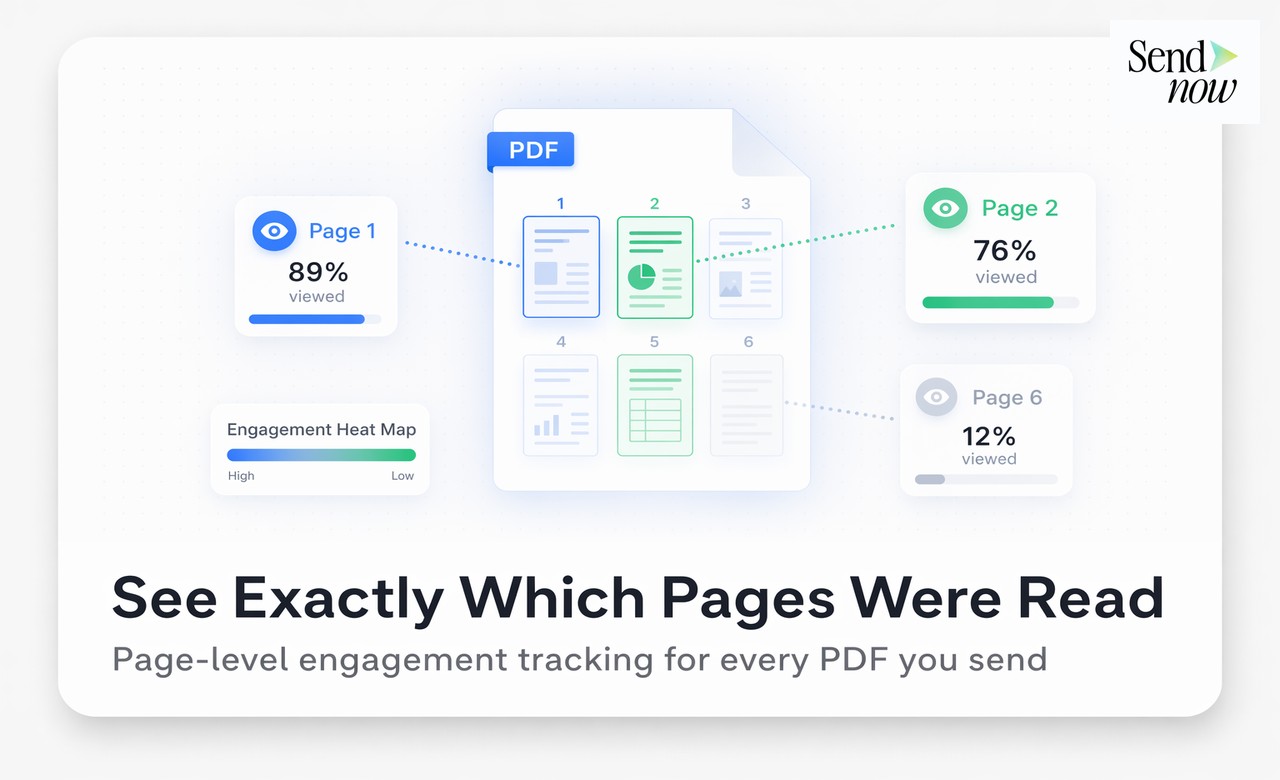
- page-by-page analytics;
- time spent;
- repeat visits;
- visitor information;
- link-click analytics;
- access-control events;
- NDA acceptance where enabled.
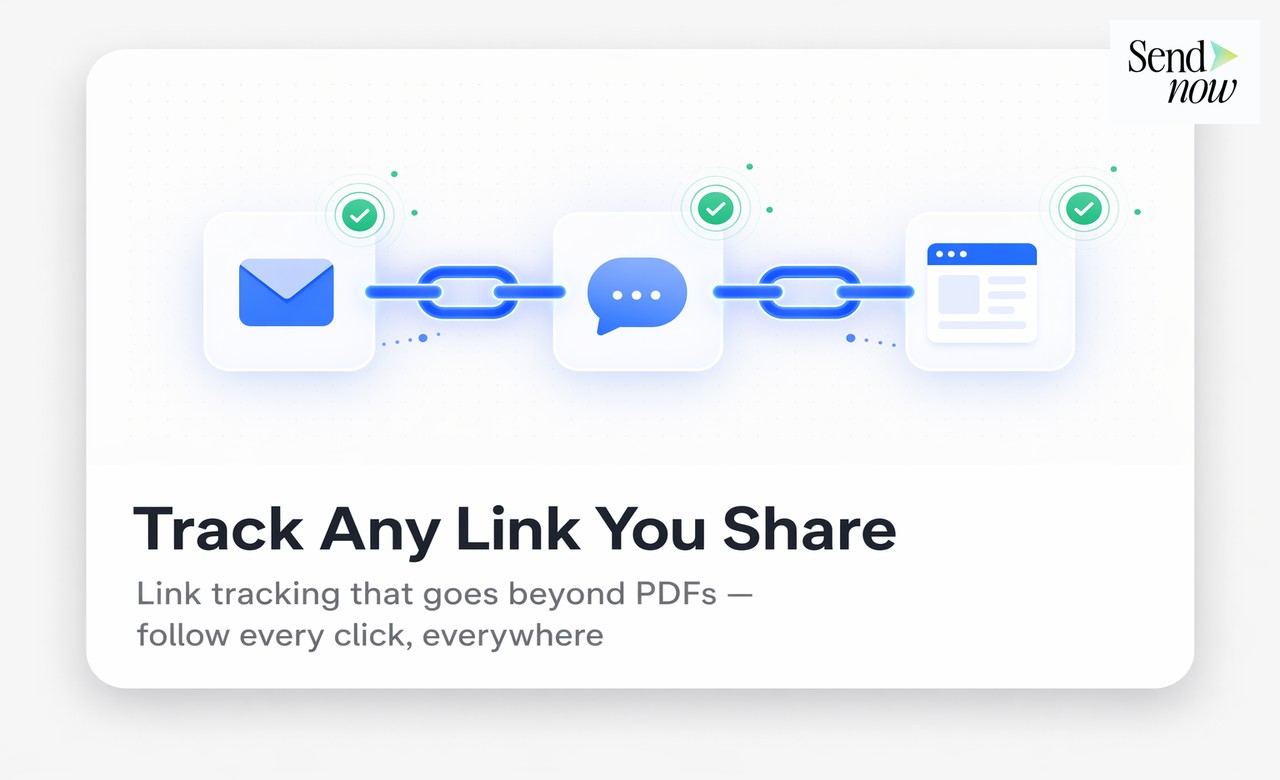
SendNow supports clickable links inside active-plan documents and records document.link_clicked events for document owners.
What SendNow does not do
Uploading a PDF to SendNow does not reveal its historical edit record. SendNow tracks what happens after you share the hosted document link. It does not reconstruct edits that may have happened before the file was uploaded. Document intelligence is not document forensics.
Best workflow for controlled PDF revisions
If you need both revision control and recipient analytics, use a two-layer process.
Layer 1: Control the source and revisions
Keep the editable source document or workbook in a system with version history.
Use clear naming such as:
Board-Pack-v1.pdfBoard-Pack-v2.pdfBoard-Pack-Final.pdf
For more rigorous workflows, use a document-management or repository system that records versions and editors.
Layer 2: Share the approved PDF through a tracked link
Once the correct version is approved:
- Upload it to SendNow.
- Configure access controls.
- Enable the relevant watermark/NDA/security options.
- Send the link.
- Monitor engagement.
- Revoke or replace access when the document is no longer current.
This separates two different governance questions:
- Which version is correct?
- Who viewed the approved version?

Avoid sending multiple attachments
Emailing final.pdf, final-v2.pdf, final-final.pdf and final-use-this.pdf creates confusion.
A controlled hosted link can reduce version confusion because the sender retains more control over what the recipient accesses, depending on the platform workflow.
Security and audit considerations
For sensitive documents, tracking should be combined with appropriate access controls.
Email verification
Useful when viewer identity matters. A watermark or analytics record is more meaningful when the recipient identity has been verified rather than self-entered anonymously.
Password protection
Adds a basic barrier but does not by itself establish who received the password.
NDA gating
Useful when access should follow explicit acceptance of confidentiality terms. The legal effect depends on your agreement and jurisdiction, so treat the gate as a workflow control, not legal advice.
Dynamic watermarking
Viewer-specific watermarking can create visible accountability by displaying recipient details in the document view. It is a deterrence and attribution mechanism, not a guarantee that leaks are impossible.
Link revocation
A hosted link can be disabled later. A PDF attachment already downloaded to a recipient's device generally cannot be recalled in the same way.
Audit logs
For regulated or high-stakes workflows, confirm what events the product actually logs, how long logs are retained, and whether they can be exported.
PDF tracking vs PDF comparison vs version history
| Capability | Purpose | Typical question answered |
|---|---|---|
| PDF comparison | Compare two files | “What changed?” |
| Version history | Record revisions over time | “Who changed which version and when?” |
| Comments/annotations | Review feedback | “What did reviewers say?” |
| Metadata | File context | “When/with what app was this file produced?” |
| Document tracking | Recipient engagement | “Who opened it and what did they read?” |
| Access audit log | Security/accountability | “What access events occurred?” |
Frequently asked questions
Can a PDF tell me who opened it?
Not by itself. A PDF sent as an attachment does not report back to you. To see who opened it, share it through a tracked link, which records the open, the viewer when identity is captured or verified, the pages viewed and the time spent. See how to know if someone opened your PDF.
Can a PDF track changes like Microsoft Word?
Not normally. PDFs can support comments, editing and version comparison, but a standalone PDF does not generally provide the same built-in revision history as Word's Track Changes workflow.
How do I track changes between two PDFs?
Keep both versions and run a PDF comparison tool. Adobe Acrobat Pro's Compare Files feature is one example and can identify differences across text, images, graphics and other document elements.
Can you see edit history on a PDF?
Sometimes you can see comments, metadata or information from the system that managed the document. But the PDF alone does not necessarily contain a complete, reliable history of every edit.
Can you tell when a PDF was modified?
A PDF may contain a modification timestamp, but metadata can change during editing, export and file processing. Treat it as context rather than immutable proof.
Can you tell who edited a PDF?
Only if the editing or document-management workflow recorded that identity. A random standalone PDF may not reliably tell you who changed it.
Does SendNow detect edits made before upload?
No. SendNow's document intelligence is about recipient access and engagement after the document is shared through the service.
Can SendNow tell me who opened a PDF?
When the sharing configuration captures or verifies viewer identity, SendNow can associate engagement with that viewer. Available analytics and controls depend on the active plan and configuration.
Can SendNow track which PDF pages were viewed?
Yes. Page-by-page analytics are included in SendNow document plans.
Can I track clicks on links inside a PDF?
SendNow supports clickable in-document links across active plans and records document link-click events for owners.
Is PDF tracking invisible?
A hosted document platform can record server/viewer activity associated with the shared link. Recipient disclosures should follow the platform's privacy terms and your legal requirements. Tracking should be disclosed, not used as covert monitoring.
Is PDF comparison the same as document tracking?
No. PDF comparison compares file versions. Document tracking measures recipient activity after sharing.
Related SendNow resources
- Document tracking software
- PDF to Link
- Dynamic watermarks for document sharing
- PDF Tracking: The Complete Guide for Finance Teams
- How to See Which Pages of Your PDF Someone Actually Read
- Best Free PDF Trackers in 2026
- Secure file sharing for business
Sources
- Adobe Acrobat — Compare PDF files: https://www.adobe.com/acrobat/features/compare-pdfs.html
- Adobe Help — Compare two versions of a PDF file: https://helpx.adobe.com/in/acrobat/using/compare-documents.html
- SendNow — Document Tracking Software & Analytics: https://sendnow.live/document-tracking
- SendNow — Pricing: https://sendnow.live/pricing
- SendNow — Dynamic Watermarking for Documents: https://sendnow.live/blog/dynamic-watermarking-confidential-documents
Track your next PDF
Want to know what happens after you send a PDF? Track PDF engagement with SendNow and use a controlled link instead of sending the document blind as an attachment. See plans and pricing.
About the Author: Rifana Hameem
Rifana is the founder of SendNow. She leads the team in building secure, compliant, and analytics-rich document sharing tools for finance and professional teams worldwide.
Connect on LinkedIn