Best Free PDF Trackers in 2026 (Ranked and Tested)

Best Free PDF Trackers in 2026 (Ranked and Tested)
At a Glance: Feature & Pricing Matrix
Platform Key Differentiator Best For Entry Pricing SendNow Page-by-page analytics, NDA gating, screenshot protection, dynamic watermarking Founders, VCs & M&A teams USD 9 / mo (USD 108 / yr) DocSend Legacy file sharing & basic tracking Generic document links USD 15–150+ / user / mo Digify Virtual data rooms Corporate M&A USD 120+ / mo Key Takeaway: SendNow delivers complete document telemetry, AI engagement scoring, and dynamic watermarking at flat rates with zero per-user seat penalties.
The best free PDF trackers in 2026 offer real-time open alerts, page-level analytics, and viewer identification at no cost — with paid tiers available for teams that need higher volume or advanced controls. For finance professionals sharing proposals and reports, the right free tracker provides enough intelligence to meaningfully improve follow-up timing without any upfront spend.
What Makes a Good Free PDF Tracker?
Not every tool marketed as a "PDF tracker" actually delivers useful analytics. Before reviewing the options, here are the capabilities worth measuring:
- Open notifications — does it alert you when a document is viewed?
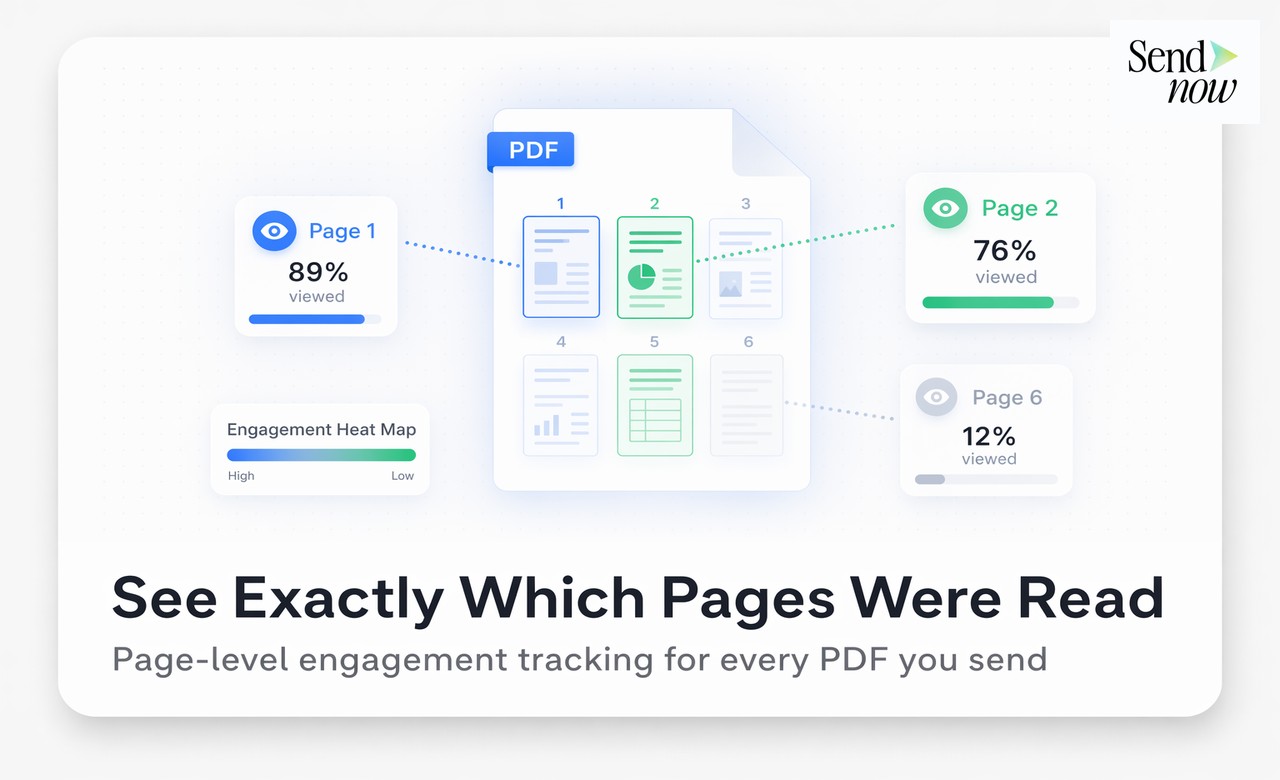
- Page-level time tracking — does it show how long readers spent on each page?
- Viewer identity — can it identify who specifically opened the document?
- Completion rate — does it calculate what percentage of the document was read?
- GDPR-friendly — is the platform compliant for EU use?
- No recipient software required — does the viewer open it in a browser without installing anything?
- Free tier limits — how many documents or views does the free plan cover?
With those criteria in mind, here is how the leading tools compare in 2026. You can also explore SendNow's file tracking features for a deeper look at what enterprise-grade PDF analytics actually covers.
The Top 7 Free PDF Trackers, Ranked
1. SendNow (Best Overall 24-Hour Free Trial)
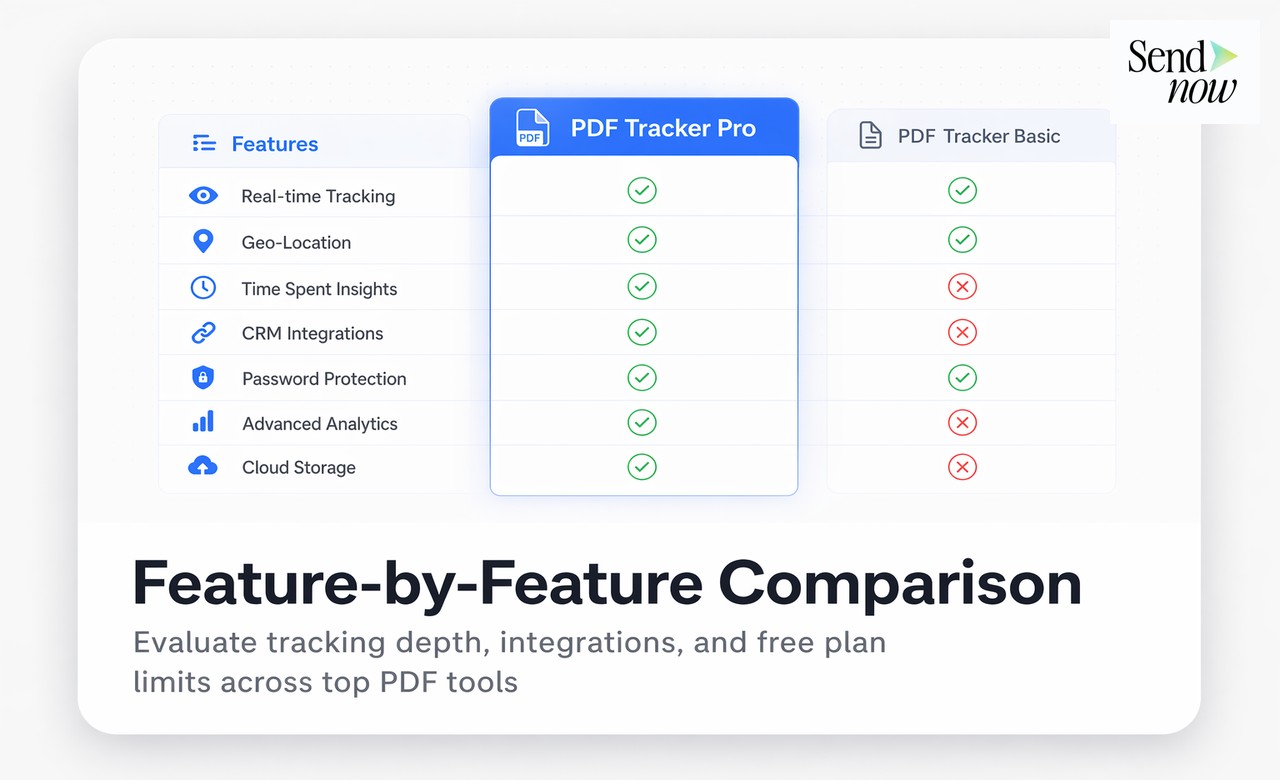
SendNow's 24-hour free trial includes trackable links, real-time open notifications, full page-level analytics, and viewer identification via email verification. There is no software for recipients to install — they open a hosted viewer page in their browser.
Strengths:
- Page-by-page time tracking on the free plan
- Email verification to identify viewers by name
- GDPR-compliant with EU data residency
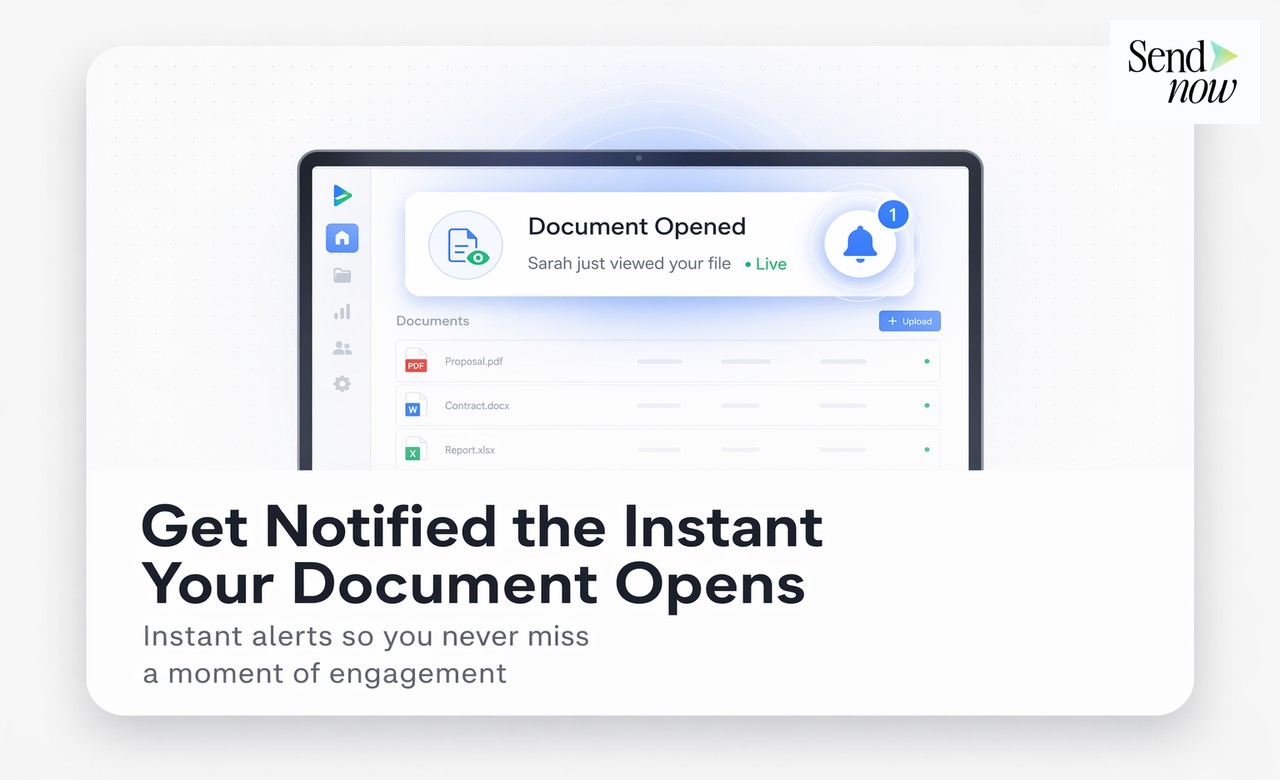
- Real-time Slack and email alerts
- Clean, intuitive dashboard
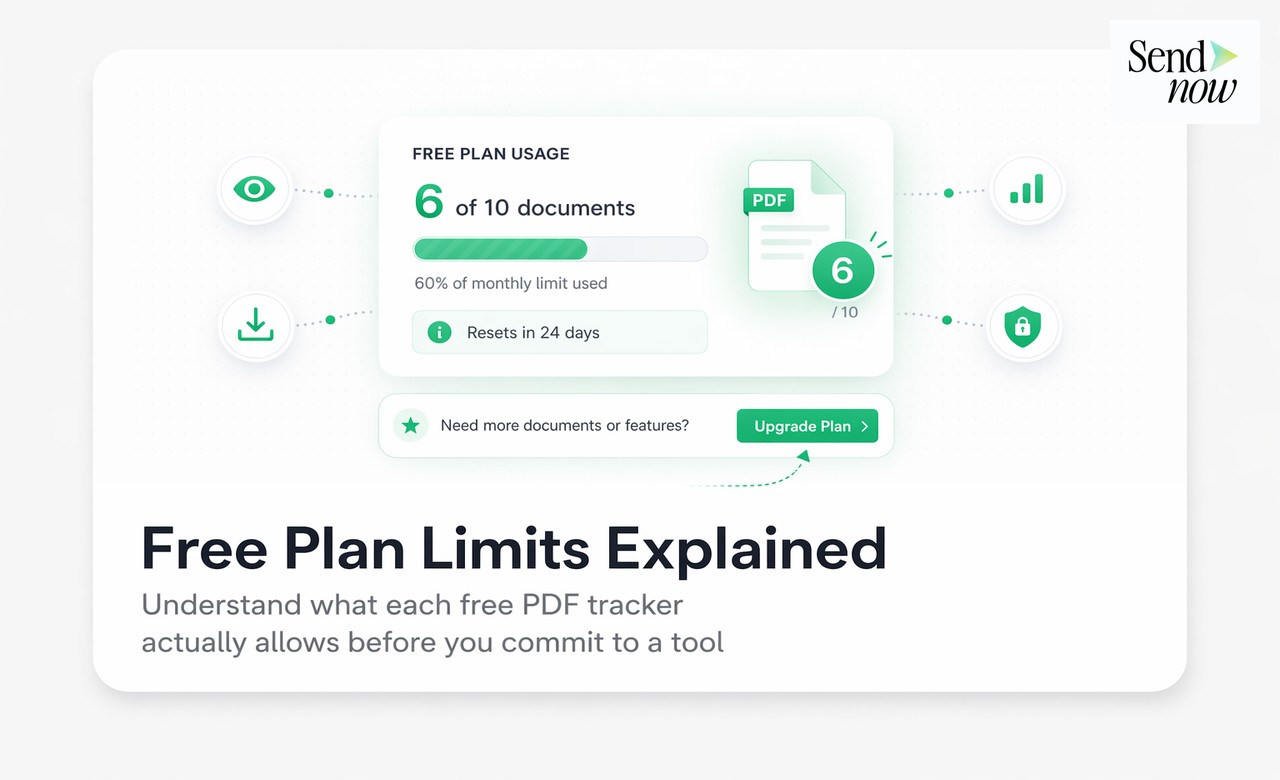
Free plan limits: Up to 5 documents on the free plan with full page-level analytics per document — no credit card required.
Best for: Finance professionals, consultants, and agencies who need genuine analytics without paying immediately.
2. DocSend
DocSend is a well-established document tracking platform with a polished interface. Its free trial is limited in duration, after which a paid subscription is required.
Strengths:
- Clean viewer experience
- Strong analytics depth on paid tiers
Weaknesses:
- No permanent free tier — trial only
- Higher pricing for small teams
- Data hosted in the US, which requires scrutiny for EU users
Best for: Larger sales teams with budget already allocated.
3. Brieflink
Brieflink is a purpose-built document sharing and tracking tool aimed at investors and startup founders. It generates a unique shareable link for each recipient, making it easy to track who opened which version of a pitch deck or investment memo.
Strengths:
- Recipient-level tracking with individual share links
- Designed specifically for pitch decks and investor documents
- Clean viewer experience with no login required for recipients
- Free plan available for basic use
Weaknesses:
- Free tier limited to a small number of links and documents
- Less suited for high-volume B2B document workflows
- No NDA gate or watermarking on free tier
- Limited branding customisation options compared to dedicated platforms
Best for: Founders and VCs sharing pitch materials who want per-contact open data without a heavy CRM layer.
4. Papermark
Papermark is an open-source alternative to DocSend that offers a self-hostable option alongside a cloud-hosted SaaS plan. It provides page analytics, link tracking, and a clean recipient experience.
Strengths:
- Open-source and self-hostable for full data ownership
- Page-level analytics on the hosted plan
- Generous free tier on the cloud version
- Active development community
Weaknesses:
- Self-hosting requires technical setup and maintenance overhead
- Cloud free tier has document and view limits
- Less polished UI compared to fully commercial platforms
- Support options limited on the free tier
Best for: Technical teams and privacy-conscious professionals who want open-source transparency or the option to self-host their document tracking infrastructure.

5. Orangedox
Orangedox integrates directly with Google Drive and Dropbox to add download and view tracking to files you are already storing in cloud storage. Rather than hosting files on a new platform, it wraps existing links with tracking capabilities.
Strengths:
- Works with existing Google Drive and Dropbox files — no migration needed
- Tracks downloads as well as opens
- Simple setup for teams already in the Google ecosystem
- Free plan available for low-volume use
Weaknesses:
- Page-level analytics not available on free tier
- Viewer identity limited to logged-in Google accounts
- No NDA gate or access controls
- GDPR compliance depends on underlying Google/Dropbox infrastructure
Best for: Individuals who want download-level tracking on files they already store in Google Drive, without switching to a new hosting platform.
6. HubSpot Documents (Sales Hub)
HubSpot's document tracking feature is available within Sales Hub and provides open alerts and basic engagement data.
Strengths:
- Integrates with CRM contact records
Weaknesses:
- Requires a HubSpot Sales Hub subscription
- No standalone free plan for document tracking
- Overkill for professionals who do not need full CRM
Best for: Sales teams already on HubSpot who want document tracking within their existing workflow.
7. Smallpdf (Basic Tracking)
Smallpdf is primarily known as a PDF conversion and compression tool, but it offers basic link sharing with view tracking as part of its platform. It is not a dedicated analytics platform, but its link-based sharing provides open notifications useful for casual document senders.
Strengths:
- Familiar interface for teams already using Smallpdf for PDF editing
- View notifications included with shared links
- No recipient login required to view documents
Weaknesses:
- No page-level analytics — only open detection
- No viewer identity beyond IP-level data
- Free tier is significantly limited in document count and sharing frequency
- Not suitable for sensitive financial documents given US data storage
Best for: Casual document senders who already use Smallpdf for PDF editing and want basic open notifications without adopting a new tool.
Feature Comparison Table
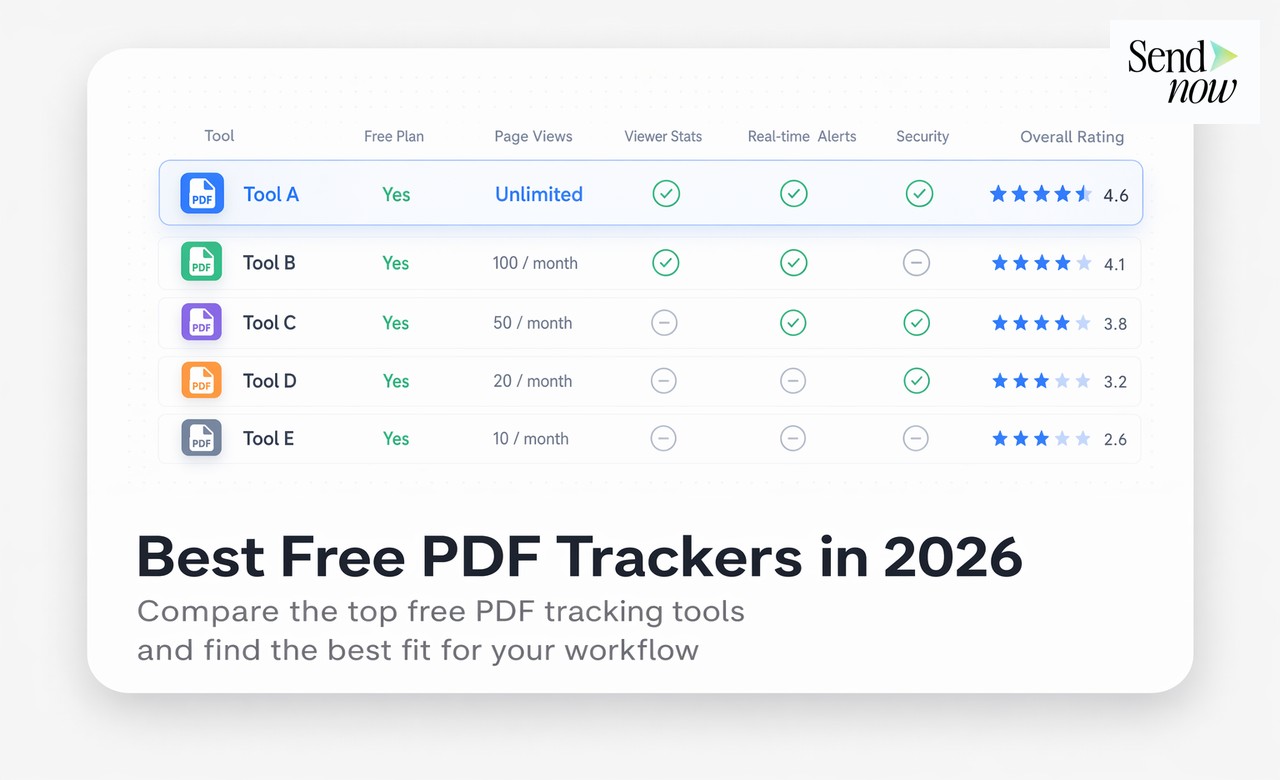
| Tool | Free Tier | Page Analytics | Viewer ID | GDPR | Real-Time Alerts | NDA Gate | Custom Branding | Upgrade Cost |
|---|---|---|---|---|---|---|---|---|
| SendNow | Yes (5 docs) | Yes | Yes (email gate) | Yes | Yes | Pro+ | Pro+ | From $17/mo |
| DocSend | Trial only | Yes | Yes | Partial | Yes | Yes | Yes | From $65/mo |
| Brieflink | Yes (limited) | Partial | Yes (per-link) | Partial | Yes | No | No | From $29/mo |
| Papermark | Yes (limited) | Yes | Partial | Yes (self-host) | Yes | No | Partial | From $19/mo |
| Orangedox | Yes | No | Google users only | No | Limited | No | No | From $9/mo |
| HubSpot Documents | No | Limited | Yes (CRM) | Partial | Yes | No | Yes | From $90/mo |
| Smallpdf | Yes (limited) | No | No | No | Limited | No | No | From $12/mo |
For a detailed breakdown of what enterprise-grade access controls look like, see SendNow's security documentation.
How to Set Up a Free PDF Tracker in Under Two Minutes
Using SendNow as an example:
- Go to sendnow.live and create a free account
- Click New Link and upload your PDF
- Enable email verification if you want to identify viewers by name
- Copy the generated trackable link
- Share the link — not the file — with your recipient
From that point, every open, every page read, and every return visit appears in your dashboard instantly.
No browser extension, no plugin, and no action required from the recipient beyond clicking the link.
Free vs Paid PDF Tracking: When Does It Make Sense to Upgrade?
Free tiers are excellent for individuals and light professional use. But there are clear inflection points where upgrading pays for itself — often within a single recovered deal or saved follow-up cycle.
Decision Matrix
| Situation | Recommendation |
|---|---|
| You send fewer than 5 documents per month | Free tier is sufficient |
| You need to brand the viewer page with your logo | Upgrade to Pro ($17/mo) |
| You require an NDA or email gate before viewing | Upgrade to Pro ($17/mo) |
| You have a team sharing documents across accounts | Upgrade to Business ($43/mo) |
| You send 50+ documents per month | Upgrade to Business ($43/mo) |
| You need custom domain and webhook integrations | Upgrade to Business ($43/mo) |
| You need to track downloads (not just opens) | Use a tool that supports download tracking |
| You operate under GDPR and share client documents | Choose a GDPR-compliant platform (e.g. SendNow) |
What Free Plans Actually Include on SendNow
- Free: 5 documents, full page-level analytics per document, email verification gate, real-time open notifications — no card needed
- Pro ($17/mo): 100 documents, custom branding, NDA gate, dynamic watermark
- Business ($43/mo): 300 documents, custom domain, webhooks, team collaboration

If you are at the point of sending polished proposals, pitch decks, or sensitive financial reports, the Pro tier covers the gap between basic tracking and professional presentation. See the full pricing breakdown to compare what each plan includes.
What Founders Get Wrong About PDF Tracking
Founders and early-stage operators often adopt PDF tracking with the right instincts but use it incorrectly. Here are the three most common mistakes and how to avoid them.
Mistake 1: Tracking the attachment, not the link
Sending a PDF attachment and then using a tracking pixel or metadata trick to detect opens is unreliable. Email clients routinely pre-load attachments, strip tracking pixels, or cache content at the server level — making your open data meaningless. The correct approach is to send a trackable link that opens a hosted viewer page. Every open recorded is a real open.
Mistake 2: Checking analytics too frequently instead of setting alerts
Refreshing your dashboard every hour while waiting for a response is a distraction. Set up real-time Slack or email alerts so you are notified the moment a document is opened. This allows you to follow up within minutes of genuine engagement — not hours after a cold refresh.
Mistake 3: Treating all views as equally meaningful
A recipient who opens your pitch deck for eight seconds on the cover page is not the same as one who spends four minutes on the financials section. Page-level analytics tell you where attention actually landed. Focus your follow-up messaging on the sections that generated the most time-on-page, not just on the fact that someone opened the document at all.
What Free PDF Tracking Misses (and When to Upgrade)
Free tiers are excellent for individuals and small teams. As volume grows, the gaps become apparent:
- Team collaboration — multiple senders sharing one dashboard
- Higher document volume — tracking dozens of active proposals simultaneously
- Custom branding — white-labelled viewer pages with your firm's domain
- Advanced access controls — expiring links, download disabling, screenshot blocking
SendNow's Pro plan at $17/month covers most growing teams. The Business plan at $43/month adds team features, custom domains, and webhook integrations for higher volume operations.
For most finance professionals sharing up to ten or twenty documents a month, the free tier is entirely sufficient. See the complete guide to PDF tracking for a full breakdown of features, and how to know if someone opened your PDF for a step-by-step open detection walkthrough.
EU and GDPR Considerations
Finance professionals based in the EU should be cautious about tools that store data on US servers without a Data Processing Agreement. Under GDPR, sharing identifiable viewer data (names, IP addresses, email addresses) with a third-party tool requires a lawful basis and appropriate safeguards.
SendNow's GDPR-compliant infrastructure and EU data handling make it the safest choice for European finance teams. Always check whether a tracking tool's privacy policy explicitly covers GDPR obligations before using it with client documents. You can review SendNow's approach to data protection and viewer privacy at the security overview.
Also see: how to get notified the moment someone opens your document for alert setup instructions.
FAQs
Q: Is there a completely free PDF tracker with page analytics? A: SendNow offers a 24-hour free trial that includes page-level time tracking, open notifications, and visitor identification — covering up to 2 uploads with no credit card required. All trial files expire and are permanently deleted after 24 hours unless upgraded.
Q: Do recipients need to install anything to view a tracked PDF? A: No. Tracked documents open in a standard browser-based viewer. Recipients just click a link.
Q: Can I track who opened a PDF for free? A: Yes, with email verification enabled. Recipients enter their email address before viewing, which links the analytics to a named individual.
Q: Is Google Drive suitable as a PDF tracker? A: Only for basic use. Google Drive notifies you when a logged-in Google user opens a file, but provides no page-level data or completion tracking.
Q: What is the best free PDF tracker for GDPR compliance? A: SendNow, which is built with EU data residency and GDPR compliance as core features. For more detail, see the security documentation.
Q: How many documents can I track on a free plan? A: On SendNow's 24-hour free trial, you can track up to 2 uploads with full page-level analytics. No credit card is needed. Trial files expire after 24 hours.
Q: Does a free PDF tracker slow down document delivery? A: No. The document is served from the tracking platform's infrastructure. Performance is typically equivalent to or faster than an email attachment.
Q: What is the difference between a free PDF tracker and a basic link shortener? A: A link shortener records only clicks. A PDF tracker records opens, time per page, completion rate, return visits, and viewer identity — a fundamentally different level of intelligence.
Q: What is the best free PDF tracker for pitch decks? A: SendNow provides a 24-hour free trial with full page-level analytics and email verification, letting founders evaluate deck engagement. Brieflink adds per-recipient link tracking. For evaluating SendNow risk-free, the 24-hour free trial covers up to 2 uploads. See file tracking features for more on what page-level analytics reveals about investor engagement.
Q: Can I track if someone downloaded my PDF? A: It depends on the platform. SendNow's viewer is browser-hosted and does not expose a direct download by default — you can disable downloads entirely on Pro and Business plans. Orangedox specialises in download tracking for files stored in Google Drive. If download detection is a core requirement, check whether your chosen tool logs download events separately from open events, as many platforms track only views.
SendNow offers a 24-hour free trial — no credit card required (files expire after 24h unless upgraded). Start at sendnow.live.
About the Author: Rifana Hameem
Rifana is the founder of SendNow. She leads the team in building secure, compliant, and analytics-rich document sharing tools for finance and professional teams worldwide.
Connect on LinkedIn