How to Track If Someone Opened Your PDF With a Chrome Extension (2026)

Gmail and Outlook cannot tell you whether someone opened a PDF attachment. Their tracking only covers the email, not the file inside it. The fix is to stop attaching the file and send a tracked link instead [Source: HummingDeck]. The SendNow Chrome extension turns a PDF or pitch deck into a secure link: you see who opened it, which pages they read, how long they spent, and when to follow up. It is free to start with no credit card.
How to Track If Someone Opened Your PDF With a Chrome Extension (2026)
Can you track if someone opened a PDF attachment in Gmail?
No. Email tracking tools detect whether the message was opened, usually through an invisible image. Once a PDF is attached, the file is downloaded or previewed outside any tracker, and neither Gmail nor Outlook reports it. If someone forwards the attachment, you learn even less.
That leaves two choices: guess, or send something you can see into. A tracked link is the second one. The recipient clicks a link, the document opens in a viewer, and the viewer records the visit.
What does a tracked link show that an attachment cannot?
| What you want to know | Attachment | Tracked link |
|---|---|---|
| Was it opened? | Unknown | Yes, with a timestamp |
| By whom? | Only if they reply | Verified email, if you require it |
| Which pages did they read? | Unknown | Page-by-page |
| How long did they spend? | Unknown | Per page and in total |
| Did they come back? | Unknown | Repeat visits counted |
| Can you stop them seeing it later? | No | Revoke or let it expire |
| Can you block downloads or stamp their name on it? | No | Yes |
The pattern is the same one used in a pitch deck tracking workflow: upload once, share a link, watch the activity.
How do you track a PDF with the SendNow Chrome extension?
According to the extension's Chrome Web Store listing, the flow is four steps:
- Upload your PDF or deck.
- Get a secure, trackable link.
- Share it by email, LinkedIn or anywhere you would paste a link.
- Watch real-time analytics as people read.
You paste the link into your email yourself; the extension does not change how you write the message. It is a fast path from "file on my computer" to "link I can see into". Install it from the Chrome Web Store.
What controls can you add to a tracked PDF?
The listing names these, and they work on the link you create:
- Password protection and email verification, so you know who is behind each open.
- Link expiry, so access ends on a date.
- NDA gates, requiring a signed NDA before the first page loads.
- Dynamic watermarks, stamping the viewer's email on every page.
- Download and screenshot protection for confidential files.
Some of these depend on your plan: NDA gates and screenshot blocking on Pro and above, dynamic watermarks on Business. See pricing and the NDA gate, dynamic watermark and screenshot blocking pages.
How do you get notified when someone opens it?
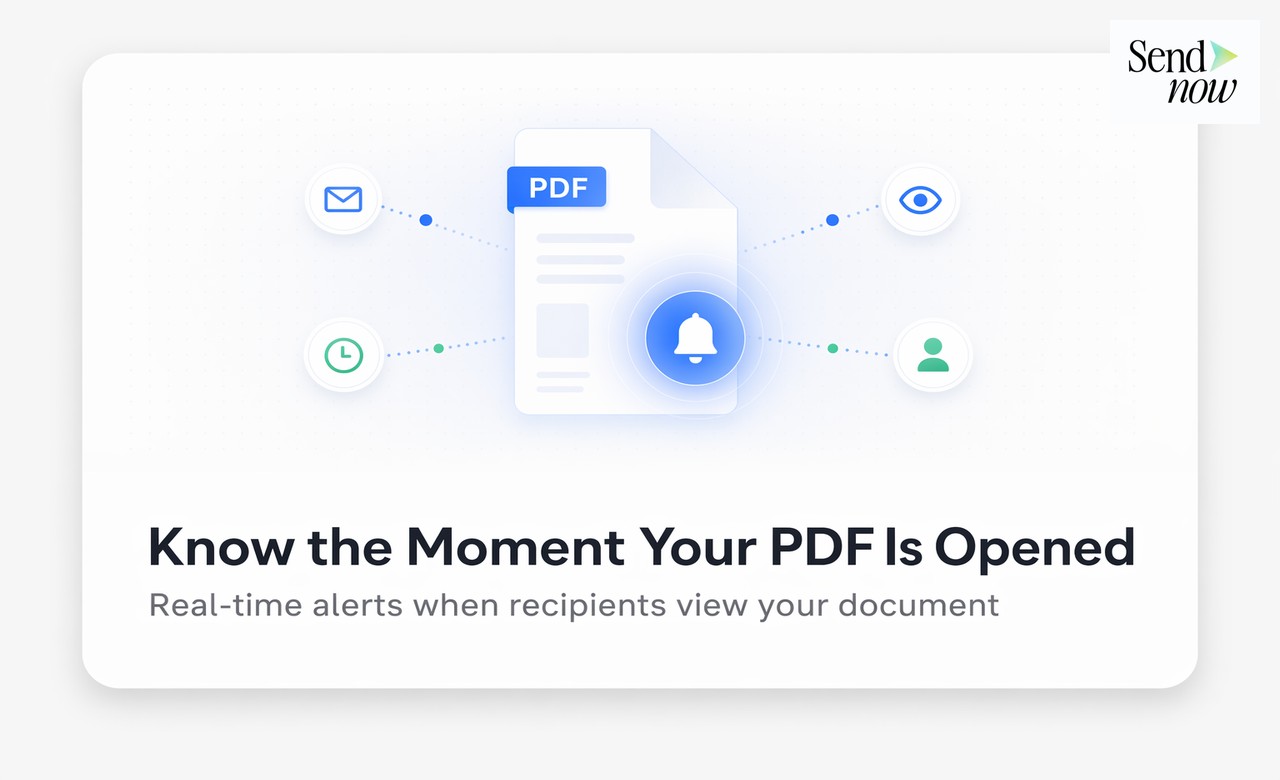
The extension lists real-time alerts: you are told the moment someone opens your file. That is what makes timing work. SendNow's research across more than 10 million document views found the average reader spends about 2 minutes 30 seconds on a document [Source: State of Document Engagement 2026], so how quickly you follow up matters. For sending those events to other systems, webhooks push them to your CRM.
How do you read the analytics?
Open the document's analytics and look at four things:
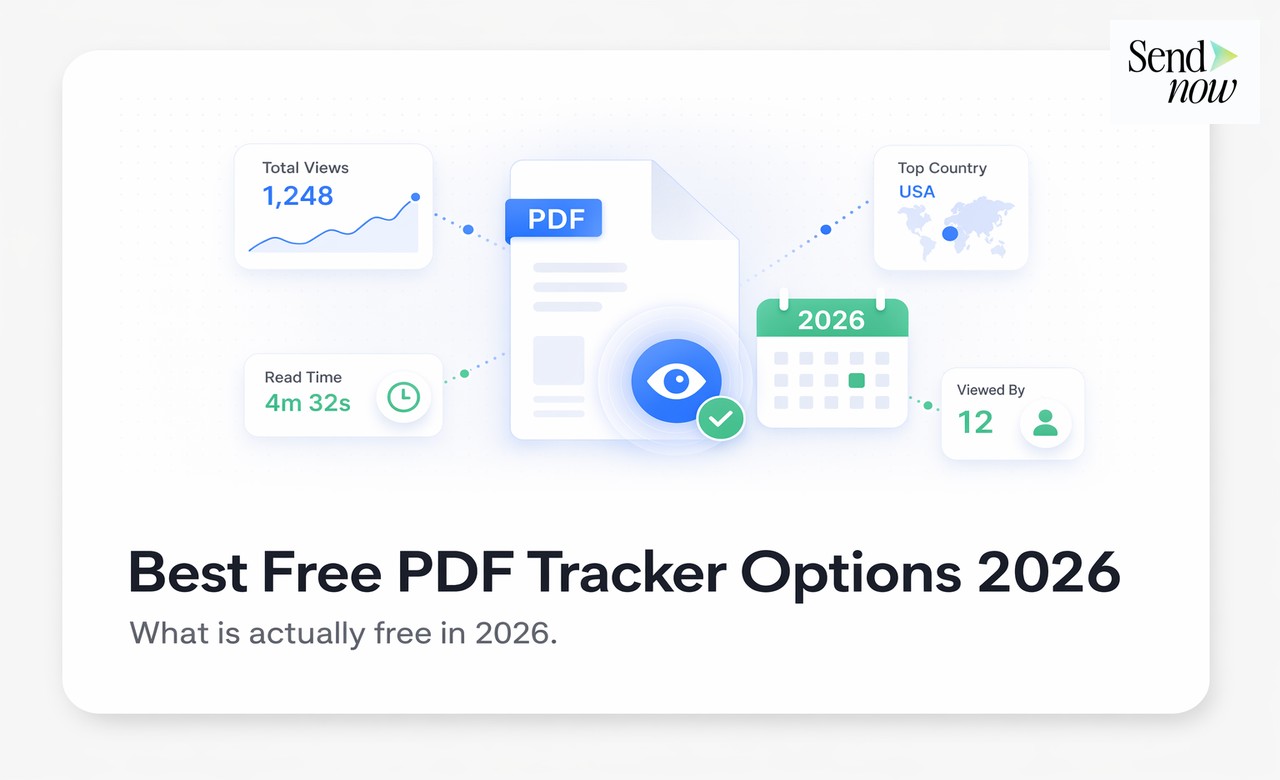
- Who. Verified emails are named people. Anonymous opens can include link previews and mail scanners, so treat them as lower confidence. How scanner traffic distorts analytics is covered in our DocSend alternatives comparison.
- Where they stopped. The last page read tells you what lost them or what they wanted.
- What they re-read. Repeat time on a page, such as pricing, is the real interest signal.
- Whether they came back. Multiple visits usually mean the document is being circulated or seriously considered.
Deeper walkthroughs: document analytics, file tracking and best document tracking software.
How does the extension compare with other PDF tracking options?
| Option | What it tracks | Trade-off |
|---|---|---|
| SendNow Chrome extension | Opens, pages, time, returns; NDA, watermark, revoke | Link is pasted manually; some controls need Pro or Business |
| Email tracking extensions | Whether the email was opened | Not the attachment, per the limitation above |
| Digify extension | Gmail attachment reads, location, re-shares | Enterprise-oriented pricing; see our alternatives guide |
| Sales-email tools such as Yesware | Email opens, link clicks, attachment views | Built around sales sequences rather than document control |
| DocSend | Page analytics on shared links | Locks NDA and watermarks behind higher tiers; see DocSend pricing |
Based on vendor and review descriptions retrieved October 2026; check each product's current features. There are also extensions that download DocSend files as PDFs, which is the opposite of tracking and worth knowing exists if you rely on a single protection layer.

When should you use the extension and when the AI connector?
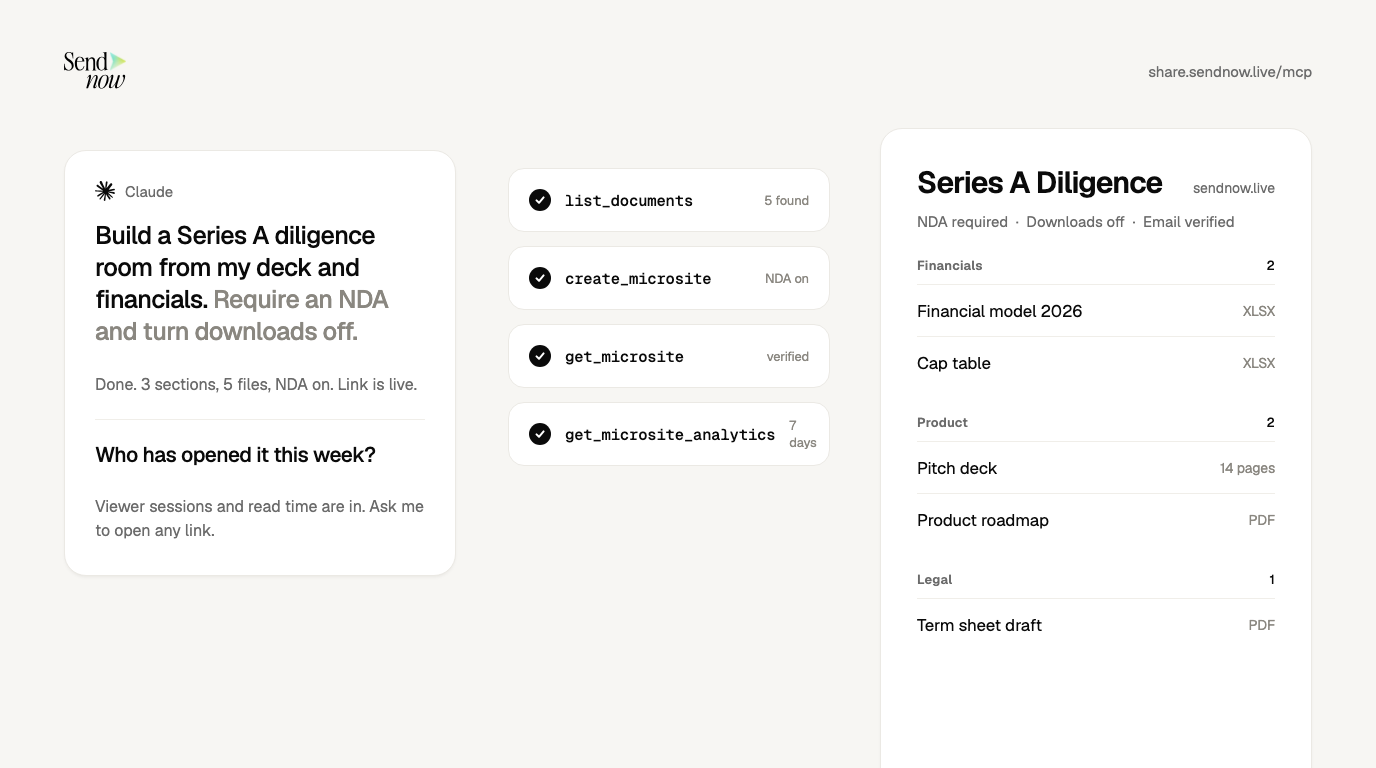
Use the extension for a single document going to a person or a small group: a deck to an investor, a proposal to a client. Use the AI connector when you are assembling a multi-folder data room or asking questions across many links, such as "who opened what this week". Both draw on the same account and the same analytics.
What are the limits?
- You paste the link. The extension does not insert tracking into the email you write.
- Plan-gated controls. NDA, screenshot blocking and watermarks need a paid plan.
- Anonymous opens are noisy. Require email verification when you need names.
- No tracker can see a downloaded copy. If downloads are allowed, a saved file leaves the viewer. Turn downloads off for confidential files.
Can I track if someone opened a PDF I emailed?
Not if it is an attachment. Share it as a tracked link instead, and you can see the open, the pages read and the time spent.
Is there a Chrome extension that tracks PDF views?
Yes. The SendNow extension turns a PDF or pitch deck into a tracked link and shows page-level analytics. It is in the Chrome Web Store.
Does SendNow cost anything to try?
You can start free with no credit card. Paid plans add controls such as NDA gates, screenshot blocking and watermarks. See pricing.
Can I stop someone viewing the PDF after I send it?
Yes. Revoke the link, or set an expiry date in advance. You keep the view history.
Sources
- HummingDeck, Can you track email attachment opens?
- SendNow, Chrome Web Store listing
- SendNow, State of Document Engagement 2026
About the Author: Rifana Hameem
Rifana is the founder of SendNow. She leads the team in building secure, compliant, and analytics-rich document sharing tools for finance and professional teams worldwide.
Connect on LinkedIn