How to Know If Someone Opened Your PDF

How to Know If Someone Opened Your PDF
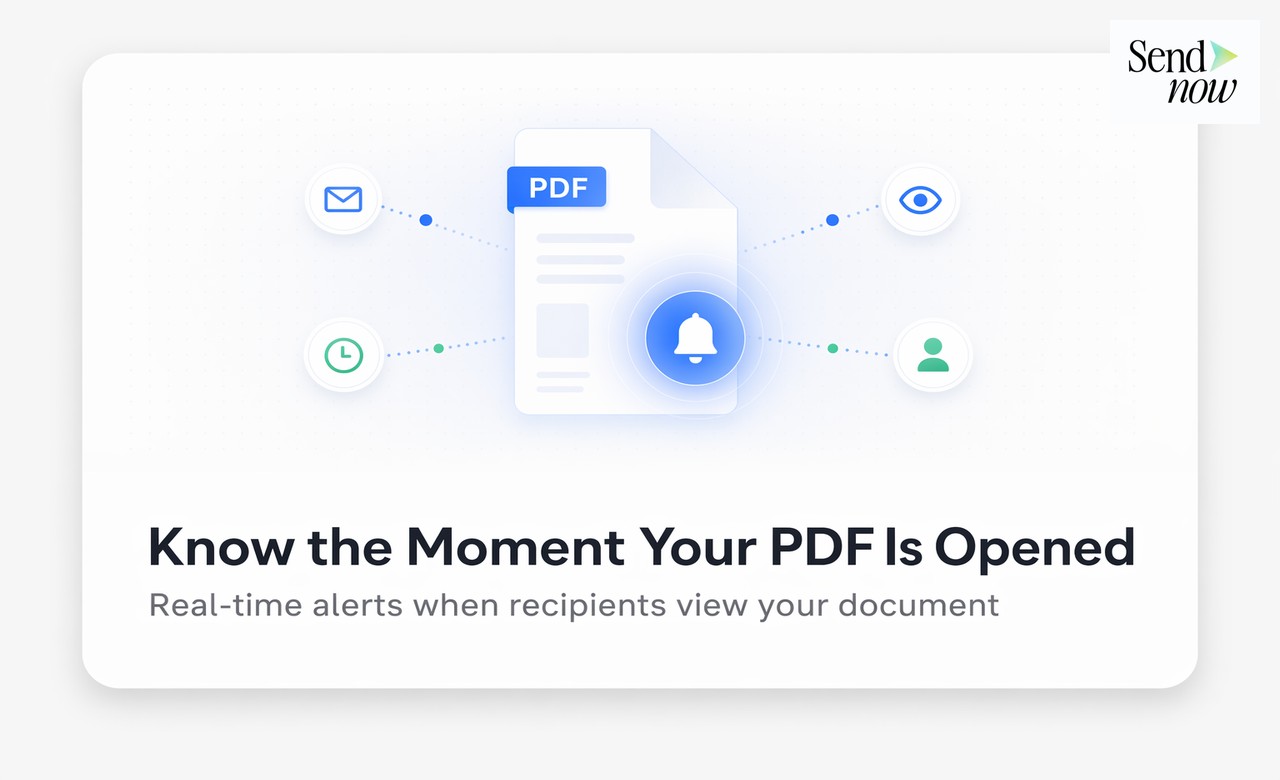
You can know if someone opened your PDF by sharing it as a trackable link through a document analytics platform rather than as an email attachment. When the recipient clicks the link and views the document, you receive a real-time notification that includes their name (if email verification is enabled), the exact time they opened it, and the device they used. No software installation is required on either side.
Why Email Attachments Leave You in the Dark
The standard approach to sharing a PDF — attaching it to an email and hitting send — gives you no feedback at all. Once the file lands in the recipient's inbox, you have no way of knowing:
- Whether they opened the email
- Whether they downloaded the attachment
- Whether they actually read the PDF
- How long they spent on it
- Which pages they looked at
Email read receipts are a partial workaround, but they only confirm the email was opened — not the attachment. And many email clients block read receipt requests entirely. For finance professionals following up on proposals, reports, or contracts, this information gap creates unnecessary friction and poorly timed calls.
A dedicated PDF tracking tool closes that gap entirely.
How PDF Open Tracking Works
PDF tracking platforms work by hosting your document and serving it through a unique link. When you share that link instead of attaching the file, every interaction with the document is recorded.
Here is the process:
- Upload your PDF to a tracking platform such as SendNow
- Configure access settings — optionally enable email verification
- Copy the trackable link and paste it into your email
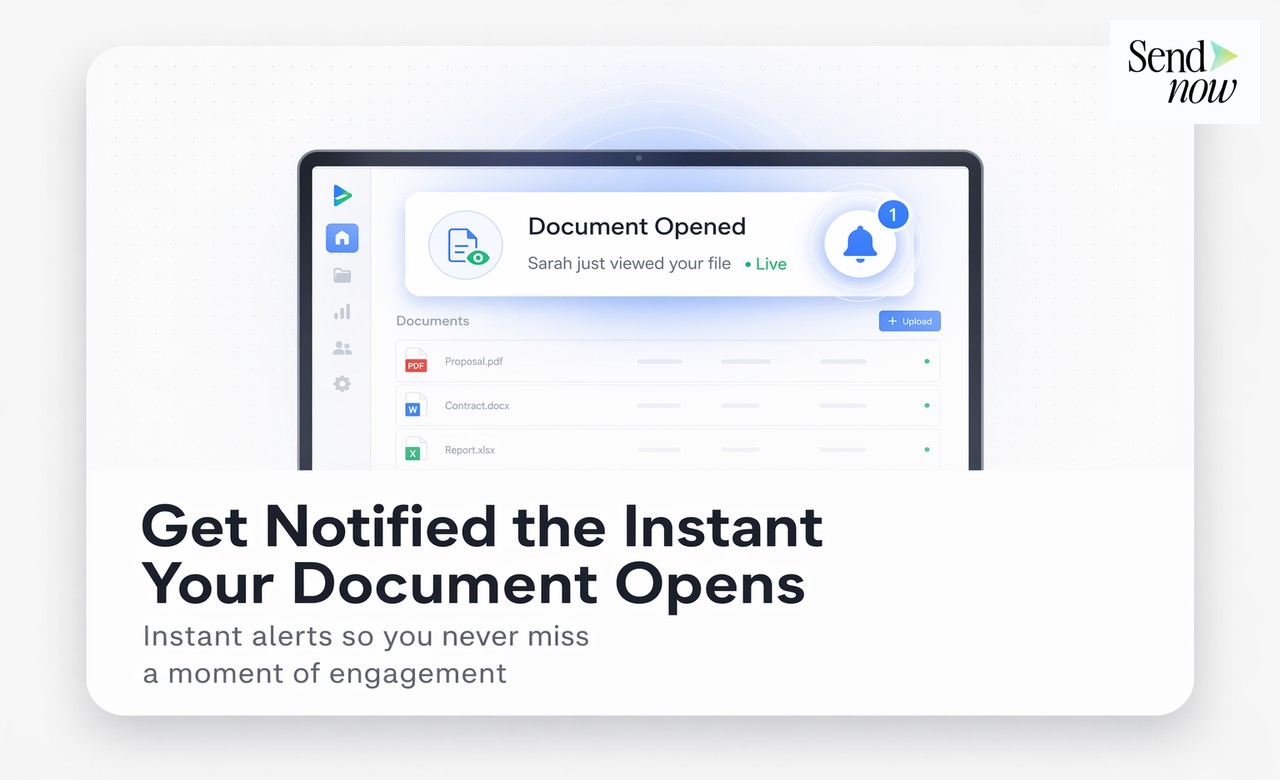
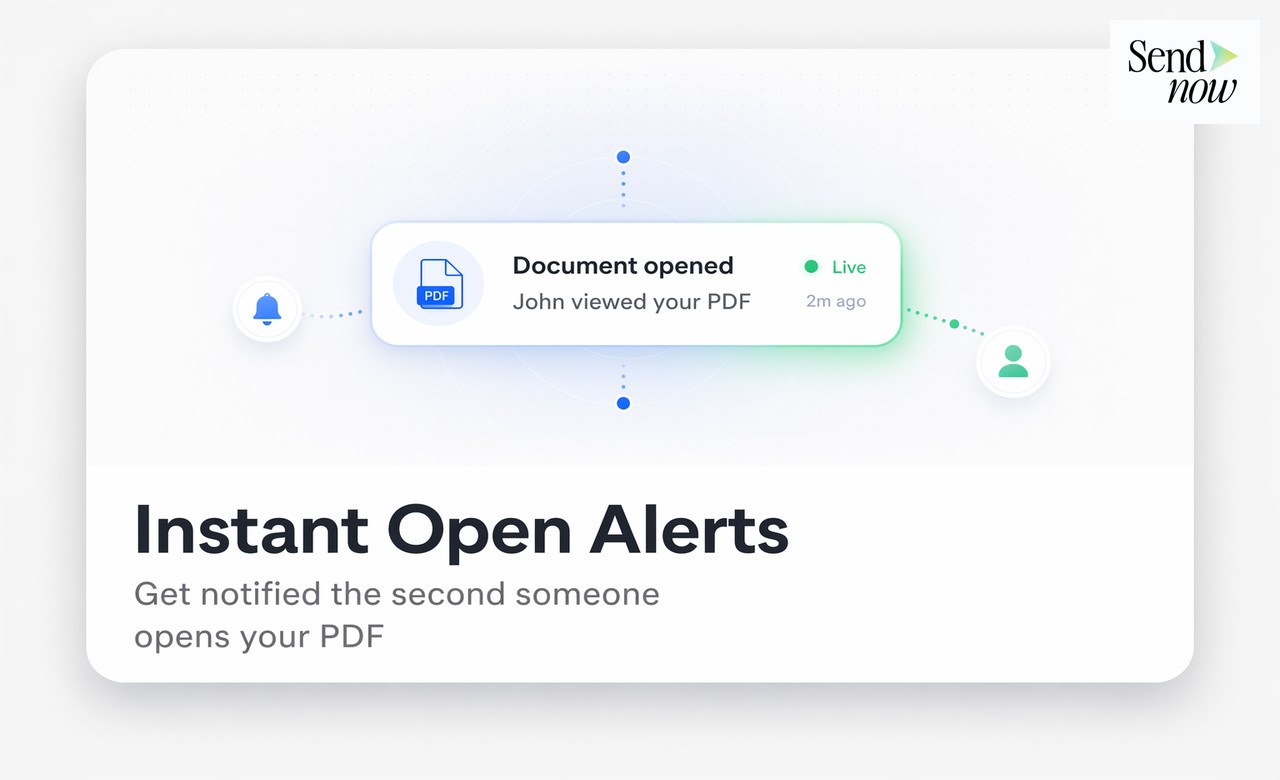
- When the recipient clicks the link and opens the document, you are notified immediately
- Your dashboard logs the open event with timestamp, device, and location
The recipient does not install anything. They click a link and read the document in their browser, exactly as they would any web page.
What You Learn When Someone Opens Your PDF
Open notification is just the starting point. A good PDF tracking platform gives you considerably more:
Identity — If email verification is enabled, the viewer must enter their email address before accessing the document. This links all subsequent analytics to a named individual. You will see "Alex Carter viewed your proposal — 3 minutes ago."
Time of open — Exact timestamp of when the document was first accessed.
Device and location — Whether they opened it on a desktop or mobile device, and in which country or city.

Time on document — How many minutes they spent reading in total.
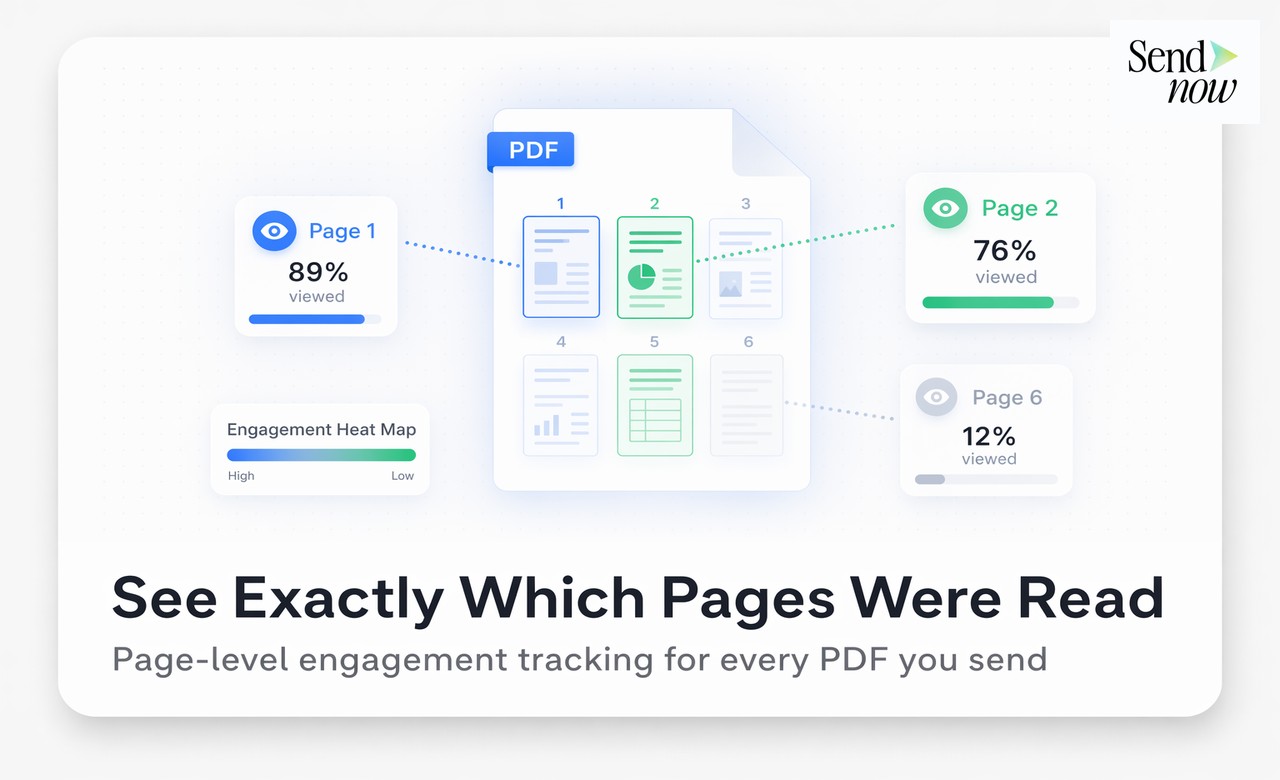
Page-level data — How long they spent on each page. A reader who spent six minutes on your pricing page is a very different prospect from one who spent twenty seconds and closed it.
Completion rate — What percentage of the document they reached before stopping.
Setting Up PDF Open Tracking with SendNow
- Create a free account at sendnow.live
- Click New Link and upload your PDF
- In the link settings, toggle on Email Verification — this ensures you know exactly who opened the document
- Enable Open Notifications via email or Slack
- Copy the link and share it in place of an email attachment
The moment the recipient opens the document, you receive an alert. The dashboard updates in real time.
SendNow is GDPR-compliant and uses AES-256 encryption, making it appropriate for finance teams sharing sensitive documents with EU-based clients and counterparties.
Identifying the Viewer by Name
Email verification is the key feature that moves PDF tracking from "a document was opened" to "this specific person opened your document."
When enabled, the recipient sees a simple screen asking them to enter their email address before the document loads. Most professional recipients complete this without hesitation — it positions the document as a formal, professional delivery rather than a casual attachment.
Once the email address is verified, all analytics for that session — page views, time on page, return visits — are attributed to that individual.
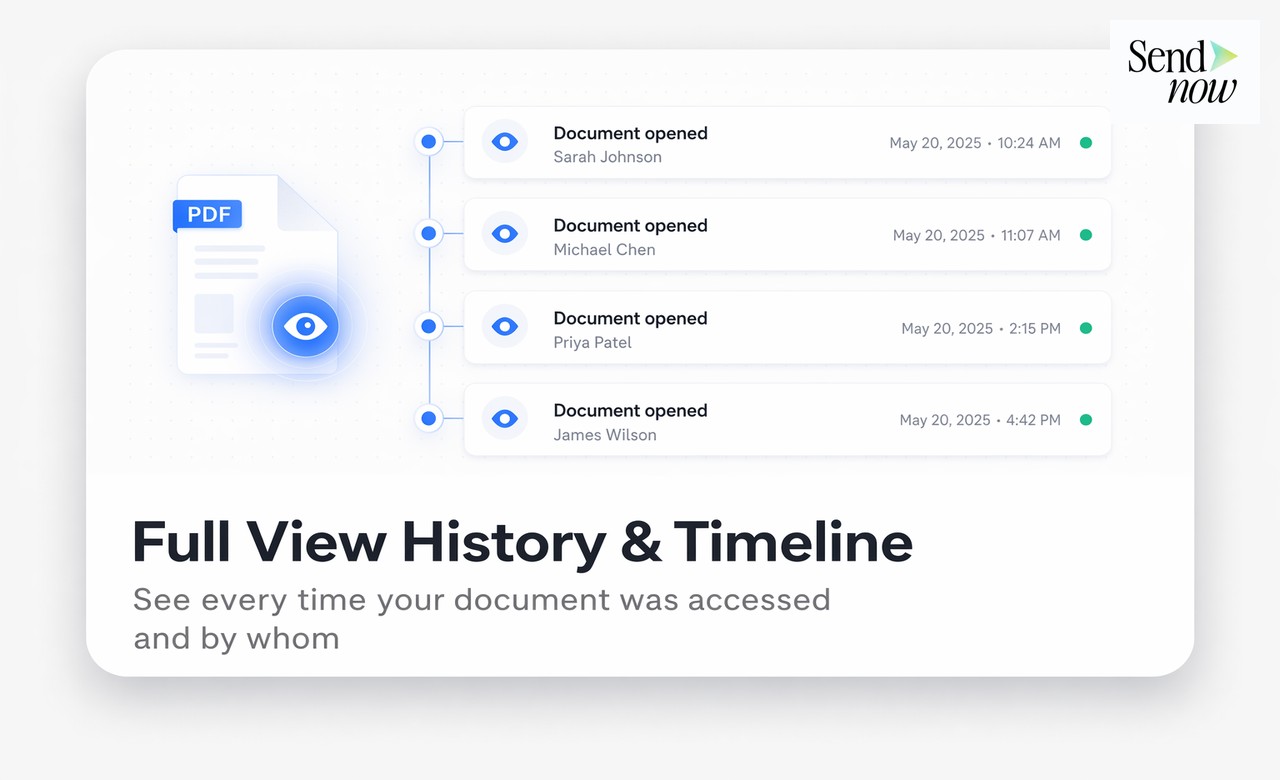
In the SendNow visitor table, you see the full record: viewer name, open time, device, location, time on document, and completion percentage.
Real-Time Alerts: Timing Your Follow-Up Perfectly
The most immediately useful feature of PDF tracking is the real-time alert. Knowing that a prospect opened your proposal three minutes ago changes your follow-up calculus dramatically.
Rather than sending a check-in email on a predetermined schedule, you can:
- Call while the document is still open or fresh in their mind
- Reference specific sections you know they spent time on
- Skip the "did you get a chance to look at this?" opener entirely

This is not aggressive — it is informed. A well-timed call after a document open is far more welcome than a cold follow-up four days later.
See how to get notified the moment someone opens your document for a complete guide to setting up real-time alerts, and return visit tracking for guidance on what to do when a prospect comes back multiple times.
Comparison: Methods for Knowing If a PDF Was Opened
| Method | Works Without Login | Real-Time Alert | Viewer Name | Page Data |
|---|---|---|---|---|
| Email read receipt | No | Partial | No | No |
| Google Drive share | No (needs Google account) | Basic | Partial | No |
| Dropbox link | Yes | No | No | No |
| PDF tracking platform | Yes | Yes | Yes (with email gate) | Yes |
Common Questions from Finance Professionals
Finance teams often have two specific concerns when adopting PDF tracking: recipient experience and data privacy.
Will my client feel surveilled? Most recipients understand that professional document sharing involves some form of access logging — in the same way that a website records visitor sessions. Using a clean, branded viewer experience (available on SendNow's paid tiers) normalises the process further.
Is tracking personal data compliant with GDPR? Under GDPR, tracking viewer interactions with a document is lawful when there is a legitimate interest or when the viewer has been informed. SendNow's platform includes the appropriate disclosures and operates within EU data residency requirements.
FAQs
Q: How can I tell if someone opened my PDF? A: Share it as a trackable link from a platform like SendNow. You will receive a real-time notification when the document is opened, including the viewer's identity if email verification is enabled.
Q: Do PDF tracking tools work if the recipient downloads the file? A: Tracking occurs while the document is viewed through the hosted viewer. If you allow downloads and the recipient views the offline copy, those interactions are not tracked. Disabling downloads keeps all engagement within the tracked viewer.
Q: Can I track a PDF I already sent as an attachment? A: You cannot track a file that was already attached and sent. Going forward, upload your documents to a tracking platform and share links instead of attachments.
Q: Is there a free way to know if someone opened my PDF? A: Yes. SendNow's 24-hour free trial includes real-time open notifications and basic viewer analytics without requiring a credit card.
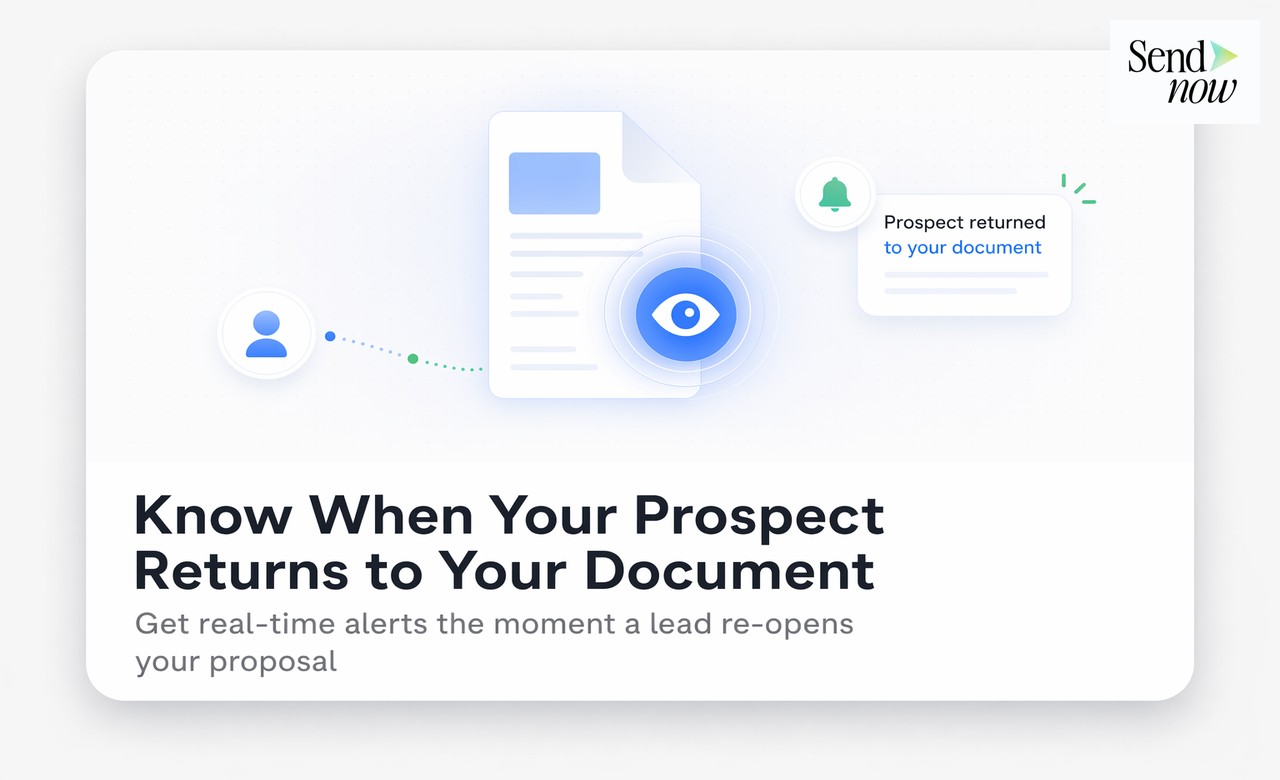
Q: What if someone opens the PDF multiple times? A: Each session is recorded separately. You can see every visit, how long each session lasted, and whether it was from the same device or a different one.
Q: Can I track a PDF shared with multiple people? A: Yes. Create a unique link for each recipient (or use email verification to separate viewers on a shared link) and each person's analytics will be attributed individually.
Q: Does PDF tracking work on mobile devices? A: Yes. The document viewer is browser-based and fully responsive. Mobile opens are recorded and flagged as such in your analytics.
Q: What is the difference between knowing a PDF was opened versus an email was opened? A: An email open confirms the email client loaded the message. A PDF open confirms the recipient actually engaged with the document itself — and with page-level tracking, you know exactly how they engaged.
SendNow offers a free trial — no credit card required. Start at sendnow.live.
About the Author: Rifana Hameem
Rifana is the founder of SendNow. She leads the team in building secure, compliant, and analytics-rich document sharing tools for finance and professional teams worldwide.
Connect on LinkedIn