How to Know When a Prospect Comes Back to Your Document

How to Know When a Prospect Comes Back to Your Document
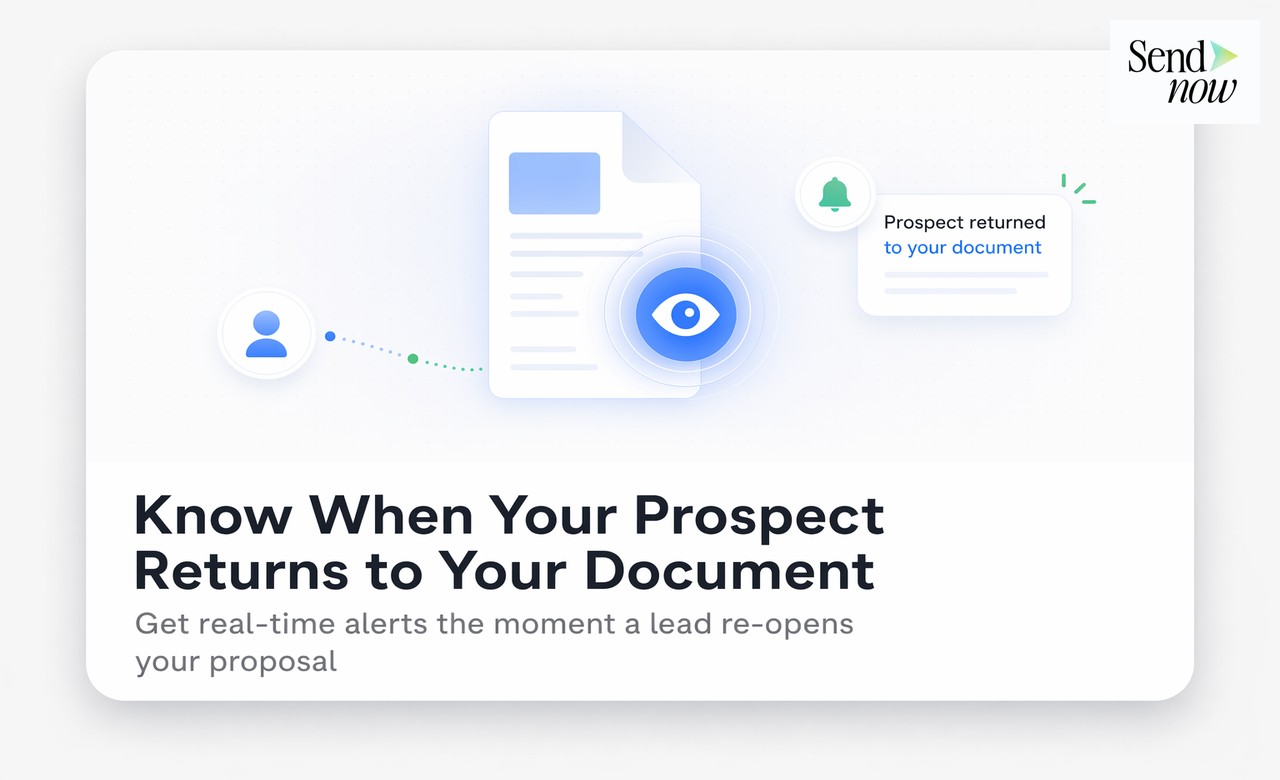
You can know when a prospect returns to your document by using a PDF tracking platform that logs every viewing session separately. When the same visitor opens your document a second or third time, the platform records each return visit with its own timestamp, duration, and page analytics — and can send you a real-time alert so you can act while their interest is at its highest.
Why Return Visits Are the Most Valuable Signal in Document Analytics
A first open tells you that someone received your document and was curious enough to click. A return visit tells you something far more significant: this person came back deliberately.
In a typical sales or advisory cycle, returning to a document is a strong indicator that the prospect is:
- Conducting deeper research before making a decision
- Sharing the document with a colleague or superior for sign-off
- Revisiting specific sections they want to clarify or reference
- Preparing questions for an upcoming conversation
In each of these scenarios, the prospect's interest is active — not passive. A well-timed follow-up at this moment converts at a materially higher rate than one sent on a fixed schedule, because you are reaching them precisely when they are already thinking about you.
How Return Visit Tracking Works
Return visit tracking is a natural extension of standard document open tracking. When a viewer first accesses a tracked document, the platform stores a session record tied to their identity (via email verification or device fingerprint). Every subsequent access to the same link generates a new session record, which is associated with the same viewer.
Your analytics dashboard shows:
- Total visits — how many times the document has been opened in total
- Visits per viewer — how many times each individual viewer has returned
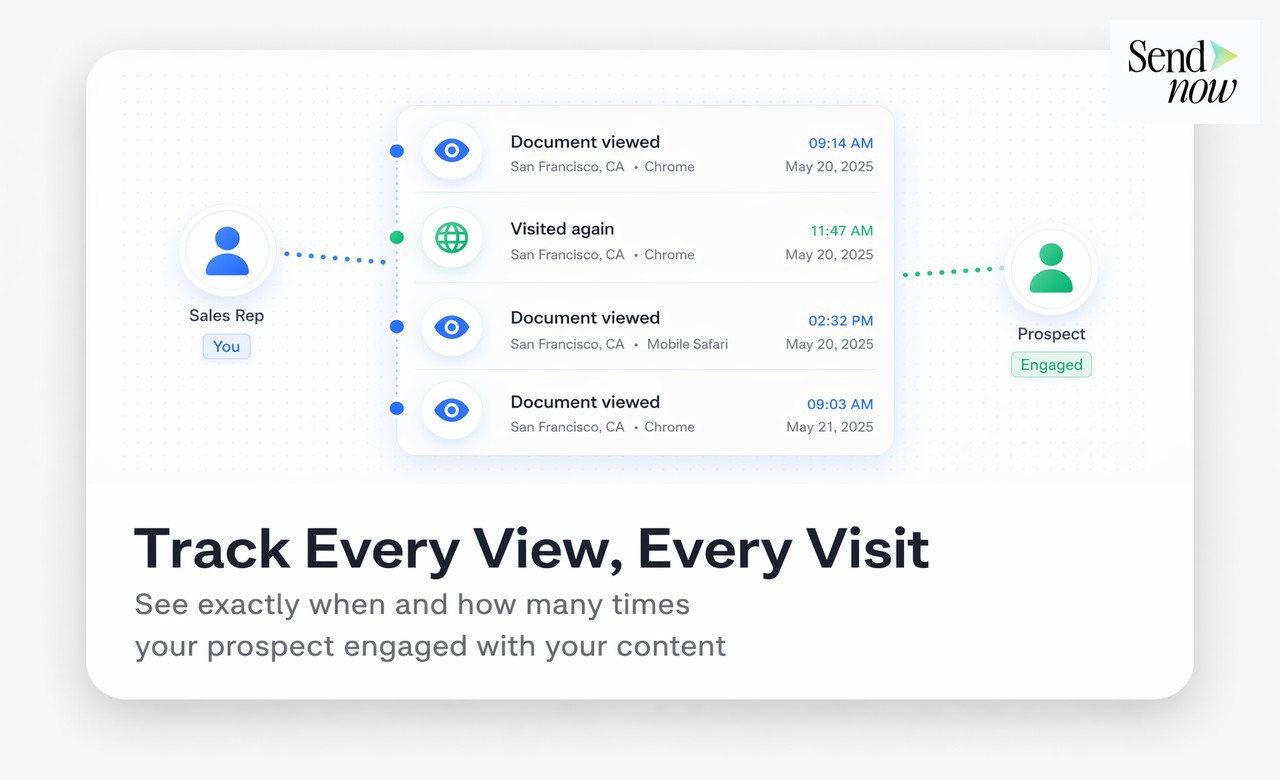
- Timestamps — exact date and time of each visit
- Per-visit page analytics — which pages they looked at on each separate visit
- Time gap between visits — how many hours or days elapsed between sessions
This multi-visit view gives you a timeline of engagement, not just a single data point.
Reading Return Visit Patterns
Different return visit patterns signal different things:
Same-day return — The prospect opened the document in the morning, then returned in the afternoon. They are likely reviewing it a second time after an initial skim, possibly preparing for a call or sharing it with a colleague.
Return after 48-72 hours — The most common buying cycle pattern. The prospect considered the proposal over a day or two and came back for a deeper read. This is typically when decision conversations happen internally.
Multiple returns over one week — Extended engagement suggesting the document is being circulated to multiple stakeholders or referenced repeatedly during a group decision process.

Return to a different section — On the second visit, the prospect spent most of their time on pages they barely touched in the first visit. This suggests they have already digested the initial content and are now focusing on specifics — often terms, pricing, or risk disclosures.
Setting Up Return Visit Alerts
In SendNow, return visit notifications are a configurable alert type separate from first-open notifications:
- Navigate to Settings and open the Notifications tab
- Under alert types, enable Return Visit Notifications
- Optionally set a threshold — for example, only notify on a second visit after at least four hours have elapsed (to avoid counting accidental re-opens)
- Choose email or Slack as your delivery channel
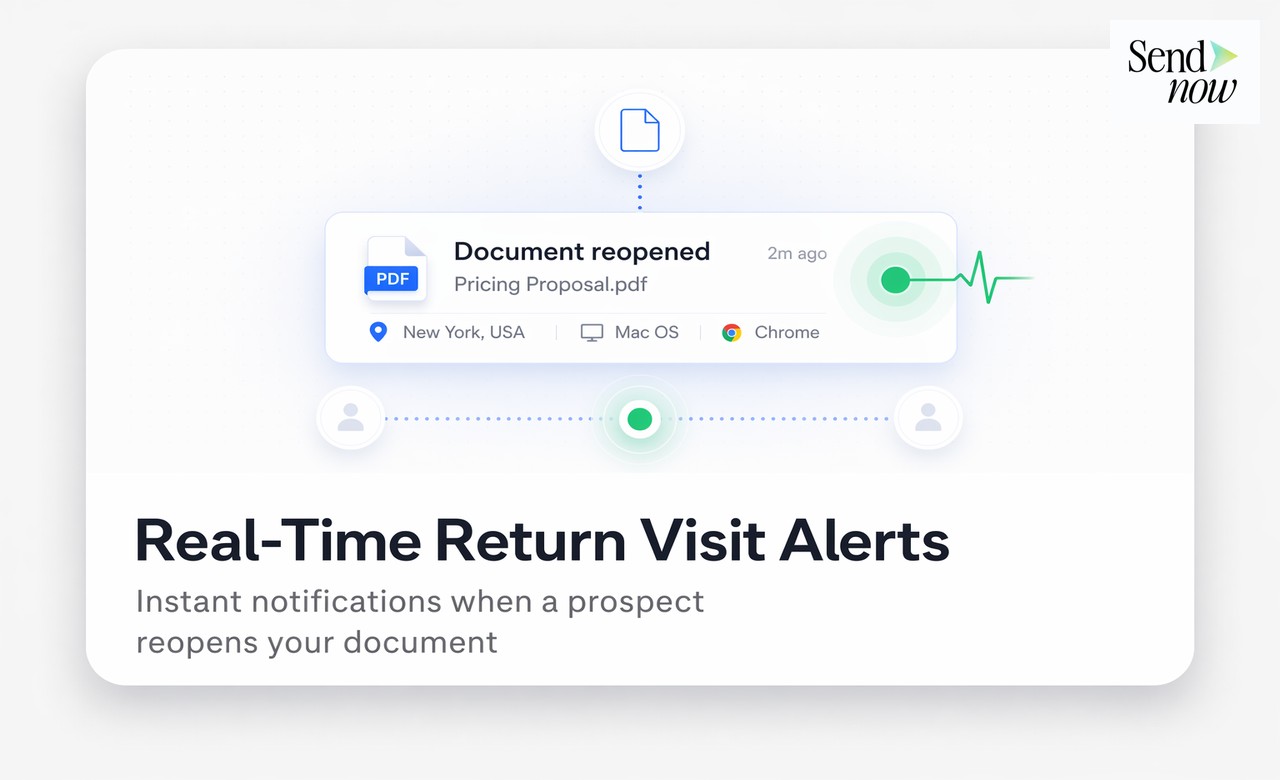
Once configured, you will receive an alert whenever a viewer returns to a document, formatted as: "Alex Carter returned to your proposal — this is their 3rd visit."
Acting on Return Visit Data
The follow-up timing principles for return visits differ slightly from first opens:
Do not wait. A return visit indicates active decision-making. Waiting another day to follow up risks the prospect's focus moving to a competitor.
Lead with what they looked at. If the second visit was heavily focused on your pricing section, open with: "I wanted to make sure the numbers made sense — happy to walk through the fee structure in more detail."
Reference the timeline naturally. "I know you have had a chance to review our proposal — I wanted to check in while it is still front of mind" is a perfectly natural opener that does not reveal your tracking capabilities.
Use the gap between visits as context. A prospect who returned after three days has had time to discuss the proposal internally. They may have objections or questions surfaced by colleagues that your call can address directly.
AI Engagement Scoring
Some tracking platforms, including SendNow, aggregate visit frequency, total time, page engagement depth, and return patterns into an AI-generated engagement score. Rather than manually interpreting visit data, you see a single signal: "High Interest," "Moderate," or "Low."
This is particularly useful for finance professionals managing many active proposals simultaneously — the engagement score surfaces your hottest prospects automatically, without requiring you to review each document's analytics individually.

Return Visit Tracking and GDPR
Tracking return visits involves storing multiple session records linked to an identified individual. Under GDPR, this constitutes personal data processing. Finance teams in the EU should ensure their platform:
- Provides viewer-facing disclosure that interactions are tracked (SendNow's viewer includes this)
- Stores all session data within the EU
- Allows viewers to request deletion of their engagement history
SendNow's GDPR-compliant architecture covers all of these requirements.
Comparison: Return Visit Visibility by Tool
| Tool | First Open Alert | Return Visit Alert | Per-Visit Page Data | Engagement Score |
|---|---|---|---|---|
| SendNow | Yes | Yes | Yes | Yes |
| DocSend | Yes | Yes | Yes | No |
| Google Drive | Limited | No | No | No |
| Email attachment | No | No | No | No |
| HubSpot Documents | Yes | Partial | Limited | Via CRM |
For more on using document analytics to time follow-ups, see how to get notified the moment someone opens your document and AI engagement scoring guide.
FAQs
Q: How can I tell if a prospect returned to my PDF? A: Use a tracking platform like SendNow, which logs every viewing session separately. You can see each return visit in the analytics dashboard with its own timestamp and page data.
Q: What does a return visit to a document mean? A: It typically signals active interest — the prospect is reviewing the document in more depth, sharing it with colleagues, or preparing for a decision conversation.
Q: Can I get a notification every time someone re-opens my document? A: Yes. SendNow allows you to configure return visit notifications via email or Slack, separately from first-open alerts.
Q: How many return visits is a strong buying signal? A: Even one return visit within 48-72 hours of the first open is a meaningful signal. Three or more visits over several days suggests active group evaluation.
Q: Can I track which pages a prospect looked at on their return visits? A: Yes. SendNow records page-level analytics for every visit separately, so you can compare what the prospect focused on across different sessions.
Q: What if multiple people at the same company open the document? A: With email verification, each viewer is identified individually. You can see that three people from the same organisation have all opened the document — a clear sign of internal circulation.
Q: Is return visit data available during the free trial? A: Yes. Return visit tracking is included in SendNow's 24-hour free trial.
Q: What should I say in a follow-up after a return visit? A: Keep it natural. A simple "wanted to check in while the proposal is front of mind" opens the conversation without revealing the specifics of your tracking data.
SendNow offers a free trial — no credit card required. Start at sendnow.live.
About the Author: Rifana Hameem
Rifana is the founder of SendNow. She leads the team in building secure, compliant, and analytics-rich document sharing tools for finance and professional teams worldwide.
Connect on LinkedIn