How to Get Notified the Moment Someone Opens Your Document

How to Get Notified the Moment Someone Opens Your Document
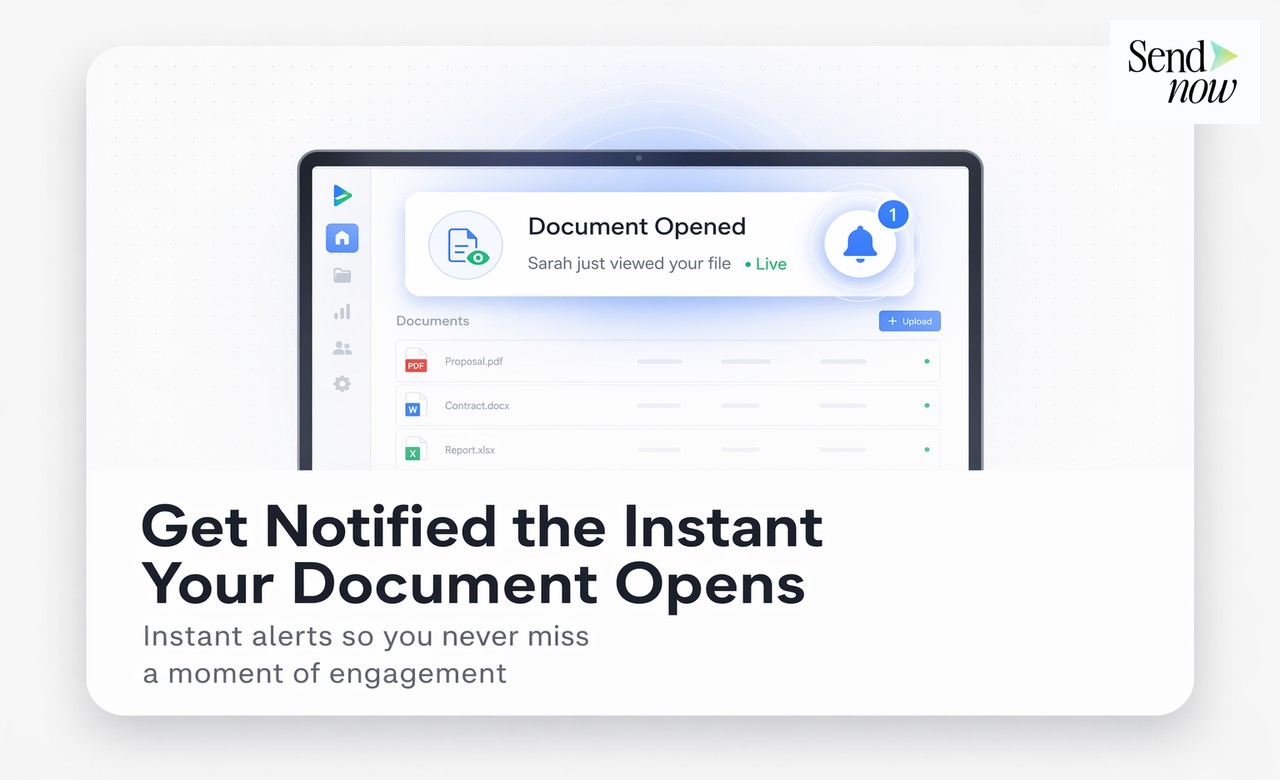
You can get notified the moment someone opens your document by using a PDF tracking platform with real-time alert capabilities. After uploading your document and generating a trackable link, you enable open notifications — and the platform sends you an email or Slack message the instant the recipient clicks the link and views the file, typically within a few seconds of the open event.
The Problem with Not Knowing
Sending a proposal, contract, or report without any feedback mechanism is a workflow problem that compounds over time. Without open notifications, finance professionals typically resort to one of two suboptimal approaches:
The delayed follow-up — Waiting a fixed number of days before emailing to ask whether the document was received. By that point, the recipient may have forgotten the context, or the deal window may have passed.
The premature follow-up — Calling the day after sending only to discover the document has not been opened yet. This creates friction and can feel pushy.
Real-time open notifications eliminate both problems. You follow up exactly when the moment is right — while the document is fresh in the recipient's mind, or seconds after they have finished reading.
How Document Open Notifications Work
Document open notifications are triggered by a webhook or event listener attached to the trackable link. When the recipient opens the document, the viewer page fires an event to the tracking platform's server, which then dispatches a notification to your chosen channel.
The process is:
- Recipient clicks your trackable link
- The hosted document viewer loads
- An open event is fired within seconds
- You receive an email or Slack notification: "Alex Carter viewed your proposal — just now"
The notification typically includes:
- Viewer name — if email verification was enabled
- Timestamp — exact time of the open
- Document name — which link was opened
- Device — desktop or mobile
- Location — country or city
Setting Up Notifications in SendNow
Configuring open notifications in SendNow takes under a minute:

- Log in at sendnow.live
- Navigate to Settings and open the Notifications tab
- Toggle on Email Notifications to receive open alerts to your registered email
- Toggle on Slack Notifications and connect your Slack workspace via the integration panel
- Choose whether you want notifications for every open or only the first open per viewer
You can also configure notification thresholds — for example, only alert on opens from new viewers, or only when a document has been viewed for more than thirty seconds (filtering out accidental clicks).
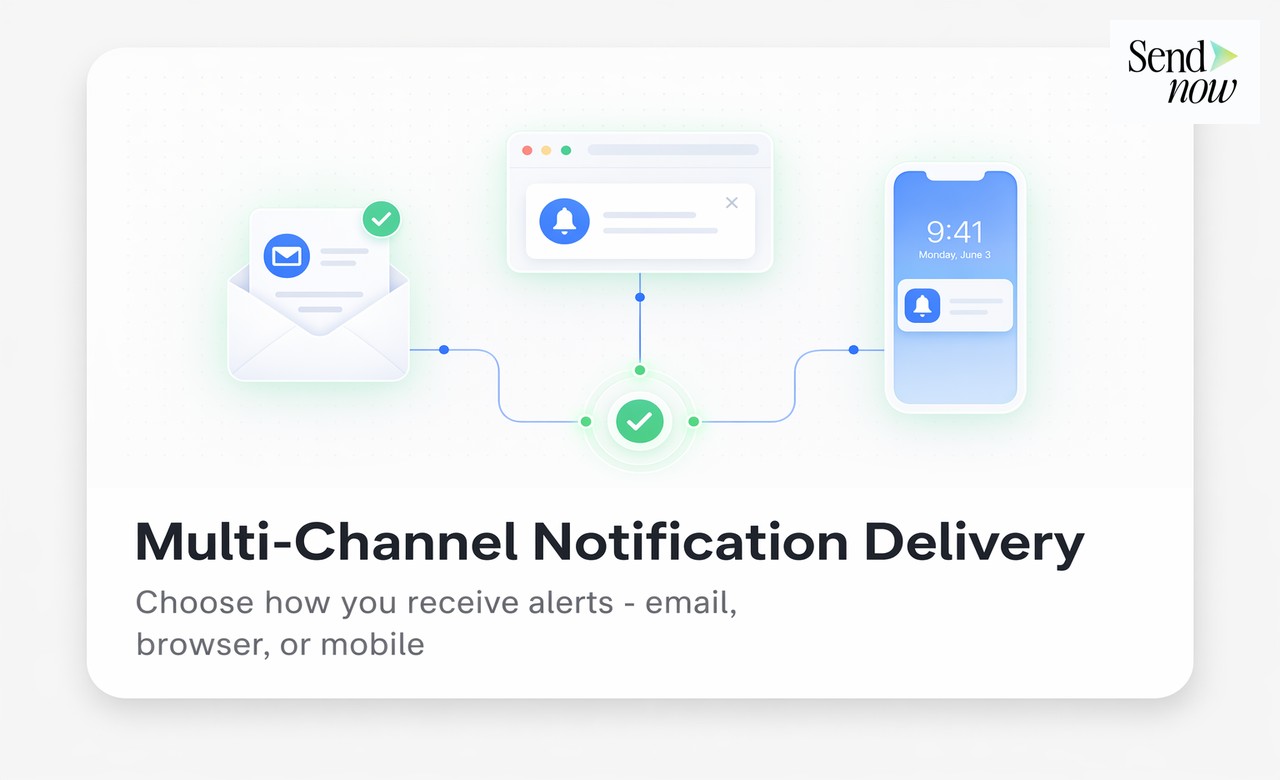
Email Notifications vs Slack Notifications
Both channels have their strengths depending on your workflow.
Email notifications work best if your primary communication tool is email and you want open alerts to appear alongside other correspondence. They are easy to set up and require no additional integration.
Slack notifications are ideal for teams or for individuals who monitor Slack throughout the day. A Slack message in a dedicated channel means open alerts are visible in context without adding to your email inbox. The immediacy of Slack also makes it marginally faster for acting on a hot lead.
For finance professionals managing multiple active proposals, a dedicated Slack channel for document open alerts creates a clean, real-time deal signal feed.
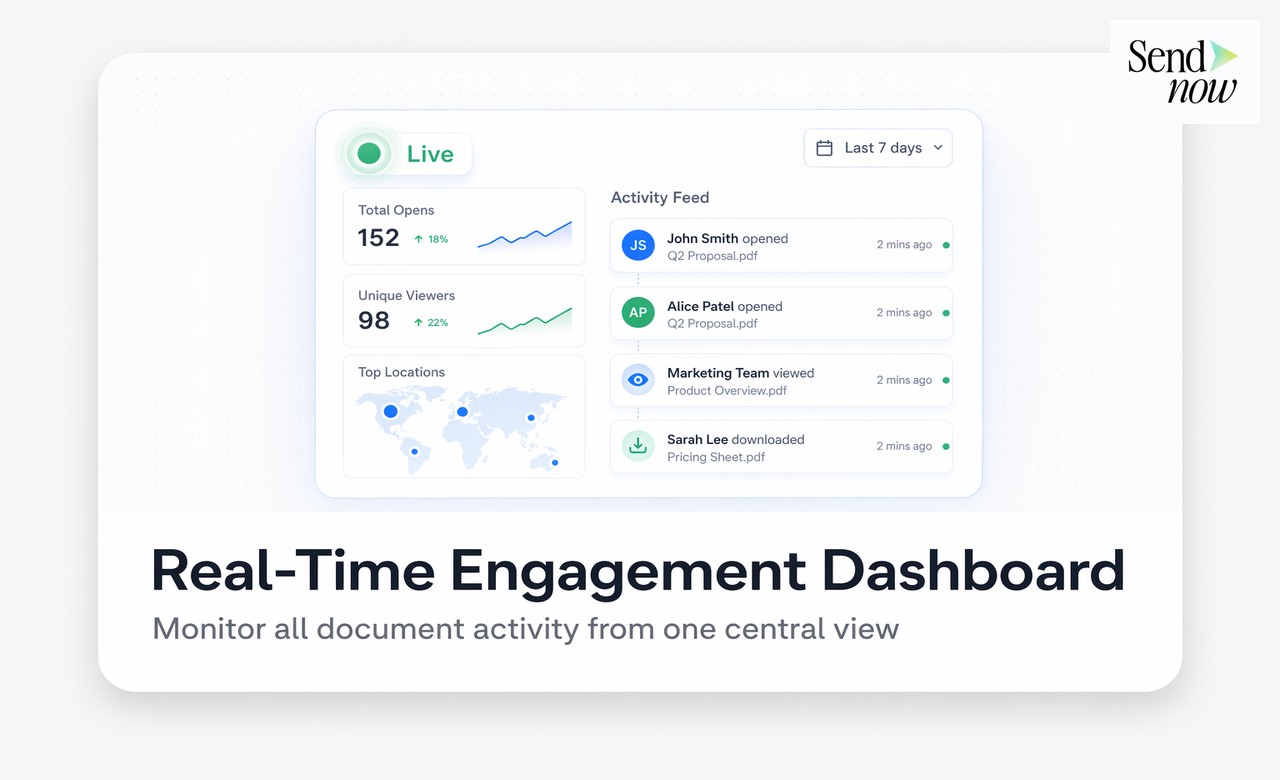
Timing Your Follow-Up After an Open Alert
The value of a real-time open notification depends entirely on how quickly and thoughtfully you act on it. A few principles for finance teams:
Wait until the document is likely finished. If you sent a ten-page proposal and receive an open notification, wait five to ten minutes before calling. Calling while the recipient is mid-read interrupts their engagement with the document.
Reference what you know — carefully. Saying "I noticed you had a chance to look at the proposal" is natural. Saying "I saw you spent six minutes on page four" may feel intrusive. Use the data to inform your approach without exposing how much you know.
Combine open data with page data. If you know the prospect spent the most time on your pricing section, lead with a pricing discussion rather than re-explaining the methodology they already read thoroughly.
See how to know if someone opened your PDF for more detail on viewer identification, and return visit tracking for guidance on follow-up after multiple opens.
GDPR and Notification Data

Under GDPR, the act of collecting and processing viewer open data — particularly when tied to an identified individual — is personal data processing. Finance professionals in the EU should confirm that their tracking platform:
- Stores notification event data within the EU
- Has a documented lawful basis for processing (legitimate interest applies in most B2B contexts)
- Provides a mechanism for viewers to request data deletion
SendNow's platform is built to meet these requirements. EU data residency and GDPR compliance are core to the product, not optional add-ons. This makes it appropriate for financial services firms operating under strict data governance policies.
Beyond Open Notifications: Other Alert Types
Open notifications are the most commonly used alert type, but sophisticated tracking platforms offer additional triggers:
| Alert Type | Trigger | Use Case |
|---|---|---|
| First open | Document opened for first time | Initial proposal follow-up |
| Return visit | Same viewer opens again | Buying signal — high priority call |
| Completion | Viewer reaches final page | Contract ready to discuss |
| Email verification | Viewer submits email | Confirms recipient identity |
| New viewer | Document opened by someone new | Identifies forwarding to a third party |
FAQs
Q: How do I get notified when someone opens a document I shared? A: Share the document as a trackable link from a platform like SendNow, then enable email or Slack notifications in your settings. You will receive an alert within seconds of the open event.
Q: Can I get a Slack message when someone opens my PDF? A: Yes. SendNow integrates with Slack and can send open notifications directly to a channel of your choice.
Q: How quickly does the open notification arrive? A: Typically within a few seconds of the document being opened. There is no meaningful delay in practice.
Q: Can I be notified only when a specific person opens a document? A: Yes, if email verification is enabled. You can configure notifications to trigger when a verified viewer (by email address) opens the document, filtering out anonymous or accidental opens.
Q: What if someone opens my document multiple times? A: You can configure notifications for every open, or only the first open per viewer, depending on your preference. Return visit alerts are a separate configurable option.
Q: Does the recipient know they triggered an alert? A: The tracking platform's terms of service and viewer consent process should inform recipients that interactions are logged. SendNow's viewer includes appropriate disclosures.
Q: Can I disable open notifications temporarily? A: Yes. Notification settings can be toggled on or off per link or globally from your account settings.
Q: Are document open notifications available on a free plan? A: Yes. SendNow's 24-hour free trial includes real-time open notifications via email.
SendNow offers a free trial — no credit card required. Start at sendnow.live.
About the Author: Rifana Hameem
Rifana is the founder of SendNow. She leads the team in building secure, compliant, and analytics-rich document sharing tools for finance and professional teams worldwide.
Connect on LinkedIn