How to Get a Slack Alert Every Time Someone Opens Your Document

How to Get a Slack Alert Every Time Someone Opens Your Document
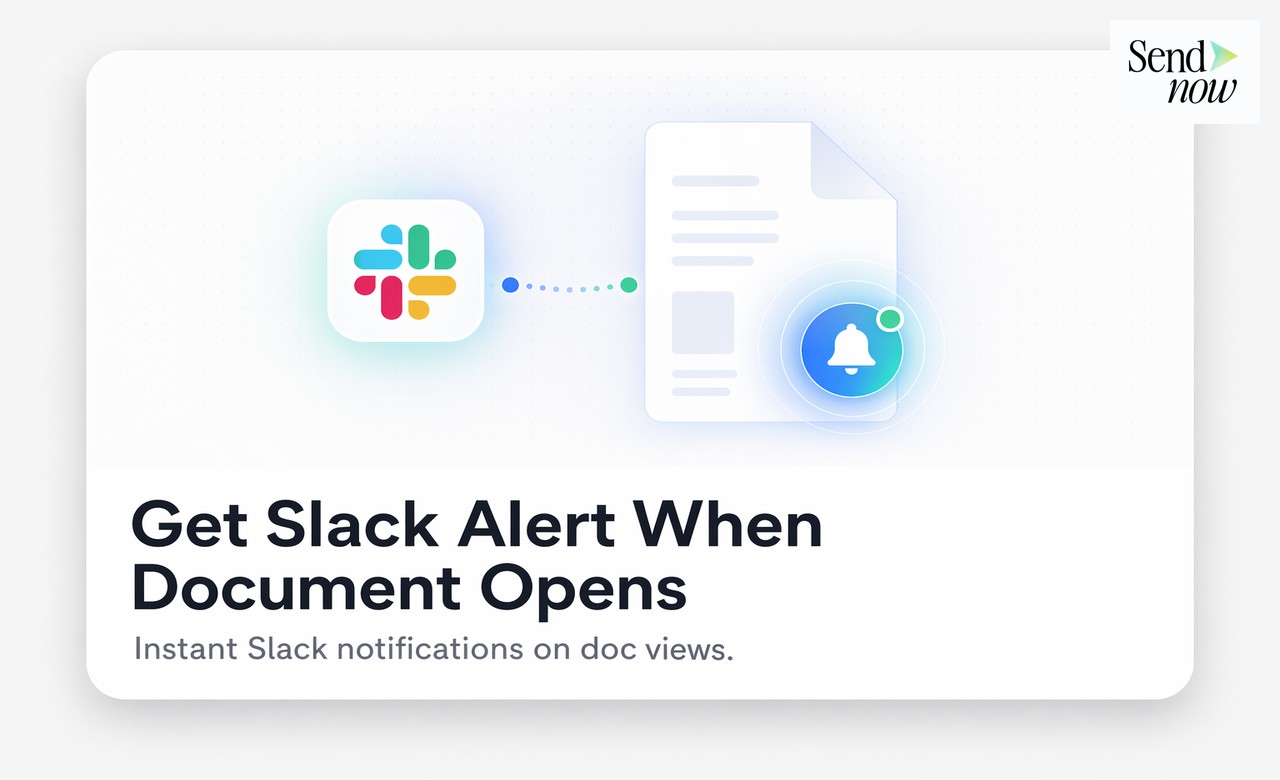
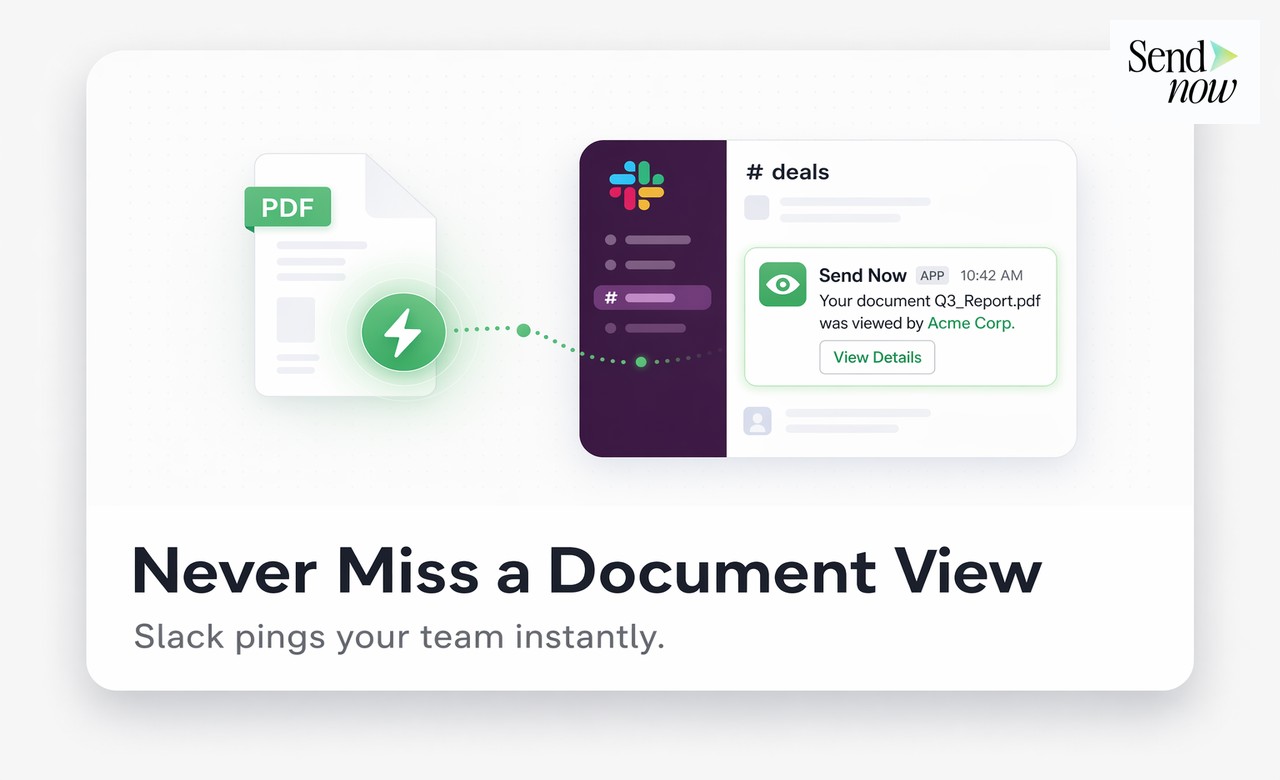
SendNow's Slack integration sends a notification to a channel of your choice the moment a recipient opens a document you have shared. This guide explains how to connect SendNow to Slack, what the alerts contain, and how to use real-time document open notifications to improve your sales and client follow-up workflow.
Why Real-Time Document Alerts Change How You Follow Up
When you send a proposal, a term sheet, or a due diligence report, you have no way of knowing when the recipient actually reads it unless you have a tracking system in place. Most sales and advisory professionals resort to timing follow-up emails based on guesswork, either waiting too long and losing momentum or following up too early before the client has had a chance to review the document.
A Slack alert that fires the moment your document is opened removes that guesswork entirely. You know exactly when the client has the document in front of them. That is the best possible moment to send a follow-up message or to place a call, because the document is fresh in their mind.
For finance professionals working on time-sensitive deals, this advantage is substantial. A prospect who opens your proposal at 9:14am on a Tuesday morning is engaged right now. A follow-up message at 9:20am is highly relevant. The same follow-up sent the next day is far less so.
What SendNow's Slack Notification Contains
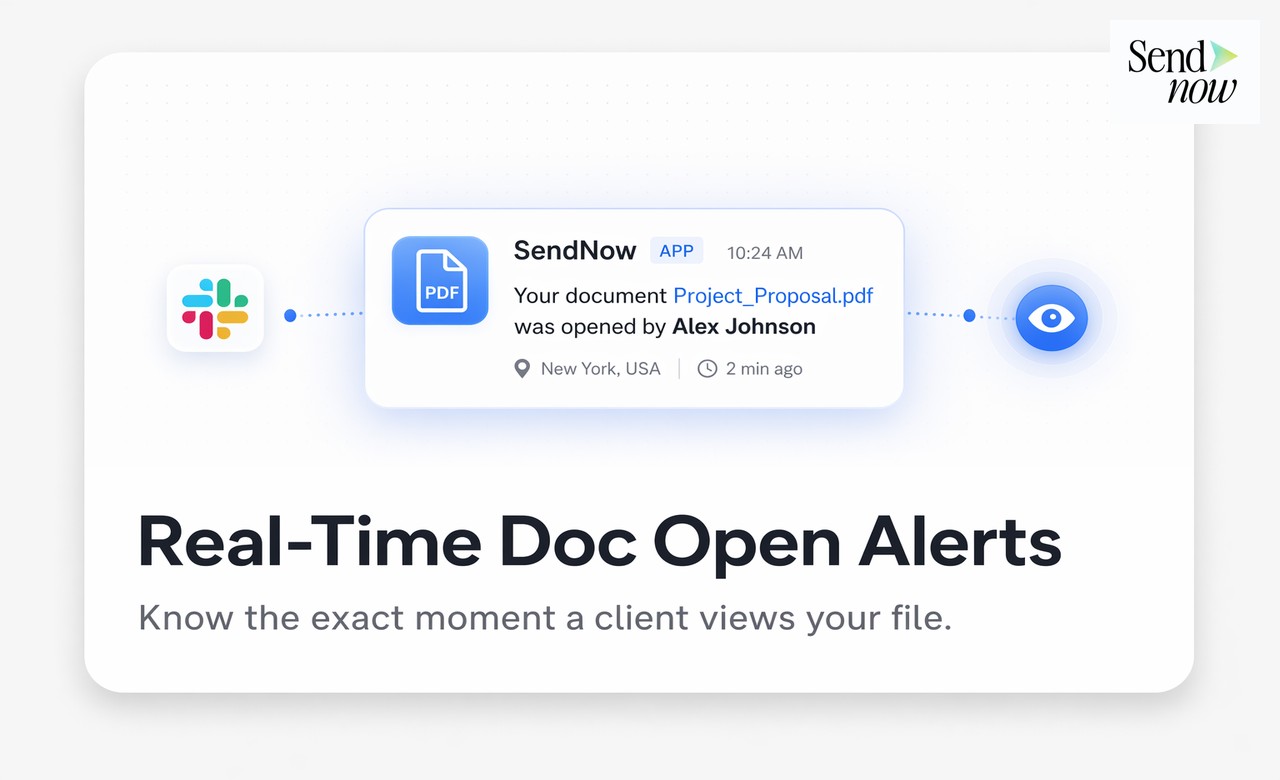
When SendNow sends a Slack alert for a document open event, the message includes:
- The name of the document that was opened
- The name or email address of the recipient who opened it (if access control is enabled)
- The date and time of the open event
- A direct link to the analytics page for that document in SendNow
- The page count viewed (if available)
This gives you enough context to act immediately without needing to open SendNow to check what happened.
How to Connect SendNow to Slack
Setting up the Slack integration in SendNow takes under three minutes:
- In your SendNow workspace, go to Settings, then Integrations.
- Click Connect Slack.
- Authorise the SendNow app in your Slack workspace.
- Select the Slack channel where you want document open alerts to appear. You can use a general #deals channel or create a dedicated #document-alerts channel.
- Optionally, configure which events trigger a notification. You can choose from opened, downloaded, and completed (for signed documents or completed data rooms).
- Save the integration.
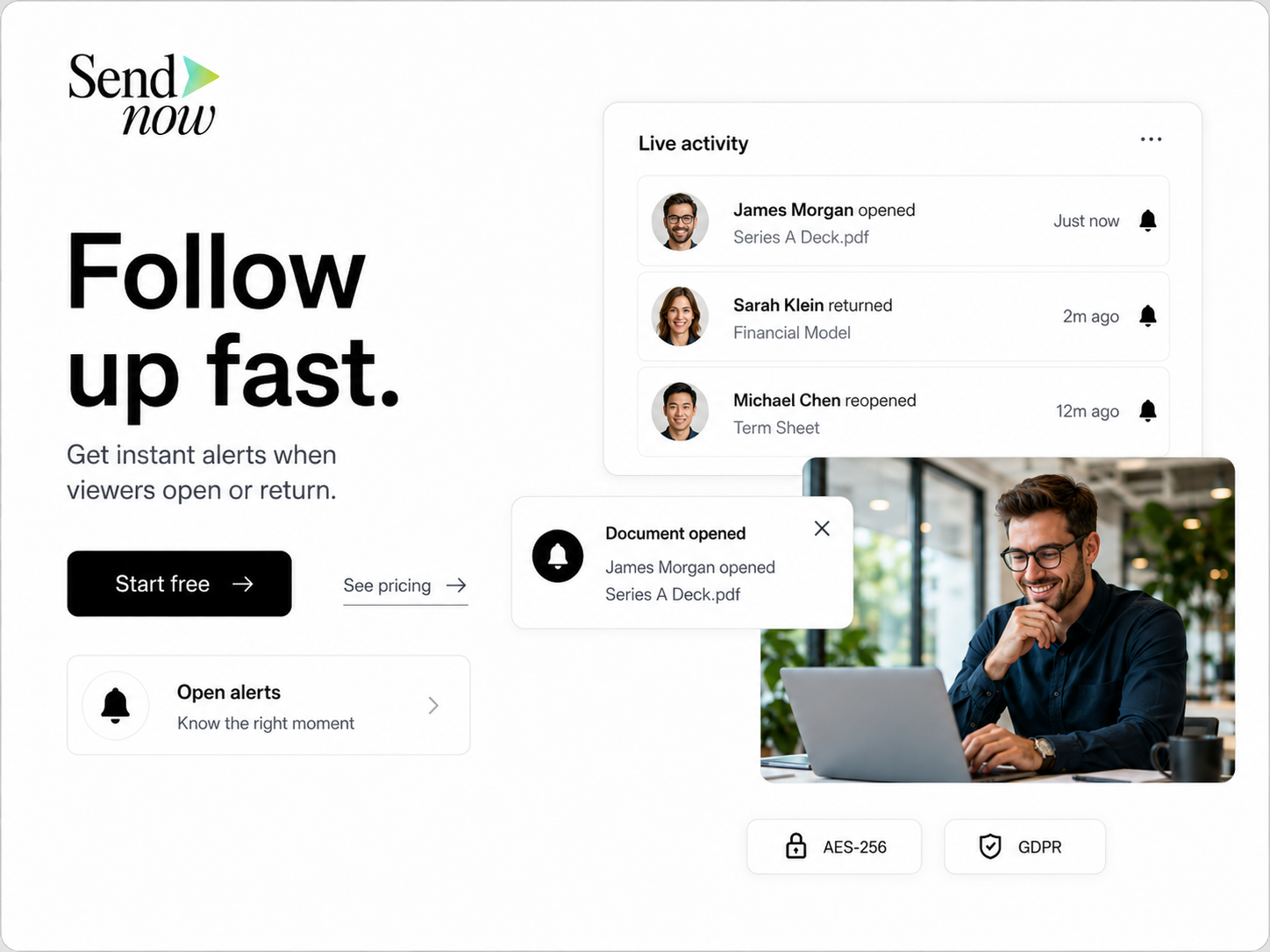
From this point forward, every time a document you have shared is opened, a Slack message appears in the selected channel within seconds.
Comparing Manual Tracking vs Slack Integration
| Approach | Manual Tracking | SendNow Slack Integration |
|---|---|---|
| Know when document is opened | No | Yes, in real time |
| Follow-up timing | Guesswork | Precise |
| Time spent checking analytics | High | Zero |
| Missed engagement events | Frequent | None |
| Response speed to engaged prospects | Slow | Immediate |
| Setup time | N/A | Under 3 minutes |
Use Cases for Slack Document Open Alerts
Proposal tracking. When a prospective client opens your proposal, the Slack alert tells you to follow up while interest is highest. Close rates improve when follow-ups are timed to engagement rather than arbitrary delays.
Deal room monitoring. For complex transactions involving multiple documents, Slack alerts let your deal team see in real time which counterparty members are accessing which materials, without checking the analytics dashboard continuously.
Client report delivery. When you share a quarterly or monthly report with a client, the open alert confirms receipt without requiring the client to respond. You can follow up with a call to discuss findings at the right moment.
Investor update tracking. For startup founders or fund managers sharing investor updates, knowing which investors have read the document and which have not helps prioritise follow-up conversations.
For more on document intelligence and real-time tracking, read the complete document intelligence and sales guide. You may also want to connect document events to your CRM, which is covered in how to get notified the moment your document is opened and how to set up webhook CRM integration.
Tips for Getting the Most From Slack Document Alerts

- Create a dedicated Slack channel for document events if your team shares many documents. This keeps the alerts visible without cluttering your main sales channel.
- Enable email access control on your document links so that alert messages include the recipient's name or email rather than just a device type.
- Respond within ten minutes of an open alert when timing is critical. Research consistently shows that response speed correlates with conversion rates in sales contexts.
- Use the direct analytics link in the Slack message to check page-level engagement before making a follow-up call. Knowing which pages they spent the most time on helps you tailor the conversation.
- Set alerts only for the events that matter to you. If you do not need to know about every download, disable that trigger to keep the channel focused on open events.
Start Getting Real-Time Document Open Alerts in Slack
Knowing when your documents are opened gives you a meaningful competitive advantage. Set up SendNow's Slack integration in minutes and respond to prospects at precisely the right moment.
Get started at sendnow.live.
Frequently Asked Questions
Q: Does the Slack alert fire immediately when the document is opened? A: Yes. The notification appears in your Slack channel within seconds of the document being opened.
Q: Can I choose which documents trigger Slack alerts? A: You can configure alerts at the workspace level. If you want finer control per document, you can manage notification preferences through the link settings.
Q: Does the alert tell me which recipient opened the document? A: If access control is enabled on the link (email verification or passphrase), the alert includes the recipient's identifier. Without access control, it shows device and location data.
Q: Can multiple team members receive the Slack alert? A: Yes. By posting to a Slack channel, all channel members receive the notification simultaneously.
Q: What if I use Microsoft Teams instead of Slack? A: SendNow currently supports Slack integration natively. For Teams, you can route webhook events through Zapier to deliver notifications to any messaging platform.
Q: Will I be notified every time a recipient re-opens a document? A: Yes. Each open event generates a separate alert, which is useful for tracking re-engagement with a proposal or report.
Q: Can I pause Slack notifications for a specific period? A: You can mute the Slack channel or temporarily disconnect the integration from SendNow's settings without affecting your document tracking data.
Q: Is the Slack integration GDPR compliant? A: The alert data sent to Slack includes only document metadata and recipient identifiers that you have already collected within your SendNow workspace. No document contents are transmitted to Slack.
About the Author: Rifana Hameem
Rifana is the founder of SendNow. She leads the team in building secure, compliant, and analytics-rich document sharing tools for finance and professional teams worldwide.
Connect on LinkedIn