How to Know the Moment a Client Opens Your Proposal

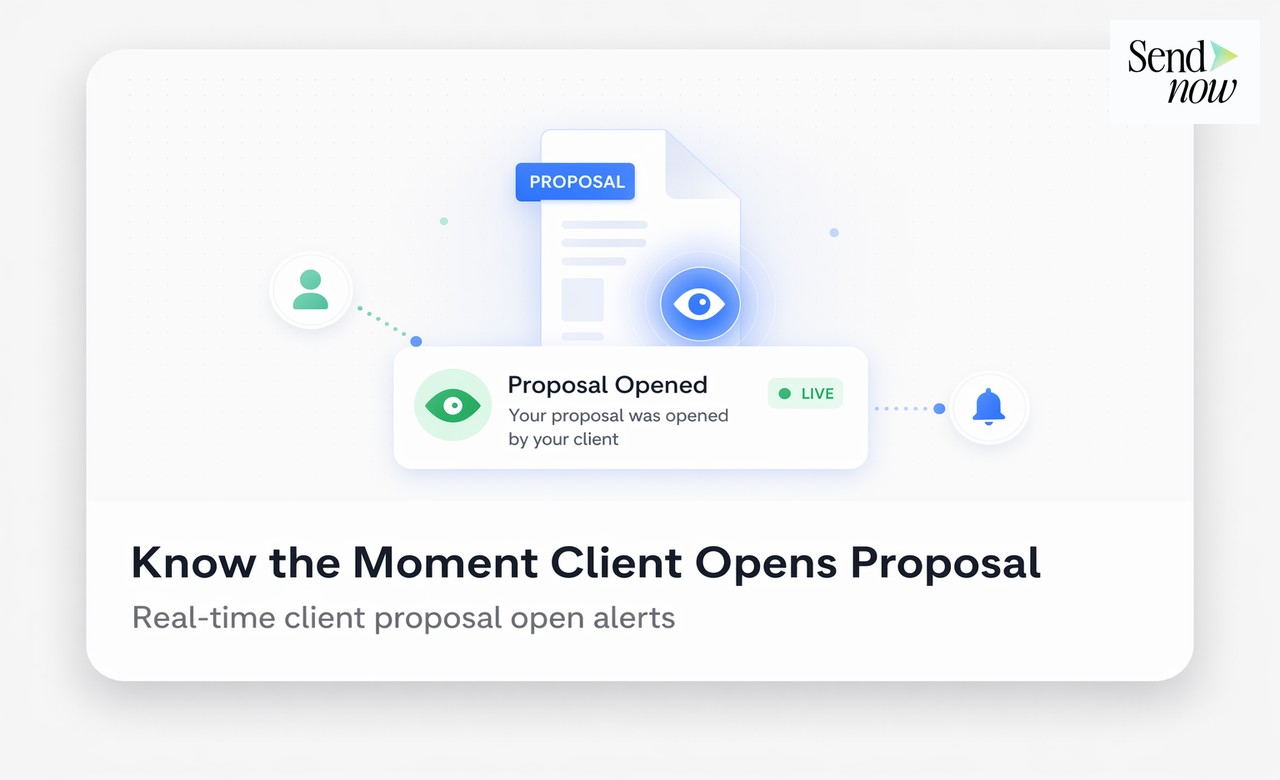
Knowing the moment a client opens your proposal is possible through document tracking, and it changes how effectively you can follow up. When you receive a real-time notification that a client has just opened your proposal, you can reach out immediately with context and relevance rather than following up days later into a cold conversation. This guide explains how proposal open notifications work, how to set them up, and how to use them without being intrusive.
How Proposal Open Notifications Work
When you share a proposal through a document tracking platform rather than as an email attachment, every access to that document generates a tracking event. The platform records the time of access, the email address of the viewer (if you have set an email gate), the device and browser used, and the approximate location.
You can configure the platform to send you a notification when any of these events occur. The most common notification triggers are:
- First open. The moment the client accesses the proposal for the first time.
- Return visit. Any subsequent visit after the initial open.
- New viewer. When a different email address accesses the document, indicating the proposal has been shared internally.
- Long engagement. When a viewer spends above a threshold time in the document, often set to five or ten minutes.
Notifications can be delivered by email, browser push notification, or via integrations with tools such as Slack, Microsoft Teams, or a CRM.
Setting Up Real-Time Proposal Open Alerts in SendNow
In SendNow, notification settings are configured per link. When you create a shareable link for your proposal, you can enable notifications from the settings panel. The setup takes under two minutes.
- Create your document link in SendNow.
- Open the notifications tab in the link settings.
- Enable "Notify me when this document is opened."
- Enable "Notify me on return visits."
- If you want alerts in Slack, connect your Slack workspace via the integrations page and select the channel where alerts should be posted.
- Send your proposal and wait for the notification to land.
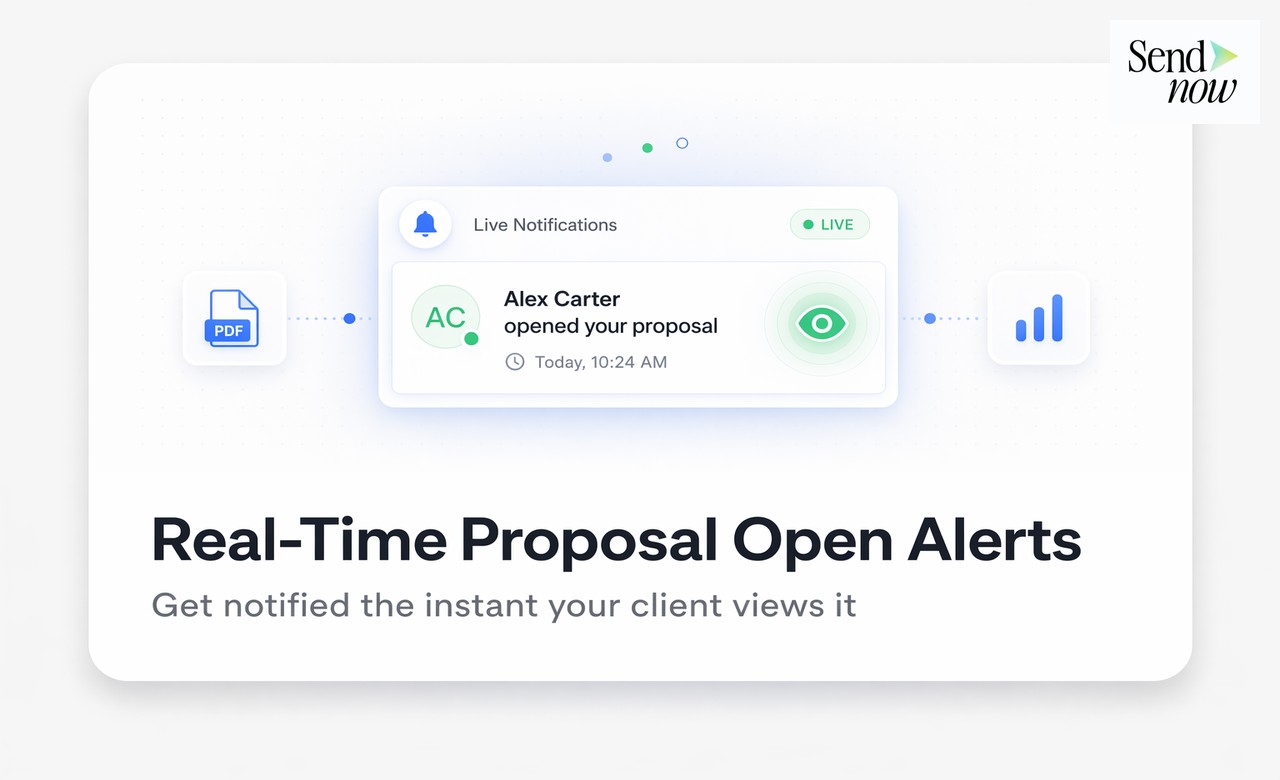
The notification includes the viewer's email address (if verified), the time of access, and a link to view the full engagement analytics for that session.
What to Do the Moment You Receive a Proposal Open Notification

A first-open notification is a green light to reach out. The client is actively reading your proposal right now, or has just done so. Your message will arrive while the document is still fresh in their mind.
Keep your response brief and helpful:
- Acknowledge that you can see they have started reviewing the proposal.
- Offer to answer any questions as they work through it.
- Suggest a specific time to connect if they would like to discuss.
Do not send a lengthy email. A two-to-three sentence message is more likely to receive a response because it requires minimal effort to reply to.
For a return visit notification, the tone can be slightly warmer and more direct. The client returning voluntarily signals that they are actively evaluating. This is the right moment to offer a focused conversation: "I noticed you've had another look at the proposal. Would a 20-minute call to discuss the specifics be helpful?"
Where to Receive Your Notifications
The value of a real-time notification depends on how quickly you see it. Configure your alerts on whichever channel you monitor most reliably during the working day.
| Notification Channel | Best For |
|---|---|
| Default option; works for most workflows | |
| Browser push notification | Best for immediate response when at your desk |
| Slack | Teams that live in Slack during the day |
| Microsoft Teams | Enterprise environments using M365 |
| CRM activity feed | Teams that manage follow-up from the CRM |
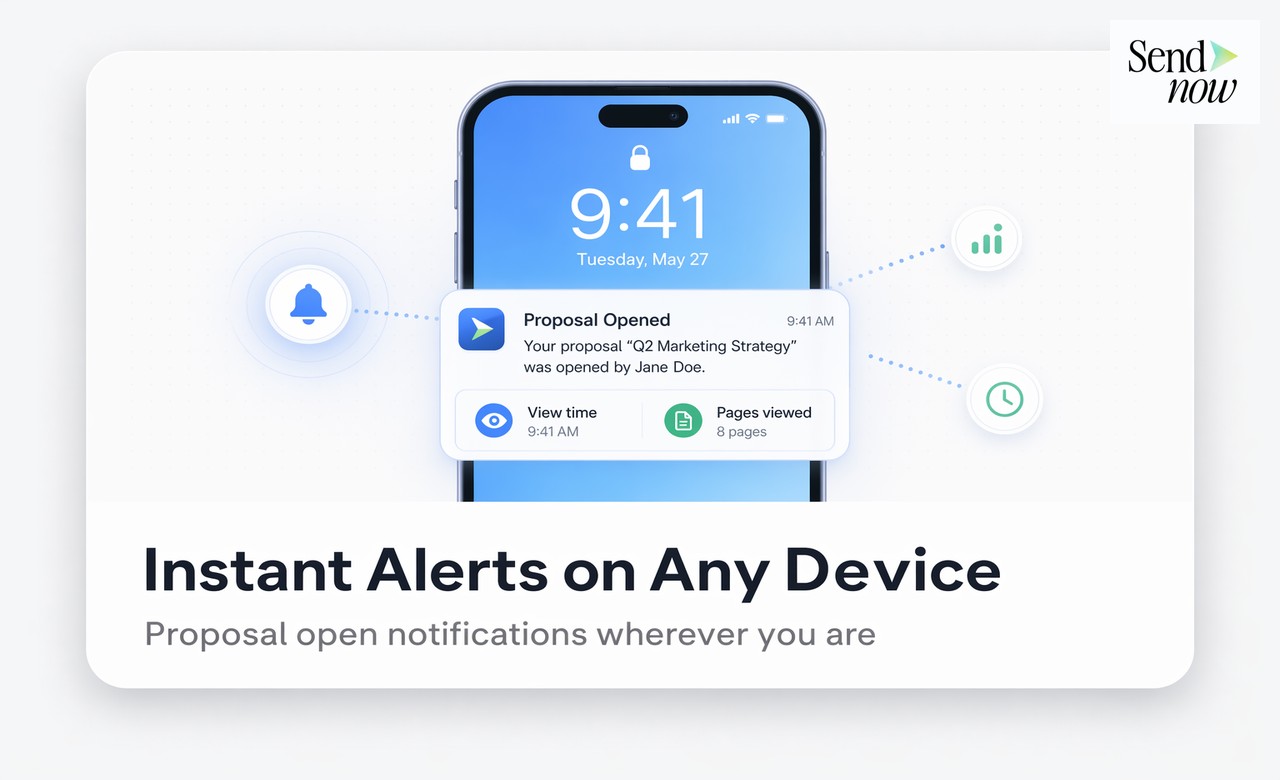
| Mobile push | Salespeople who are frequently away from their desk |
The ideal setup for most sales professionals is a Slack or Teams alert for return visits (the highest-priority signal) and email for first opens. This prevents alert fatigue while ensuring you never miss a high-intent moment.
Proposal Open Notifications and GDPR
For EU-based teams, a reasonable question arises: is it GDPR-compliant to notify yourself when a business recipient opens your proposal?

In most B2B scenarios, the answer is yes, provided the tracking is disclosed. Link-based tracking for business proposals is generally considered a legitimate interest of the sending organisation, analogous to email open tracking. To ensure compliance, include a brief mention of tracking in your engagement terms, your privacy policy, or the proposal's covering note. Many sales professionals add a line such as "I'll be able to see when you've had a chance to review this" to their covering email, which is both transparent and professionally confident.
For the complete framework, visit our Document Intelligence for Sales Guide. See also How to Follow Up on a Proposal at Exactly the Right Time and How to Send a Business Proposal That Actually Gets Read.
Get instant notifications when your proposals are opened. SendNow delivers real-time alerts via email, Slack, or push notification the moment a client accesses your document. Start at sendnow.live.
Frequently Asked Questions
Q: Can I get a notification every time my proposal is opened? A: Yes. Most document tracking platforms, including SendNow, allow you to configure alerts for every open event, every return visit, and every new viewer. You can also set a minimum threshold (for example, only notify me if the viewer spends more than two minutes in the document) to reduce noise from very brief opens.
Q: What if I send a proposal to multiple recipients? Do I get individual notifications? A: If you use a single shared link for multiple recipients, the platform may not be able to distinguish between them unless each recipient provides their email address at access (email gate). For proposals where knowing the individual reader matters, send a separate link to each recipient or require email verification.
Q: Does the client know I have been notified that they opened the proposal? A: The client receives no automatic notification that you have been alerted. However, if you follow up immediately after they open the proposal, they may infer that you are monitoring engagement. This is generally perceived positively in B2B sales ("they're attentive and responsive") rather than negatively, provided your follow-up message is helpful rather than pressuring.
Q: What is the best way to respond to a first-open notification? A: Send a brief, helpful email within the hour. Reference the proposal without making tracking explicit: "Just wanted to check in now you've had a chance to look at the proposal. Happy to answer any questions as you work through it." This is timely, professional, and opens a conversation naturally.
Q: Can I see how long a client spent reading my proposal? A: Yes, with page-level analytics you can see total time spent and time per page. This tells you not just that they opened it, but how thoroughly they read it, which sections held their attention, and where they dropped off.
Q: Do Slack notifications for proposal opens require a paid Slack plan? A: SendNow's Slack integration uses incoming webhooks, which are available on all Slack plans including the free tier. You will need to create a webhook for your chosen Slack channel and paste the URL into SendNow's integrations settings.
Q: Is it possible to track whether a client forwarded my proposal to someone else? A: You can identify when a new email address accesses your document through the email gate, which strongly suggests the proposal was forwarded. You cannot prevent forwarding of the link itself, but you can require each viewer to verify their email address before access, ensuring you capture the identity of every reader.
Q: What should I do if a first-open notification arrives outside business hours? A: Save the context and follow up at the start of the next business day with a message that references the open. Even if the gap is several hours, a morning message that acknowledges their engagement ("I saw you had a look at the proposal yesterday evening") can feel attentive and timely.
About the Author: Rifana Hameem
Rifana is the founder of SendNow. She leads the team in building secure, compliant, and analytics-rich document sharing tools for finance and professional teams worldwide.
Connect on LinkedIn