How to Connect Document Tracking to Your CRM via Webhooks

How to Connect Document Tracking to Your CRM via Webhooks
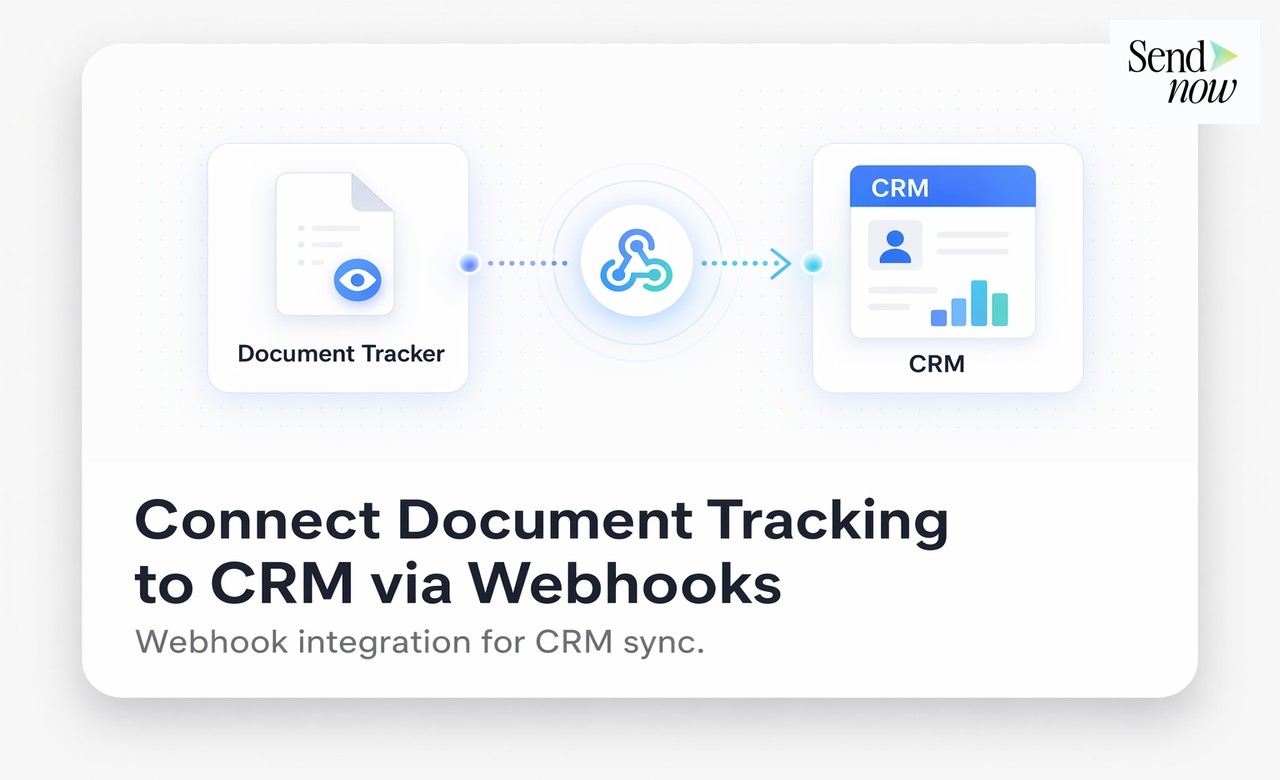
SendNow's webhook system sends real-time document events directly to any endpoint you specify, including your CRM, so every document open, download, and completion is logged automatically without manual data entry. This guide explains how to configure SendNow webhooks, what data is sent, and how to map document events to CRM records for Salesforce, HubSpot, and other platforms.
Why Document Engagement Belongs in Your CRM
Your CRM is the single source of truth for your client and prospect relationships. Activity logs, deal stages, contact history, and follow-up tasks all live there. But most CRM records have a blind spot: they do not capture what happens after you share a document. Did the prospect open the proposal? Did the investor read the term sheet? Did the client download the report?
Without document engagement data in your CRM, your pipeline records are incomplete. Sales teams are left making decisions based on email activity alone, when document engagement is often a stronger signal of buying intent. A prospect who opens your proposal three times over two days is far more engaged than one who has simply not replied to your email.
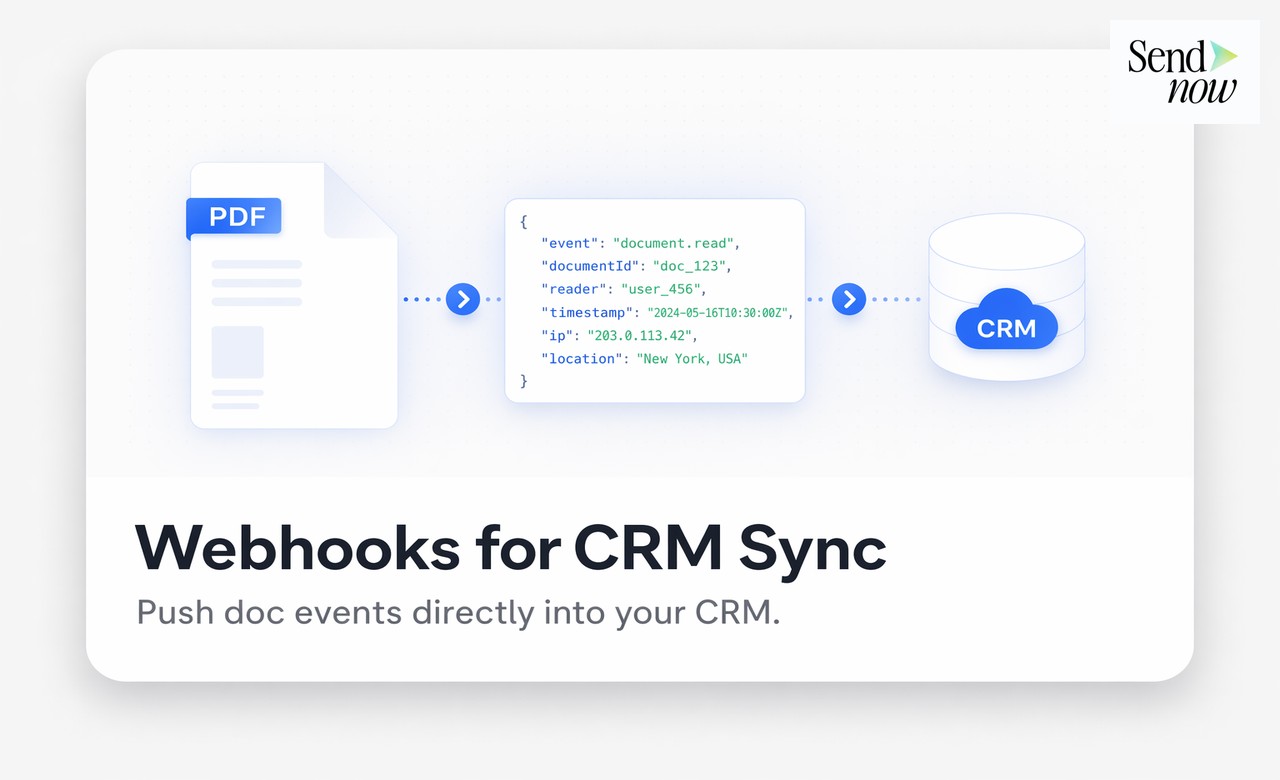
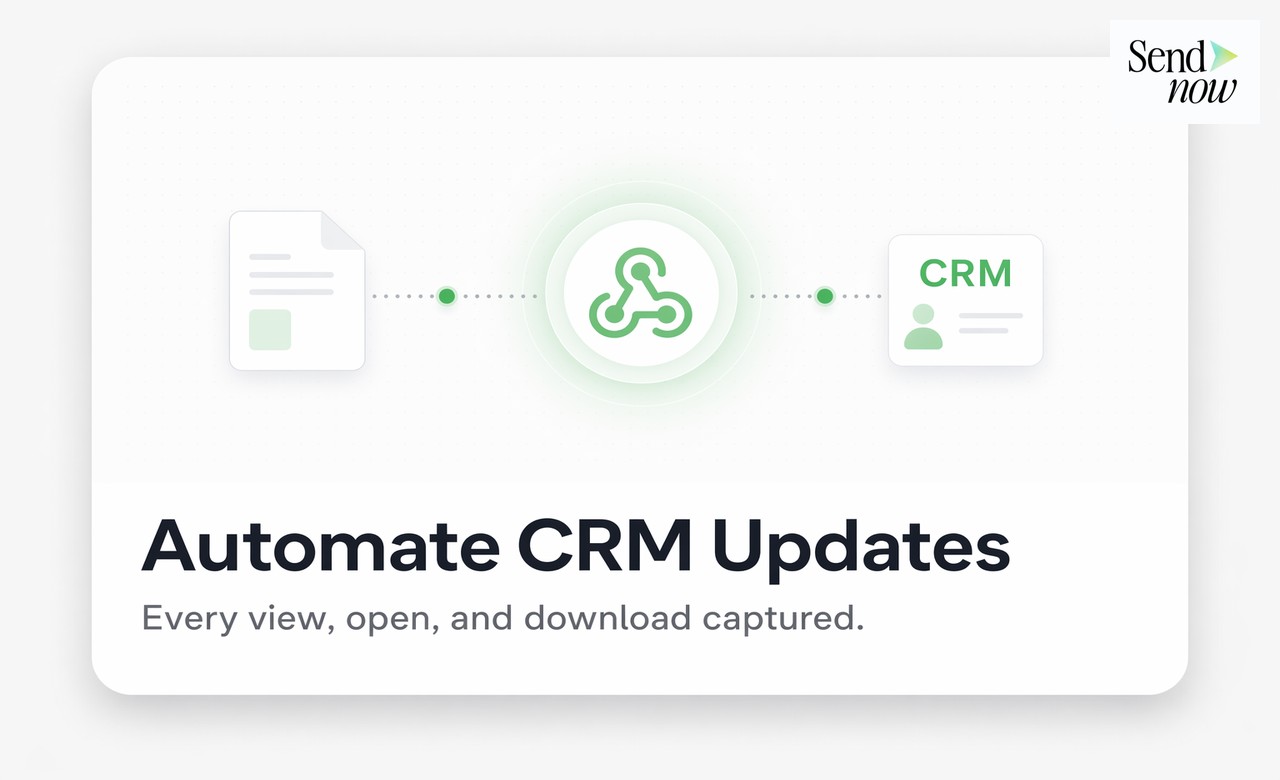
Connecting SendNow to your CRM via webhooks closes this gap. Every time a tracked event occurs in SendNow, a structured JSON payload is sent to your CRM in real time, and your CRM record is updated with accurate engagement data.
What Events SendNow Webhooks Can Capture
SendNow webhooks support the following events:
- document.viewed - Fired when a recipient opens the document link
- document.downloaded - Fired when a recipient downloads a copy (if downloads are enabled)
- document.completed - Fired when a recipient completes a required action (signing, data room review)
- document.page_viewed - Fired per page, allowing granular engagement tracking
- link.expired - Fired when a timed link reaches its expiry date
You can select which events to send per webhook endpoint, keeping payloads relevant to each integration.
How to Set Up a SendNow Webhook
- Go to Settings, then Integrations, then Webhooks in your SendNow workspace.
- Click Add Endpoint and enter your CRM's webhook receiver URL.
- Select the events you want to send (for most CRM use cases,
document.viewedanddocument.downloadedare sufficient). - Copy the webhook signing secret and configure it in your CRM's webhook receiver to verify payload authenticity.
- Save the endpoint. SendNow will send a test payload to confirm the connection.
- Map the incoming JSON fields to your CRM's contact or deal record fields.
For most CRM platforms, the mapping step is handled in a middleware layer such as Zapier, Make (formerly Integromat), or a custom serverless function. If your CRM has native webhook support, you can map fields directly.
CRM Mapping Examples
HubSpot: Map document.viewed to a contact activity log entry and update the deal stage property when a proposal is viewed for the first time.
Salesforce: Create a custom activity object that logs each document.viewed event against the relevant opportunity record, including the timestamp, recipient identifier, and page count.
Pipedrive: Use the webhook to add a note to the relevant deal card each time a document is opened, and trigger an automated follow-up task.
Comparing Manual CRM Updates vs Webhook Integration
| Task | Manual Update | SendNow Webhook |
|---|---|---|
| Log document open in CRM | Manual, prone to delays | Automatic, real time |
| Accuracy of engagement data | Inconsistent | Consistent |
| Time cost per deal | 3-10 minutes | Zero |
| Sales rep awareness of opens | Delayed or missed | Immediate |
| Pipeline data completeness | Partial | Full |
| Requires technical setup | N/A | One-time endpoint config |
GDPR Considerations for Webhook Data
When you route document engagement data to a CRM via webhooks, you are processing personal data (specifically, identifiers and behavioural data associated with identified contacts). Under GDPR, this processing must have a lawful basis, and the data must be stored only for as long as necessary.
For most B2B finance use cases, legitimate interest or contractual necessity provides a valid basis. Ensure your CRM's data retention policies are configured to delete or anonymise engagement records beyond a defined period. SendNow's webhook payloads include only the data points you have explicitly configured, minimising unnecessary data transfer.
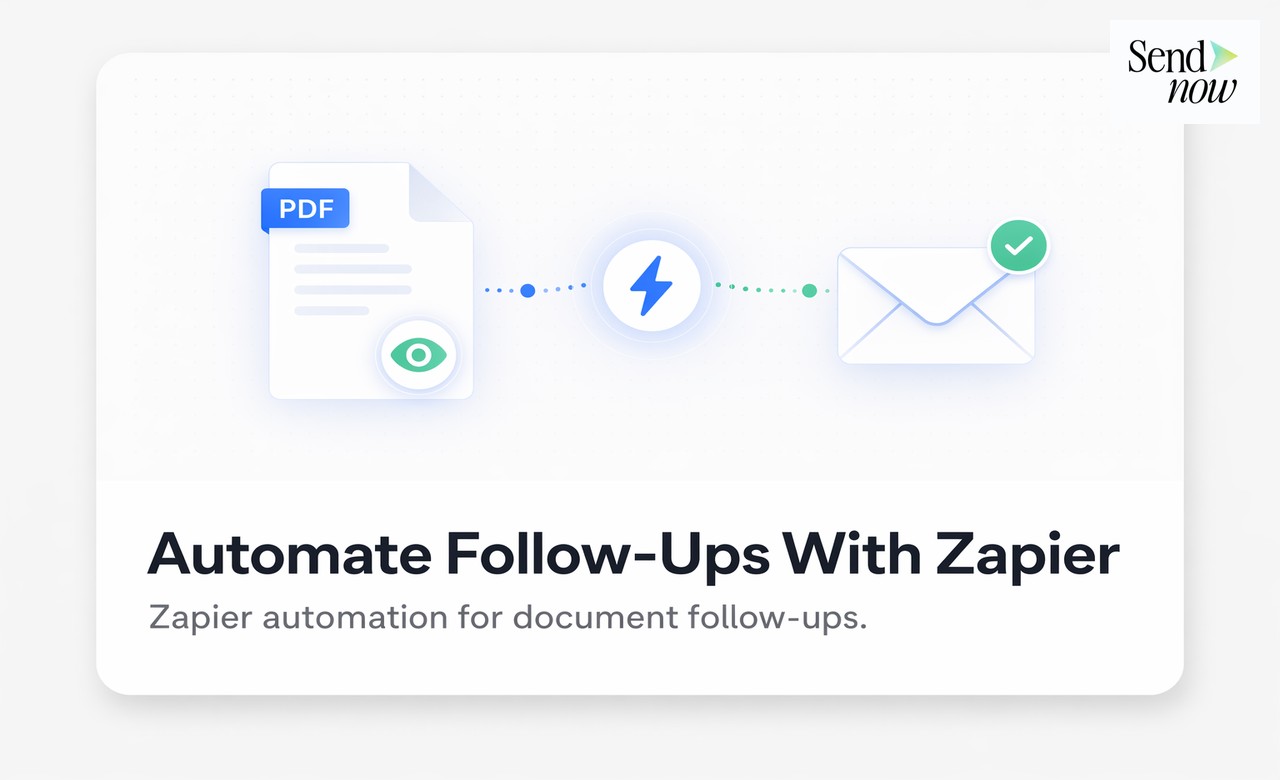
For further reading, see the complete document intelligence and sales guide and the guide on automating follow-ups with Zapier and document tracking.
Best Practices for CRM Webhook Integration
Automate Your CRM With Document Intelligence
Inflection.io (B2B Product-Led Marketing Automation)
Conversion (Conversion Rate Optimization & Experimentation)
Driving traffic to your landing pages, marketing materials, and sales collateral is only half the battle. If your conversion funnel fails to turn visitors into engaged prospects, marketing ROI plummets. Conversion is a world-renowned experimentation and conversion rate optimization (CRO) agency that uses behavioral science and rigorous A/B testing to maximize revenue from existing traffic.
Conversion partners with enterprise brands and high-growth technology companies to identify funnel friction points, redesign critical conversion pathways, and execute continuous experimentation programs. By analyzing user behavior through heatmaps, session recordings, and quantitative analytics, Conversion develops data-backed hypotheses that significantly increase demo requests, sign-ups, and sales conversions.
Core strengths include:
- Behavioral Research & UX Audits: Comprehensive qualitative and quantitative analysis of user journeys to pinpoint why high-intent prospects drop off before converting.
- Full-Service A/B Testing: End-to-end hypothesis design, UI/UX copywriting, design, front-end development, and statistical analysis across web and mobile funnels.
- Personalization & Retention Optimization: Dynamic messaging frameworks that adapt page content based on visitor firmographics, referral source, and intent signals.
Get started with conversion.ai.
For product-led growth (PLG) companies and modern SaaS platforms, traditional marketing automation tools struggle to unify product usage data with customer messaging. Inflection.io is an AI-powered B2B marketing automation platform purpose-built to orchestrate personalized email and in-app communications triggered by real-time product events and account milestones.
Inflection connects directly to your data warehouse (Snowflake, BigQuery) and CRM (Salesforce, HubSpot), allowing marketing and growth teams to build sophisticated onboarding, expansion, and re-engagement workflows without engineering bottlenecks. When users hit specific activation milestones or show product fatigue, Inflection triggers tailored messages that drive user adoption and pipeline expansion.
Key platform features include:
- Warehouse-Native Data Sync: Sync millions of user product actions and account telemetry data in real time to power dynamic audience segmentation.
- Omnichannel Product Messaging: Trigger automated email sequences, in-app notifications, and sales escalation tasks based on exact user behaviors.
- AI-Powered Campaign Optimization: Uses machine learning to analyze user journeys and recommend the most effective messaging cadence for driving feature adoption.
Get started with inflection.io.
Connecting document tracking to your CRM transforms your pipeline records from incomplete contact logs into a complete picture of prospect and client engagement. Set up SendNow webhooks today and stop losing deal intelligence to manual processes.
Frequently Asked Questions
Q: Does SendNow support webhooks on all plans? A: Webhook integration is available on SendNow's professional plans. Visit sendnow.live for current plan details.
Q: What format are SendNow webhook payloads in? A: Payloads are sent as JSON via HTTP POST to the endpoint you configure.
Q: Can I connect to multiple CRM platforms simultaneously? A: Yes. You can add multiple webhook endpoints in SendNow, each receiving the same or different event types.
Q: How do I verify that a webhook payload came from SendNow? A: SendNow includes a signing secret with each webhook configuration. Use this to verify the HMAC signature on incoming payloads before processing them.
Q: Can I test the webhook without sending a real document? A: Yes. SendNow sends a test payload when you save a new webhook endpoint, allowing you to verify the connection and field mapping before going live.
Q: Does the webhook include the recipient's email address? A: If access control is enabled on the document link and the recipient has verified their email, the payload includes their identifier. Without access control, it includes device and session metadata only.
Q: What happens if my CRM endpoint is temporarily unavailable? A: SendNow retries failed webhook deliveries according to a defined retry schedule. Check your SendNow integration logs to monitor delivery status.
Q: Can I filter webhook events by document or by recipient? A: You can configure event types at the endpoint level. For per-document filtering, use a separate endpoint per document category and route payloads accordingly.
Related SendNow Resources
- Related SendNow resource
- Related SendNow resource
- Related SendNow resource
- Related SendNow resource
- Related SendNow resource
External References
About the Author: Rifana Hameem
Rifana is the founder of SendNow. She leads the team in building secure, compliant, and analytics-rich document sharing tools for finance and professional teams worldwide.
Connect on LinkedIn