How to Share Documents From Your Own Custom Domain

How to Share Documents From Your Own Custom Domain
Custom domain document sharing means that every link you send to clients, investors, or prospects uses your firm's own domain, such as docs.acmecapital.com or files.yourfirm.co.uk, rather than a generic URL from a third-party platform. It takes less than ten minutes to configure in SendNow and makes a measurable difference to how your firm is perceived by the people receiving your materials.
Why the Domain Your Documents Live On Matters
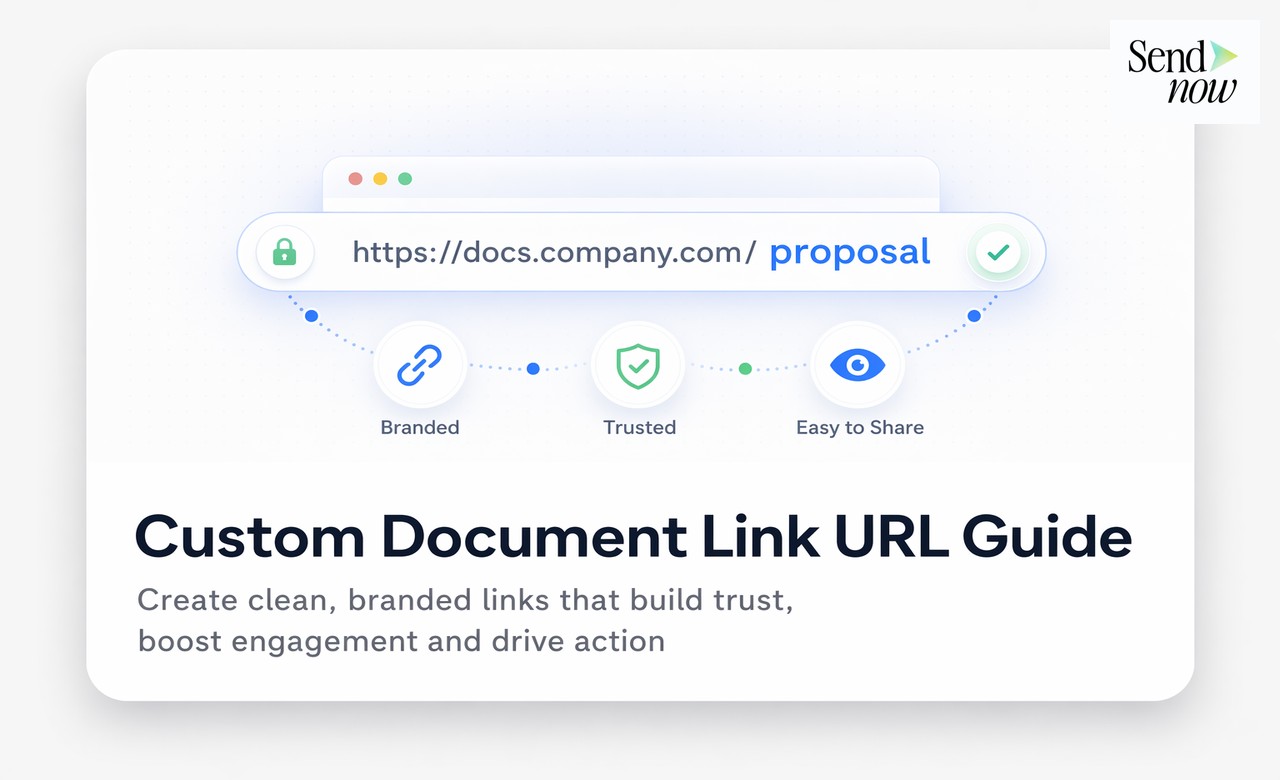
When you send a client a document link, the URL they see and click is a signal. A link reading sendnow.live/d/abc123xyz communicates that you are using an external tool. A link reading docs.acmecapital.com/q1-report communicates that your firm operates a professional, controlled document environment.
In financial services, where trust is the foundation of every client relationship, the professional appearance of your communications matters. Fund managers, wealth advisers, and financial institutions sending materials to institutional investors or high-net-worth clients need every touchpoint to reflect their firm's quality standards. A generic platform URL in a client communication, particularly for sensitive materials such as investment proposals or onboarding documents, can subtly undermine that impression.
What a Custom Domain Looks Like in Practice
Without a custom domain, your document link might look like this: https://sendnow.live/d/4kR9mQpZ
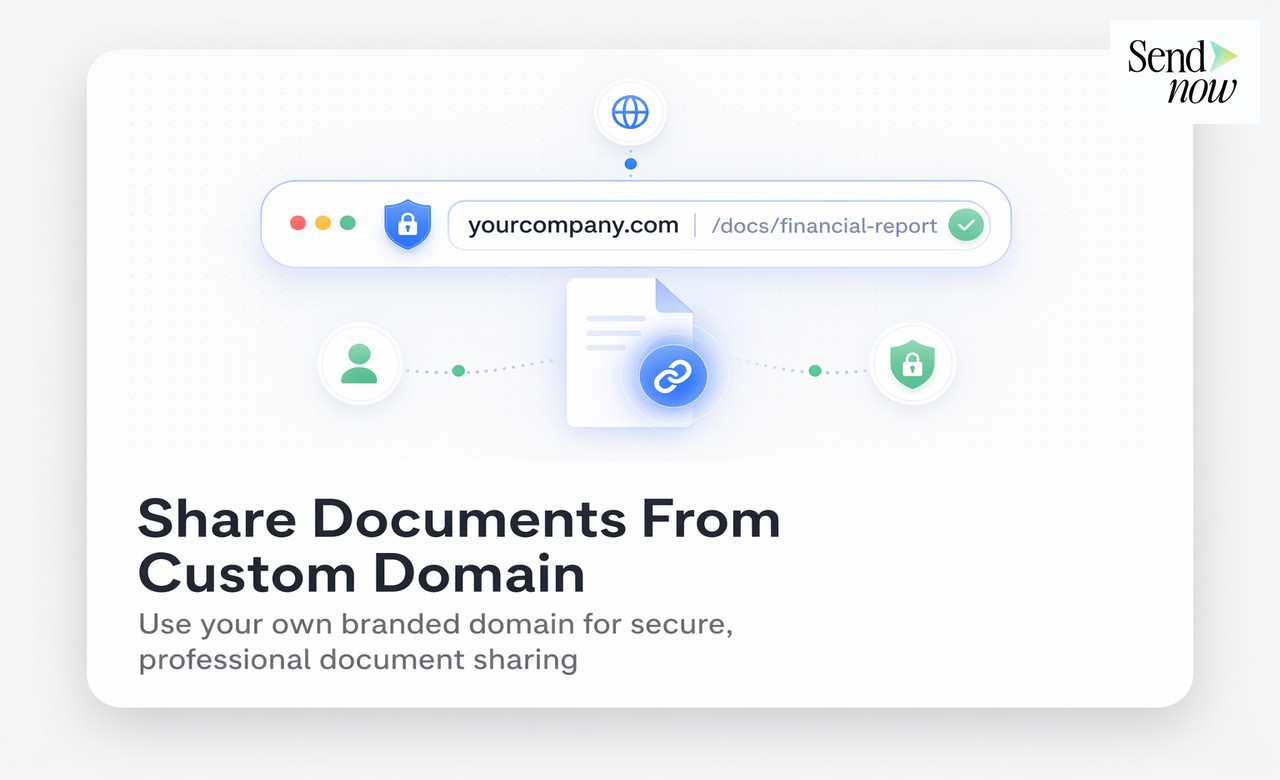
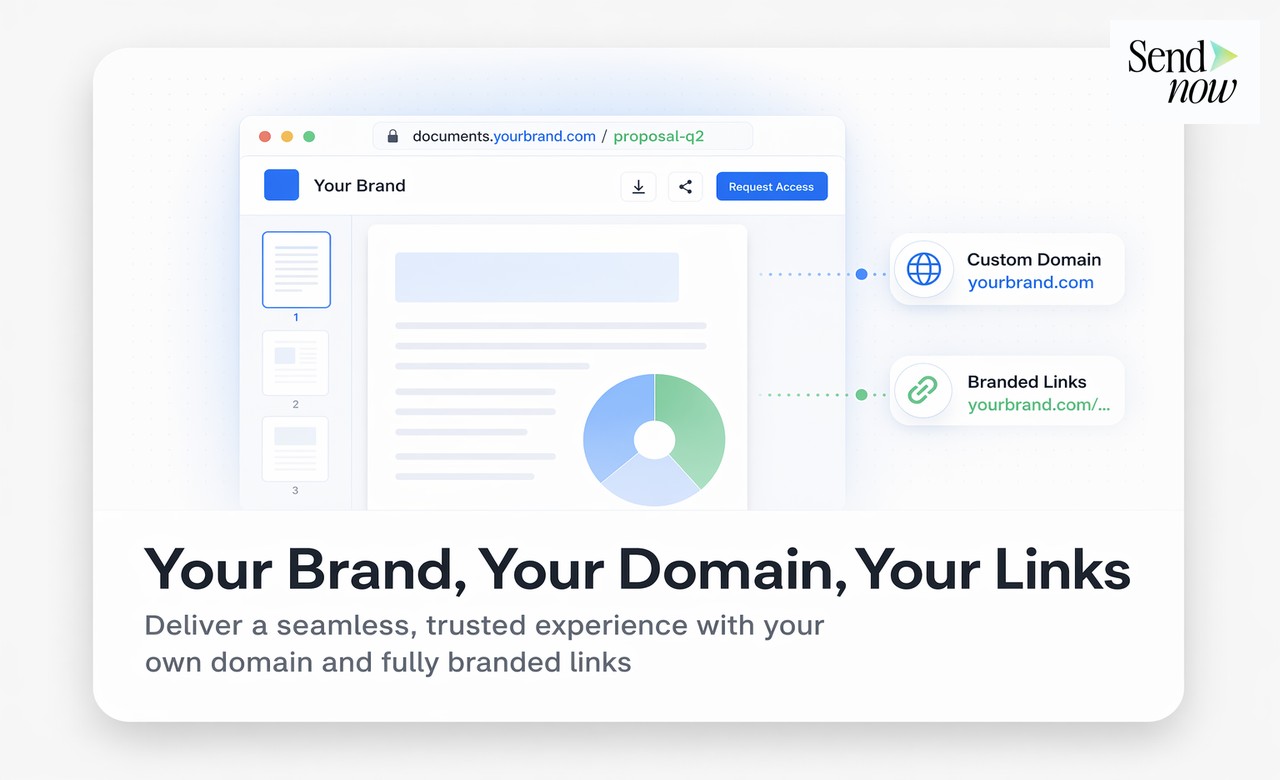
With a custom domain configured, the same link becomes: https://docs.acmecapital.com/q1-investor-update
The recipient sees a URL that belongs to your firm. The document still loads from SendNow's infrastructure, with all the associated analytics, access control, and security features fully intact. The only thing that changes is the presentation layer.
How to Set Up a Custom Domain on SendNow
The setup process involves three steps that require no developer involvement.
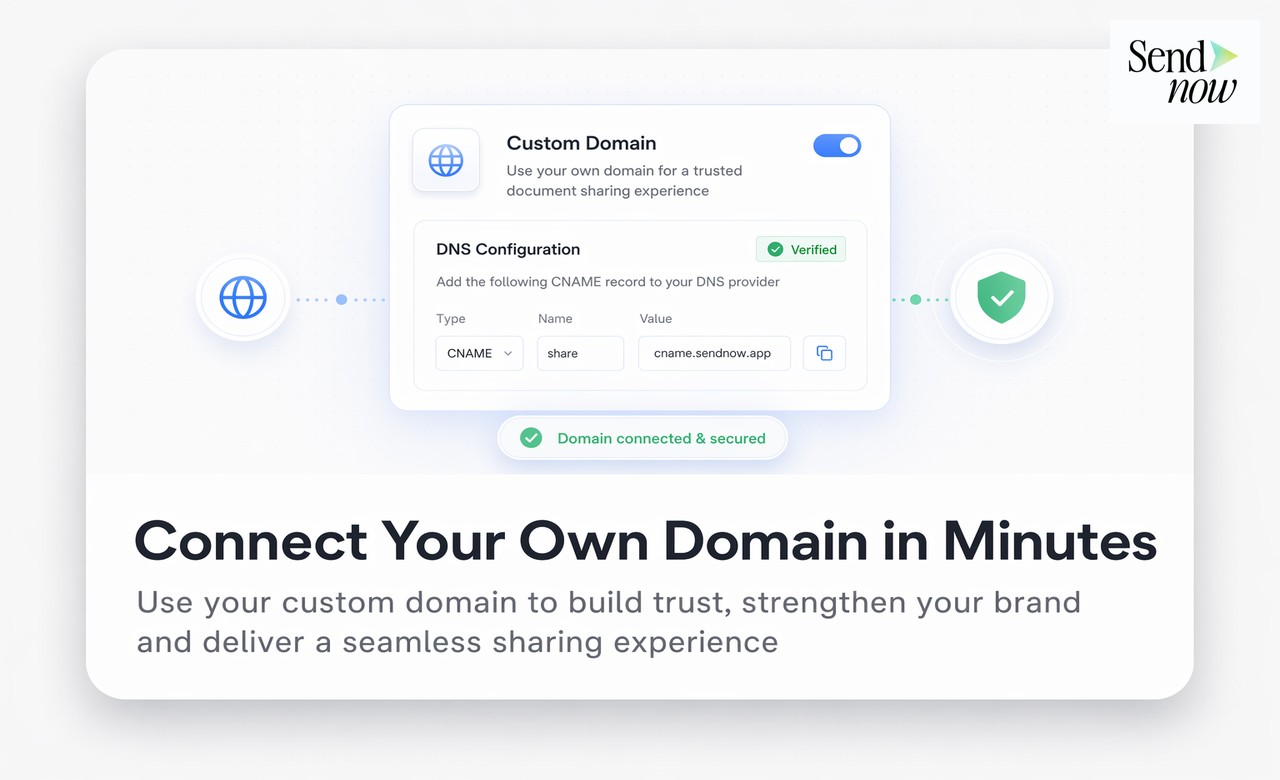
Step one: Choose your subdomain. Decide on the subdomain you want to use. Common choices for finance firms include docs., files., portal., or share. followed by your main domain.
Step two: Add a DNS record. In your domain provider's DNS settings, add a CNAME record pointing your chosen subdomain to SendNow's designated endpoint. Your IT team or domain registrar can handle this in a few minutes.
Step three: Verify in SendNow. Enter your subdomain in the SendNow custom domain settings, click verify, and the platform confirms the connection. All new links you create will automatically use your custom domain from that point.
| Feature | Generic Platform Link | Custom Domain Link |
|---|---|---|
| URL appearance | sendnow.live/d/abc123 | docs.yourfirm.com/report |
| Brand signal to recipient | Reveals third-party tool | Reinforces firm identity |
| Trust perception | Neutral to mildly negative | Positive, professional |
| Analytics functionality | Full | Full, unchanged |
| Access control | Full | Full, unchanged |
| Setup time | Instant | Under 10 minutes |
| Technical skill required | None | Minimal (DNS CNAME record) |
Custom Domains and GDPR
From a data and privacy perspective, a custom domain does not change the underlying processing of personal data. SendNow continues to act as the data processor under your firm's data controller relationship. Your privacy notices should reference SendNow as a sub-processor, which is standard practice for EU-regulated financial institutions using cloud-based document management tools.
Who Benefits Most From Custom Domain Document Sharing
Asset managers and fund administrators sending investor updates, factsheets, and regulatory disclosures benefit from custom domains as a consistent extension of their investor relations communication standards.
Financial advisers and wealth managers presenting proposals or portfolio reviews to clients gain credibility from a professional, branded link rather than a third-party URL.
Financial technology companies using SendNow as part of their client-facing infrastructure can maintain a fully branded experience across every document they share, consistent with their product design standards.
Compliance and operations teams producing regulatory reports or audit documentation benefit from the additional authority that a firm-owned domain conveys to regulators and auditors.
Frequently Asked Questions

What is custom domain document sharing?
It is the ability to share document links that use your firm's own domain name rather than the URL of the platform hosting the document.
Do I need technical skills to set up a custom domain on SendNow?
You need only to add a single DNS CNAME record at your domain registrar, which takes a few minutes and requires no coding or developer involvement.
Will my document analytics still work with a custom domain?
Yes. All SendNow analytics, access controls, notifications, and security features continue to function exactly as normal. The custom domain only affects the URL your recipients see.
Can I use a custom domain for all my documents or only some?
Once your custom domain is configured in SendNow, all new links you create will use it by default. You can still share links without the custom domain if required for specific use cases.
How does a custom domain affect email deliverability?
Links from a recognised firm domain are less likely to trigger spam filters than links from generic platform domains, which can be a meaningful benefit for large-scale document distribution.
Can I have more than one custom domain on SendNow?
This depends on your SendNow plan. Enterprise plans typically support multiple custom domains, which is useful for firms managing multiple brands or client-facing entities.
What happens to existing links if I add a custom domain?
Existing links created before the custom domain was configured will continue to work as before. The custom domain applies to new links created after configuration.
Is a custom domain the same as white-labelling?
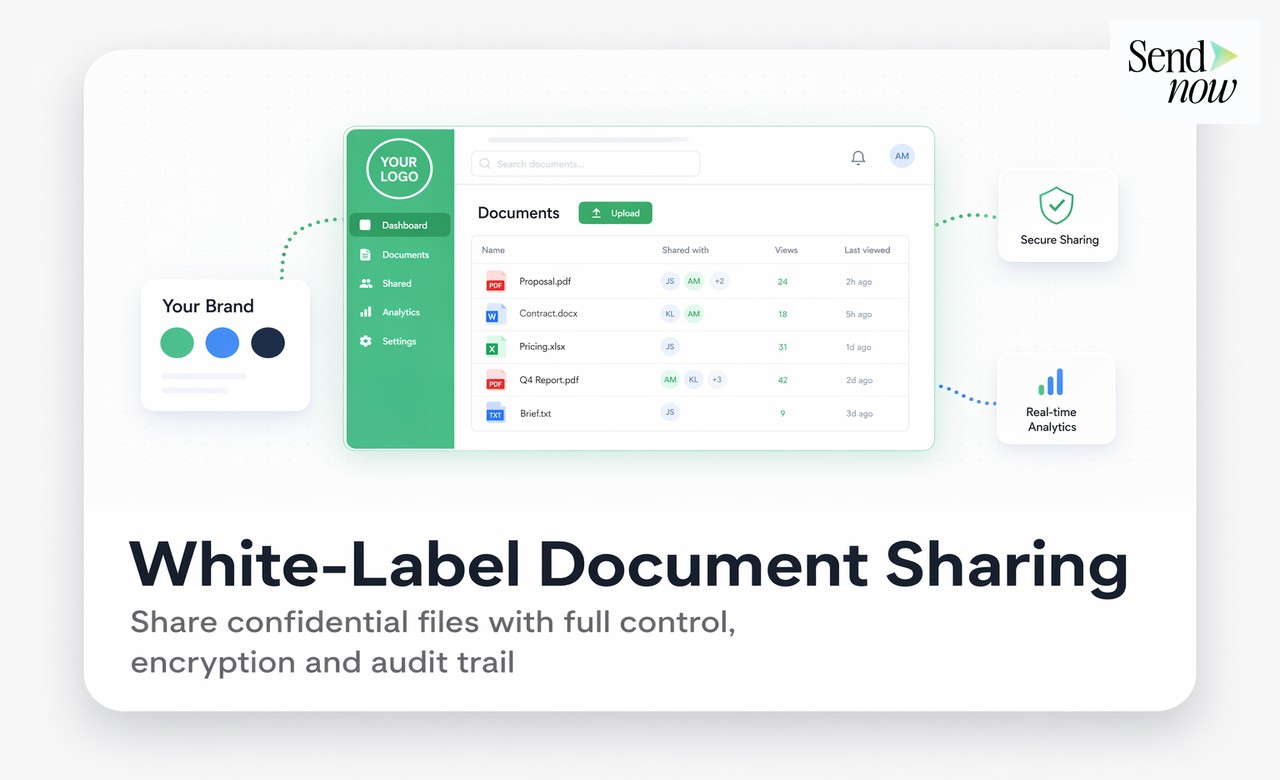
A custom domain is one component of a white-label setup. Full white-labelling also includes adding your own custom domain, logo and colour scheme, and optionally customising the email notifications sent to recipients.
Related Reading
- The Complete Guide to Secure Document Sharing
- What Is White-Label Document Sharing and Who Needs It?
- Why Your Document Link URL Matters and How to Customise It
Send documents from your own domain. Start at sendnow.live.
About the Author: Rifana Hameem
Rifana is the founder of SendNow. She leads the team in building secure, compliant, and analytics-rich document sharing tools for finance and professional teams worldwide.
Connect on LinkedIn