How to Let Clients Ask Questions About Your Documents With AI

How to Let Clients Ask Questions About Your Documents With AI
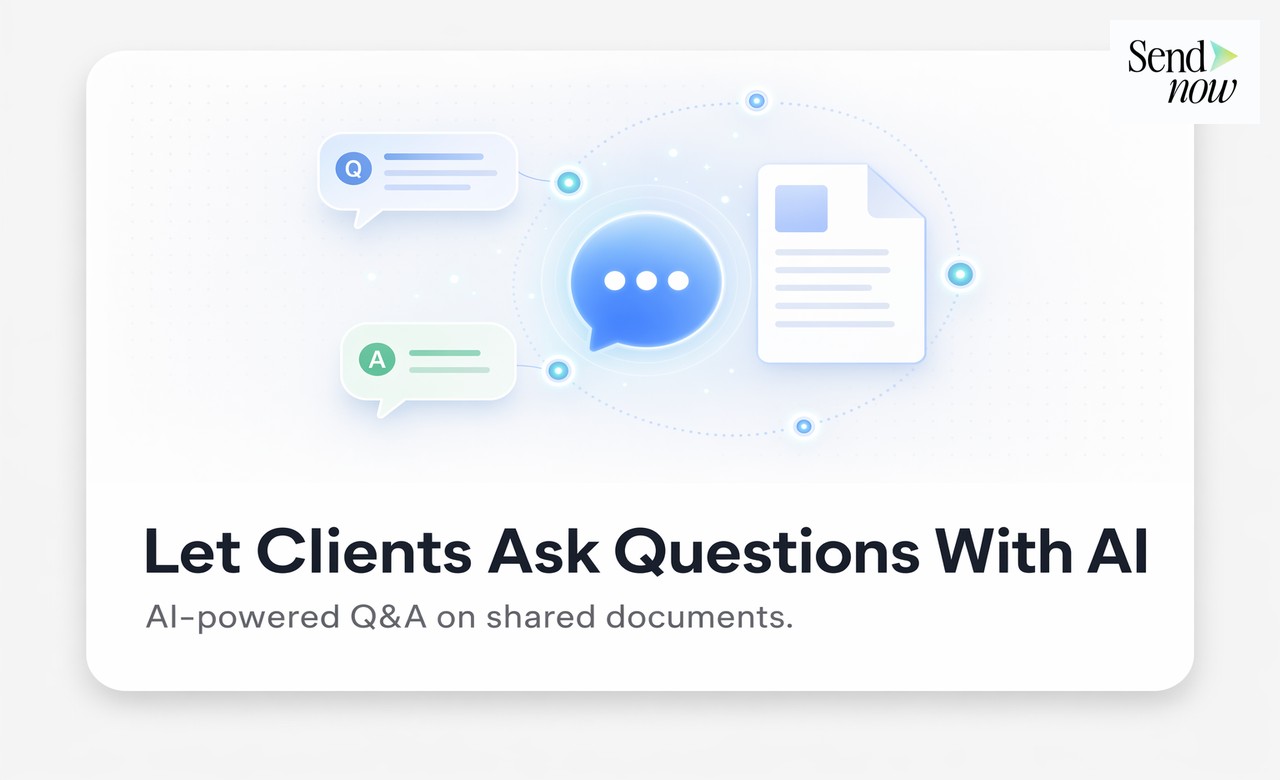
Enabling AI document Q&A means your clients can type any question about a document you have shared with them and receive an instant, accurate answer sourced directly from that document's content. The setup takes minutes in SendNow, requires no technical expertise, and transforms how clients engage with the complex financial materials you send them. This guide explains how to enable AI Q&A, what the client experience looks like, and why finance teams are adopting it.
Why Clients Need to Ask Questions About Documents
Every substantive document you share with a client has the potential to raise questions. A fund factsheet raises questions about fees, redemption terms, and risk profile. A loan agreement raises questions about covenants, event of default triggers, and repayment schedules. An onboarding pack raises questions about process steps, documentation requirements, and timelines.
Traditionally, clients have only two options when a question arises: read the document more carefully and hope to find the answer, or contact you directly. Both options have costs. Careful re-reading takes time the client may not have. Contacting you creates a back-and-forth communication cycle that delays decisions and consumes your time on questions that could be answered automatically.
AI document Q&A eliminates both problems. The client asks the question directly to the document. The answer comes back within seconds, cited to the specific section of the document where the information appears.
How to Enable AI Q&A on a Document in SendNow
Enabling AI Q&A in SendNow is a single toggle in the link creation or editing panel.
Step one: Open the SendNow dashboard and navigate to your document or create a new sharing link.
Step two: In the link settings, locate the AI Q&A option and enable it.
Step three: Optionally, configure a welcome message that appears at the top of the chat panel, such as "Ask any question about this document and I will find the answer for you."
Step four: Share the link as normal. When recipients open the document, they will see the AI chat panel available alongside the document viewer.
That is the entire setup process. The AI processes the document content automatically when the feature is enabled. There is no manual configuration of the AI or document preparation required.
The Client Journey With AI Document Q&A

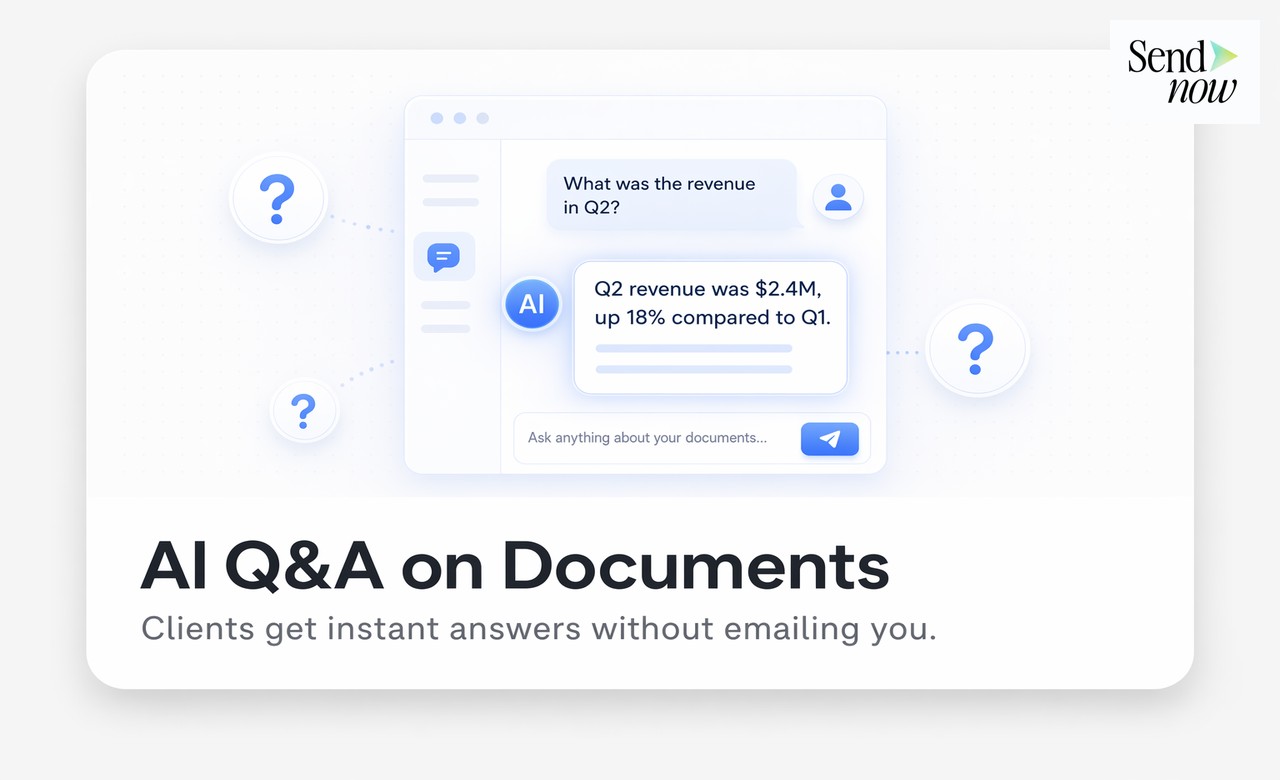
When a client opens your document link with AI Q&A enabled, their experience changes significantly from standard document viewing.
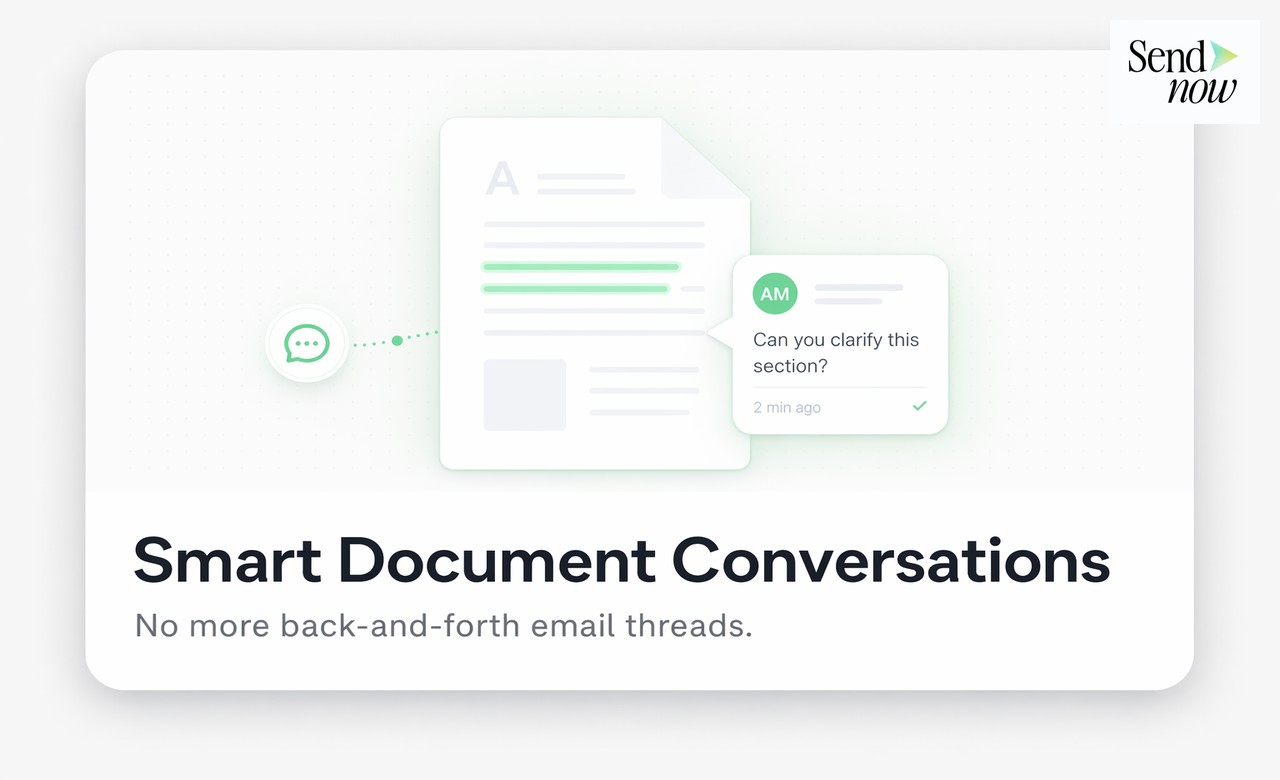
Rather than facing a long, dense document alone, they see a chat panel beside the document. They can ask any question that comes to mind as they read. "What is the management fee?" "How do I request a redemption?" "What are the conditions for early termination?" Each question receives an immediate response that cites the relevant clause, page, or section.
The conversation is retained throughout the session. If the client opens the document again, they can review previous questions and answers. For complex documents reviewed over multiple sessions, such as M&A transaction documents or detailed investment management agreements, this continuity is genuinely useful.
| Client Question Type | Traditional Experience | With AI Document Q&A |
|---|---|---|
| Definition of a technical term | Must search manually or contact adviser | AI explains it immediately from the document |
| Finding a specific clause | Must scroll or use PDF search | AI locates and summarises it |
| Understanding a process step | Must infer from context or ask | AI explains the process as described in the document |
| Comparing two figures in the document | Manual calculation or contact | AI identifies and explains both |
| Plain-English summary of a section | Requires adviser time | AI produces a summary on demand |
| Checking if a specific requirement exists | Full document review required | AI answers yes or no with citation |
How AI Q&A Intelligence Helps You
Every question your client asks the AI chatbot is logged in your SendNow analytics. This question history is a direct window into what your client is thinking about. The nature and pattern of their questions tells you where their focus is, what they are uncertain about, and what objections or concerns may arise in your next conversation.
A client asking multiple questions about early redemption penalties is flagging a concern about liquidity flexibility. A client asking for plain-English summaries of multiple clauses may be indicating that the document is too complex for their current understanding, which is useful feedback for how you communicate with this client in future.
This intelligence makes your human conversations more focused, better prepared, and more likely to result in a positive outcome.
Use Cases in Finance
Investment management: Enable AI Q&A on fund prospectuses, factsheets, and investment management agreements. Prospects and clients can navigate complex regulatory and commercial language without adviser support for every query.
Corporate advisory: Attach AI Q&A to pitch books, information memoranda, and due diligence materials. Potential acquirers or investors can interrogate the content efficiently, reducing the volume of repetitive back-and-forth queries.
Lending and credit: Enable AI Q&A on loan facility agreements, credit reports, or covenant compliance certificates. Borrowers and their advisers can clarify terms without contacting the lending team for routine queries.
Onboarding: Attach AI Q&A to onboarding packs, KYC guidance documents, and product terms. New clients can resolve most questions independently, reducing onboarding friction and adviser time.
GDPR and Responsible AI Use

For EU financial institutions, deploying AI in client-facing document interactions requires consideration of transparency and data governance obligations. SendNow's AI Q&A feature processes document content within a GDPR-compliant infrastructure, does not use client interaction data to train external AI models, and provides the audit trail of questions and answers needed for compliance reviews.
Firms should review their client-facing communication policies to ensure that AI-generated document explanations are characterised appropriately, particularly in regulated advice contexts where the distinction between information and advice is material.
Frequently Asked Questions
What is AI document Q&A?
AI document Q&A is a feature that allows document viewers to ask natural language questions about a shared document and receive instant, cited answers sourced from the document's own content.
Does the AI answer from the document or from external sources?
The AI answers exclusively from the document's own content. It does not draw on external databases, the internet, or general AI training data when answering questions about the document.
How do I enable AI Q&A on a SendNow document link?
In the link creation or editing panel, enable the AI Q&A toggle. The feature is available per link, so you can enable it for some documents and not others.
Can I see what questions my clients asked the AI?
Yes. Every client question and the AI's response are logged in your SendNow analytics dashboard, providing a full question history per document and per viewer.
Does AI Q&A work on all document formats?
AI Q&A works on text-based PDFs and supported document formats. Scanned documents without a text layer may have reduced functionality, as the AI requires readable text to process the content.
Can I customise the welcome message in the AI chat panel?
Yes. SendNow allows you to set a custom welcome message for the AI chat panel to set expectations and encourage engagement from clients.
Is the AI Q&A feature suitable for regulated financial documents?
Yes, with appropriate governance in place. The AI answers only from the document's content and does not constitute financial advice. Regulated firms should ensure their client communications policies address the use of AI-generated explanations appropriately.
What happens to the chat history if a client returns to the document?
The conversation history is retained between sessions, so clients can review previous questions and answers when they return to the document.
Related Reading
- What Is an AI Chatbot on a Document and How Does It Work?
- How to Share Client Onboarding Documents Securely
- The Complete Guide to Document Intelligence for Sales
Your documents answer questions. Your clients decide faster. Start at sendnow.live.
About the Author: Rifana Hameem
Rifana is the founder of SendNow. She leads the team in building secure, compliant, and analytics-rich document sharing tools for finance and professional teams worldwide.
Connect on LinkedIn