How to Share Documents With International Clients in Their Language

How to Share Documents With International Clients in Their Language
Sharing documents with international clients works best when the surrounding experience matches their expectations, including their language. SendNow lets you create secure document links with localised branding and language-aware viewer settings, so your clients open a professional portal rather than a generic attachment. This guide explains how to set up multilingual document sharing for EU and global finance clients using SendNow.
Why Language Matters More Than You Think
When a client in France, Germany, or the Netherlands opens a document you have sent, they are not just reading the file. They are also reading the email subject line, the link preview text, the notification message, and the viewer interface around the document. If all of those elements appear in English while the client's first language is French, you introduce unnecessary friction, even if the document itself is translated.
For finance professionals, this matters for a second reason: trust. A proposal or contract that arrives in a professional, localised format signals that you have taken care to prepare it properly. Clients in regulated industries are particularly sensitive to presentation quality, because it signals the same rigour you apply to the work itself.
GDPR also creates specific obligations around cross-border data transfers within the EU. A secure document link that keeps data within EU-based infrastructure is far more compliant than an email attachment routed through servers outside Europe.
What Multilingual Document Sharing Actually Means
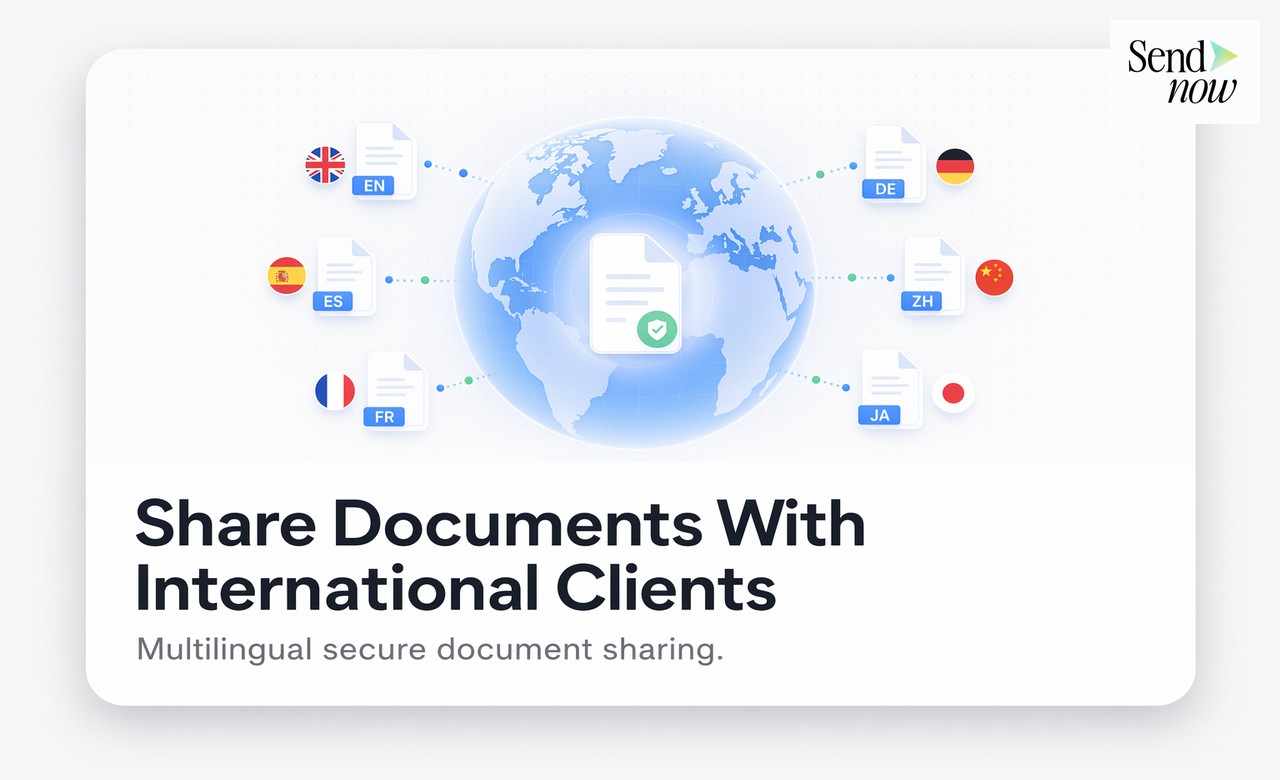
Multilingual document sharing does not mean automatically translating your documents. It means creating a sharing experience that feels native to your international client, covering:
- The language and tone of any notification email they receive
- The branding and copy on the document viewer page
- The metadata visible in link previews (title, description, thumbnail)
- The access control messages they see when entering a passphrase or email
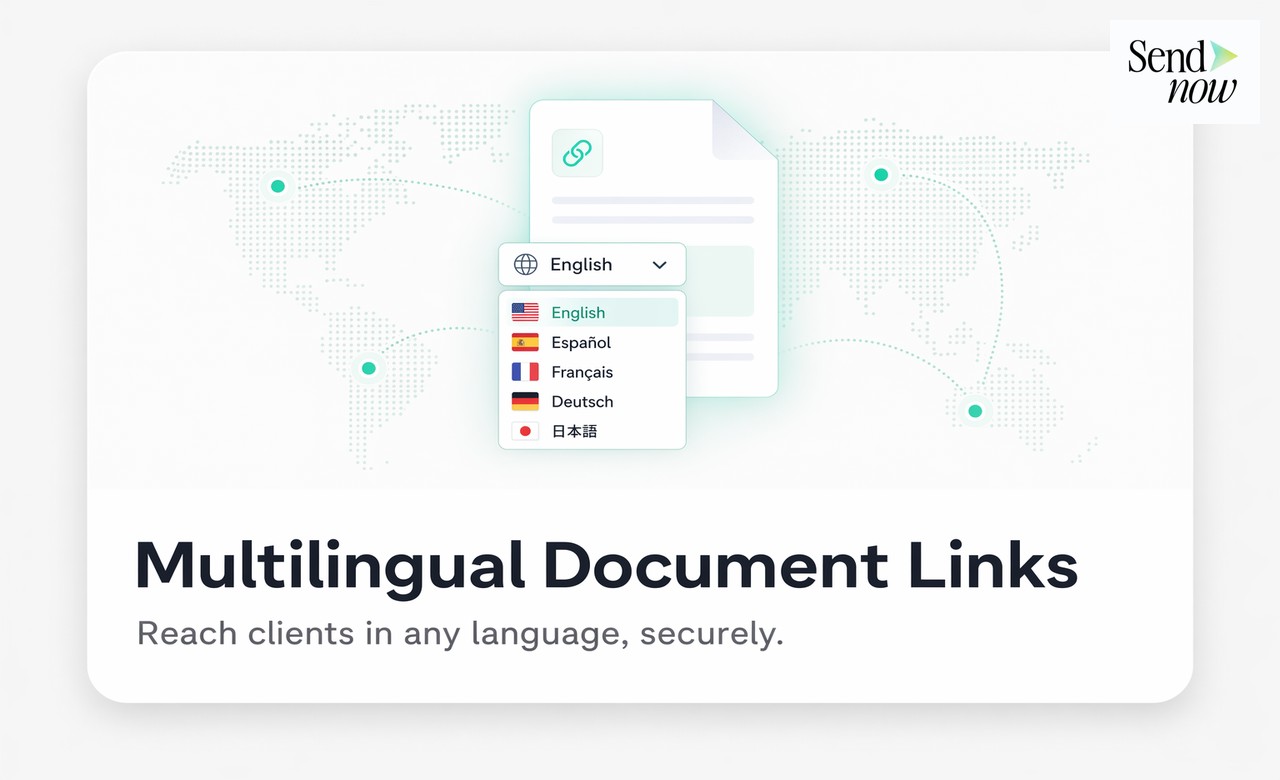
SendNow supports customisation of all of these elements, meaning you can tailor each document link to the intended recipient, regardless of their location.

Setting Up Localised Document Links in SendNow
To create a document link tailored for an international client, follow these steps inside SendNow:
- Upload your document and navigate to the link settings panel.
- Under Branding, update the link title and description to match your client's language.
- Set a custom sender name that reflects your firm's name in a locally recognisable format.
- Enable access control by requiring the client's email address to open the document.
- Set an expiry date appropriate to the document's sensitivity.
- Copy the link and send it through your preferred channel, referencing the document in the client's language.
The client receives a clean, professional viewer that opens in any browser, with no login or software required.
Comparing Email Attachments vs SendNow for International Clients
| Feature | Email Attachment | SendNow Multilingual Link |
|---|---|---|
| Localised viewer experience | No | Yes |
| Branded notification email | No | Yes |
| GDPR-compliant data handling | Uncertain | Yes (EU infrastructure) |
| Analytics on who opened | No | Yes |
| Expiry and access control | No | Yes |
| Works on any device | Depends on file format | Yes |
GDPR Considerations for Cross-Border Document Sharing
When you share financial documents with clients in other EU member states, GDPR applies to the personal data contained in those documents as well as the metadata generated by the sharing process (open timestamps, IP addresses, device types). Emailing raw attachments generates a copy of the document on both your server and the recipient's server, often passing through multiple third-party relays in the process.
SendNow stores documents in EU-based infrastructure and generates analytics data within the same region. Recipients never receive the raw file unless you explicitly enable downloads. This means you retain control of the document at all times, which is a meaningful GDPR advantage for finance and legal professionals.
For more on GDPR-compliant document sharing across EU member states, see our guide on how to share documents across the EU in a GDPR-compliant way. If you want to create a fully branded client portal, read how to create a branded client document portal.
Best Practices for International Document Sharing
- Match the link description to the client's language. Even a brief French or German description in the link preview makes a measurable difference to open rates.
- Use access control on every international share. Require the client's registered email address to open the link, so you can verify that the right person accessed the document.
- Set appropriate expiry dates. Documents shared internationally, particularly proposals and contracts, should expire once the matter is concluded.
- Monitor engagement. Use SendNow's analytics to track whether your international client opened the document and how long they spent on each page. This insight is particularly useful for proposals.
- Avoid re-sending attachments. Once a document is live as a SendNow link, update it in place if it needs changes, rather than sending a second version.

Start Sharing Documents the Professional Way
International clients judge your firm by the quality of every touchpoint, including how you send them documents. A clean, localised, access-controlled document link from SendNow is a stronger impression than a PDF attachment in a generic email.
Create your first international document link at sendnow.live and see the difference a professional sharing experience makes.
Frequently Asked Questions
Q: Can I set the document viewer language in SendNow? A: You can customise the link title, description, and branding text to appear in any language. The viewer interface itself is clean and minimal, so it works well across all languages.
Q: Does SendNow store documents on EU servers? A: Yes. SendNow uses EU-based infrastructure, which is important for GDPR compliance when sharing documents with EU clients.
Q: Can I require a client to verify their identity before opening a document? A: Yes. SendNow supports email verification and passphrase access control, both of which are available for every link.
Q: Does the client need to create an account to open a document? A: No. Recipients open the document directly in their browser with no account or software required.
Q: Can I track whether an international client has opened my document? A: Yes. SendNow records open events, time spent, and page-level engagement, regardless of where the recipient is located.
Q: Can I localise the notification email the client receives? A: You can customise the sender name and notification subject line. Combined with a localised link description, this creates a coherent experience for the client.
Q: Is there a limit to how many countries I can share documents with? A: No. SendNow links work anywhere in the world. The GDPR compliance advantage is most relevant for EU-to-EU sharing.
Q: What file types can I share with international clients through SendNow? A: SendNow supports PDF, Word, Excel, PowerPoint, and CSV files, all rendered in a clean browser-based viewer without requiring any software on the client's end.
About the Author: Rifana Hameem
Rifana is the founder of SendNow. She leads the team in building secure, compliant, and analytics-rich document sharing tools for finance and professional teams worldwide.
Connect on LinkedIn