Why You Should Never Send Your Pitch Deck as an Email Attachment

Why You Should Never Send Your Pitch Deck as an Email Attachment
Executive Summary / TL;DR
In today's fast-paced business environment, the way we share sensitive information, such as pitch decks, can significantly impact our success. Sending pitch decks as email attachments may seem convenient, but it exposes your valuable content to numerous security vulnerabilities. This article explores the risks associated with traditional file-sharing methods, outlines industry-specific best practices for secure sharing, and introduces SendNow as a robust solution designed to protect your pitch decks. By the end of this article, you will understand why secure sharing is crucial and how to implement best practices to safeguard your intellectual property.
Current Security Vulnerabilities
When you send a pitch deck as an email attachment, you inadvertently expose your document to a variety of security risks. Here are some of the most common vulnerabilities associated with traditional file-sharing workflows:
-
Email Interception: Emails can be intercepted during transmission, allowing unauthorized individuals to access your attachments. This is particularly concerning when dealing with sensitive business information.
-
Phishing Attacks: Cybercriminals often use phishing tactics to trick recipients into downloading malicious attachments. If your pitch deck is sent as an attachment, it could be misused in this manner.
-
Lack of Control: Once you send an email attachment, you lose control over who accesses it and how they use it. Recipients can easily share the document with others, leading to potential leaks.
-
Insecure File Sharing Services: Many professionals rely on third-party file-sharing services like Dropbox or Google Drive. While convenient, these platforms may not provide adequate security measures, leaving your pitch deck vulnerable to unauthorized access.
-
Version Control Issues: Sending multiple versions of your pitch deck as attachments can lead to confusion and miscommunication. Recipients may not know which version is the most current, leading to potential mistakes in presentation.
-
Data Breach Risks: If your email account is compromised, all attachments, including sensitive pitch decks, can be accessed by unauthorized individuals, leading to potential data breaches.
Industry-Specific Best Practices
To mitigate the risks associated with sending pitch decks as email attachments, professionals should adopt industry-specific best practices for secure sharing. Here are actionable steps to follow:
-
Use Secure File Sharing Platforms: Instead of sending attachments via email, utilize secure file-sharing platforms that offer encryption and access controls. Look for services that specialize in document security.
-
Implement Access Controls: Ensure that only authorized individuals can access your pitch deck. Use password protection and set permissions to restrict editing or downloading.
-
Utilize Dynamic Watermarking: Add dynamic watermarks to your pitch deck to deter unauthorized sharing. Watermarks can include the recipient's name or email address, making it clear who the document belongs to.
-
Set Expiration Dates: Use file-sharing services that allow you to set expiration dates for access to your pitch deck. This ensures that even if a document is shared, it will only be accessible for a limited time.
-
Require Non-Disclosure Agreements (NDAs): Before sharing sensitive information, require recipients to sign an NDA. This legal agreement helps protect your intellectual property and holds recipients accountable for unauthorized sharing.
-
Educate Your Team: Conduct training sessions to educate your team about the importance of secure file sharing. Ensure everyone understands the risks and best practices for protecting sensitive information.
SendNow Feature Deep-Dive
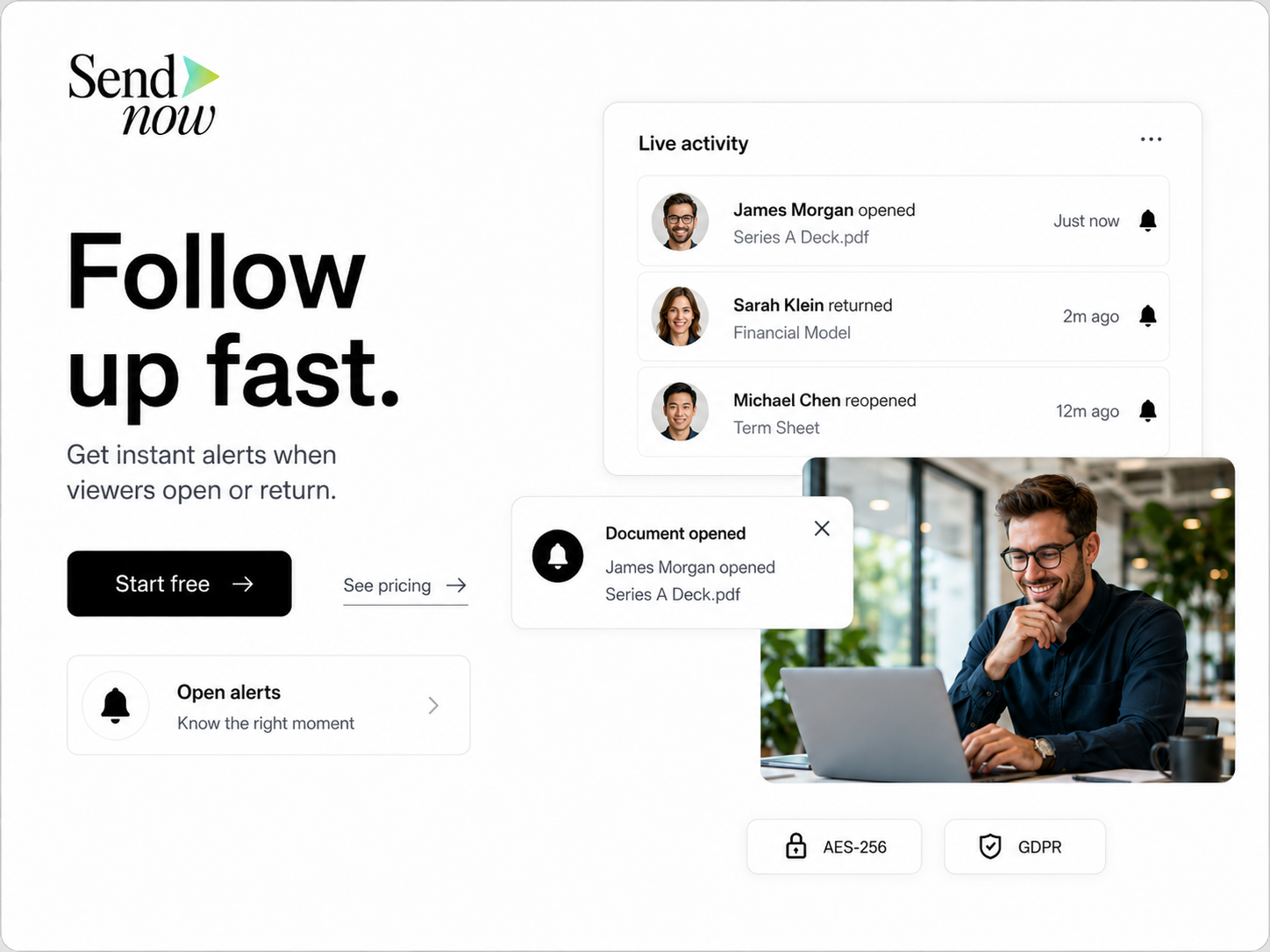
SendNow offers a suite of features designed to address the security vulnerabilities associated with traditional file-sharing methods. Here’s how SendNow’s specific controls can help protect your pitch decks:
-
Dynamic Watermarking: SendNow allows you to add dynamic watermarks to your documents. This feature discourages unauthorized sharing by displaying the recipient's information directly on the document.
-
Screenshot Blocking: To prevent unauthorized copies of your pitch deck, SendNow includes screenshot blocking capabilities. This feature ensures that recipients cannot take screenshots of your sensitive content.
-
Require Email Gates: SendNow requires recipients to verify their email addresses before accessing your pitch deck. This adds an extra layer of security, ensuring that only intended recipients can view your document.
-
Link Expiry: With SendNow, you can set expiration dates for access links. After the specified time, the link becomes inactive, preventing further access to your pitch deck.
-
NDA Gates: SendNow allows you to require recipients to sign an NDA before accessing your pitch deck. This legal safeguard ensures that your intellectual property is protected and that recipients are held accountable for their actions.
For more information about SendNow and its features, you can visit their official LinkedIn page: SendNow LinkedIn.
Technical Walkthrough
Setting up SendNow to securely share your pitch deck is a straightforward process. Here’s a step-by-step guide:
Step 1: Create an Account
- Visit the SendNow website and click on the "Sign Up" button.
- Fill in your details to create an account. You may need to verify your email address.
Step 2: Upload Your Pitch Deck
- Log in to your SendNow account.
- Click on the "Upload" button to select your pitch deck file from your device.
- Wait for the upload to complete. You will see a confirmation message once the file is successfully uploaded.
Step 3: Configure Link Settings
- After uploading, you will be prompted to configure your link settings.
- Enable dynamic watermarking by selecting the option and entering the recipient's information.
- Set a password for the document if desired.
- Choose to enable screenshot blocking to prevent unauthorized copies.
- Set an expiration date for the link to ensure limited access.
Step 4: Require NDA
- If you wish to require an NDA, select the option to include this feature.
- Upload your NDA document or use a template provided by SendNow.
- Ensure that recipients must sign the NDA before accessing the pitch deck.
Step 5: Distribute the Link
- Once you have configured all settings, click on the "Generate Link" button.
- Copy the generated link and paste it into your email or messaging platform.
- Send the link to your intended recipients, ensuring they understand the importance of keeping the document confidential.

ROI & Business Impact
Investing in secure file-sharing solutions like SendNow can yield significant returns on investment (ROI) and positively impact your business. Here are some key benefits:
-
Cost-Efficiency: By preventing data breaches and unauthorized sharing, you can save on potential legal fees and loss of business due to compromised information.
-
Contract Compliance: Using secure sharing methods ensures compliance with industry regulations, such as GDPR. This protects your business from potential fines and legal issues.
-
Protection Value: The ability to control access to your pitch deck and other sensitive documents enhances your overall security posture. This protection is invaluable in maintaining your competitive edge.
-
Improved Collaboration: Secure sharing fosters trust among team members and stakeholders, leading to improved collaboration and communication.
-
Brand Reputation: By prioritizing security, you demonstrate to clients and partners that you value their information, enhancing your brand reputation and credibility.
Structured FAQ
1. How can I securely share my pitch deck without sending it as an email attachment?
You can securely share your pitch deck by using specialized file-sharing platforms like SendNow that offer features such as dynamic watermarking, screenshot blocking, and access controls.
2. Why is it risky to send pitch decks as email attachments?
Sending pitch decks as email attachments exposes them to various security vulnerabilities, including email interception, phishing attacks, and a lack of control over document access.
3. What are dynamic watermarks, and how do they help?
Dynamic watermarks are visual identifiers added to documents that display the recipient's information. They deter unauthorized sharing by making it clear who the document belongs to.
4. Can I set expiration dates for shared links?
Yes, SendNow allows you to set expiration dates for shared links, ensuring that access to your pitch deck is limited to a specified timeframe.
5. How does requiring an NDA protect my pitch deck?
Requiring an NDA ensures that recipients are legally bound to keep your information confidential. This adds an extra layer of protection for your intellectual property.
Actionable CTA
Ready to take your pitch deck sharing to the next level? Start a trial on SendNow today and experience the benefits of secure file sharing. Visit SendNow Dashboard to get started and protect your valuable content. Don’t leave your pitch deck vulnerable—secure it with SendNow!
About the Author: Rifana Hameem
Rifana is the founder of SendNow. She leads the team in building secure, compliant, and analytics-rich document sharing tools for finance and professional teams worldwide.
Connect on LinkedIn