Share PowerPoint Online Without Making the Recipient Download It

Share PowerPoint Online Without Making the Recipient Download It
Recipients often do not want another file.
They may be on a phone. They may not have PowerPoint installed. They may be reviewing dozens of decks and proposals.
A browser link removes a step.
Microsoft's PowerPoint for the web demonstrates the broader model: presentations can be opened and viewed through a browser.
Specialist sharing tools use the same browser-first concept with additional tracking and security controls.
What “without download” really means
It means the recipient does not need to manually download the original PPTX before viewing.
It does not mean the content is technically impossible to cache or capture.
That distinction matters for honest security messaging.
Why browser viewing improves external sharing
- fewer steps,
- no attachment management,
- mobile-friendly access,
- easier link revocation,
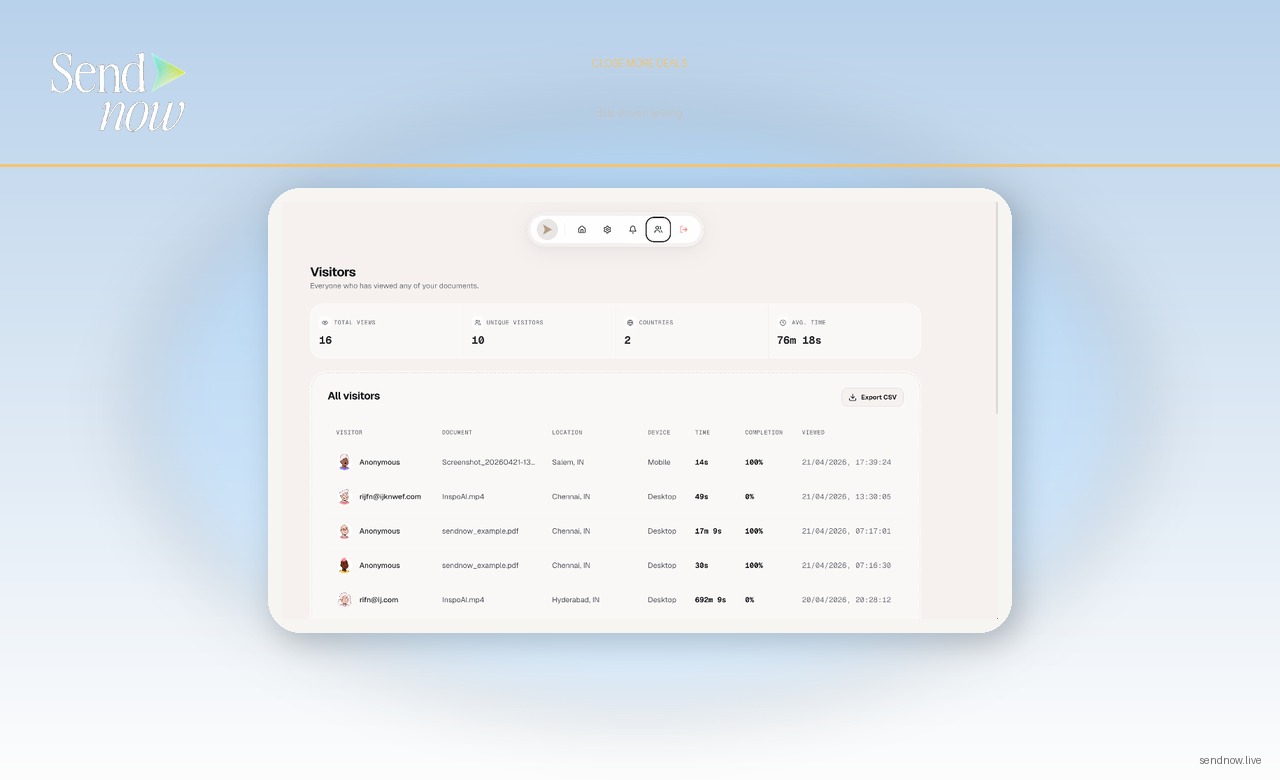
- analytics can be attached to the viewer session.

FAQ
Do I need PowerPoint installed?
Not when the sharing platform renders the presentation in a compatible browser viewer.
Is the original PPTX hidden?
The viewer may not need the original file, depending on settings. That does not make the screen content impossible to capture.
Can I disable downloads?
Some platforms provide download controls. Check the exact plan and sharing configuration.
Conclusion
The goal is not to eliminate files from the internet.
It is to make viewing easier while keeping the sender in control of the sharing workflow.
About the Author: Rifana Hameem
Rifana is the founder of SendNow. She leads the team in building secure, compliant, and analytics-rich document sharing tools for finance and professional teams worldwide.
Connect on LinkedIn