Safely Sharing Third-Party Valuations with External Auditors

Safely Sharing Third-Party Valuations with External Auditors
Executive Summary / TL;DR
In today's fast-paced business environment, sharing sensitive information, such as third-party valuations, with external auditors is a common necessity. However, this process is fraught with challenges, including data breaches, unauthorized access, and compliance risks. Traditional file-sharing methods, such as emails and generic cloud storage solutions, often lack the robust security features required to protect confidential information. This article outlines the current security vulnerabilities associated with typical file-sharing workflows, industry-specific best practices for secure sharing, and a detailed examination of how SendNow can facilitate safe and compliant sharing of third-party valuations with external auditors.
Current Security Vulnerabilities
When it comes to sharing sensitive documents like third-party valuations, many organizations still rely on conventional methods such as email attachments or file-sharing services like Dropbox. While these methods may seem convenient, they expose organizations to significant security vulnerabilities:
-
Email Attachments: Emails can be intercepted, and attachments can be accessed by unauthorized individuals. Phishing attacks can trick employees into revealing sensitive information, leading to data breaches.
-
Cloud Storage Services: While platforms like Dropbox offer some level of security, they often lack advanced features necessary for protecting sensitive data. Files stored in the cloud can be accessed by anyone with the link, and there is often little control over who can view or download these files.
-
Lack of Audit Trails: Many file-sharing methods do not provide a comprehensive audit trail, making it difficult to track who accessed the information and when. This lack of visibility can lead to compliance issues, especially in regulated industries.
-
Inadequate Compliance: Organizations must adhere to various regulatory frameworks, such as GDPR and HIPAA, which impose strict requirements on data sharing. Traditional methods often fail to meet these compliance standards, exposing organizations to legal and financial risks.
-
Data Loss: Files shared via unsecured methods can be lost or deleted without a trace, leading to significant operational disruptions and potential financial losses.
Industry-Specific Best Practices
To mitigate the risks associated with sharing third-party valuations, organizations should adopt industry-specific best practices. Here are actionable step-by-step methods for professionals:
-
Assess Data Sensitivity: Before sharing any document, assess the sensitivity of the information. Classify data based on its confidentiality and the potential impact of a breach.
-
Use Secure File Sharing Solutions: Invest in secure file-sharing platforms that offer advanced security features, such as encryption, access controls, and audit trails. Solutions like SendNow provide robust security measures tailored for sensitive data sharing.
-
Implement Role-Based Access Control: Limit access to sensitive documents based on the role of the user. Only individuals who need to view or edit the document should have access.
-
Use Watermarking: Apply dynamic watermarks to documents to deter unauthorized sharing. Watermarks can include the recipient's name or email address, making it clear who the document belongs to.
-
Set Expiry Dates for Links: When sharing files, set expiry dates for access links. This ensures that even if a link is shared inappropriately, it will become inactive after a specified period.
-
Require Non-Disclosure Agreements (NDAs): Before sharing sensitive information, require external auditors to sign NDAs. This legal agreement reinforces the confidentiality of the shared data.

-
Conduct Regular Security Audits: Regularly assess your file-sharing practices and security measures. Identify vulnerabilities and make necessary adjustments to your processes.
-
Train Employees: Provide training to employees on secure file-sharing practices. Ensure they understand the importance of protecting sensitive information and the risks associated with inadequate security measures.
SendNow Feature Deep-Dive
SendNow is a secure file-sharing platform designed to address the vulnerabilities associated with traditional file-sharing methods. Here’s how its specific controls can help safeguard third-party valuations:
-
Dynamic Watermarking: SendNow allows users to apply dynamic watermarks to shared documents. This feature displays the recipient's information on the document, discouraging unauthorized sharing and providing accountability.
-
Screenshot Blocking: To prevent unauthorized duplication of sensitive documents, SendNow includes a screenshot blocking feature. This ensures that recipients cannot capture the content of the document through screenshots, adding an extra layer of security.
-
Require Email Gates: SendNow requires users to authenticate their email addresses before accessing shared documents. This ensures that only authorized individuals can view the information, reducing the risk of unauthorized access.
-
Link Expiry: Users can set expiry dates for shared links, ensuring that access is time-limited. This feature minimizes the risk of links being shared beyond their intended audience.
-
NDA Gates: SendNow allows organizations to require recipients to sign NDAs before accessing sensitive documents. This legal safeguard reinforces the confidentiality of the information being shared.
For more information about SendNow and its features, visit SendNow's official LinkedIn page.
Technical Walkthrough
To effectively use SendNow for sharing third-party valuations, follow this step-by-step guide:
Step 1: Uploading Documents
- Log in to SendNow: Access your SendNow account using your credentials.
- Navigate to the Upload Section: Click on the "Upload" button on the dashboard.
- Select Files: Choose the third-party valuation documents you wish to share from your device.
- Confirm Upload: Click "Upload" to initiate the process. Wait for the upload to complete.
Step 2: Configuring Links
- Create a New Link: After uploading, select the document and click on "Create Link."
- Set Permissions: Choose the appropriate permissions for the link (view only, edit, etc.).
- Enable Security Features: Activate dynamic watermarking, screenshot blocking, and email gates as needed.
- Set Expiry Date: Specify an expiry date for the link to limit access duration.
Step 3: Distributing Safely
- Enter Recipient Information: Input the email addresses of the external auditors who will receive the link.
- Require NDA: If applicable, enable the NDA gate to ensure recipients sign an agreement before accessing the document.
- Send the Link: Click "Send" to distribute the secure link to the recipients.
Step 4: Monitoring Access
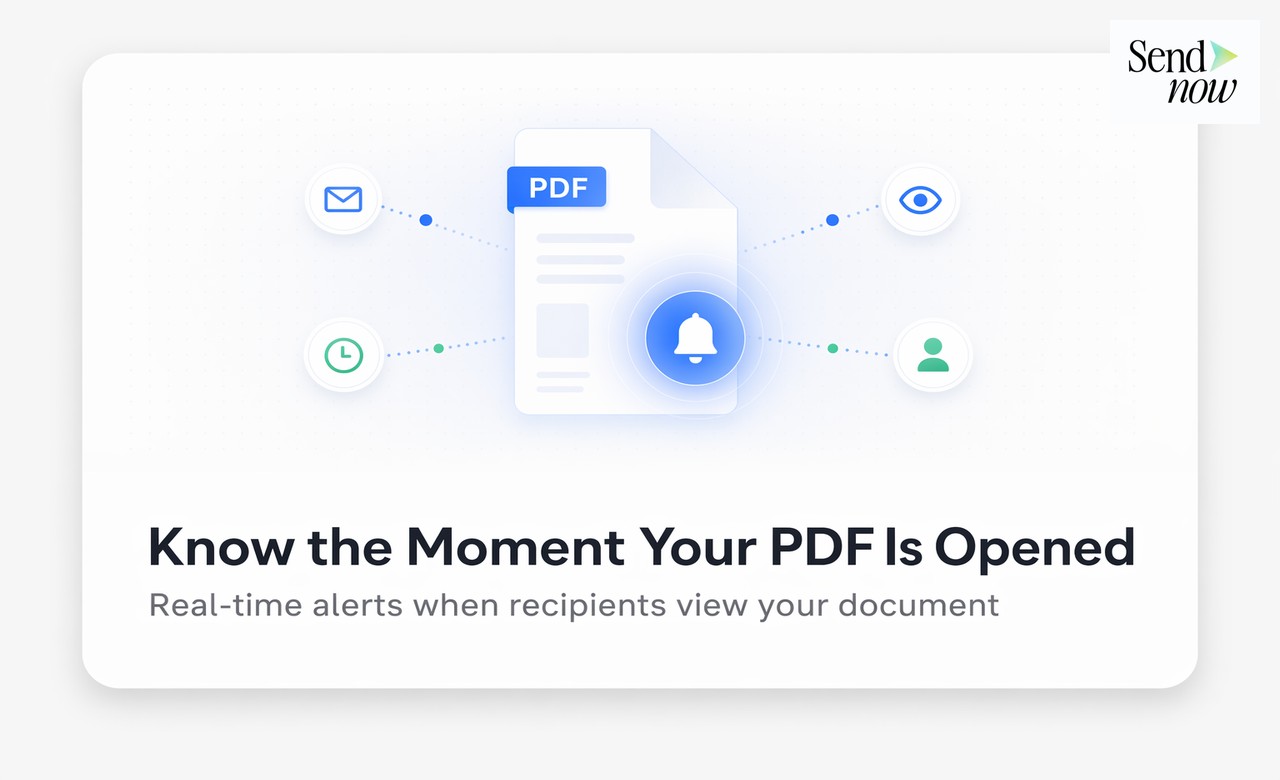
- Track Document Access: Use SendNow's audit trail feature to monitor who accessed the document and when.
- Review Security Logs: Regularly check security logs for any unauthorized access attempts.

ROI & Business Impact
Investing in secure file-sharing solutions like SendNow can yield significant returns on investment (ROI) and positively impact your business:
-
Cost-Efficiency: By reducing the risk of data breaches and associated penalties, organizations can save on potential legal fees and compliance costs.
-
Contract Compliance: Secure sharing methods help organizations meet regulatory requirements, reducing the risk of non-compliance fines.
-
Protection Value: The peace of mind that comes with knowing sensitive information is secure can enhance employee productivity and foster trust with clients and partners.
-
Enhanced Reputation: Organizations that prioritize data security build a reputation for reliability and professionalism, which can attract new clients and retain existing ones.
-
Operational Efficiency: Streamlined sharing processes reduce the time spent on managing document security, allowing teams to focus on core business activities.
Structured FAQ
1. How does SendNow ensure the security of shared documents?
SendNow employs advanced security features such as encryption, dynamic watermarking, screenshot blocking, and email authentication to ensure that shared documents remain secure.
2. Why is dynamic watermarking important for document sharing?
Dynamic watermarking deters unauthorized sharing by displaying the recipient's information on the document. This creates accountability and discourages recipients from distributing the document without permission.
3. What are NDA gates, and why should I use them?
NDA gates require recipients to sign a non-disclosure agreement before accessing sensitive documents. This legal safeguard reinforces the confidentiality of the information being shared and protects your organization from potential breaches.
4. How can I track who accessed my shared documents?
SendNow provides an audit trail feature that allows you to monitor who accessed your documents and when. This visibility is crucial for compliance and security purposes.
5. What steps should I take to get started with SendNow?
To get started with SendNow, visit SendNow's official website and sign up for a trial. Once registered, you can begin uploading and sharing documents securely.
Actionable CTA
Ready to enhance the security of your document sharing? Start your trial on SendNow today and experience the benefits of secure file-sharing for third-party valuations. Visit SendNow's dashboard to get started!
About the Author: Rifana Hameem
Rifana is the founder of SendNow. She leads the team in building secure, compliant, and analytics-rich document sharing tools for finance and professional teams worldwide.
Connect on LinkedIn