How to Block Screenshots on Confidential Business Documents

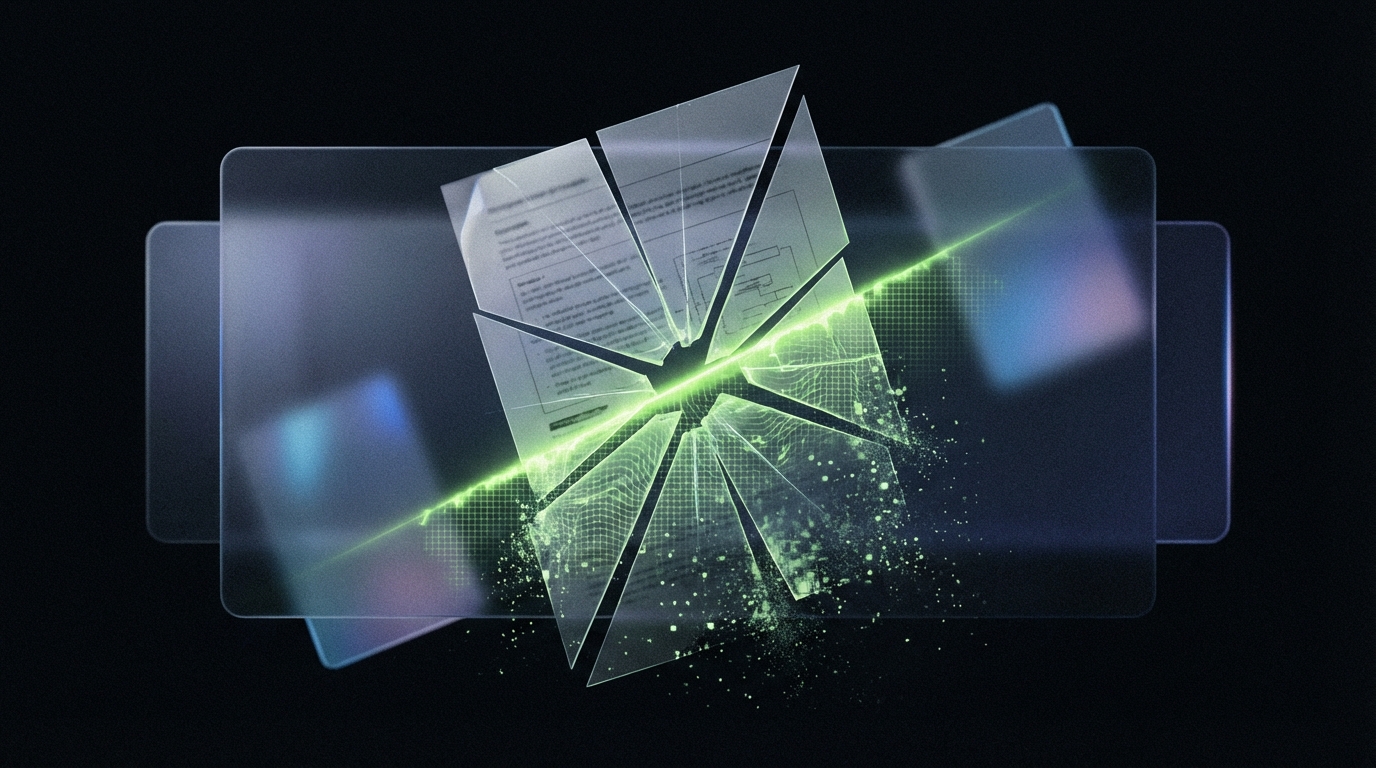
- A standard PDF password does not block screenshots. Any recipient can still press Print Screen or use a screen recorder.
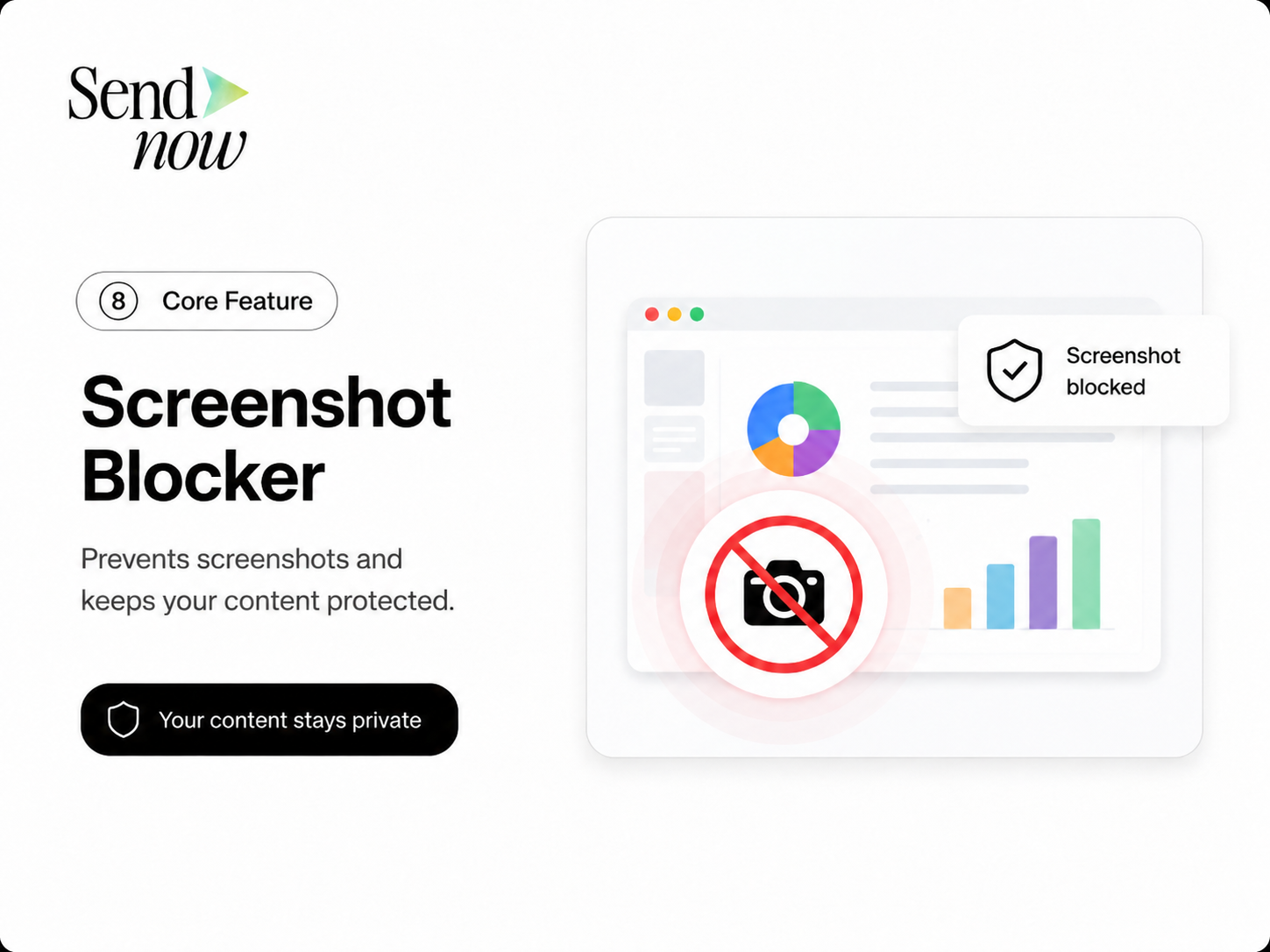
- Real screenshot protection hooks into OS rendering layers via a secure viewer, causing screen capture tools to capture a blank or blocked frame instead of the document content.
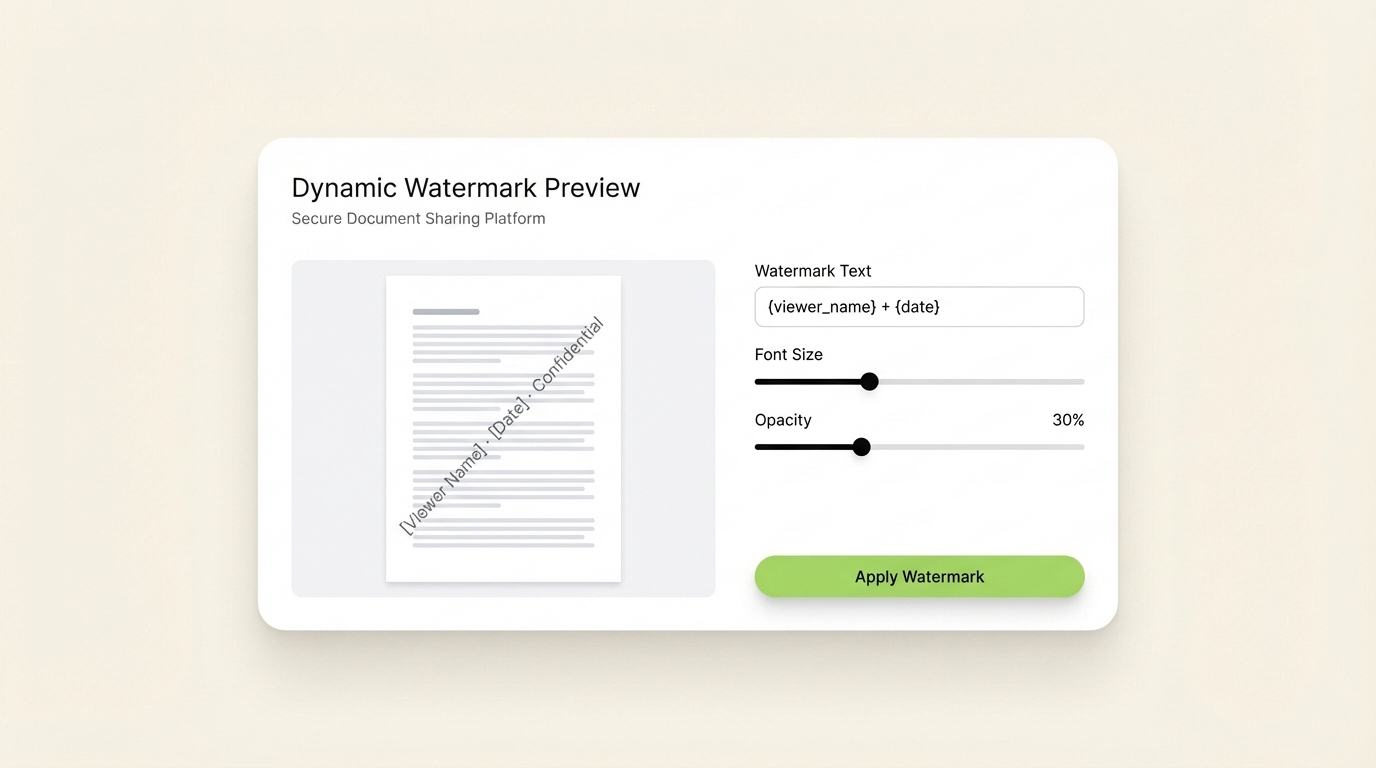
- Dynamic watermarks add a separate deterrence layer: even if someone photographs their screen with a phone, the leaked image traces directly back to the individual viewer.
- Finance professionals, deal teams, and investment bankers use both technologies together as a layered defense for confidential documents.
How to Block Screenshots on Confidential Business Documents
Screenshot protection for confidential business documents requires more than a password — it demands rendering-level controls that stop screen capture tools, phone shortcuts, and screen recording apps before they capture anything. This guide explains how modern secure file sharing platforms block screenshots, how dynamic watermarks add a deterrence layer, and what finance and deal teams need in place to keep sensitive documents truly private.
Introduction
An investment memorandum goes out to twelve potential LPs. It lands in the right inboxes. Everyone signs the NDA. You even block the download.
But one LP photographs their laptop screen with their phone. Three slides from your confidential financial projections end up in a group chat within the hour.
This scenario plays out because most document security tools address the wrong threat. They block downloads, restrict forwarding, and require passwords — but they do nothing to stop a keyboard shortcut, a screen-recording app, or a phone pointed at a monitor.
Blocking screenshots on confidential business documents is a technically distinct challenge from blocking downloads or watermarking a printed page. It requires controls at the rendering layer of the viewer itself. This article answers the seven questions finance professionals and deal teams ask most often about screenshot protection and secure file sharing.
1. Can You Actually Block Screenshots on a Document or PDF?
Yes — but only within a controlled, browser-based or app-based secure viewer. You cannot block screenshots in a standard PDF viewer like Adobe Reader or a browser's native PDF renderer.
The key distinction is where the document renders. When a PDF is downloaded and opened locally, the operating system renders it like any other application window. Screen capture tools operate at the OS level and capture whatever is on screen, regardless of file permissions or PDF encryption.
Peony.ink's guide to PDF screenshot protection confirmed this directly: "Standard PDF security tools often feel like band-aids — they can stop copying or printing, but screenshots? Forget it. Anyone can bypass them in seconds." (Source: Peony.ink)
Real screenshot blocking requires that the document never leave a proprietary secure viewer. That viewer integrates with OS-level rendering APIs — specifically DirectX or the equivalent on macOS — to intercept screen capture calls and return a black or blank frame instead of the document content. The document content itself remains inaccessible to the capture pipeline.
This is the same technology Netflix uses to prevent screenshots of streaming video in the browser. For document security, it represents the difference between security theater and genuine protection.
2. How Does Screenshot Protection Technology Work?
Screenshot protection for documents works through one of two mechanisms: OS-level rendering hooks or content obscuration.
OS-level rendering hooks are the more robust method. The secure viewer registers itself as a protected process or uses platform-specific DRM APIs — DirectX Protected Media Path on Windows, or AVFoundation on macOS — to flag its rendering output as non-capturable. When a screen capture tool requests the display buffer, the OS returns a blank frame for the protected region. Screen recording apps, the Print Screen key, third-party screenshot utilities, and browser-based capture extensions all hit the same wall.
Newsoftwares.net's analysis of document DRM noted that "for high-value documents, the only effective defense is proprietary Secure Viewer DRM" that "hooks deep into OS rendering and intercepts capture calls at the system level." (Source: Newsoftwares.net)
Content obscuration is a lighter approach used by some platforms. The viewer places transparent, rapidly shifting overlays on top of the document content that disrupt automated screenshot tools but do not prevent all capture methods. It is less reliable than full OS-level protection.
For finance-grade security — think investor memoranda, deal term sheets, or M&A financial models — OS-level rendering hooks via a dedicated secure viewer are the only approach that holds up against determined capture attempts.
3. What Is a Dynamic Watermark and How Does It Deter Leaks?
A dynamic watermark is a viewer-applied overlay on each page of a document that displays identifying information about the specific recipient: their name, email address, the date and time they accessed the document, and often their IP address or company name.
Unlike a static watermark baked into the PDF at upload time, a dynamic watermark is generated at the moment of viewing and is unique to each session. The sender never needs to create separate watermarked copies for each recipient.
The deterrence mechanism is straightforward: if a recipient photographs their screen with a phone — bypassing OS-level screenshot protection entirely — the leaked image carries their name and the date of access in diagonal text across every page. Attribution of the leak is immediate and legally defensible.
Digify's documentation on digital rights management describes dynamic watermarks as one of the most practical controls for high-value document sharing: "it is too easy for information to be forwarded, copied, printed, or downloaded" without access controls and visible attribution. (Source: Digify)
For PE firms sharing CIM documents or VCs distributing cap table analyses, dynamic watermarks are both a deterrent and a forensic tool. The combination of screenshot blocking at the software level and dynamic watermarking at the content level closes the two most common leakage channels simultaneously.
4. Do Secure File Sharing Platforms Prevent Screenshots?
Not all of them — and the difference matters.
Most cloud storage tools marketed as "secure" — including enterprise versions of Google Drive, Dropbox, or SharePoint — do not include screenshot blocking. They provide access controls, audit logs, and encryption in transit, but they render documents in the browser or in standard OS viewers where screen capture tools operate freely.
Dedicated secure document sharing platforms take a different approach. Platforms in this category render documents through proprietary viewers with screenshot-blocking hooks built in. The viewer is the security layer, not just the container.
SafeDRM's documentation explains the practical approach: their Screen Shield service "minimizes the viewable area" and disrupts the render pipeline so "taking screenshots of different parts and aligning them will be difficult." (Source: SafeDRM) The more advanced implementations go further and return a black frame for any capture attempt, full stop.
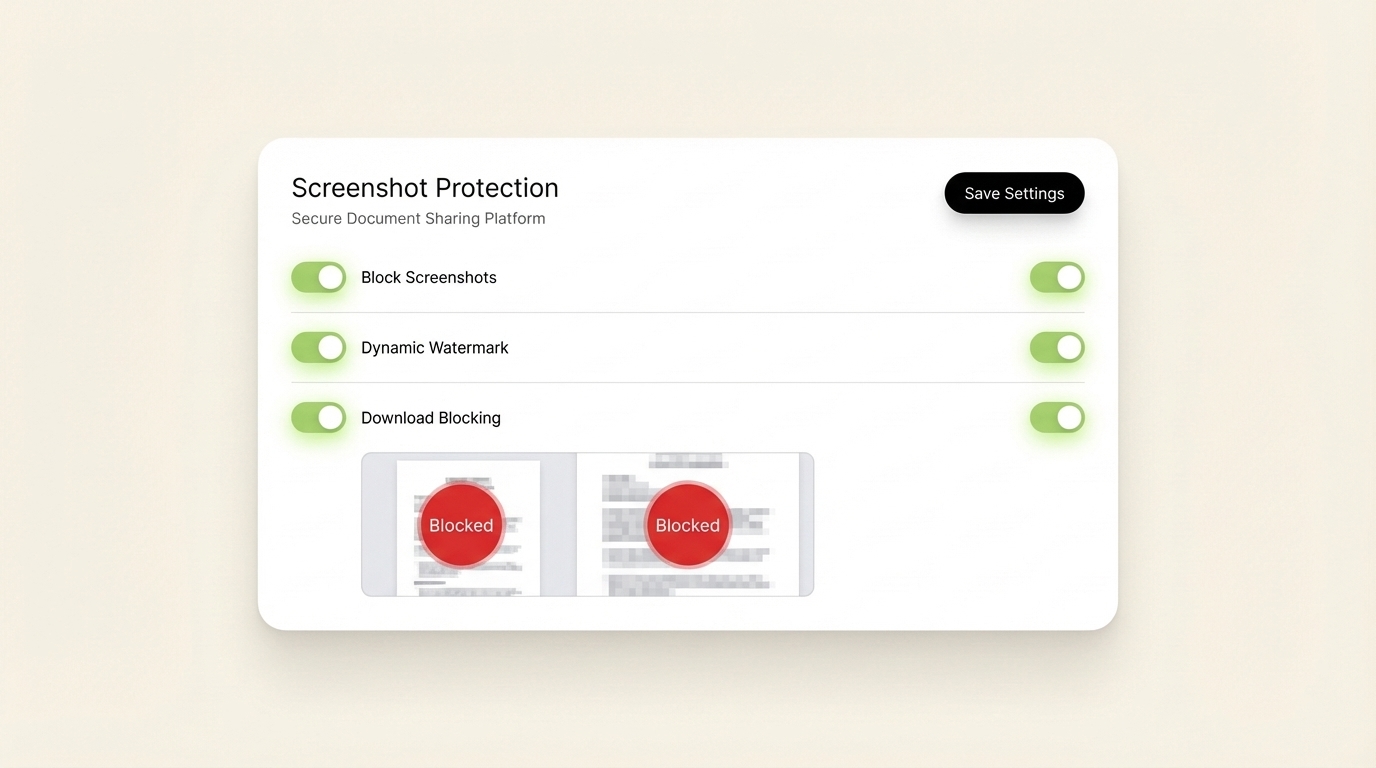
SendNow includes native screenshot protection as part of its AES-256 encrypted secure viewer, combined with dynamic watermarking. For deal teams sharing financial documents with multiple external parties, this means recipients view the document in a controlled environment where capture is blocked at the render layer and every access event is logged.
5. How Do Investment Bankers Protect Confidential Documents from Screenshot Leaks?
Investment banks and PE firms protecting deal-sensitive materials typically combine three layers of control:
Secure viewer delivery. Documents are shared via link to a proprietary viewer rather than as downloadable files. The viewer enforces screenshot blocking and prevents local file creation.
Dynamic watermarking. Every page visible to any recipient carries their identifying information. This makes phone-camera screenshots attributable and creates a legal deterrent against deliberate leaks.
NDA gating. Before a document loads in the viewer, the recipient must accept an NDA. The acceptance is timestamped and tied to the recipient's email address, creating a legally defensible record that applies to every page they view.
Together, these three controls address the three most common leakage scenarios: screen capture software, phone photography, and recipient forwarding. No single control is sufficient on its own.
Peony.ink's research into investor document security summarized the challenge well: "You have a PDF that matters — investor financials, M&A due diligence documents, enterprise pricing, a board pack — and you need to share it without losing control of it." (Source: Peony.ink) The platforms that solve this problem natively, without requiring complex IT setup, are the ones gaining traction among deal teams replacing DocSend after its March 2025 free plan removal. (Source: Peony.ink DocSend Alternatives)
6. What Is the Difference Between Download Blocking and Screenshot Blocking?
Download blocking and screenshot blocking are separate controls that protect against separate threats. Many teams implement one without understanding that the other is also necessary.
Download blocking prevents a recipient from saving the document file to their local device. It stops the most obvious redistribution path: downloading the PDF and forwarding it as an attachment. When download is blocked, the document exists only as a session experience in the viewer.

Screenshot blocking prevents a recipient from capturing the visual content of the document using screen capture tools, the Print Screen key, or third-party recording software. It addresses the threat that download blocking does not: someone who views but cannot download can still capture every page as a series of images.
Microsoft Purview's documentation on information protection makes this distinction explicit. Even with sensitivity labels applied, "an admin can prevent actions such as editing, printing, copying/pasting, taking screenshots, and more" — and these are enumerated as separate controls because they target separate behaviors. (Source: Microsoft Learn)
In practice, finance teams that share deal documents externally need both controls active simultaneously. Download blocking alone leaves the screenshot channel open. Screenshot blocking alone still allows recipients to save local copies. The complete protection requires both, plus dynamic watermarking as a final layer for the camera-phone scenario that software controls cannot address.
7. Is Screenshot Protection Alone Enough to Secure Confidential Documents?
Screenshot protection is a critical control, but it operates as one layer in a defense stack rather than a complete solution on its own.
The full stack for confidential document security in a finance or deal context includes:
Access control at the link level. Only recipients with the authorized email address or the correct password can open the document viewer. This stops opportunistic access from forwarded links.
NDA gating. Recipient accepts NDA terms before the viewer loads. Creates a legal record of the confidentiality obligation tied to each individual access event.
Screenshot blocking. OS-level rendering hooks prevent capture software from capturing document content. Addresses software-based capture.
Dynamic watermarking. Recipient-specific text overlaid on every page. Addresses phone-camera capture and creates forensic attribution for any leaked image.
Download blocking. Prevents local file creation. Removes the most common redistribution path.
Access revocation. The sender can disable all shared links at any time, removing access regardless of whether the recipient bookmarked or saved the URL.
Audit logs. Every access event, page view, and NDA acceptance is timestamped and logged. Provides the legal paper trail that email attachments structurally cannot produce.
Vitrium's comprehensive guide to DRM protection summarized the layered approach concisely: "DRM ensures that only authorized users can access, view, copy, print, or share digital content — but the specific controls active at any moment determine the actual protection level." (Source: Vitrium)
Screenshot blocking without the surrounding controls is a door lock on a glass wall. All seven controls together create a document security posture that holds up in practice, not just on a spec sheet.

Conclusion
The single most common mistake finance teams make when securing confidential documents is blocking downloads and assuming that is enough. It is not. A recipient who cannot download can still capture every page in thirty seconds with a screenshot shortcut or a phone camera.
Real document security for deal-sensitive materials requires both screenshot blocking at the rendering layer and dynamic watermarking at the content layer. These two controls, combined with NDA gating, access revocation, and audit logging, form a defense stack that addresses the actual threat model — not an idealized one.
The finance professionals and deal teams moving to this standard are not adopting it because it is complex. They are adopting it because the platforms that deliver all of these controls are now as fast and affordable as sharing a Google Drive link.
SendNow includes AES-256 encryption, native screenshot protection, dynamic watermarks, NDA gating, download blocking, and page-by-page analytics in plans starting at $9/month. No credit card required for the free trial.
Start protecting your documents at sendnow.live
Keep Reading
About the Author: Rifana Hameem
Rifana is the founder of SendNow. She leads the team in building secure, compliant, and analytics-rich document sharing tools for finance and professional teams worldwide.
Connect on LinkedIn