How to Build a Deal Room in Under 10 Minutes

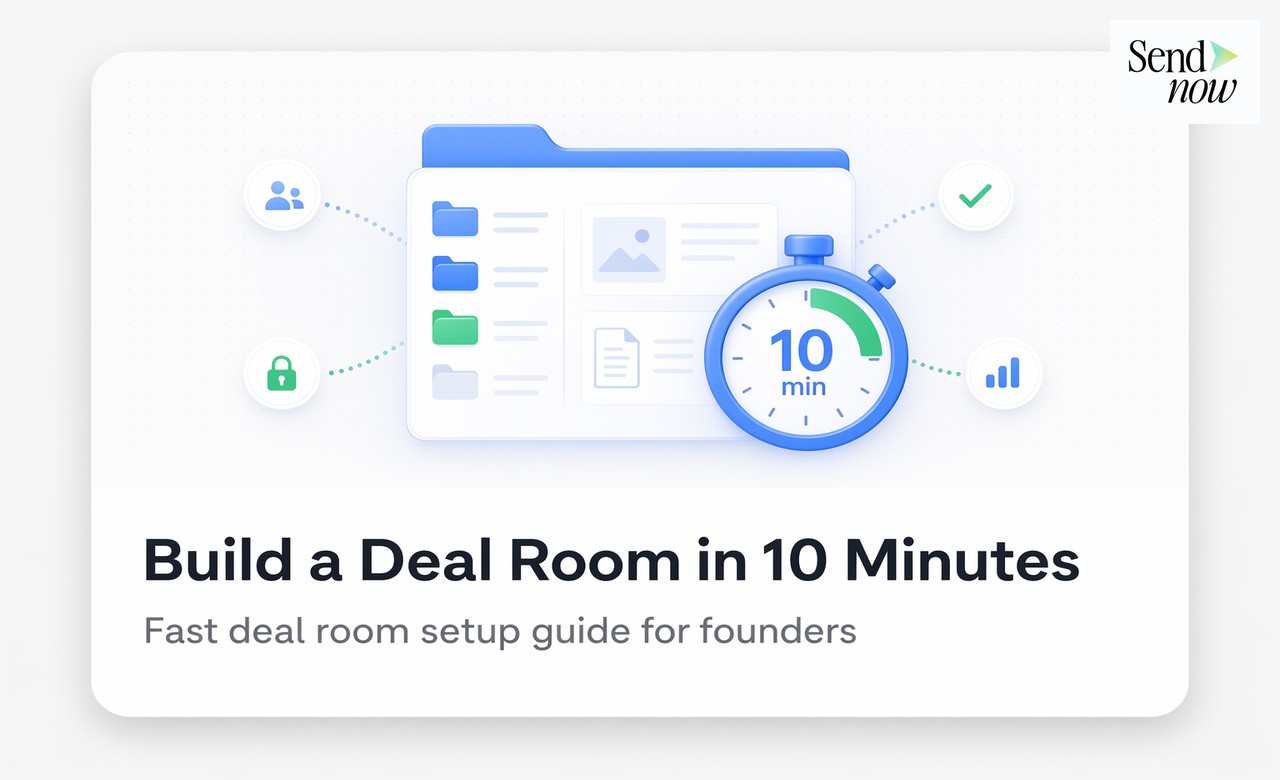
How to Build a Deal Room in Under 10 Minutes
You can build a fully operational deal room in under ten minutes using the right platform. That means a secure space with your documents uploaded, an NDA gate active, buyer invitations sent, and engagement tracking running — ready before your first call with a potential acquirer.
What Is a Deal Room and Why Does Speed Matter?
A deal room (sometimes called a virtual data room or VDR) is a secure online environment where a seller shares confidential documents with potential buyers during an M&A transaction, fundraise, or partnership negotiation. It replaces the old approach of emailing document packages or setting up physical due diligence sessions.
Speed matters at deal inception. The window between a buyer expressing interest and losing momentum is often just a day or two. Every hour spent configuring technology is an hour the buyer waits — and waiting kills deals. A deal room that takes a week to set up with an IT team is not fit for purpose in fast-moving mid-market transactions.
Step 1 — Create Your Deal Room (2 Minutes)
Start at sendnow.live and sign up for a free account. After login, click "New Deal Room" and give it a name (typically the target company name or a codename). Add a brief description that will appear on the NDA gate page — something like "Confidential Information for Project Falcon."
That is it for the initial setup. You now have a named, encrypted workspace ready for documents and buyers.
Step 2 — Upload Your Documents (3 Minutes)
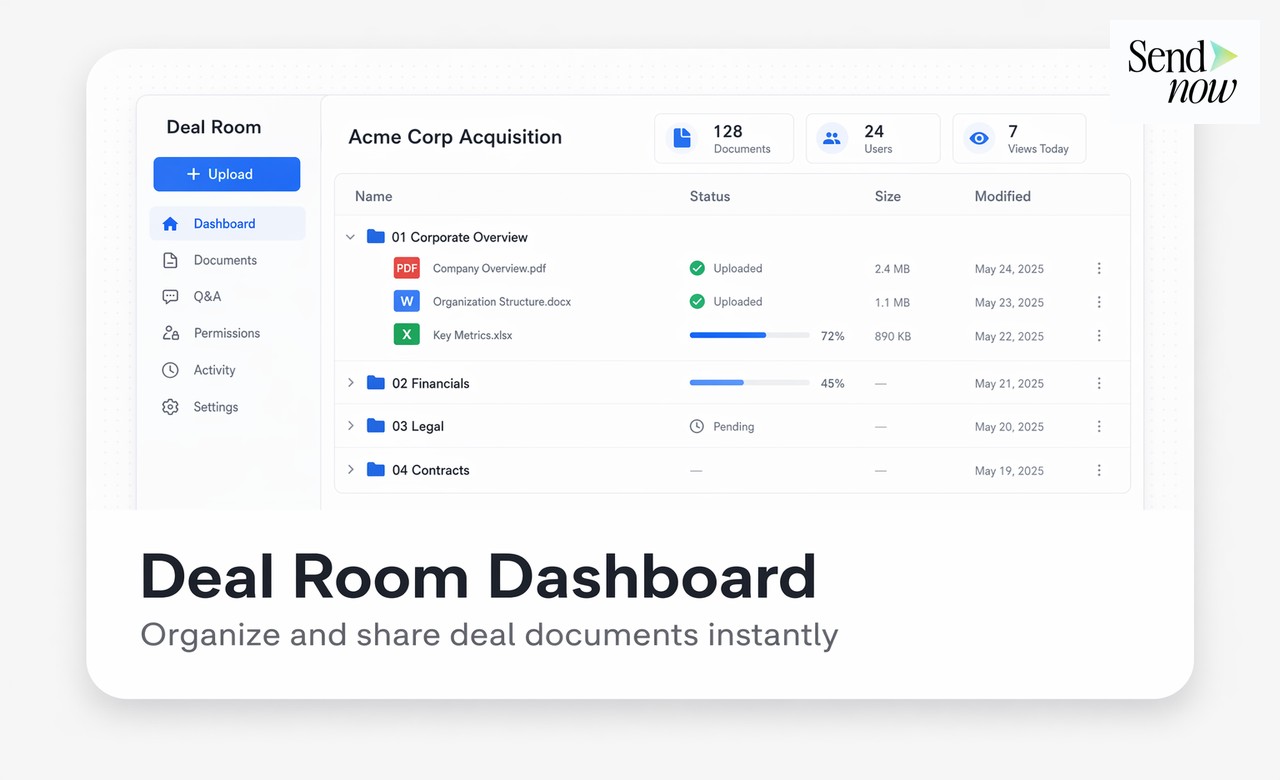
Drag your document package into the upload panel. A standard deal room at the information memorandum stage typically contains:
- The CIM or teaser (PDF)
- A financial model or summary accounts (Excel or PDF)
- Management team bios (PDF)
- Any relevant regulatory certificates or licences
SendNow accepts all standard formats and converts them to a secure viewer format automatically. Files are encrypted with AES-256 at rest and in transit. You do not need to pre-process or flatten PDFs — upload them as-is.
Organise documents into folders if you have more than five files. A simple structure (Overview, Financials, Legal, Operations) makes navigation straightforward for buyers.
Step 3 — Configure the NDA Gate (2 Minutes)

The NDA gate is the single most important security feature in your deal room. It requires every visitor to accept a non-disclosure agreement before they can see any document. Enable it from the deal room settings panel with two clicks.
You can use SendNow's standard NDA template, which covers the key confidentiality obligations for M&A contexts, or paste in your own legal text. The buyer signs inline — no DocuSign integration needed — and their acceptance is logged with a timestamp and IP address.
Set download permissions at this step. For most CIM-stage processes, disabling download and screen capture is appropriate. You can loosen restrictions later for shortlisted buyers who need to share documents with their advisers.
Step 4 — Invite Buyers (2 Minutes)
Enter the email addresses of the buyers or intermediaries you want to invite. SendNow sends each one a personalised link with a brief message you can customise. Each link is unique to the recipient — which means access is tracked individually and links can be revoked per person without affecting others.
For buy-side advisers acting on behalf of multiple principals, create a separate link per firm rather than per individual. This simplifies link management while still keeping firms isolated from each other.
Your deal room is now live. Total elapsed time: under ten minutes.
Step 5 — Monitor Engagement in Real Time
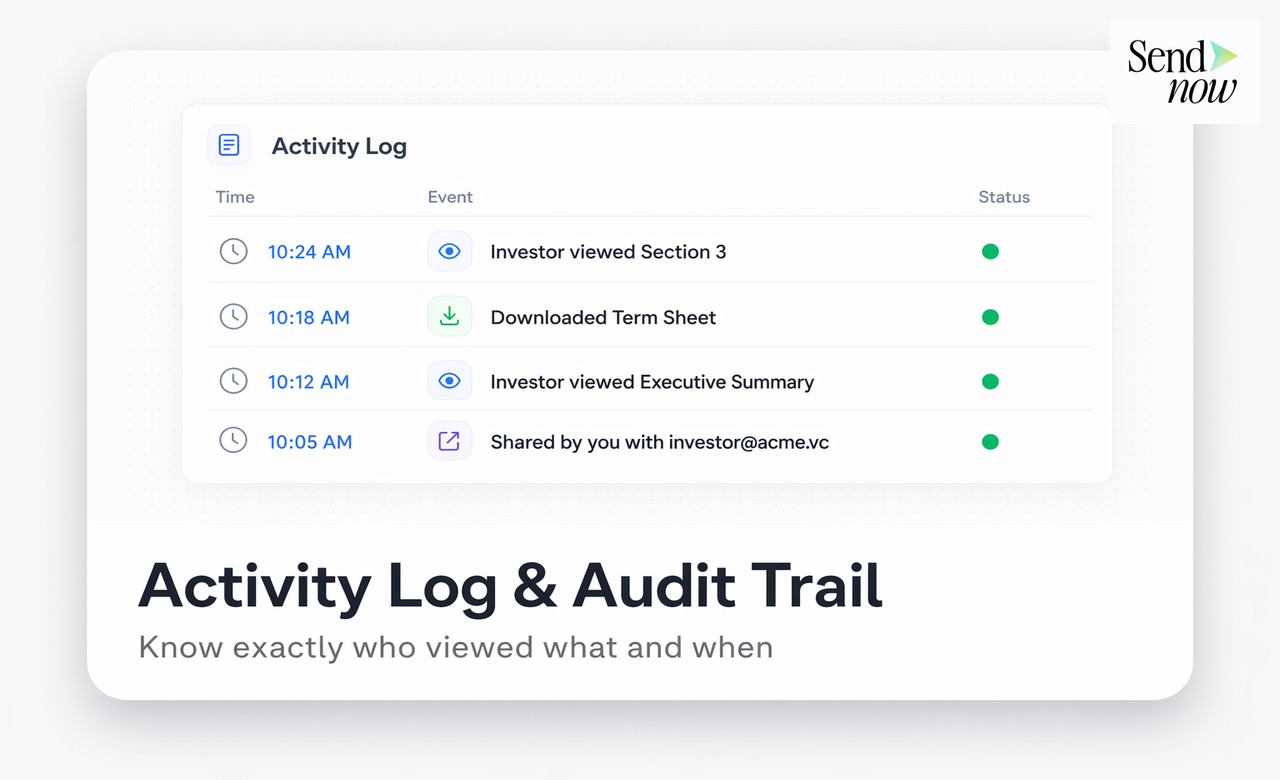
Once buyers start accessing the room, SendNow's analytics panel shows you exactly who opened which documents, how many pages they read, how long they spent in each section, and when they last accessed the room. This is deal intelligence that was previously only available to large-cap teams with enterprise VDR contracts.
Use the engagement data to prioritise outreach. A buyer who has spent 45 minutes in the financials section is a stronger candidate for a follow-up call than one who opened the cover page and closed the room after 90 seconds. Knowing the difference before you invest time in management presentations changes how you allocate effort.
Deal Room Setup Checklist
| Task | Time Required | Done |
|---|---|---|
| Create deal room and name it | 1 min | - |
| Upload documents and organise folders | 3 min | - |
| Enable NDA gate and set access controls | 2 min | - |
| Customise invitation message | 1 min | - |
| Add buyer email addresses and send links | 2 min | - |
| Review analytics panel | Ongoing | - |
Common Mistakes to Avoid
Skipping the NDA gate is the most frequent error in quick deal room setups. The temptation is to get documents in front of buyers as fast as possible, but an ungated room means documents are accessible without any legal commitment from the viewer. Enable the NDA gate even for exploratory conversations.
The second mistake is sharing a single link with multiple buyers. This makes it impossible to revoke access individually and means your analytics cannot distinguish between recipients. Always create one link per buyer or per firm.
The third mistake is uploading documents and then ignoring the engagement data. The analytics are the most underused feature in deal room platforms. Check them daily during an active process.

Why Fast Setup Does Not Mean Cutting Corners
A ten-minute deal room is not a cut-down version of a full VDR. It has the same AES-256 encryption, GDPR-compliant audit logs, NDA gating, and per-recipient watermarking as an enterprise deployment. The speed comes from thoughtful product design, not from removing safeguards.
For EU-based transactions, SendNow's infrastructure is hosted in European data centres and the platform meets the data residency requirements that most GDPR-conscious deal teams need. The audit trail produced during the deal room lifecycle is export-ready for post-transaction documentation.
Related Reading
Build Your Deal Room Today
SendNow is built for finance professionals who need to move fast without compromising on security or compliance. Start your free trial at sendnow.live and have your first deal room live in under ten minutes.
Frequently Asked Questions
1. How long does it take to set up a deal room? With a modern platform like SendNow, you can have a fully configured deal room — with documents, NDA gate, and buyer invitations sent — in under ten minutes. No IT support or professional services engagement is required.
2. What documents should I put in a deal room? At the initial stage, the CIM or teaser, a financial summary, management bios, and key licences or certificates are sufficient. Full due diligence document sets are typically added after buyers sign LOIs and enter exclusivity.
3. Do I need a lawyer to set up an NDA gate? No. Most deal room platforms include a standard NDA template that covers the core confidentiality obligations. You can use this for information memorandum-stage sharing. For exclusivity-stage due diligence, have your legal team review the NDA before activating it.
4. Can I use a deal room for fundraising as well as M&A? Yes. Deal rooms are equally suited to VC and PE fundraising, where founders or portfolio companies share financial information with potential investors under confidentiality. The same NDA gate and access controls apply.
5. What is the difference between a deal room and a virtual data room? The terms are largely interchangeable. "Deal room" typically refers to the initial information-sharing phase (CIM distribution, NDA stage), while "virtual data room" or "VDR" often implies the full due diligence phase with a larger document set and more granular permissions. Many platforms, including SendNow, support both use cases.
6. How do I prevent buyers from sharing my documents outside the deal room? Enable download restrictions and dynamic watermarking at the link level. Buyers view documents in a secure browser-based viewer without the ability to save a local copy. Watermarks trace any leaked screenshots back to the recipient.
7. Can I add more documents after the deal room is live? Yes. You can upload additional documents at any stage of the process. Buyers who are already in the room will see the new files on their next visit. You can also notify them via email from the platform dashboard.
8. Is a deal room compliant with GDPR? A deal room built on GDPR-compliant infrastructure — with EU data residency, encrypted storage, access logs, and data deletion capabilities — meets the technical requirements for sharing personal data under GDPR. SendNow is built specifically for EU-based deal teams and satisfies these requirements out of the box.
About the Author: Rifana Hameem
Rifana is the founder of SendNow. She leads the team in building secure, compliant, and analytics-rich document sharing tools for finance and professional teams worldwide.
Connect on LinkedIn