Can You Download Documents from DocSend? (The Full Truth in 2026)

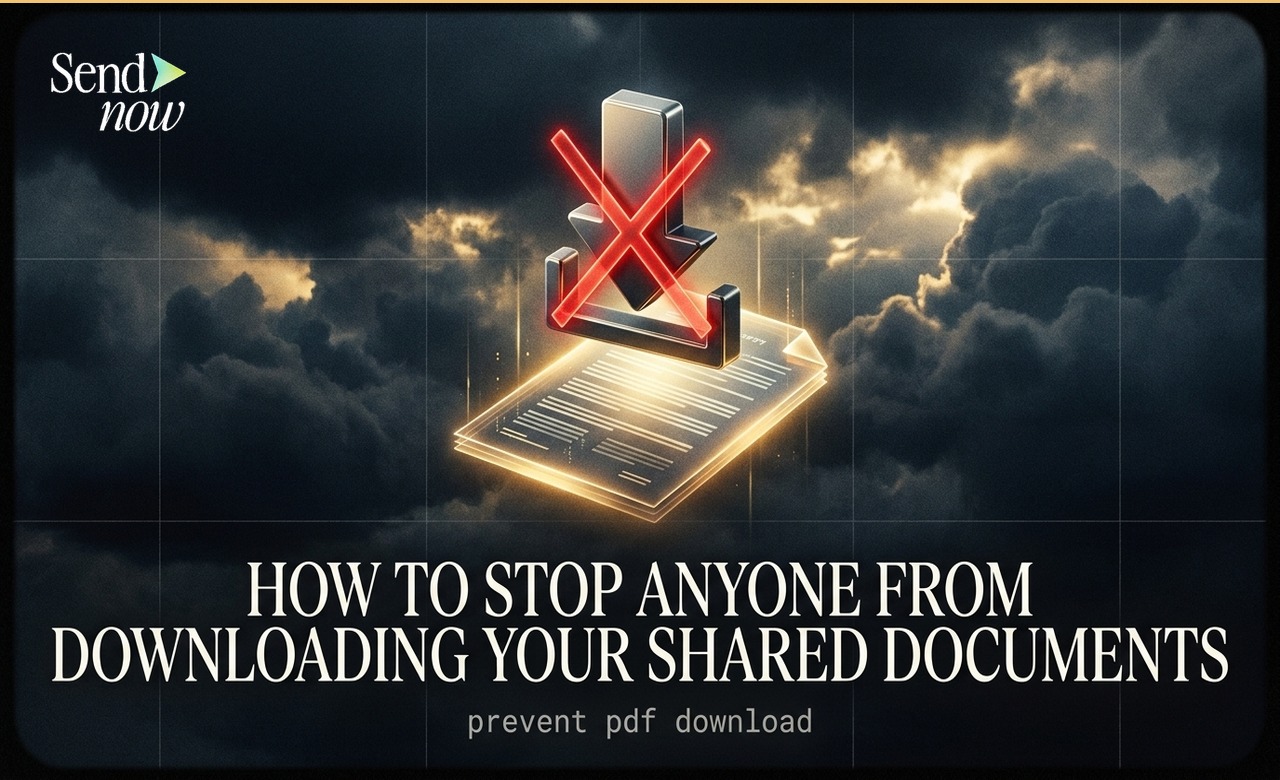
DocSend prevents direct file downloads by default — viewers see the document inside a browser-based viewer and cannot save the original file. However, no tool can fully prevent screenshots or screen recordings, which is why modern platforms like DocSend and SendNow add dynamic watermarks with viewer identity to deter misuse. If you're a sender, here's how to maximize protection. If you're a viewer trying to download, here's what you need to know.
How DocSend's Download Prevention Works
When someone shares a DocSend link, the document is rendered inside a custom viewer in the browser. The original PDF or file is never sent to the viewer's device — instead, the pages are served as images or canvas elements.
This means:
- ✅ The viewer cannot click "Save As" or "Download" to get the original file
- ✅ Right-click save is disabled
- ✅ The file does not appear in the browser's download history
- ❌ Screenshots are still possible (on most devices)
- ❌ Screen recording software can capture the content
- ❌ A phone camera pointed at the screen can photograph it
The bottom line: DocSend prevents file downloads, not content capture. No tool in the world can prevent someone with physical access to a screen from capturing what's on it.
Can You Download from a DocSend Link?
It depends on what the sender has configured:
If "Allow Download" is OFF (default)
- You cannot download the original file
- The viewer interface has no download button
- Right-click and browser save are blocked
- The file doesn't appear in your browser's download manager
If "Allow Download" is ON (sender's choice)
- A download button appears in the viewer
- You can save the original file to your device
- This is the sender's conscious decision — they chose to allow it
So: you can only download a DocSend document if the person who shared it explicitly enabled downloads.
What About DocSend Downloaders / Bypass Tools?
Searching for "DocSend downloader" suggests people are looking for tools to bypass DocSend's download protection.
Here's the honest reality:
Some browser extensions or developer console tricks can theoretically capture the image tiles that make up a DocSend page, but:
- Quality is terrible — you get low-resolution fragments, not the original PDF
- Watermarks are still visible — if the sender enabled dynamic watermarks, your name is on every page
- Legal risk — attempting to bypass document controls on a legally protected document may violate the sender's NDA or your terms of use agreement
- It's logged — DocSend records your session; unusual behavior is detectable
If you legitimately need a copy of a document, ask the sender to enable the download option or send you the file directly. That's the right approach.
How Senders Can Maximize Document Security
If you're sharing confidential documents and want to maximize protection:
1. Use Dynamic Watermarks
The single most effective deterrent. With a dynamic watermark, every page of your document shows the viewer's name and email address. If they photograph it or screenshot it, you know exactly who leaked it.
SendNow includes dynamic watermarks on the Business plan ($43/month) and on Microsite plans (from $19/month).
2. Enable Screenshot Blocker
Both DocSend and SendNow have screenshot blocker features that disable screen capture APIs on supported devices (primarily mobile).
Important caveat: This only works on devices that respect the API. A physical camera pointed at a monitor cannot be blocked by software.
3. Require Email to View
Make viewers identify themselves before they can access the document. This creates a record of who accessed it and when.
4. Set Expiry Dates
After your fundraise closes or your proposal expires, automatically deactivate the link. This limits the window of exposure.
5. Whitelist Specific Viewers
Restrict access to pre-approved email addresses only. Random people with the link cannot open it.
6. Monitor the Analytics
Check who's viewing your document and flag unusual behavior (multiple rapid views, access from unexpected countries).

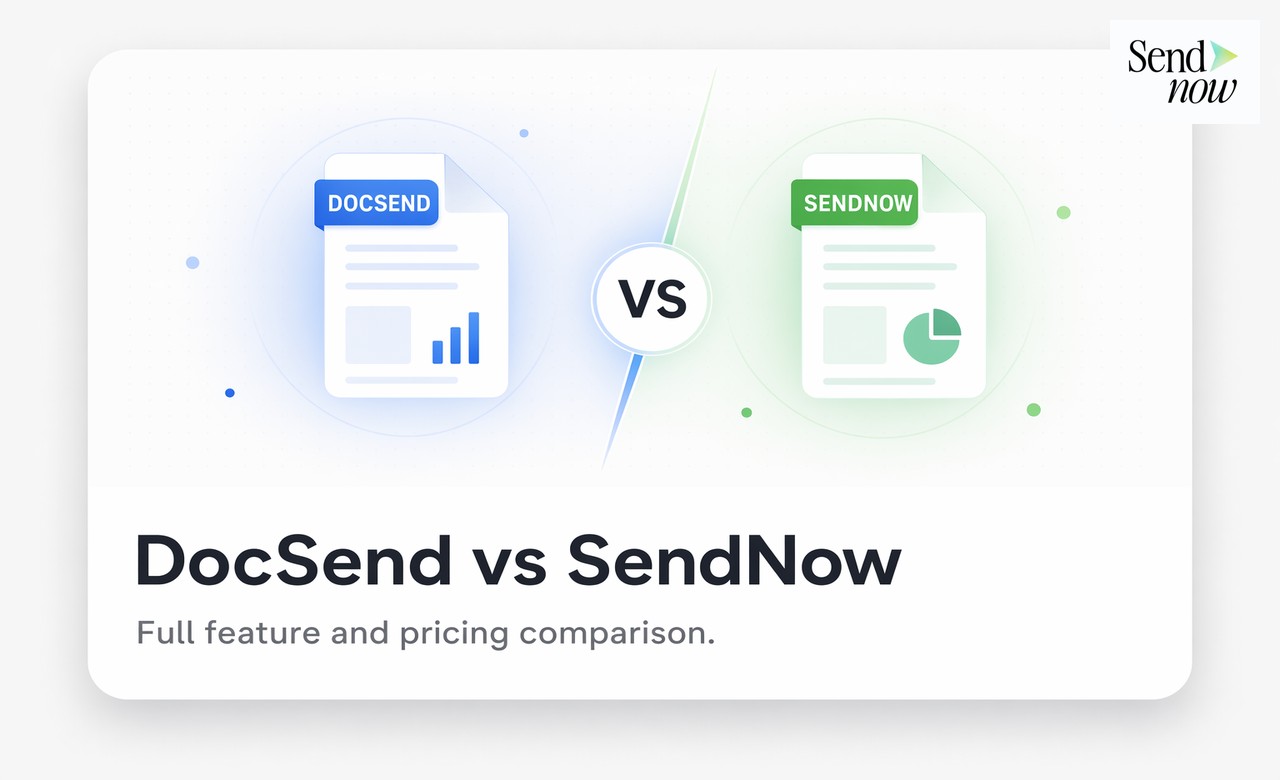
SendNow vs DocSend: Download Protection Comparison
| Security Feature | DocSend | SendNow |
|---|---|---|
| Download prevention | ✅ | ✅ |
| Dynamic watermark | ✅ (Standard+) | ✅ (Business, Microsites) |
| Screenshot blocker | ✅ | ✅ |
| Email verification | ✅ | ✅ |
| Whitelist access | ✅ (Standard+) | ✅ (Business, Microsite Growth) |
| Expiry dates | ✅ | ✅ |
| NDA gate | ✅ | ✅ (Pro+) |
| Per-viewer analytics | ✅ | ✅ |
| Price | $45/mo | $17/mo |
Should You Be Worried About DocSend Document Security?
For the vast majority of use cases — pitch decks, proposals, one-pagers — DocSend and SendNow's protection is more than adequate. The content is protected from casual capture, and dynamic watermarking deters serious leaks.
Where you should be more careful:
- Highly sensitive M&A materials — consider formal legal NDAs in addition to technical controls
- Trade secrets — limit distribution to the minimum number of people
- Regulated documents (healthcare, financial services) — ensure your document platform is compliant with relevant regulations (HIPAA, SEC)
FAQ
Can I download a DocSend document without the sender knowing? No. Even if you could capture the page images, the sender sees your session in their analytics. Your email, time, and page-by-page activity are logged.
Why can't I right-click save on DocSend? DocSend's viewer renders documents as canvas elements or image tiles, not as a downloadable file. Right-click save captures a blank or corrupted image.
Can I print a DocSend document? Only if the sender enabled printing. By default, it's disabled. If enabled, the print output will include any watermarks.
What happens to my access when a DocSend link expires? The link becomes inactive — you see an error message. The document is no longer accessible at that URL.
Are there tools that can bypass DocSend's download protection? Some partial workarounds exist but yield low-quality results and still contain your watermark. Attempting to bypass protection may violate your legal agreement with the sender.
Sharing sensitive documents? Try SendNow's document protection → — NDA gates and screenshot blocking from $17/month, dynamic watermarks from $19/month (Microsites) or $43/month (Business).
About the Author: Rifana Hameem
Rifana is the founder of SendNow. She leads the team in building secure, compliant, and analytics-rich document sharing tools for finance and professional teams worldwide.
Connect on LinkedIn