How to Track Real Estate Buyer Engagement Page-by-Page

How to Track Real Estate Buyer Engagement Page-by-Page
To successfully track real estate buyers and close deals faster, modern brokerages must utilize page-by-page document analytics. Traditional follow-ups rely on guesswork, but secure tracking links allow you to monitor which pages of your disclosure packages, brochures, and financial models prospective buyers spend the most time on. This data-driven approach tells you exactly what interests your buyers before you pick up the phone.
The Blind Spot in Traditional Real Estate Sales
For decades, real estate agents and brokers have operated with a major information gap when sharing property materials. After sending a PDF brochure, offering memorandum, or disclosure package as an email attachment, the agent had no way of knowing what happened next. Did the client open the file? Did they read the zoning reports, or did they stop at the cover page? Did they forward the document to their financial advisor, or did it end up in their spam folder?
This lack of visibility makes following up incredibly difficult. Agents are forced to call clients blindly, asking generic questions like, "Have you had a chance to look at the package?" This approach is inefficient and often annoying to busy buyers.
By contrast, using a document sharing platform designed to track real estate buyers removes the guesswork. When you share documents via secure, tracked links, you receive detailed analytics on how recipients interact with your files. You can see when they open the link, which pages they read, and how much time they spend on each page. This level of insight transforms your sales process from a guessing game into a precise, data-driven strategy.
Why You Need to Track Real Estate Buyers Page-by-Page
Tracking buyer engagement at the page level provides several major advantages that help you run a more efficient and successful brokerage:
1. Identifying the Most Engaged Leads
Not all leads are created equal. In a busy market, you want to spend your time on the buyers who are most likely to write an offer. If you see that a prospect has opened your disclosure package three times and spent twenty minutes analyzing the floor plans and tax records, you know they are highly interested. You can prioritize calling them immediately, while putting less engaged leads on a standard nurture campaign.
2. Anticipating Buyer Questions and Concerns
By looking at the time spent on specific pages, you can anticipate what a buyer is concerned about before they even ask. For example, if a buyer spends five minutes on the page detailing the HOA rules or the property's environmental assessment, they likely have questions about those sections. When you follow up, you can proactively address these topics, making the conversation smoother and demonstrating exceptional service.
3. Understanding Co-Broker Activity
In many transactions, you are working with a buyer's agent or co-broker. Document tracking allows you to see if the co-broker has forwarded the link to their client. If the link has been opened by multiple unique devices, it is a strong signal that the deal is being reviewed by a larger investment committee or family group.
4. Improving Your Marketing Collateral
If you notice that most buyers close your brochures after the first three pages, it means your content is not engaging enough, or the most important information is buried too deep. You can use this feedback to redesign your property catalogs, placing key selling points and financials at the front to capture attention quickly.
How Document Engagement Analytics Works in Practice
Page-by-page tracking works by rendering your PDF files in a secure, browser-based viewer instead of forcing the viewer to download the file to their local computer. Here is the step-by-step workflow:
graph TD
    A[Broker uploads PDF to SendNow] --> B[System generates unique tracked link]
    B --> C[Buyer opens link in browser]
    C --> D[Viewer actions tracked in real time]
    D --> E[Broker receives open alerts & page heatmaps]
    E --> F[Broker initiates targeted follow-up]
1. Real-time Access Notifications
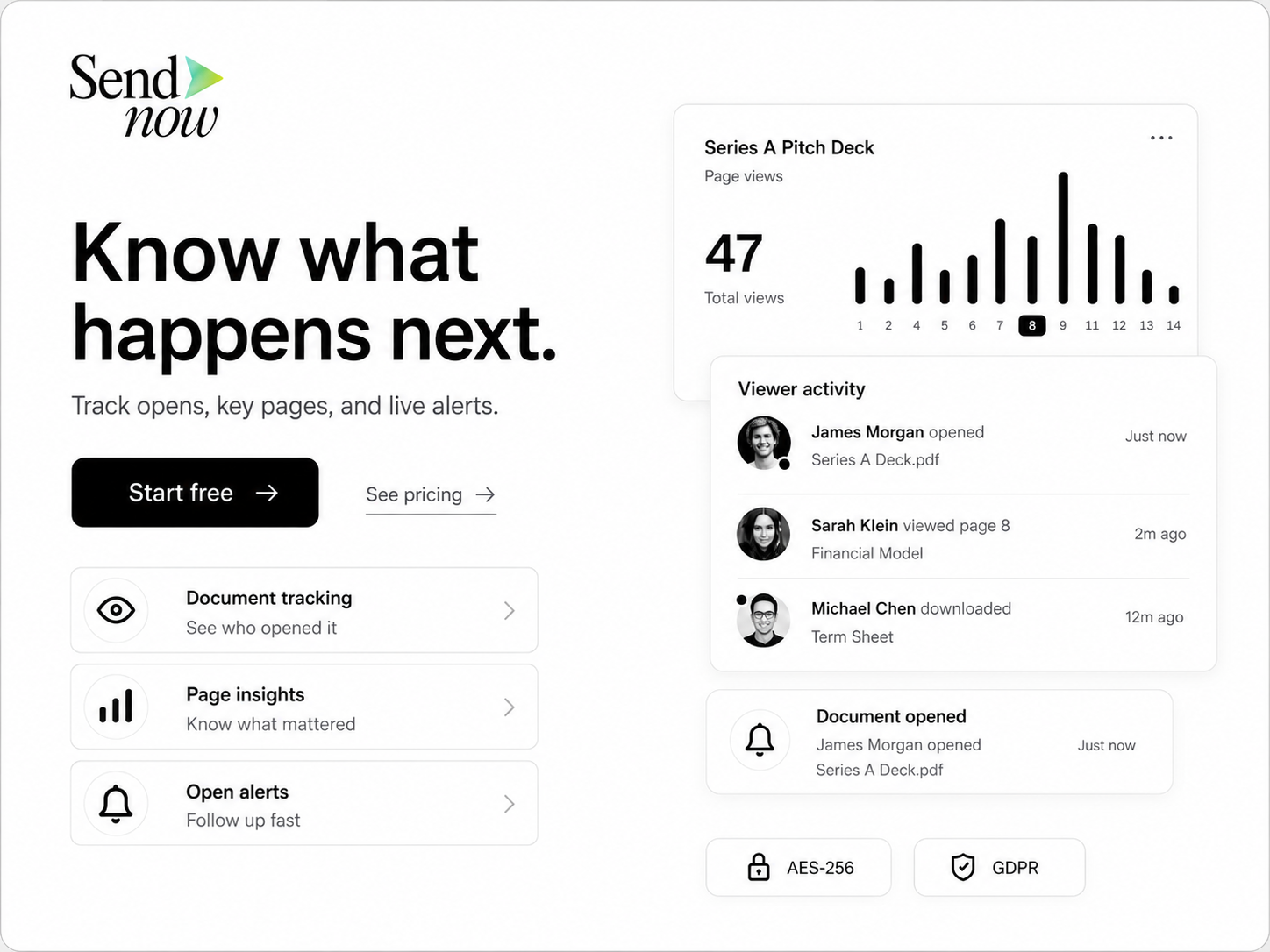
The moment a prospect clicks your link, the system sends you an instant email or Slack notification. This alert tells you exactly who is looking at your property, giving you the perfect opportunity to follow up while the listing is top-of-mind.
2. Page-level Time Tracking
The platform records the exact number of seconds the viewer spends on each page of the document. This data is displayed in a clean, visual graph in your dashboard, showing where the viewer paused and where they scrolled past quickly.
3. Engagement Heatmaps
Heatmaps show the intensity of a reader's engagement across different sections of your document. Pages with high viewing times are highlighted, allowing you to instantly identify which property features or financial terms are generating the most interest.
4. Forwarding and Device Tracking
If a viewer forwards your link to another party, the system tracks the new session as a separate viewer event. You will see that the document was accessed from a different location or device, helping you map out all the stakeholders involved in the decision-making process.
Comparing Sharing Methods: Tracking vs. Blind Sending
| Metric | Standard Email Attachment | Generic Cloud Link (e.g., Dropbox) | SendNow Tracked Link |
|---|---|---|---|
| Real-Time Open Alerts | No | No | Yes |
| Page-by-Page Time Logging | No | No | Yes |
| Viewer Session Recording | No | No | Yes |
| Engagement Heatmaps | No | No | Yes |
| Download Control | Lost permanently | Limited | Complete control |
| Revoke Access On-Demand | No | Yes | Yes |

Best Practices for Using Document Analytics in Your Real Estate Workflow
To get the most out of your document analytics, incorporate these strategies into your daily client interactions:
- Use Tracked Links in All Marketing Campaigns: Whether you are sending a one-off email to a hot prospect or launching an email newsletter to your database, always use tracked links from your SendNow dashboard. This ensures that every click is recorded and analyzed.
- Customize Links for Key Prospects: Create unique links for each of your top buyers instead of using a single general link. This allows you to track individual behavior and know exactly who is opening the files.
- Keep Your Links Clean and Professional: Do not use long, messy URLs with placeholder hashes (#). Instead, create clean, branded links that link directly to your property microsites. You can manage these settings in your dashboard or read our solutions page for more details.
- Respect Privacy Standards: Ensure that your tracking processes are GDPR-compliant by explaining in your privacy policy that document access is tracked for security purposes. You can read more about data protection on the official GDPR website.
FAQ: Tracking Buyer Engagement
How do I track real estate buyers using document links?
To track buyers, upload your property brochures and disclosures to SendNow and generate a unique tracking link for each recipient. When they open the link, the system will record their views, the time spent on each page, and notify you in real time.
Can I see if a buyer forwarded my property brochure?
Yes. If a recipient forwards your tracked link to another user, SendNow's analytics will show that a new device from a different IP address accessed the file, allowing you to identify when external advisors or partners are brought into the deal.
What is the benefit of page-level tracking over simple download alerts?
Simple download alerts only tell you that a file was saved. They do not tell you if the buyer actually read it. Page-level tracking shows you the exact pages the buyer focused on, helping you understand their specific interests and concerns.
Does page-by-page tracking work on mobile devices?
Yes. SendNow's secure browser viewer is fully optimized for mobile devices, tablets, and desktops, ensuring that you capture engagement data regardless of how your buyers choose to read your documents.
How can I use engagement data to close more deals?
Use the data to prioritize your follow-up calls. Contact the buyers who have spent the most time on your catalogs first. When you speak with them, address the specific pages they spent the most time reviewing, such as the financial projections or environmental disclosures.
Elevate Your Sales Process with SendNow
Stop selling in the dark. Implement page-by-page document analytics and start tracking buyer engagement to close your real estate deals faster.
Sign up for your free trial at SendNow today and take control of your sales pipeline.
About the Author: Rifana Hameem
Rifana is the founder of SendNow. She leads the team in building secure, compliant, and analytics-rich document sharing tools for finance and professional teams worldwide.
Connect on LinkedIn